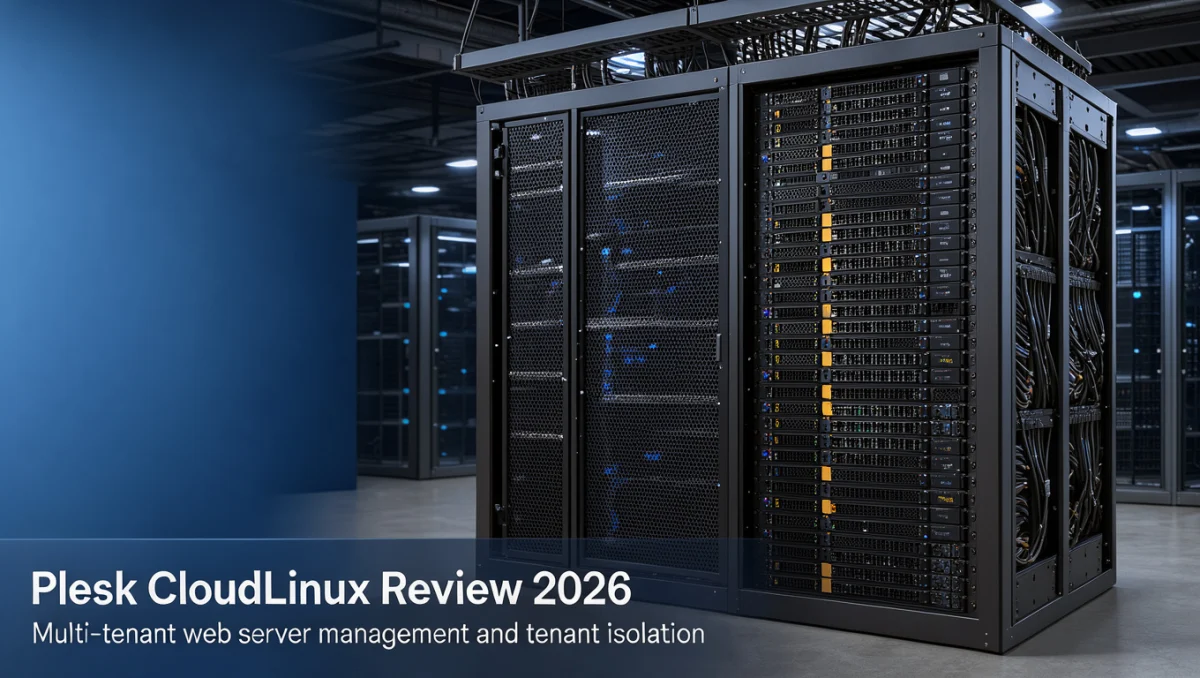
The Plesk CloudLinux combination merges an intuitive graphical web hosting control panel with a specialized server operating system built for shared hosting. This synergy aims to ensure consistent server performance across numerous websites by isolating individual tenants. Evaluating this setup involves considering administrative effort, licensing costs, and your team's approach to web service management.
At Best Software Reviews, we dissect server infrastructure solutions to guide system administrators and web agencies in selecting optimal deployment stacks. Our analysis goes beyond marketing claims to examine daily administrative tasks, tenant density constraints, and practical operational realities.
Quick Verdict: Plesk CloudLinux achieves a strong 7.9/10 overall, excelling in structured web server management and OS isolation. It is highly recommended for agencies, web studios, and hosting providers managing multiple websites on shared infrastructure. However, it may be overkill for single-project owners or small teams seeking basic, unmanaged solutions.
| Evaluation Metric | Summary Detail |
|---|---|
| bestsoftwarereviews score | 7.9/10 |
| Best for | Agencies and hosting administrators managing multi-tenant web servers |
| Not ideal for | Solo operators who maintain only one simple static site |
| Key strengths | Graphical domain management, multi-tenant isolation, PHP version selection |
| What to check before buying | License tier structure on the official website for both control panel and operating system |
Understanding the Plesk CloudLinux Synergy
This review delves into the intended purpose, target audience, and comparative strengths of Plesk CloudLinux against similar tools. We employ the established Artificial Intelligence evaluation criteria: features, ease of use, pricing, integrations, audience suitability, support, and competitive standing. Note that plans and pricing are subject to change, so verifying details on the official vendor websites is crucial before purchase.
What is Plesk CloudLinux and Who Benefits?
Plesk CloudLinux is the integration of Plesk, a graphical control panel, with CloudLinux OS, an operating system optimized for multi-tenant environments. System administrators utilize this stack to configure domains, allocate server resources, and maintain stable operations. It effectively tackles the common issue where a single poorly performing script can degrade performance for all other websites on the same hardware. This platform is ideal for system administrators, digital agencies, freelance developers managing client portfolios, and commercial web hosting providers. For businesses hosting numerous client accounts, precise resource containment prevents service disruptions.
Core Capabilities of the Server Management Environment
Effective server management hinges on predictable interfaces and stable background processes. The plesk cloudlinux setup combines user-friendly hosting controls with advanced kernel-level isolation.
Tenant Isolation and Resource Control
Multi-tenant server operating systems employ isolation techniques to contain each tenant within a separate environment. This architecture prevents one website from accessing the files, databases, or processes of another on the same physical server. Administrators can define specific limits for memory, CPU cores, and I/O operations. If one site experiences a traffic surge or runs an inefficient script, it will hit its allocated quota, while other sites continue to operate without interruption.
Web Hosting Administration and Automation
The control panel provides a centralized dashboard for creating domains, managing SSL certificates, handling databases, and setting up email accounts. Instead of manual terminal commands for each virtual host, administrators can perform routine tasks through visual menus. Automated processes manage system maintenance, log rotation, and server daemon restarts, reducing the need for custom scripting.
PHP and Runtime Environment Management
Web applications often depend on specific programming language versions and dependencies. This integrated environment allows administrators to select different PHP versions for individual domains. This capability is crucial when maintaining older client sites alongside modern web frameworks, preventing global version conflicts across the server.
User Experience and Learning Curve
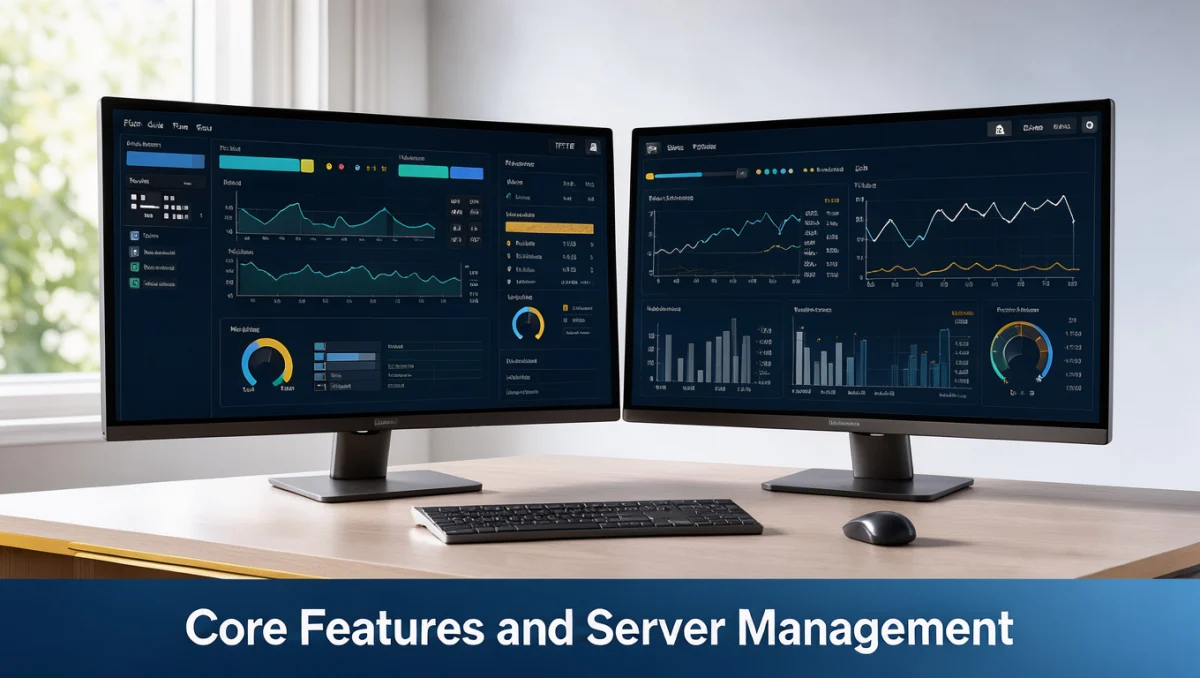
While the graphical control panel is generally intuitive for users familiar with web interfaces, configuring the underlying operating system still requires a foundational understanding of Linux. Website creators can easily upload files, create databases, and manage DNS records through user-friendly menus. Visualizations of bandwidth and storage usage provide clear insights for non-technical stakeholders.
However, initial server setup, storage configuration, and kernel integration present a more significant learning challenge. Grasping how resource governors function alongside web server processes demands familiarity with server architecture. Teams transitioning from unmanaged systems should allocate sufficient time for training on system limits, module compilation, and kernel patching.
Advantages and Disadvantages
Every server stack involves trade-offs between control, administrative complexity, and licensing. Potential buyers should weigh these factors against their team's technical expertise.
Operational Strengths
- Centralizes domain, database, and email management in a unified dashboard.
- Prevents individual client accounts from monopolizing server resources.
- Enables per-account runtime version selection, supporting diverse application needs.
- Minimizes command-line usage for routine hosting and domain setup tasks.
Potential Drawbacks
- Requires separate licensing for both the control panel and the operating system.
- Demands proficiency in Linux system administration for troubleshooting low-level issues.
- Resource allocation rules need careful tuning to avoid hindering legitimate traffic spikes.
Plesk CloudLinux vs. Competitors
Within the server control panel market, Plesk competes with solutions like cPanel, known for traditional shared hosting, and DirectAdmin, recognized for its lightweight administration. Standard Linux distributions such as AlmaLinux or Debian offer free general-purpose platforms but lack built-in multi-tenant resource throttling. The choice often depends on your preferred OS, interface familiarity, and whether you prioritize commercial hosting or internal project management. If you manage diverse server environments, Plesk's cross-platform compatibility might be a significant advantage over Linux-exclusive options.
Ideal Users for Plesk CloudLinux

The decision to adopt this server stack should align with your business model, client commitments, and internal technical capabilities.
- Digital Agencies: Benefit from tenant isolation and distinct PHP versions to manage numerous client websites effectively and prevent cross-contamination.
- Web Hosting Resellers: Require robust resource governors to ensure client accounts remain within their allocated limits.
- Freelance Web Developers: Appreciate the graphical interface for simplifying client site management, staging environments, and DNS configuration.
- Not Recommended For: Solo website owners managing a single personal blog will likely find the combined overhead and licensing excessive compared to simpler managed hosting solutions.
Selecting the Appropriate Plan
Vendors offering hosting control panels and specialized operating systems typically structure subscriptions based on server capacity, domain count, and administrative seats. It's essential to assess your infrastructure needs before committing to a plan.
| What to Check on the Official Site | Why it Matters | Who it Matters Most For |
|---|---|---|
| Domain count limitations | License tiers often scale with the number of domains managed. | Agencies planning rapid portfolio expansion. |
| Virtual vs dedicated licensing | Pricing models differentiate between VPS and bare-metal servers. | Infrastructure architects selecting hardware types. |
| Operating system editions | Specialized editions activate specific isolation modules and diagnostic tools. | Commercial web hosts with strict uptime Service Level Agreements. |
| Technical assistance channels | Vendor support tiers impact recovery times during outages. | Operations managers without dedicated sysadmins. |
Frequently Asked Questions
How does tenant isolation enhance website stability?
Tenant isolation creates separate operating environments for each user, limiting system visibility. By enforcing strict boundaries on CPU and memory usage, it prevents a faulty application on one domain from impacting other websites on the same server.
What administrative skills are required?
Routine tasks like configuring email, provisioning domains, and installing certificates are manageable via a web browser. However, server installation, kernel upgrades, storage management, and advanced firewall configuration necessitate solid command-line Linux administration skills.
What factors contribute to total operating costs?
Overall expenses include control panel licenses, OS subscriptions, hypervisor requirements, and any optional add-ons. Reviewing the official pricing structures based on your hosted domain count is recommended.
Is this stack suitable for private servers?
For development teams building internal applications, multi-tenant isolation is usually unnecessary unless handling untrusted external code. Standard Linux distributions with container runtimes often provide a simpler solution for unified application hosting.
Final Assessment of Plesk CloudLinux
Deploying Plesk on CloudLinux provides a polished, organized server environment suitable for web agencies, developers, and commercial providers. The combination of visual administration and OS-level resource enforcement creates a reliable foundation for shared hosting. Ensure that your chosen plan aligns with your projected domain counts and hardware through careful examination of the official licensing details.
| Evaluation Criterion | Score /10 | Reason |
|---|---|---|
| Features | 8.5 | Strong domain management, tenant isolation, and multiple runtime selectors. |
| Ease of Use | 7.5 | Intuitive GUI for daily tasks, offset by a steep learning curve for advanced tuning. |
| Pricing and Value | 7.0 | Requires multi-vendor licensing that must be evaluated against server density. |
| Integrations | 8.0 | Seamless integration with standard web daemons, databases, and applications. |
| Audience Fit | 8.5 | Well-suited for web agencies and multi-tenant hosting administrators. |
| Support | 7.5 | Vendor documentation and ticketing require cross-referencing with internal support needs. |
| Competitive Position | 8.0 | Distinctive offering with cross-platform control panel versatility and tenant controls. |
| Overall Score | 7.9 | A dependable server foundation for multi-tenant web administration. |
For inquiries regarding software selection or detailed infrastructure advice, please contact our editorial team via the Best Software Reviews contact portal or follow our updates.