
Streamlining team communication is essential for prompt customer engagement. This guide focuses on how to manage a shared inbox with SleekFlow, creating a consolidated workspace that ensures every customer inquiry receives timely attention without message duplication. We evaluate collaborative platforms based on their ability to simplify inbound interactions, reduce customer wait times, and clarify staff responsibilities.
A well-organized communication platform empowers sales, customer service, and administrative staff to assign conversation ownership, add internal notes, and maintain detailed records across various messaging streams. Implementing structured triage routines helps prevent unanswered questions, minimizes internal confusion, and upholds consistent communication standards.
Quick verdict: SleekFlow scores 7.9/10 as an omnichannel communication management platform, ideal for customer-facing teams needing centralized inbox triage. It's less suited for solo users requiring only basic email management.
| Evaluation Dimension | Summary Assessment |
|---|---|
| bestsoftwarereviews score | 7.9/10 |
| Best for | Growing support and sales teams handling high volumes of cross-channel customer inquiries |
| Not ideal for | Individual freelancers seeking simple personal mail sorting without collaborative handoffs |
| Key strengths | Omnichannel conversation consolidation, collaborative team assignment, internal conversation notes |
| What to check before buying | Confirm user seat pricing tiers and channel connection parameters on the official website |
Setting Up Your Centralized Communication Hub
SleekFlow functions as an omnichannel platform designed to centralize inquiries from various social and chat channels into a unified interface. Before configuring your workspace, it's important to inventory all active customer communication channels to determine how message traffic should enter your central queue. Implementing an organized workflow necessitates preliminary administrative preparation. Organizations must audit existing response protocols, establish standard operating procedures for query resolution, and define which staff members oversee specific inquiry categories. Readers researching software platforms often explore advancements in Artificial Intelligence to understand how modern platforms handle triage logic and automated routing assistance.
To build an orderly team workspace, administrators should complete several foundational steps:
- Map primary inquiry categories such as presale questions, technical support tickets, billing inquiries, and partner outreach.
- Define internal escalation tiers so difficult conversations route directly to senior specialists without delay.
- Establish clear naming conventions for contact records, conversation tags, and departmental ownership queues.
- Gather team schedules and working hours to set realistic customer response expectations across time zones.
Streamlining Your Inbound Workflow with SleekFlow
Executing an orderly rollout allows teams to transition from isolated communication silos into an organized collaborative workspace without missing critical customer messages.
Connecting Your Communication Channels
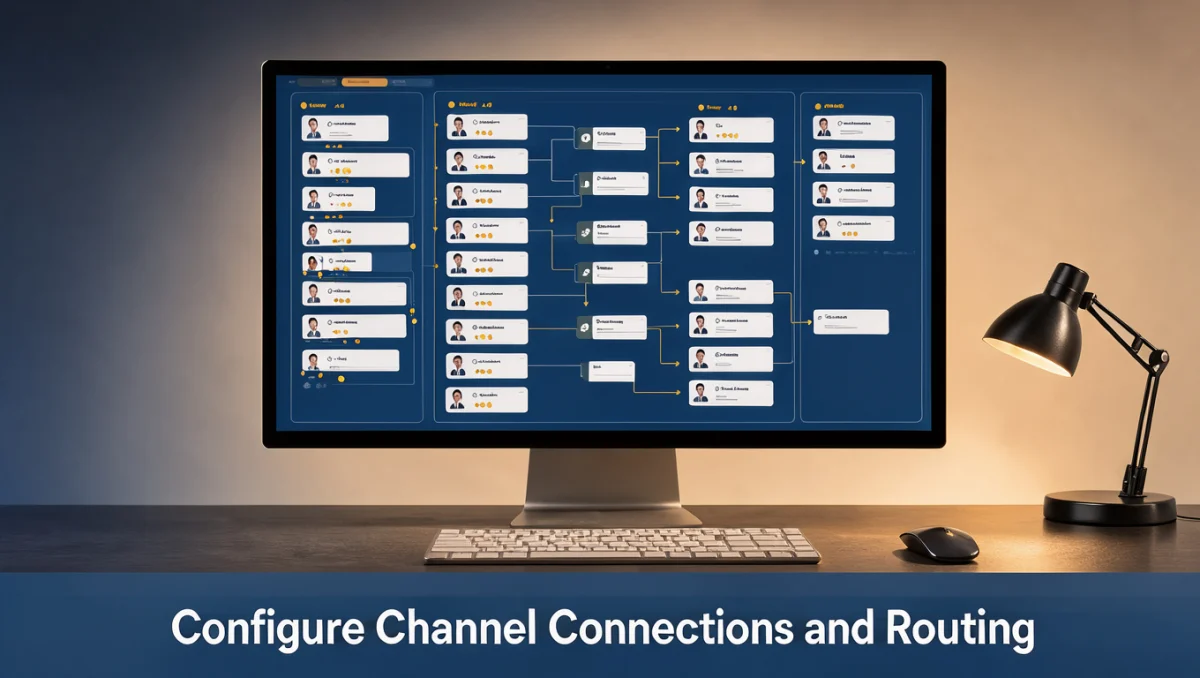
Begin by linking your customer-facing communication channels to the central platform interface. Shared inbox platforms unify incoming messages across social chat applications, messaging protocols, and web communication endpoints into a singular queue. Administrators should verify authorization credentials for every business account before connecting them to ensure continuity of service. Once connected, test each stream by submitting sample inquiries to verify that inbound text, attachments, and customer identifiers populate correctly in the shared workspace. Establishing clean connectivity prevents customer inquiries from lingering in disconnected external applications.
Configuring Inbound Routing Rules
Routing rules determine which team member or department assumes immediate responsibility for incoming conversations. Shared inbox platforms allow administrators to distribute tickets using round-robin distribution, skill-based assignment, or language-specific routing criteria. Assigning explicit routing parameters prevents conversations from remaining unassigned in an open queue. Setting fallback recipients ensures that messages arriving outside standard office hours or during peak traffic spikes remain visible to designated shift supervisors.
Assigning Ownership and Utilizing Internal Collaboration Notes
Clear ownership is fundamental to collaborative inbox management. When a conversation enters the centralized view, the system or an intake coordinator must assign it to a specific agent. This explicit status prevents two colleagues from replying simultaneously to the same customer inquiry. When teammates require assistance from colleagues, internal mention notes provide private context within the conversation thread without exposing internal dialogue to the client. This collaborative mechanism keeps technical advice, account background, and supervisory approvals attached directly to the relevant customer record.
Managing Contact Profiles and Conversation Statuses
Organizing contact information alongside conversation threads provides immediate operational clarity. Teams should update customer profiles with relevant organizational data, purchase histories, and categorical tags during every interaction. Marking conversation states as open, pending, or resolved maintains inbox cleanliness. Developing the operational discipline to resolve completed threads allows staff to focus attention exclusively on active customer needs.
Best Practices for Effective Shared Inbox Management
Maintaining long-term efficiency across collaborative communication tools requires deliberate team habits and continuous supervisory oversight. Learning how to manage a shared inbox with sleekflow effectively depends on adhering to structured operational practices rather than relying solely on default system configurations.
- Apply standardized tags to categorize inquiries by product type, sentiment, priority level, and resolution outcome.
- Utilize saved reply templates for frequent administrative questions while personalizing specific account details for each customer.
- Conduct weekly queue audits to identify stagnant conversations, overdue customer replies, or recurring operational bottlenecks.
- Establish strict handoff protocols between shift changes so incoming staff understand pending deliverables immediately.
- Review agent response metrics periodically to rebalance workload distribution across active personnel.
Common Pitfalls to Avoid
Teams adopting shared communication platforms often encounter common coordination traps that degrade customer satisfaction and confuse staff members.
- Leaving incoming messages unassigned in a shared backlog, leading to forgotten inquiries and lengthened resolution cycles.
- Allowing multiple team members to draft simultaneous replies, generating conflicting advice and unprofessional customer experiences.
- Neglecting internal documentation notes when transferring tickets, forcing customers to repeat basic background details.
- Overcomplicating automated routing rules initially, which can misdirect urgent customer issues.
- Failing to close resolved threads promptly, causing visual clutter that obscures emerging customer emergencies.
Ideal Users for SleekFlow's Shared Inbox

Identifying whether an omnichannel messaging system matches your organizational model prevents costly software migration mistakes and administrative churn.
Small Business Owners
Small enterprise operators managing growing sales and support interactions benefit from consolidating scattered messaging apps into one monitored environment. Central oversight ensures that customer leads receive timely responses even when owners delegate messaging responsibilities.
Dedicated Customer Support Teams
Service desks dealing with high volumes of technical, billing, and order inquiries require structured assignment logic and clear status tracking. A unified workspace lets agents collaborate on complex problems through internal notes while maintaining a clear audit trail.
Marketing and Sales Representatives
Sales professionals tracking incoming campaign leads benefit from rapid response capabilities and organized contact tagging. Quick lead distribution ensures that prospective buyers connect with qualified product specialists before interest cools down.
Who Should Consider Alternatives?
Organizations whose communication relies almost entirely on traditional internal memos, formal enterprise contracts, or single-user email correspondence will find an omnichannel shared inbox platform unnecessarily complex. Solo operators without handoff requirements generally achieve better operational efficiency using lightweight standalone mail clients. For those seeking robust business solutions, exploring options on Best Software Reviews can provide valuable insights.
Frequently Asked Questions
How do teams prevent duplicate replies to the same customer?
Teams avoid duplicate replies by enforcing an explicit conversation assignment rule before any agent begins drafting a response. Collision detection indicators and internal assignment locks clarify which staff member owns the interaction.
What is the most effective way to organize customer conversations across multiple channels?
Organizing conversations requires consistent tagging conventions, departmental routing rules, and clear customer identification profiles. Grouping messages by inquiry type rather than by origin channel helps agents resolve issues based on urgency and skill set.
What should managers verify regarding team permissions before onboarding agents?
Managers must audit role-based access settings to ensure agents only access the specific messaging channels and customer databases necessary for their duties. Verifying administrative restrictions protects sensitive contact data.
How do internal notes improve team collaboration during customer handoffs?
Internal notes allow team members to leave background commentary, account histories, and technical guidance directly inside the conversation thread. Incoming specialists read these private annotations immediately, eliminating the need to ask customers to repeat previously stated information.
What factors should buyers evaluate when comparing shared inbox tools?
Buyers should assess supported messaging channels, collaborative assignment mechanics, routing rule flexibility, reporting depth, and user seat structures. Reviewing official vendor documentation ensures the software aligns with your expected interaction volume and staff distribution.
Final Verdict
Managing an omnichannel shared workspace requires balancing team coordination with disciplined message triage. SleekFlow provides structured conversation management tailored for teams navigating modern customer communications. Readers exploring business software evaluations can reference Best Software Reviews for objective analyses of customer communication and workflow platforms.
| Criterion | Score /10 | Reason |
|---|---|---|
| Features | 8.4 | Strong conversation assignment, internal collaboration notes, and centralized channel oversight. |
| Ease of Use | 7.9 | Clean operational layout, though managing complex multi-agent routing configurations requires onboarding time. |
| Pricing and Value | 7.4 | Buyers should verify official pricing tiers and seat expansion structures to match their projected agent counts. |
| Integrations | 7.6 | Connects major messaging streams, with specific business system integrations subject to vendor plan terms. |
| Audience Fit | 8.6 | Well aligned with sales, support, and marketing teams managing multi-channel customer communications. |
| Support | 7.2 | Support availability and technical documentation scope should be confirmed directly via official vendor resources. |
| Competitive Position | 8.1 | Maintains solid capabilities among dedicated conversational commerce and shared inbox communication platforms. |
Overall score: 7.9/10. For growing commercial teams seeking structured message assignment and unified customer communication queues, SleekFlow offers a practical collaborative architecture. Solo professionals and businesses handling only basic email correspondence should evaluate simpler single-user alternatives.