bestsoftwarereviews may earn a commission when you buy through links on this page, at no extra cost to you. This does not affect our ratings.
Foxit PDF Reader Windows 10 serves professionals, students, and office workers seeking dedicated software for viewing, annotating, and managing digital documents on desktop workstations. Document handling tools in the Collaboration & Productivity space focus on opening standardized files reliably, rendering complex layouts without distortion, and enabling markup workflows across teams. bestsoftwarereviews examines how this application addresses core document routines without assuming specific commercial tiers.
Desktop users regularly encounter contracts, forms, and research papers that demand structured review tools rather than basic browser rendering. Choosing the right desktop utility involves evaluating viewing responsiveness, commenting flexibility, and long-term organizational compatibility across standard office hardware.
Quick verdict: Foxit PDF Reader Windows 10 scores 7.7 / 10 overall. This software is best for office teams, students, and professionals who prioritize structured document annotation, reliable form filling, and digital signing routines. It is not ideal for users who exclusively seek full document authoring or complex creative file editing without dedicated prepress utilities.
| Metric | Details |
|---|---|
| bestsoftwarereviews score | 7.7 / 10 |
| Best for | Users handling daily document review, markup exchange, and standard form completion |
| Not ideal for | Teams requiring advanced page layout creation or specialized graphic design workflows |
| Key strengths | Document viewing reliability, extensive annotation instruments, and structured navigation panels |
| What to check before buying | Deployment options, commercial licensing terms, and administrative management features on the vendor website |
1. How bestsoftwarereviews Reviewed Foxit PDF Reader Windows 10
This review looks at what Foxit PDF Reader Windows 10 is built to do, who it serves, and how it compares with similar tools, using the seven bestsoftwarereviews criteria: features, ease of use, pricing and value, integrations, audience fit, support and competitive position. Plans, prices and limits change often, so we point out what to confirm on the official website before you buy. This article was researched and drafted with the help of AI tools, then reviewed and edited by the bestsoftwarereviews Editorial Team.
2. What is Foxit PDF Reader Windows 10 and who is it for?
Foxit PDF Reader Windows 10 is a specialized desktop document viewing and annotation utility developed by Foxit. The application addresses the need to open portable document files, review textual information, highlight critical passages, and complete structured administrative forms. Rather than creating publications from scratch, the software focuses on managing established documents that need scrutiny before approval or distribution.
The target audience encompasses knowledge workers, legal assistants, academic researchers, and enterprise staff who interact with electronic manuals and records. For anyone evaluating foxit pdf reader windows 10 for team collaboration, the core value centers on predictable rendering and clean commenting tools that preserve formatting across standard desktop environments.
3. Core features of Foxit PDF Reader
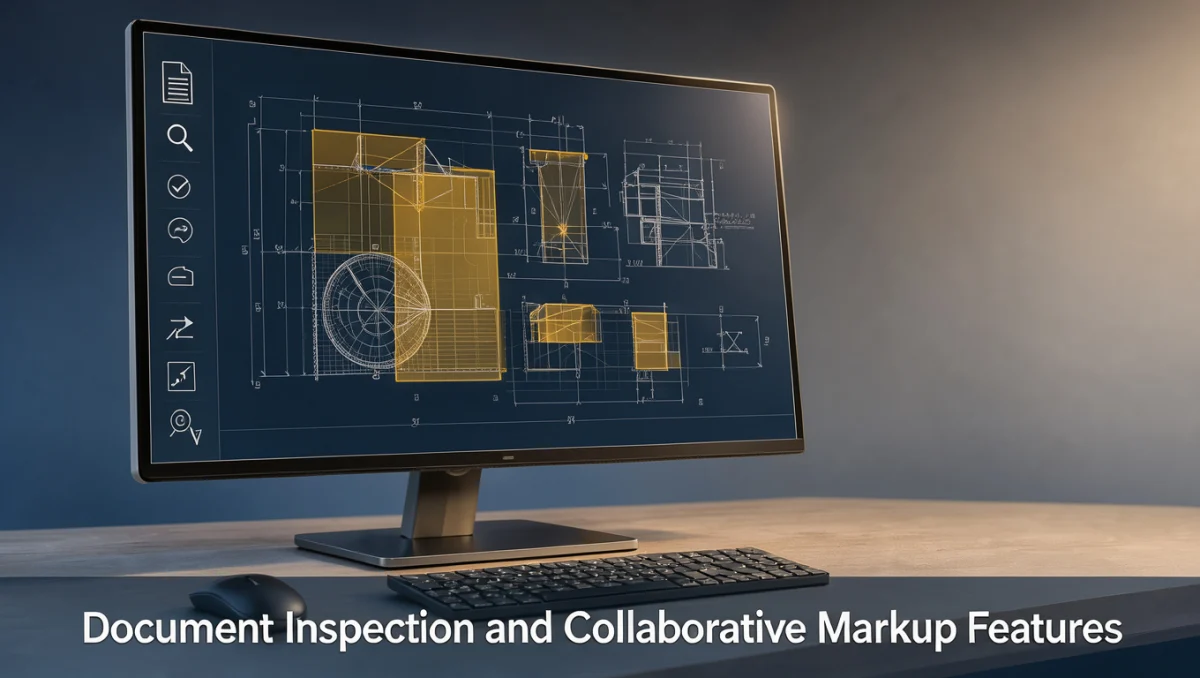
Document utility software is defined by distinct functional clusters that support everyday office routines, verification tasks, and record preservation.
Document viewing and structured navigation
The reading engine renders multipage documents with adjustable zoom profiles, page display preferences, and bookmark indexes. Users navigate large manuals using structured thumbnail overviews, search bars for specific phrasing, and document attachment panes. Table of contents hierarchies allow rapid jumps across extensive reference materials during collaborative review sessions.
Annotation, markup, and commenting tools
Collaborative document inspection relies on contextual commenting features. The application supplies text highlighting, underline marks, strikeout formatting, and sticky notes for detailed commentary. Visual drawing callouts, measurement markings, and stamps assist technical personnel when verifying floor plans or contract drafts.
Form completion and interactive fields
Administrative workflows require direct interaction with standardized form fields. The software detects fillable form areas, handles check boxes, and supports standard text input across governmental or organizational forms. Completed documents retain field data for record keeping and subsequent processing by administrative personnel.
Digital signing and document verification
Signing features enable users to apply standard digital signatures and visual signature marks to finalized forms. Verification indicators confirm whether the document contents remained unchanged after signing, supporting organizational sign-off workflows without requiring paper printouts.
4. Ease of use and learning curve
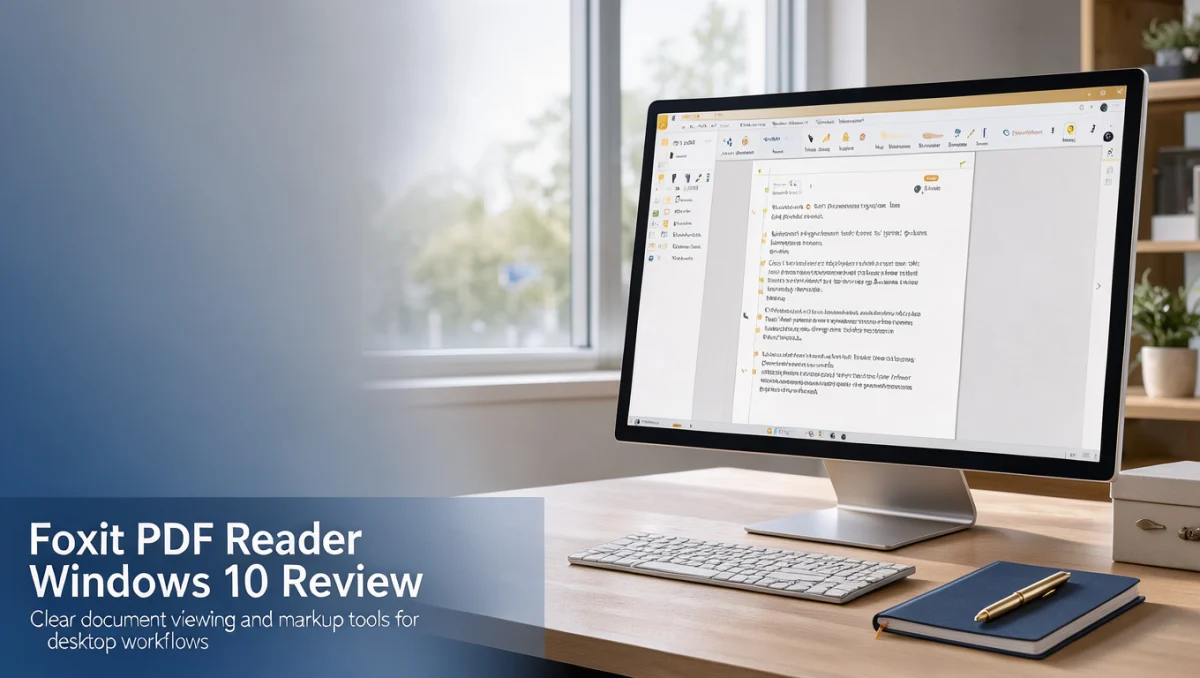
Desktop productivity utilities must balance rich toolbars with clean reading interfaces. The interface adopts a ribbon-style toolbar layout common across modern office productivity suites, grouping viewing controls, annotation tools, and form utilities into recognizable tabs.
New users typically grasp page navigation and basic highlighting within minutes of opening their initial document. Advanced markup instruments, such as area measurement tools and complex layer management, present a mild learning curve for casual users. Adjusting ribbon visibility or activating reading mode helps declutter the workspace during lengthy review tasks.
5. Pros and cons of Foxit PDF Reader Windows 10
Understanding both strengths and operational boundaries helps teams decide whether this utility fits their hardware and operational expectations.
Pros
- Intuitive ribbon layout organizes annotation, navigation, and review tools predictably.
- Responsive page rendering maintains clarity across text-dense manuals and complex schematics.
- Flexible markup instruments facilitate detailed peer review and editorial feedback loops.
- Reliable interactive form processing streamlines administrative record submission.
Cons
- Extensive toolbar options can feel cluttered for users who only desire lightweight reading.
- Advanced document creation tasks require checking separate product tiers on the official vendor catalog.
- Administrative deployment tools across corporate networks require careful organizational review before adoption.
6. Foxit PDF Reader vs similar tools
The desktop document reading sector contains several prominent utilities tailored to varying organizational priorities and technical preferences.
Adobe Acrobat Reader represents the baseline standard for viewing and signing documents across diverse hardware environments, with positioning centered on broad corporate recognition. Nitro PDF positions its software portfolio around corporate document management and administrative efficiency. Sumatra PDF targets minimalist users seeking rapid, bare-bones document viewing with minimal interface complexity. Foxit PDF Reader positions itself between lightweight viewers and full authoring suites, offering rich annotation options and structured reading tools for collaborative office work.
7. Who should use Foxit PDF Reader?
Identifying user requirements ensures that software deployments deliver genuine productivity gains without unnecessary operational friction.
Office professionals and administrators
Administrative personnel handling intake forms, client agreements, and departmental records benefit from dependable form handling and digital signature features. These tools reduce reliance on physical paper handling while maintaining document fidelity.
Students and academic researchers
Scholars reviewing research papers, textbooks, and dissertation drafts rely heavily on annotation tools. Highlighting passages, adding margin notes, and organizing bookmarks streamline literature reviews and source citation tracking.
Technical reviewers and project coordinators
Engineers, architects, and compliance officers who review technical drawings and regulatory filings gain value from visual drawing callouts and measurement tools. Clear markups simplify revision handoffs between project stakeholders.
Users who should consider alternative tools
Individuals who purely need to open occasional receipts or short articles without adding notes may find minimalist viewers simpler to operate. Furthermore, creative specialists seeking complete desktop publishing, vector illustration, or commercial print prepress tools should explore dedicated graphic authoring software.
8. How to choose the right plan
Commercial software catalogs frequently adjust package boundaries, licensing terms, and administrative add-ons over time. Prospective buyers should consult official documentation to confirm exact deliverables.
| What to check on the official page | Why it matters |
|---|---|
| Commercial licensing rights | Confirm whether organizational workplace use requires specific business licensing. |
| Enterprise deployment utilities | Verify whether package management and silent installation options match IT policies. |
| Advanced editing feature boundaries | Check whether text rewriting or object restructuring requires an authoring suite. |
| Document conversion support | Determine which export formats are included within your selected package tier. |
| Account management controls | Ensure license allocation tools align with organizational headcount requirements. |
9. Frequently asked questions
How should teams prepare their desktop environment before rolling out document viewing software?
Administrators should evaluate default file associations, confirm existing printer drivers, and review administrative installation privileges on client machines. Verifying these system settings prevents workflow interruptions during document distribution across departments.
What factors determine whether a department needs full document editing instead of a reader?
Organizations should audit whether staff primarily consume and annotate finished documents or generate new layouts requiring paragraph reflow, structural font replacement, and vector graphic manipulation. Basic inspection workflows require reader utilities, whereas layout authoring necessitates dedicated authoring suites.
Where should organizations verify current licensing requirements for business deployment?
Organizations should review the official commercial licensing terms published on the developer website. Licensing guidelines outline commercial rights, workstation volume rules, and organizational compliance terms.
How can users ensure shared document annotations remain visible across different reader applications?
Users should rely on standardized markup protocols, such as native comment objects and conventional highlight layers, rather than proprietary stamps. Standardized elements ensure that external partners can view feedback inside any compliant document viewer.
10. Final verdict on Foxit PDF Reader Windows 10
Foxit PDF Reader Windows 10 delivers a balanced desktop environment for structured document inspection, collaborative markup, and administrative form processing. Its comprehensive toolbar options empower knowledge workers to review extensive texts without compromising layout stability.
| Criterion | Score /10 | Reason |
|---|---|---|
| Features | 8.2 / 10 | |
| Ease of Use | 8.5 / 10 | |
| Pricing and Value | 7.4 / 10 | |
| Integrations | 7.0 / 10 | |
| Audience Fit | 8.0 / 10 | |
| Support | 7.2 / 10 | |
| Competitive Position | 7.9 / 10 |
Overall score: 7.7 / 10
For independent professionals and departmental teams seeking reliable document review workflows, Foxit PDF Reader Windows 10 remains an effective operational tool. Organizations should verify licensing policies and deployment tools on the official vendor website to match their technical infrastructure.
Have questions about selecting the right productivity software? Contact the editorial staff directly at bestsoftwarereviews Contact or follow our industry updates on bestsoftwarereviews on LinkedIn.