bestsoftwarereviews may earn a commission when you buy through links on this page, at no extra cost to you. This does not affect our ratings.
Pipedrive vs HubSpot CRM represents a classic decision between a dedicated sales-pipeline engine and an all-in-one customer platform. Buyers choosing between these systems must weigh whether their team requires a lean, deal-driven tracking workspace or a broader database built to unify sales, marketing campaigns, and service interactions. At Best Software Reviews, we analyze software architecture to help business operators commit to solutions that match their daily processes.
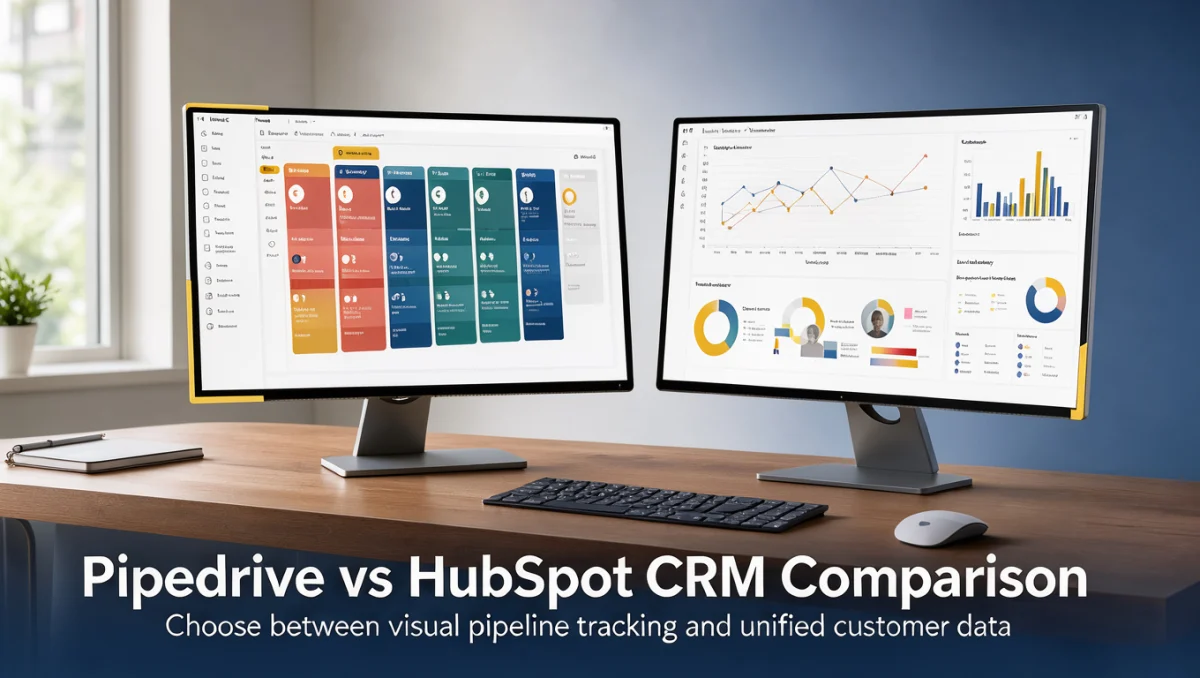
Both platforms have earned longstanding recognition in the customer relationship management category. Pipedrive focuses on visual activity management to help sales representatives move opportunities through custom deal stages. In contrast, HubSpot CRM approaches customer relationships from an overarching contact record model that bridges lead acquisition, pipeline stages, and multi-department communication history.
Quick verdict: Pipedrive vs HubSpot CRM finishes with an overall rating of 7.9 / 10. Pipedrive suits teams seeking deal visualization and focused activity tracking. HubSpot CRM fits organizations wanting cross-functional alignment across sales, marketing, and customer service. It is not ideal for teams seeking completely identical administrative overhead.
| Evaluation Metric | Summary Detail |
|---|---|
| bestsoftwarereviews score | 7.9 / 10 |
| Best for | Teams choosing between deal-centric pipeline velocity and broader cross-departmental record tracking |
| Not ideal for | Organizations wanting an unmonitored setup without ongoing administrative oversight |
| Key strengths | Visual stage progression, deal organization, unified customer histories, contact activity timelines |
| What to check before buying | Confirm seat pricing rules, contact tier boundaries, and module costs on official websites |
1. How bestsoftwarereviews Reviewed Pipedrive vs HubSpot CRM
This review looks at what Pipedrive vs HubSpot CRM is built to do, who it serves, and how it compares with similar tools, using the seven bestsoftwarereviews criteria: features, ease of use, pricing and value, integrations, audience fit, support and competitive position. Plans, prices and limits change often, so we point out what to confirm on the official website before you buy. This article was researched and drafted with the help of AI tools, then reviewed and edited by the bestsoftwarereviews Editorial Team.
2. Short Answer: Pipedrive vs HubSpot CRM at a Glance

Understanding the distinction in pipedrive vs hubspot crm begins with the foundational goal of each software design. Pipedrive was constructed around the sales pipeline, placing individual deals, activity scheduling, and stage progression directly at the center of the representative experience. Teams that live inside outbound sales calls, individual deal actions, and structured closing stages frequently prioritize this focused interface.
HubSpot CRM is engineered around a centralized customer database designed to support interactions across marketing, sales pipelines, and customer support desks. Instead of isolating sales pipelines, the platform captures website interactions, email touchpoints, form fills, and ticketing records on a single timeline. Organizations seeking a single home for multi-team alignment find this shared architecture beneficial.
Choosing between them requires identifying whether your primary friction point is closing active deals or orchestrating leads across multiple business departments. For dedicated pipeline velocity, Pipedrive reduces unnecessary peripheral noise. For businesses where customer data flows continuously between inbound campaigns and account managers, HubSpot CRM provides an interconnected operational foundation.
3. Positioning Comparison
Evaluating each platform requires examining how their foundational philosophies align with team workflows. The table below outlines how Pipedrive and HubSpot CRM orient their products for different operational goals.
| Tool | Best for | Core strength | Consider if |
|---|---|---|---|
| Pipedrive | Sales teams seeking visual pipeline tracking | Deal progression and activity management | Your organization focuses primarily on outbound or representative-driven deals |
| HubSpot CRM | Organizations wanting cross-team alignment | Centralized contact timelines and marketing cohesion | Your customer journey relies heavily on inbound leads, marketing forms, and service handoffs |
4. bestsoftwarereviews Evaluation Criteria Comparison
To deliver an objective assessment, bestsoftwarereviews assesses both options across seven foundational criteria. Each section analyzes functional realities and outlines specific points buyers should confirm independently.
4.1. Features
In modern Sales software, feature design determines whether representatives spend time executing deals or navigating administrative menus. Pipedrive organizes user effort around visual deal boards where opportunities move across stages through clear actions like scheduling calls, setting follow-up meetings, or sending contract proposals. The system treats the deal as the central unit of work, preventing peripheral business data from cluttering the sales floor.
HubSpot CRM organizes features around a universal customer timeline. When a contact enters the system, the database tracks lead source details, site visits, form submissions, and sales interactions on a unified profile. Beyond deal pipelines, the platform supports shared team inboxes, marketing campaign tracking, and customer service ticketing workflows, creating a broad workspace for interconnected business units.
4.2. Ease of Use
Adoption speed often decides whether a customer relationship management deployment succeeds. Pipedrive features an intuitive interface where users can customize pipeline stages and drag opportunities across milestones without extensive training. Because the application maintains a strict focus on sales activities, onboarding new representatives requires minimal administrative overhead.
HubSpot CRM also provides an accessible initial setup for basic contact tracking and email logging. However, as organizations connect marketing campaign tools, automated sequences, and cross-departmental dashboards, administrative complexity increases. Teams adopting HubSpot CRM should anticipate dedicating time to data governance and permissions management to maintain an organized contact database.
4.3. Pricing and Value
Software cost structures vary significantly across the subscription landscape. Subscription software vendors frequently adjust tier boundaries, add-on modules, and seat minimums over time. Buyers evaluating Pipedrive should review official pricing pages to verify how user license tiers group advanced reporting, pipeline customization limits, and automation capacity.
For HubSpot CRM, buyers must evaluate how database volume and module expansion influence ongoing expenses. Many customer relationship management platforms increase subscription commitments as contact databases grow or when organizations add dedicated marketing and service hubs. Check the official HubSpot pricing calculator to determine how contact tiers and seat requirements align with your anticipated multi-year team growth.
4.4. Integrations
Modern sales teams depend on complementary applications for document generation, accounting, telephony, and business reporting. Both Pipedrive and HubSpot CRM provide extensive third-party application directories designed to connect external services directly to deal records and contact cards. These connections keep account data synchronized across business functions.
Because integration support depends on third-party connectors and plan-specific API permissions, buyers should confirm specific technical requirements directly with software documentation. Verify whether your accounting software, email service provider, and telephony solutions connect natively or require intermediate data automation utilities before finalizing a rollout plan.
4.5. Audience Fit
Audience alignment highlights clear divergence between these platforms. Pipedrive serves dedicated sales teams, agency account managers, and small-to-medium businesses where representatives manage focused deal pipelines. The interface rewards teams whose daily performance depends on completing scheduled follow-up tasks and maintaining steady deal velocity.
HubSpot CRM is tailored for organizations that demand cohesion between marketing campaigns, business development representatives, and post-sale account service teams. Companies running content marketing initiatives, lead-capture landing pages, and automated customer onboarding find substantial value in housing all customer interaction data inside one interconnected platform.
4.6. Support
Software support access can change based on subscription levels, regional operations, and communication channels. Buyers evaluating sales management software should investigate whether vendors provide live chat, email ticket response, or direct telephone assistance at their intended subscription level. Support packaging varies widely across software providers.
Before choosing either system, review the official customer support guidelines to understand standard response commitments, self-service knowledge base resources, and community forum availability. Having clear expectations regarding technical support access helps teams resolve pipeline configuration roadblocks and data import hurdles promptly.
4.7. Competitive Position
Pipedrive holds a clear position in the software market as a sales-first tool that prioritizes representative productivity over broad operational scope. Rather than expanding into full-service enterprise resource software, it refines visual pipeline workflows and deal progression clarity. This specialized focus appeals to businesses wanting clean sales execution without complex database overhead.
HubSpot CRM maintains its standing as an all-in-one commercial platform that can scale from early-stage contact organization to multi-department enterprise alignment. While it competes with enterprise-tier customer relationship management platforms, its unified data architecture gives it a distinct profile against standalone pipeline trackers. The choice depends on whether your company seeks a specialized sales cockpit or an enterprise-wide customer engine.
5. How to Decide Between Pipedrive and HubSpot CRM

Selecting the appropriate customer relationship management system requires a systematic evaluation of your team workflow, operational priorities, and resource allocation. Use the following decision steps to guide your internal evaluation process:
- Map your primary customer acquisition path to determine whether revenue comes from outbound sales outreach or inbound marketing inquiries.
- Audit your internal administrative capacity to decide whether you can support a multi-hub platform or need a focused pipeline system.
- Calculate your anticipated contact database size and user headcount across the next twelve to twenty-four months.
- List all mandatory third-party software connections, including invoicing tools, team messaging apps, and phone systems.
- Review official pricing calculators and plan documentation on both vendor websites to verify all usage boundaries before committing.
6. Frequently Asked Questions
Which operational factors determine if a team needs a dedicated sales pipeline tool?
Teams benefit most from a dedicated sales pipeline tool when daily revenue depends on individual representatives managing active outbound deals, direct client calls, and multi-stage proposals. When sales teams struggle with disorganized follow-ups or complex administrative databases, a visual pipeline system brings immediate clarity to daily priorities and deal momentum.
What should businesses budget for besides base CRM subscription seats?
Organizations should budget for data migration assistance, third-party connector tools, supplementary contact tier thresholds, and administrative training. Many software deployments encounter additional costs when teams expand marketing automation volumes, require specialized reporting features, or integrate external phone services that bill usage independently from the core software subscription.
How should growing teams evaluate long-term database scalability?
Evaluating database scalability requires examining how software vendors handle contact storage expansion, custom field limits, and user permission hierarchies. Teams should assess whether their prospective software charges additional fees as total stored customer records increase, and confirm that administrative controls can restrict sensitive client data as team sizes expand.
When should an organization choose a multi-department customer platform?
A multi-department platform becomes appropriate when marketing campaign performance, sales pipeline stages, and customer service ticketing must share a single timeline. If your sales representatives rely heavily on website activity data, downloaded marketing materials, and customer support history to close renewals or upsells, an all-in-one system eliminates internal communication silos.
7. Final Verdict
Choosing between Pipedrive and HubSpot CRM ultimately hinges on team scope and daily operational focus. Pipedrive remains an outstanding choice for sales teams that prioritize representative activity tracking, pipeline velocity, and streamlined deal administration. HubSpot CRM stands out for companies seeking unified operational visibility across marketing campaigns, sales pipelines, and customer support interactions.
| Criterion | Score /10 | Reason |
|---|---|---|
| Features | 8.2 / 10 | Distinct functional choices between focused visual deal tracking and wide-ranging multi-department records. |
| Ease of Use | 8.7 / 10 | Intuitive pipeline navigation in Pipedrive alongside clean initial contact management in HubSpot CRM. |
| Pricing and Value | 7.2 / 10 | Buyers must carefully evaluate seat rules, module add-ons, and contact growth costs on official pages. |
| Integrations | 7.5 / 10 | Both provide wide directory connectivity, though specific advanced sync setups require technical verification. |
| Audience Fit | 8.5 / 10 | Clear separation between pure outbound deal runners and organizations requiring broad commercial alignment. |
| Support | 7.0 / 10 | Assistance accessibility varies across tiers, necessitating direct review of official vendor service agreements. |
| Competitive Position | 8.4 / 10 | Both hold firmly established market positions serving deal-focused and holistic CRM strategies respectively. |
Overall bestsoftwarereviews Score: 7.9 / 10
For independent sales agencies and deal-driven teams, Pipedrive delivers immediate focus and minimal distraction. For growing businesses seeking a cohesive database that connects marketing leads to customer support cases, HubSpot CRM offers an integrated foundation. Have questions about choosing software for your organization? Reach out through our bestsoftwarereviews contact page or follow our updates on the bestsoftwarereviews LinkedIn page.