bestsoftwarereviews may earn a commission when you buy through links on this page, at no extra cost to you. This does not affect our ratings.
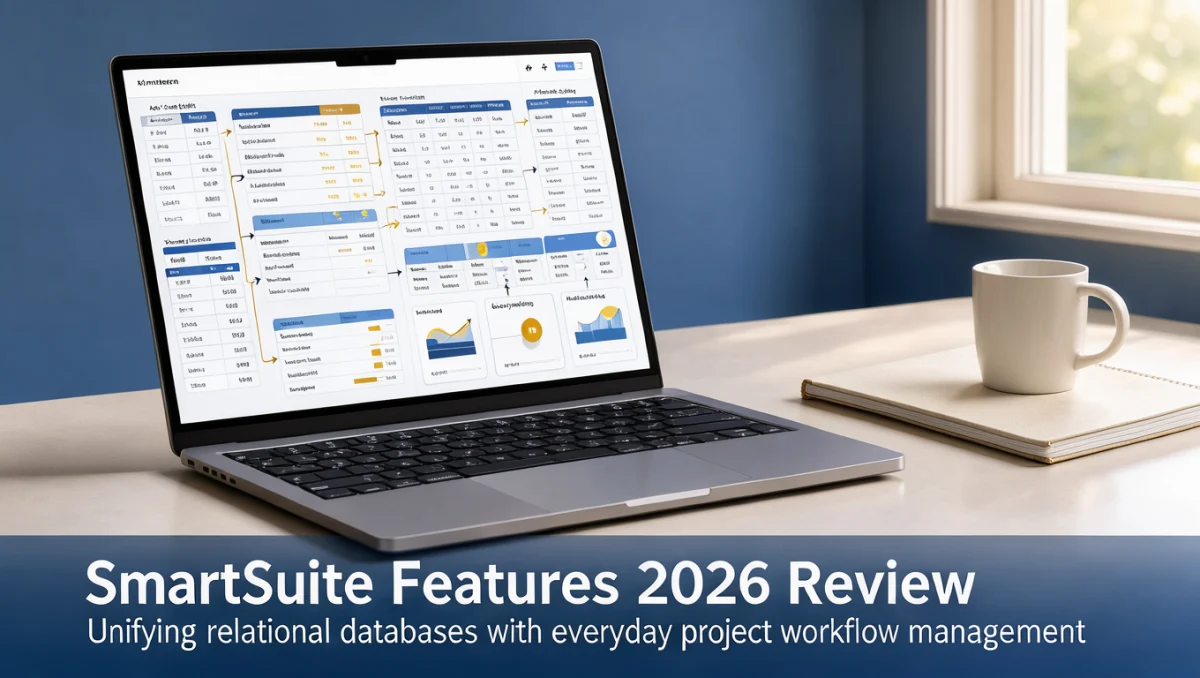
SmartSuite features center on unifying relational databases, project management, and cross-departmental operations into a single structured workspace. Organizations often search for clarity on how these capabilities handle complex workflows, manage operational data, and coordinate assignments across distributed teams. At bestsoftwarereviews, we assess how these functional capabilities address daily operational bottlenecks and help buyers make informed software investments.
Understanding how data records connect with daily tasks allows leaders to decide whether this platform solves their visibility and process challenges. By evaluating smartsuite features alongside practical deployment considerations, teams can determine if the architecture aligns with their existing technical maturity.
Quick verdict: Earning an overall rating of 7.9 / 10, SmartSuite serves teams that need structured relational records paired with task coordination. It is best for operations managers and process coordinators managing interconnected data. It is not ideal for solo operators seeking basic to-do checklists without database configuration.
| Evaluation Metric | Assessment Summary |
|---|---|
| bestsoftwarereviews score | 7.9 / 10 |
| Best for | Teams that require relational data structures linked directly to project workflows |
| Not ideal for | Individuals who prefer simple linear checklists without relational setup requirements |
| Key strengths | Flexible record relationships, multi-view project tracking, and configurable workflow states |
| What to check before buying | Confirm user access tiers, storage parameters, and automation allowances on the official website |
1. How bestsoftwarereviews Reviewed SmartSuite
This review looks at what SmartSuite is built to do, who it serves, and how it compares with similar tools, using the seven bestsoftwarereviews criteria: features, ease of use, pricing and value, integrations, audience fit, support and competitive position. Plans, prices and limits change often, so we point out what to confirm on the official website before you buy. This article was researched and drafted with the help of AI tools, then reviewed and edited by the bestsoftwarereviews Editorial Team.
2. What is SmartSuite and who is it for
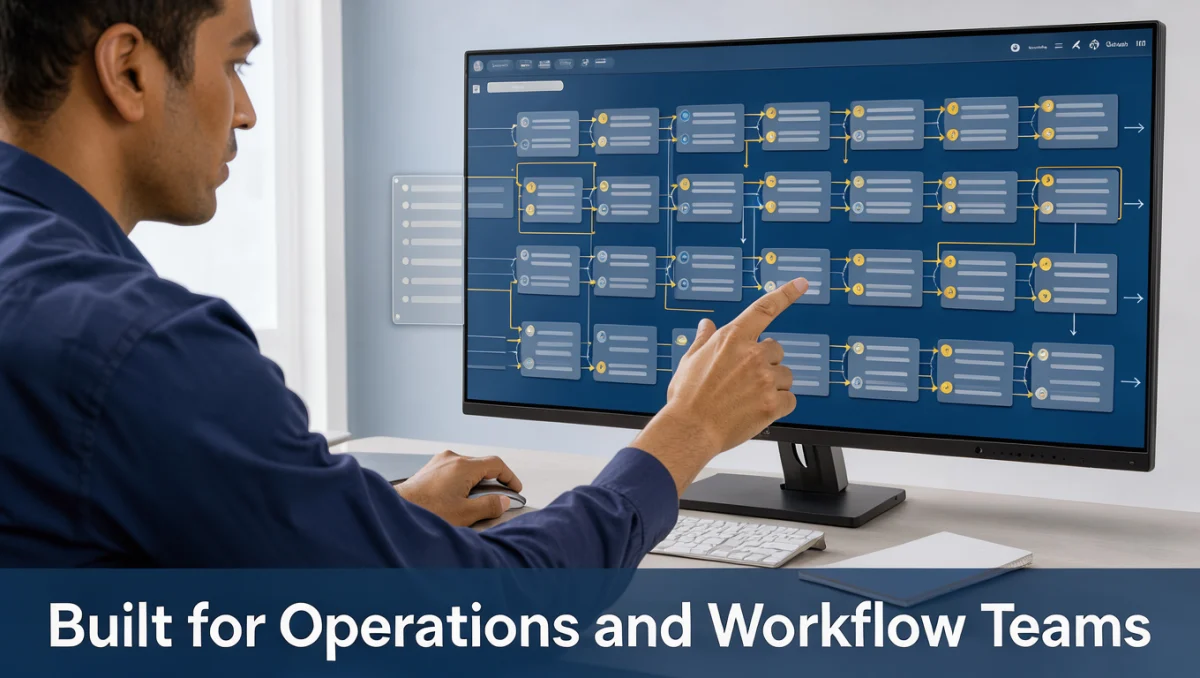
SmartSuite is a work management and collaborative database platform created to organize business operations, project lifecycles, and relational company records. Rather than functioning purely as an isolated spreadsheet or a rigid task board, the system structures information through interconnected solutions, records, and view layouts.
The platform primarily serves department leads, operations directors, and project managers who oversee multi-stage workflows across business units. Teams dealing with client management, creative production schedules, onboarding procedures, and procurement records use the environment to unify fragmented documentation into standardized digital spaces.
When assessing tools in the Collaboration & Productivity space, decision-makers must weigh structural depth against operational simplicity. Organizations transitioning from static spreadsheets discover that structured databases introduce governance, accountability, and standardized reporting to everyday assignments.
3. Core SmartSuite features explained
Analyzing functional components helps prospective buyers understand how everyday work actually moves through the platform. The architecture combines data management fundamentals with visual tracking mechanisms to support diverse operational preferences.
3.1. Relational data management
Relational tables allow users to link records across multiple operational areas, eliminating duplicated entries and disconnected data silos. For example, a customer account record links directly to associated deliverables, assigned team members, and open invoices. This structure ensures that updates made in one operational view immediately reflect across all related company records.
3.2. Flexible project views
Work visibility adapts to individual working styles through configurable layouts including grids, kanban boards, calendars, and timelines. Team members who oversee deadlines often prefer timeline or calendar perspectives, while execution staff can prioritize records through status-driven boards. Switching between these displays preserves the underlying record data without requiring administrative reconfiguration.
3.3. Automated workflow triggers
Automated processes eliminate repetitive administrative chores by executing pre-set actions when designated record conditions occur. Teams define logical rules where a status update notifies specific collaborators, reassigns record ownership, or generates dependent follow-up tasks. Configuring these internal pathways keeps projects moving forward without requiring manual supervision at every handoff stage.
3.4. Interactive dashboards and reporting
Centralized reporting widgets compile real-time metrics across operational solutions into executive summary views. Stakeholders can examine workload allocation charts, overdue task summaries, and operational milestones within a single screen. These visual summaries assist department heads in identifying operational bottlenecks before project schedules encounter significant delays.
4. Ease of use and learning curve
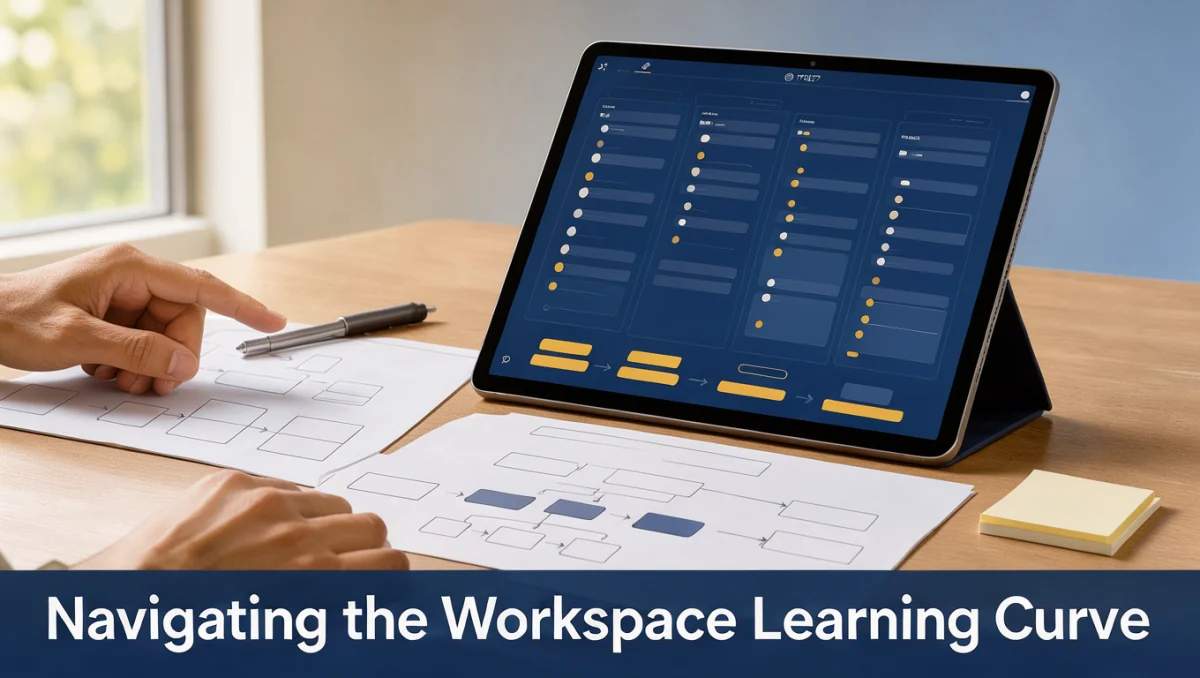
Adopting a relational database platform introduces conceptual shifts that differ substantially from traditional task managers. Setting up fields, defining data relationships, and establishing permissions requires intentional design before team members can work efficiently inside the system.
Team members experienced with relational databases usually adapt smoothly to record linking and calculated attributes. However, users accustomed to basic checklist tools may face an initial adjustment period while learning how workspaces, solutions, and individual records interact. Organizations can ease this transition by establishing clear naming conventions and documenting standard operating procedures before inviting broad department participation.
5. Pros and cons
Weighing advantages alongside inherent system limitations ensures teams set realistic implementation expectations.
5.1. Operational advantages
- Bridges relational data organization and task tracking within a single digital ecosystem
- Multiple visual layouts accommodate distinct management preferences across different departments
- Customizable calculation fields and linked references reduce duplicate data entry across projects
- Visual dashboard widgets support executive oversight by consolidating cross-departmental metrics
5.2. Practical limitations
- Initial workspace architecture demands thorough planning and operational mapping before rollout
- Advanced relational configuration concepts require dedicated user training across non-technical teams
- Extensive customization options can overwhelm smaller teams needing only rapid checklist generation
6. SmartSuite vs similar tools
Positioning SmartSuite alongside alternative software options clarifies where each platform focuses its functional strengths. While Airtable emphasizes flexible database creation, SmartSuite integrates dedicated work management fields such as status tracking, assignees, and due dates directly into its core record types.
Platforms like Asana and monday.com focus primarily on team communication and linear task progression, offering intuitive interfaces for creative and marketing teams. In contrast, SmartSuite appeals to teams requiring deeper relational integrity, complex data structures, and custom operational architecture alongside standard project coordination.
| Platform | Core Target Audience | Primary Structural Focus |
|---|---|---|
| SmartSuite | Operations leaders and process architects | Integrated relational records with embedded task workflows |
| Airtable | Data coordinators and spreadsheet builders | Flexible low-code relational databases and asset tracking |
| monday.com | Cross-functional project teams | Visual workflow boards with broad team collaboration tools |
| Asana | Task-driven project managers | Structured project tracking, dependencies, and team alignment |
7. Who should use SmartSuite
Determining organizational readiness depends on team size, process complexity, and technical requirements. Diverse professional groups extract varying value from the system based on their operational demands.
7.1. Freelancers and solo consultants
Independent professionals who manage multi-client engagements can benefit from tracking deliverables, invoices, and contact histories inside unified records. However, solo operators whose work involves basic task lists may find extensive database configuration unnecessary for daily needs.
7.2. Small business owners
Owners handling procurement, customer delivery, and employee onboarding gain meaningful control by consolidating separated spreadsheets. Establishing centralized operational records provides clear accountability across staff members without juggling disconnected single-purpose tools.
7.3. Marketing and creative professionals
Marketing teams managing campaign calendars, content production, and digital assets benefit from switching between kanban stages and timeline milestones. Linking campaign briefs to specific creative assets ensures transparency across copywriters, designers, and reviewing managers.
7.4. Corporate operations managers
Operations professionals managing enterprise workflows receive the deepest utility from the platform. The ability to model intricate inter-departmental dependencies, establish record permissions, and display consolidated metrics matches the requirements of expanding organizational structures.
7.5. Teams that should look elsewhere
Groups requiring immediate out-of-the-box checklists without setup time should consider simpler task trackers. Similarly, organizations needing specialized double-entry bookkeeping should select certified accounting applications rather than configuring database records for financial auditing.
8. How to choose the right plan
Software vendors adjust subscription parameters frequently, meaning buyers must investigate current terms directly. When preparing to subscribe, reviewing technical specifications prevents unexpected budget adjustments later in the fiscal year.
| What to check on the official website | Why it matters for your budget |
|---|---|
| Subscription seat definitions | Confirm whether guest contributors or view-only stakeholders require paid user licenses |
| Monthly automation run allowances | Complex operational workflows can consume monthly automated execution budgets quickly |
| Storage capacity per workspace | Teams storing high-resolution design assets or video files need adequate file repository limits |
| Record volume ceilings per solution | Large inventories or extensive customer histories require clear visibility into database size limits |
| Access permission controls | Granular field-level and solution-level security restrictions vary across subscription packages |
9. Frequently asked questions
What organizational processes fit database-driven work management
Processes that link distinct informational assets, such as client records tied to project deliverables and billing status, gain substantial efficiency from database-driven tracking. Linear tasks without related records rarely require this structural depth.
How should administrators prepare before rolling out solutions to team members
Administrators should outline data relationships, establish consistent naming protocols, and designate field types on paper before building inside the software. Pre-planning architecture prevents cluttered views and confusing record relationships during team onboarding.
Where should teams verify current subscription rules and technical allowances
Prospective purchasers must visit the official SmartSuite pricing page to inspect current seat thresholds, automation limits, and storage boundaries. Subscription tiers and operational allowances evolve over time, making direct verification essential before financial commitment.
How can organizations maintain clean data across relational solutions
Appointing dedicated solution managers who review permissions, archive inactive records, and conduct regular data cleanups maintains workspace integrity. Providing standardized field validation rules prevents team members from entering conflicting data formats.
10. Final verdict on SmartSuite features
SmartSuite stands as an adaptable operational management solution that successfully unites relational database power with everyday project execution. As observed throughout evaluations by Best Software Reviews, the platform delivers strong structural flexibility for operations-minded teams, balanced by the need for deliberate setup planning.
| Criterion | Score / 10 | Evaluation Reason |
|---|---|---|
| Features | 8.6 | Deep relational database mechanics combine effectively with multi-layout task tracking |
| Ease of Use | 7.2 | Relational configuration presents a noticeable learning curve for non-technical users |
| Pricing and Value | 7.8 | Buyers must inspect seat allowances and usage ceilings directly against operational needs |
| Integrations | 7.4 | Prospective users must verify external software connections on official documentation |
| Audience Fit | 8.4 | Particularly effective for operations coordinators and multi-department workflows |
| Support | 7.5 | Assistance channels and onboarding resources require direct review on the official portal |
| Competitive Position | 8.1 | Successfully fills the space between complex raw databases and basic to-do boards |
Overall bestsoftwarereviews score: 7.9 / 10
For operations teams and growing organizations ready to invest time in structured workflow setup, adopting these capabilities establishes order across chaotic business operations. If your team requires lightweight task boards without relational data mapping, simpler task management tools may provide a quicker path to productivity.
If you have questions regarding this review or wish to share feedback on your software selection process, please contact our team at https://bestsoftwarereviews.net/contact/ or follow bestsoftwarereviews on LinkedIn at https://www.linkedin.com/company/bestsoftwarereviews/.