bestsoftwarereviews may earn a commission when you buy through links on this page, at no extra cost to you. This does not affect our ratings.
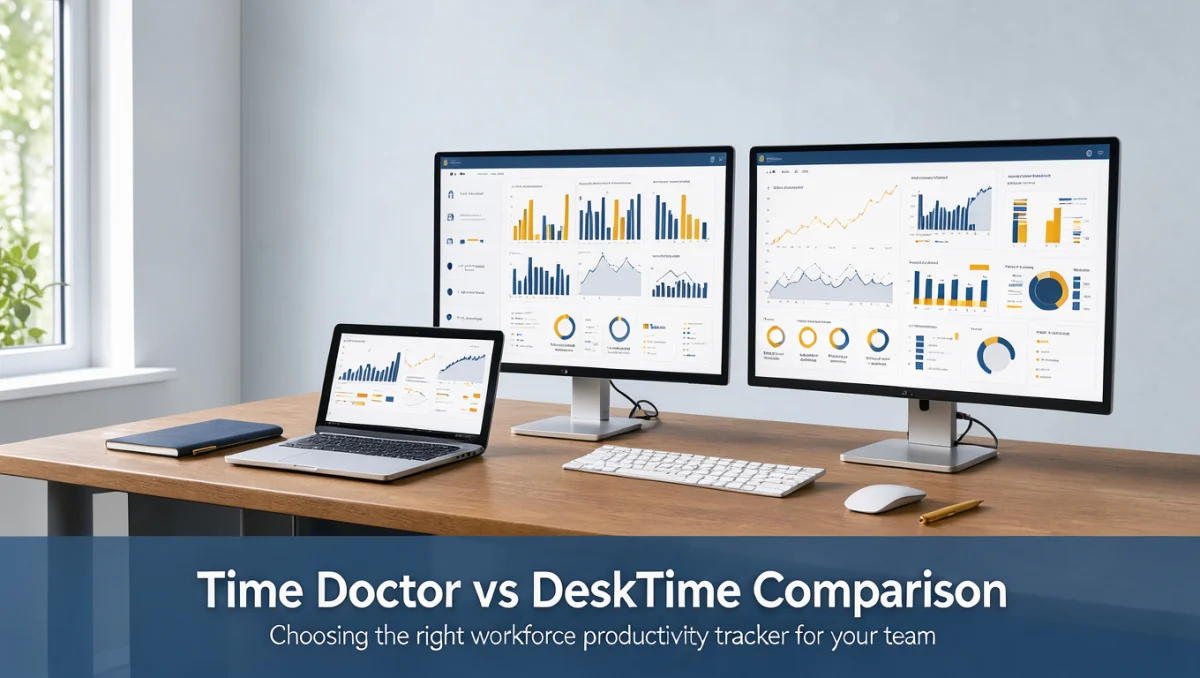
Time Doctor vs DeskTime represents a classic choice between deliberate task-based activity tracking and continuous automatic workplace monitoring. Both platforms aim to help organizations understand how hours turn into output, but their underlying philosophies serve distinct management preferences. At bestsoftwarereviews, our evaluation focuses on how each system handles workday records, accountability, and day-to-day oversight across distributed or office-bound teams.
Selecting between these two productivity tracking platforms requires looking past surface marketing claims and examining your organization structure. While one option focuses heavily on project verification and active work sessions, the other emphasizes background logging and workday timelines. Exploring our broader Collaboration & Productivity guides can also help identify surrounding workflow needs before committing to a setup.
Quick verdict: Overall score: 8.0 / 10. Time Doctor serves teams needing client-focused accountability and active project tracking, while DeskTime fits workplaces wanting passive attendance and baseline application monitoring. Neither platform fits organizations seeking pure outcome-based trust without detailed digital logging.
| Evaluation Metric | Summary Findings |
|---|---|
| bestsoftwarereviews score | 8.0 / 10 |
| Best for | Teams balancing client billing verification against internal workforce activity logs |
| Not ideal for | Organizations wanting zero monitoring overhead or pure milestone tracking |
| Key strengths | Task categorization, project work assignment, and automatic workday timeline recording |
| What to check before buying | Check official license tiers, data retention terms, and specific device compatibility rules |
1. How bestsoftwarereviews Reviewed Time Doctor vs DeskTime
This review looks at what Time Doctor vs DeskTime is built to do, who it serves, and how it compares with similar tools, using the seven bestsoftwarereviews criteria: features, ease of use, pricing and value, integrations, audience fit, support and competitive position. Plans, prices and limits change often, so we point out what to confirm on the official website before you buy. This article was researched and drafted with the help of AI tools, then reviewed and edited by the bestsoftwarereviews Editorial Team.
2. Short Answer: Main Operational Differences
The core difference lies in how work gets captured: Time Doctor centers on deliberate user-directed tracking tied to projects, whereas DeskTime centers on automatic timeline recording from machine startup. Teams choosing between them must decide whether employees should actively start timers on assigned tasks or allow software to track computer usage passively in the background.
When comparing time doctor vs desktime, administrative goals dictate the right match. If your billing workflow requires tying tracked minutes directly to distinct client deliverables, active tracking structures offer clear accountability. Conversely, if your goal is observing attendance patterns, company wide application habits, and daily timeline gaps without requiring staff to press start and stop, passive monitoring fits more naturally.
3. Positioning Comparison
Both tools occupy prominent positions in workforce management software, yet each answers a different administrative philosophy. Understanding this baseline distinction prevents costly adoption friction down the road.
| Tool | Best for | Core strength | Consider if |
|---|---|---|---|
| Time Doctor | Contractor billing and task attribution | Active task tracking paired with project assignment records | Your managers require clear proof of time allocated to specific projects |
| DeskTime | Office attendance and general desk presence | Automated background logging without manual timer management | Your organization prioritizes shift attendance and general application habit audits |
4. Detailed Criteria Comparison
4.1. Core Features and Tracking Philosophy
Time Doctor builds its workflow around user initiated task tracking and project verification. Users select a task, initiate their timer, and generate granular records connecting specific minutes to assigned operational outputs. In contrast, DeskTime operates predominantly through automated background logging, starting when the computer turns on and recording URL visits, application usage, and idle periods without requiring explicit task selection.
4.2. Ease of Use and Daily Workflows
DeskTime creates minimal daily friction for front-line workers because the background tracking agent functions without constant user intervention. Staff members focus on their daily assignments while the application records activity patterns behind the scenes. Time Doctor asks for deliberate user engagement, requiring staff to remember timer controls, select active tasks, and switch projects as their day evolves.
4.3. Pricing and Value Assessment
Software buyers must verify current subscription pricing structures on the official websites of both vendors, as tiered packaging frequently shifts based on seat minimums and advanced capability add-ons. Consider whether administrative capabilities like detailed payroll export, client portal access, or specialized reporting require higher tier commitments on either platform before finalizing budgets.
4.4. Third-Party Integrations
Tracking platforms offer the greatest utility when connected to external project management databases, task boards, and accounting suites. Buyers should examine the official application directories for both solutions to verify compatibility with their specific task management tools, ensuring that time logs sync accurately to project deliverables.
4.5. Audience and Workplace Culture Fit
Time Doctor appeals strongly to agencies, remote contractor networks, and professional service firms where billing accuracy is directly tied to task records. DeskTime fits corporate offices, hybrid teams, and operations teams where attendance verification, schedule adherence, and company wide productivity audits matter more than client-by-client billing.
4.6. Support and Implementation Resources
Implementation success often hinges on clear deployment documentation and responsive administrative support channels. Buyers should review each provider official onboarding materials, admin documentation, and available direct support channels to ensure smooth rollout across diverse staff groups.
4.7. Competitive Position in Workforce Analytics
Both products compete alongside established time tracking alternatives like Toggl Track, Hubstaff, and Harvest. Time Doctor defends its position through structured project verification workflows, while DeskTime maintains its focus on automated desk presence monitoring and attendance sheet compilation.
5. How to Decide Between Both Platforms
Choosing the appropriate tracking mechanism requires evaluating internal workflows, management culture, and team structure through a structured selection sequence.
- Define primary operational goals: determine whether your priority is billing clients for specific tasks or auditing daily office attendance and computer usage habits.
- Assess employee daily workflow: decide whether asking staff to manually start timers fits your operational culture or if automated background logging is preferable.
- Review project allocation requirements: confirm whether your reporting needs require tying specific hours to client accounts and internal cost centers.
- Audit administrative policy requirements: verify data retention guidelines, private time toggles, and administrative oversight rules on official vendor portals.
Independent evaluations conducted by Best Software Reviews show that tracking software adoptions succeed when leadership communicates monitoring expectations transparently to staff before technical deployment.
6. Frequently Asked Questions
How should managers address employee privacy concerns when introducing tracking tools?
Organizations should establish clear, written monitoring guidelines outlining exactly what data gets captured, when tracking occurs, and who can view activity logs. Distinguishing between company work hours and private time helps preserve trust across teams.
What should teams check regarding project management tool compatibility?
Buyers should confirm on official vendor integration pages whether task names, assignment lists, and client records sync automatically with their existing project management software to prevent manual double entry of work items.
How does passive background monitoring differ from manual task timing?
Passive tracking logs computer activity continuously from startup without requiring employees to assign specific tasks, while manual tracking requires users to deliberately start, pause, and stop timers against designated work items.
What factors influence the total organizational cost of tracking software?
Total expenditure depends on license tier choices, billing frequency, minimum user thresholds, and optional functional add-ons like advanced reporting modules or extended storage archives.
7. Final Verdict
| Criterion | Score /10 | Reason |
|---|---|---|
| Features | 8.4 | Strong coverage across both manual task tracking and automated background timelines |
| Ease of Use | 8.8 | Straightforward daily operational interfaces with minimal setup complexity |
| Pricing and Value | 7.6 | Check official pricing pages for tier restrictions and minimum seat obligations |
| Integrations | 7.2 | Check official directories for compatibility with existing project management suites |
| Audience Fit | 8.6 | Clear distinction between contractor billing verification and broad attendance logging |
| Support | 7.0 | Check official documentation and available response channels before deployment |
| Competitive Position | 8.1 | Maintains strong standing against industry alternatives in time analytics |
Overall score: 8.0 / 10
For agencies and distributed teams managing billable client work, Time Doctor provides structured task accountability. For organizations focused on shift adherence, attendance logging, and general office application patterns, DeskTime delivers passive monitoring with minimal user friction. Neither system replaces transparent leadership communication regarding workplace productivity expectations.
Readers with questions regarding team productivity software selection can reach out directly through https://bestsoftwarereviews.net/contact/ or follow the bestsoftwarereviews team on LinkedIn via https://www.linkedin.com/company/bestsoftwarereviews/.