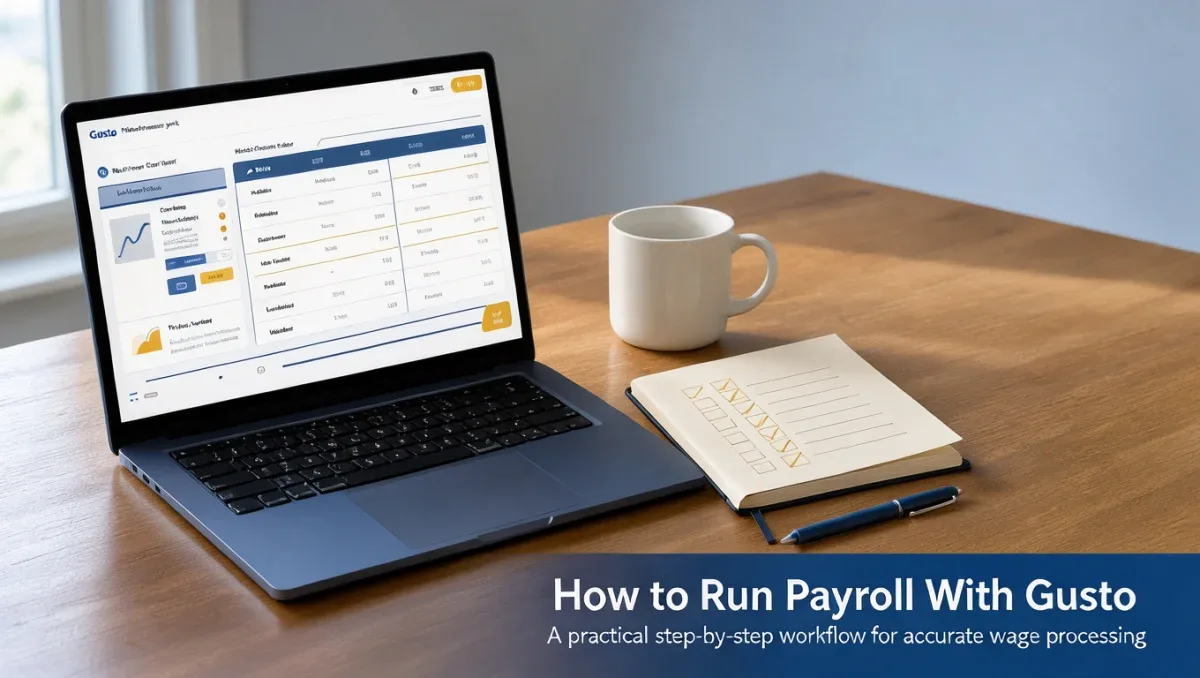
Efficiently managing employee compensation is crucial for any growing business. Learning how to run payroll with gusto significantly streamlines wage distribution, tax obligations, and contractor payments, minimizing manual errors. As your company expands, utilizing dedicated software like Gusto reduces administrative burdens and ensures structured documentation for your accountant.
At Best Software Reviews, we aim to empower finance managers with reliable operational workflows. This walkthrough details the necessary preparation, operational stages, and verification steps for smooth wage disbursements.
Quick guide: To effectively run payroll with Gusto, first compile verified employee records, input accurate hours and variable earnings, then review tax withholdings against total wages. Submit the pay run before processing deadlines and establish a consistent verification process to prevent costly errors and maintain compliance.
| Key Aspect | Details |
|---|---|
| Ideal Users | Small business owners, administrators, and office managers handling compensation for hourly workers, salaried staff, or independent contractors. |
| Prerequisites | Valid business tax IDs, confirmed bank account details, completed employee tax forms, and accurate wage or hour records. |
| Outcome | Completed compensation payments, updated employee pay stubs, automated tax filing records, and clear journal entries for your Accounting system. |
Essential Preparations Before Running Payroll
A solid foundation of accurate data is key to error-free payroll. Before processing any payments, ensure all organizational details and employee profiles are complete and legally compliant.
- Gather necessary tax registrations: Collect federal employer identification numbers, state withholding IDs, and any relevant local tax identifiers.
- Set up and verify corporate banking: Connect your business bank accounts and confirm sufficient funding limits to avoid payment delays.
- Collect worker tax documentation: Obtain completed Form W-4 for employees and Form W-9 for contractors before calculating gross pay.
- Consolidate time and attendance data: Compile verified timesheets, approved overtime, paid leave balances, and unpaid absence records for the pay period.
- Confirm benefit and deduction amounts: Verify contribution levels for benefits, retirement plans, and any court-ordered garnishments.
- Integrate with your accounting system: Link your general ledger to automatically sync wage expenses and payroll liabilities.
Step-by-Step Payroll Processing Workflow
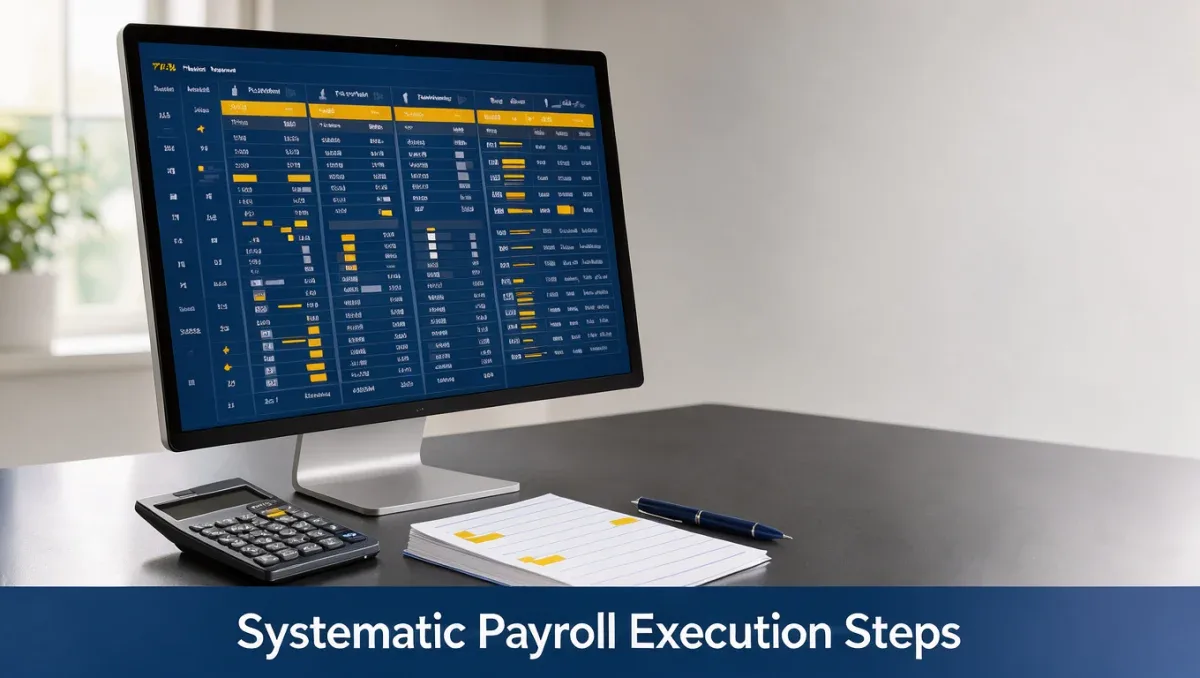
Processing payroll involves a systematic sequence of data checks, wage entry, deduction audits, and final approval. Following these steps ensures employee satisfaction and avoids penalties.
- Define the pay period: Clearly set the start date, end date, and scheduled deposit date for the payroll run. Review Gusto documentation for direct deposit submission deadlines.
- Enter hours and additional compensation: Input regular hours for non-exempt employees and record any approved overtime. Add bonuses, commissions, reimbursements, or tips to individual profiles.
- Review deductions and contributions: Verify that health premiums, retirement plan contributions, and other deductions are applied correctly per employee elections.
- Audit tax calculations and employer costs: Confirm federal, state, and local tax withholdings match employee classifications. Check employer-paid taxes like unemployment and social security.
- Examine the final payroll summary: Carefully review gross pay, total company costs, net pay amounts, and direct deposit totals before finalizing. Ensure sufficient funds are available.
- Authorize and submit the pay run: Submit the payroll before bank processing cutoffs. Download summary reports for your records and accounting synchronization.
Building Payroll Habits in Your First Month
Establishing consistent weekly routines in your first month is vital for smooth long-term payroll operations. A structured schedule helps administrative teams develop reliable verification practices.
| Week | Routine to Build | Importance |
|---|---|---|
| Week 1 | Verify employee tax forms, pay rates, and bank details. | Prevents deposit issues and incorrect initial payments. |
| Week 2 | Run an initial payroll and review post-payroll journal entries. | Identifies chart-of-accounts mapping problems before monthly closing. |
| Week 3 | Audit contractor payments and employee benefit deductions. | Ensures contractor payments are separate from payroll taxes. |
| Week 4 | Reconcile payroll against business bank statements. | Validates that tax debits match internal liability calculations. |
Common Payroll Mistakes and How to Avoid Them
Payroll errors can lead to compliance issues and employee dissatisfaction. Awareness of common mistakes helps protect your business from unnecessary adjustments.
- Worker misclassification: Clearly distinguish between employees and independent contractors to avoid retroactive tax penalties.
- Missing processing deadlines: Late submissions delay direct deposits, necessitating manual checks. Confirm processing schedules carefully.
- Ignoring out-of-state employees: Failing to register for state withholding when employees work remotely in other states creates compliance liabilities.
- Neglecting wage reconciliation: Not comparing payroll summaries with general ledger entries results in unbalanced accounting books.
- Improper benefit deduction handling: Misclassifying deductions affects taxable wage calculations. Consult a tax advisor for complex rules.
When to Seek Professional Payroll Assistance
While software automates much of payroll, evolving business structures may require expert guidance. Recognizing when internal knowledge is insufficient can prevent costly legal issues.
- Expanding to multiple states: When hiring staff across different states, consult professionals to ensure correct registration for local taxes and workers' compensation.
- Complex garnishment orders: For legal orders like child support or creditor garnishments, seek expert advice to calculate statutory limits.
- Year-end tax reporting: Collaborate with an external accountant for year-end reconciliation, Form W-2 distribution audits, and discrepancy resolution.
- Software configuration issues: Contact the official Gusto support team for assistance with platform settings, schedule changes, or banking authorizations that cause errors.
Frequently Asked Questions About Gusto Payroll
What essential documents are needed before starting payroll?
Employers require business tax IDs, verified bank accounts, and signed tax forms like W-4 and W-9. Accurate wage agreements and benefit deduction records prevent rework during payroll runs.
How should small businesses handle contractor payments?
Contractor payments are considered non-employee compensation without statutory tax withholding. Input gross invoice amounts directly under contractor profiles; the system will generate appropriate documentation for business tax records.
How do you fix a calculation error after payroll submission?
If an error is found before bank processing cutoffs, cancel the submission and re-run with corrected figures. If the error occurs post-processing, issue supplementary payments or record offset deductions in the next cycle after consulting a payroll specialist.
Why is professional advice crucial for payroll compliance?
Tax laws, overtime rules, and reporting requirements vary significantly by location. Partnering with a certified public accountant ensures deduction structures, tax withholding, and worker classifications meet all federal and state statutes.
Next Steps After Completing a Pay Run
After finishing a scheduled payroll, take these actions to maintain organized records and financial accuracy.
- Archive payroll reports: Save detailed wage ledgers and tax debit summaries securely for audit preparation.
- Verify general ledger sync: Check your accounting software to confirm that wage expenses, tax liabilities, and account balances accurately reflect the latest payroll.
- Distribute pay notifications: Ensure employees receive alerts about pay stub availability to review earnings, deductions, and time-off balances.
- Review tax calendar deadlines: Check upcoming quarterly tax obligations and filing deadlines to maintain full corporate compliance.
For any questions about selecting software, please reach out via our contact page. Follow Best Software Reviews on LinkedIn for the latest reviews and comparisons.