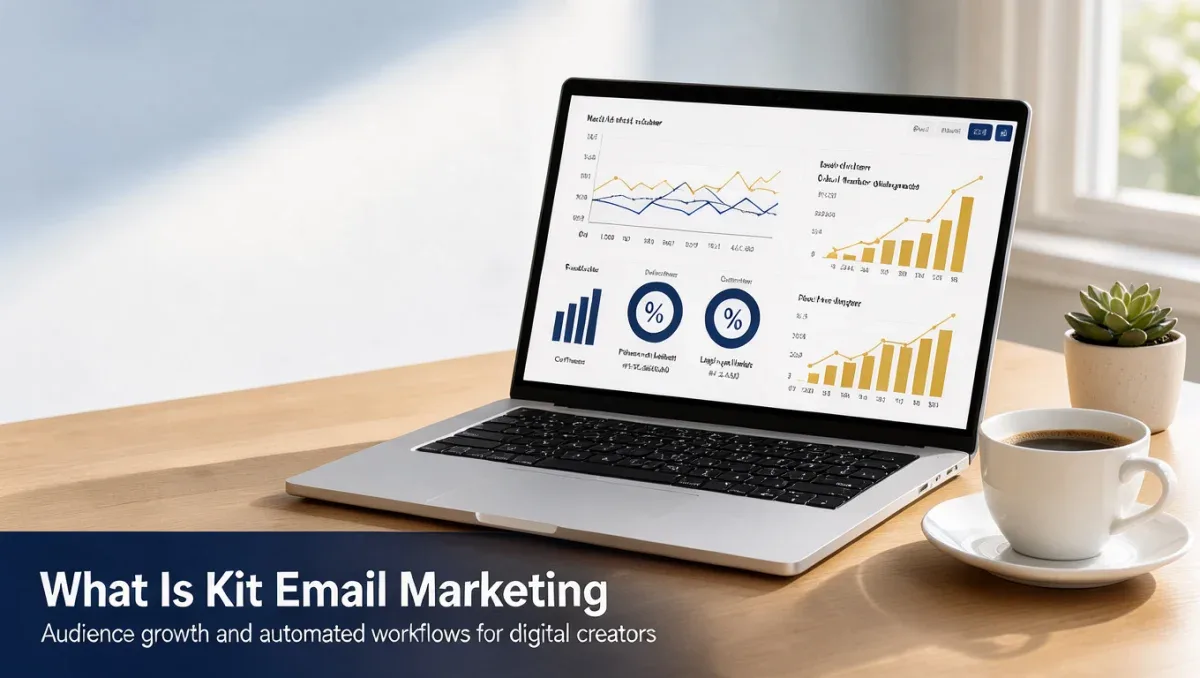
Delving into what is Kit email marketing reveals a platform designed with audience connection at its heart. It's a powerful tool for digital publishers, authors, and online educators aiming to distribute updates, deliver educational content, and automate routine subscriber communications efficiently.
At Best Software Reviews, we evaluate communication systems for modern content businesses. Kit differentiates itself by organizing contact data using tags and dynamic segments, focusing on long-term audience retention rather than traditional, static newsletter lists.
In essence, Kit serves as an email marketing and automation solution primarily for creators, newsletter writers, podcasters, and educators. It facilitates subscriber signups, enables broadcast newsletters, manages audiences through tagging, and builds automated sequences for targeted messaging over time.
| Feature Category | Description |
|---|---|
| Software Type | Email Marketing & Automation |
| Primary Function | Audience Capture, Broadcasting, Email Automation |
| Target Users | Creators, Bloggers, Coaches, Small Digital Businesses |
| Competitors | Mailchimp, AWeber, ActiveCampaign |
Streamlining Your Audience Engagement

Kit provides the essential infrastructure for cultivating direct audience relationships via email. For businesses scaling digital products in E-commerce, maintaining direct inbox access is crucial for engagement, safeguarding against social media algorithm shifts.
Capturing Audiences and Building Lists
The platform allows users to create hosted landing pages and embeddable signup forms for collecting subscriber addresses. These tools empower potential readers to opt into regular newsletters or access valuable educational resources.
Effective Broadcasts and Announcements
Kit supports sending one-time email campaigns to your entire audience or specific segments. This feature is ideal for weekly updates, product launches, event announcements, or general business news.
Automating with Visual Workflows
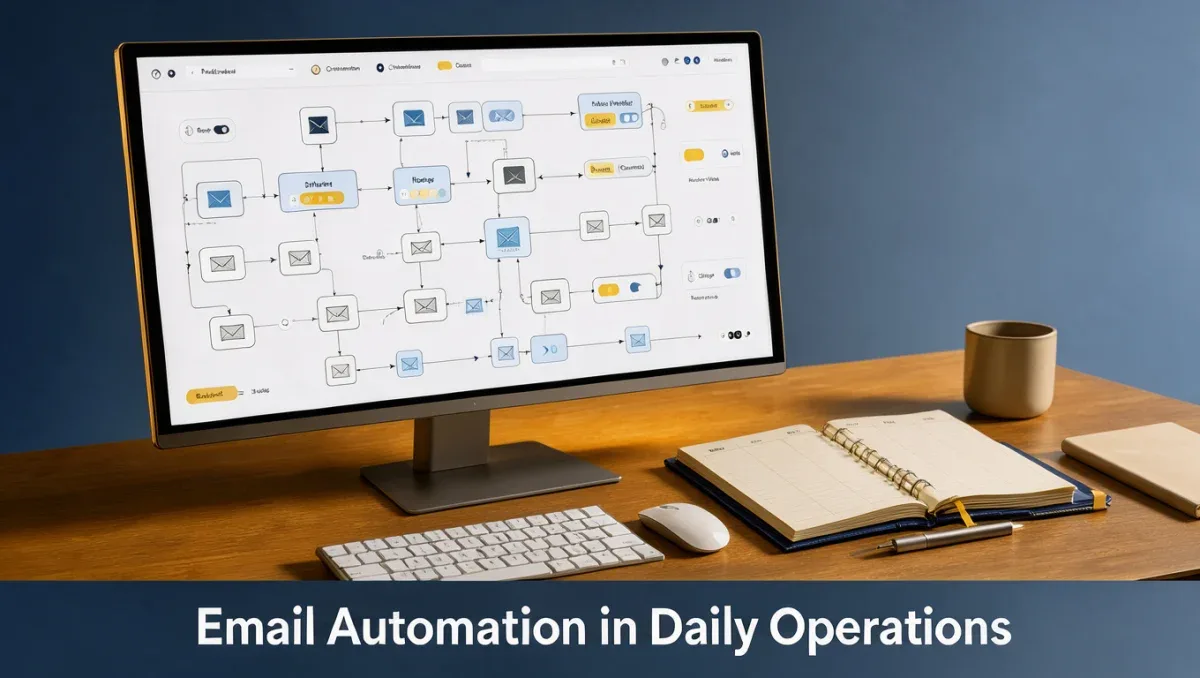
The software offers rule-based automation sequences that deliver scheduled messages based on subscriber actions. When a subscriber opts in via a specific form or clicks a link, automated paths can guide them through tailored onboarding processes.
Organizing with Tag-Based Systems
Instead of confining contacts to isolated lists, Kit utilizes a central contact database. Subscribers receive tags based on their interests and purchase history, preventing duplicate contact charges across different campaigns.
Integrating Kit into Your Workflow
While email software automates distribution, the quality of content and overall relationship management remain the creator's responsibility. The following overview illustrates how automation assists and where personal attention is still vital.
| Business Task | Software Assistance | Your Responsibility |
|---|---|---|
| Welcome Onboarding | Automated delivery of educational messages | Crafting relevant advice and setting the tone |
| Audience Segmentation | Tagging based on subscriber link clicks | Determining relevant business topics |
| Product Launches | Scheduled messages for designated customer tags | Developing offers and customer support |
| Subscriber Cleanup | Reporting on inactive contacts | Deciding on unsubscribing non-responsive contacts |
Key Email Marketing Terminology
- Broadcast: A one-time email campaign sent immediately or scheduled, targeting all or selected audience segments.
- Sequence: An automated series of emails sent in a predetermined order with defined time intervals between messages.
- Tag: A flexible label applied to a subscriber profile indicating specific interests, entry points, or past purchases.
- Segment: A dynamic group of subscribers automatically compiled based on tag combinations, activity, or signup dates.
- Landing Page: A standalone webpage designed to present an offer and collect email registrations without distractions.
Who Benefits Most from Kit
Aligning your operational needs with Kit's design focus ensures you don't pay for unnecessary features. This platform is ideal for:
- Solo creators like writers, podcasters, and YouTubers seeking straightforward delivery without complex corporate structures.
- Online course creators and coaches distributing sequential educational materials over set timelines.
- Boutique digital storefronts selling downloads and memberships to their communities.
- Freelance consultants sharing weekly insights to establish expertise.
Conversely, Kit might not be the best fit for:
- Large retail operations with complex inventory and heavy transactional triggers.
- Organizations requiring on-premise data storage or legacy database synchronization.
- Casual senders contacting a small personal circle infrequently.
Getting Started with Kit
- Define your messaging objectives: Clarify whether your primary need is a regular newsletter or an automated educational sequence.
- Review your current contacts: Export existing emails and ensure all recipients have given express consent for marketing communications.
- Examine the official Kit pricing page: Understand how subscriber numbers impact monthly plan commitments before registering.
- Prepare a welcome sequence: Draft introductory messages to ensure new subscribers receive an immediate greeting upon signup.
- Consult your compliance expert: Verify that your signup disclosures and privacy policies adhere to applicable data regulations.
Frequently Asked Questions
How do tags differ from traditional email lists?
Traditional lists segment contacts into separate containers, potentially leading to duplicate records. Kit's tag-based system stores each contact once centrally, using flexible labels to track preferences and sources without inflating counts.
Can Kit be used without a separate website?
Yes, Kit offers hosted landing page templates that function independently on custom or platform URLs, enabling creators to collect registrations and share updates even before launching a full website.
How does automated sequencing help new subscribers?
Automated sequences deliver pre-written educational or welcome messages over days or weeks, automatically introducing your brand and guiding newcomers through foundational material without manual intervention.
What technical skills are needed for regular broadcasts?
Sending broadcasts primarily requires basic writing and image formatting skills. The editor is designed for clean readability, similar to personal email clients, eliminating the need for custom coding.
The Bottom Line
Understanding what is Kit email marketing clarifies its role as a streamlined engine for modern digital creators. The platform emphasizes subscriber management through intuitive tagging, straightforward automation, and clear text broadcasting. By confirming your subscriber volume on the official Kit pricing page and preparing targeted content, you can establish a sustainable direct channel to your audience. For more information on choosing the right tools, explore Best Software Reviews for comprehensive comparisons and insights.
See More E-commerce