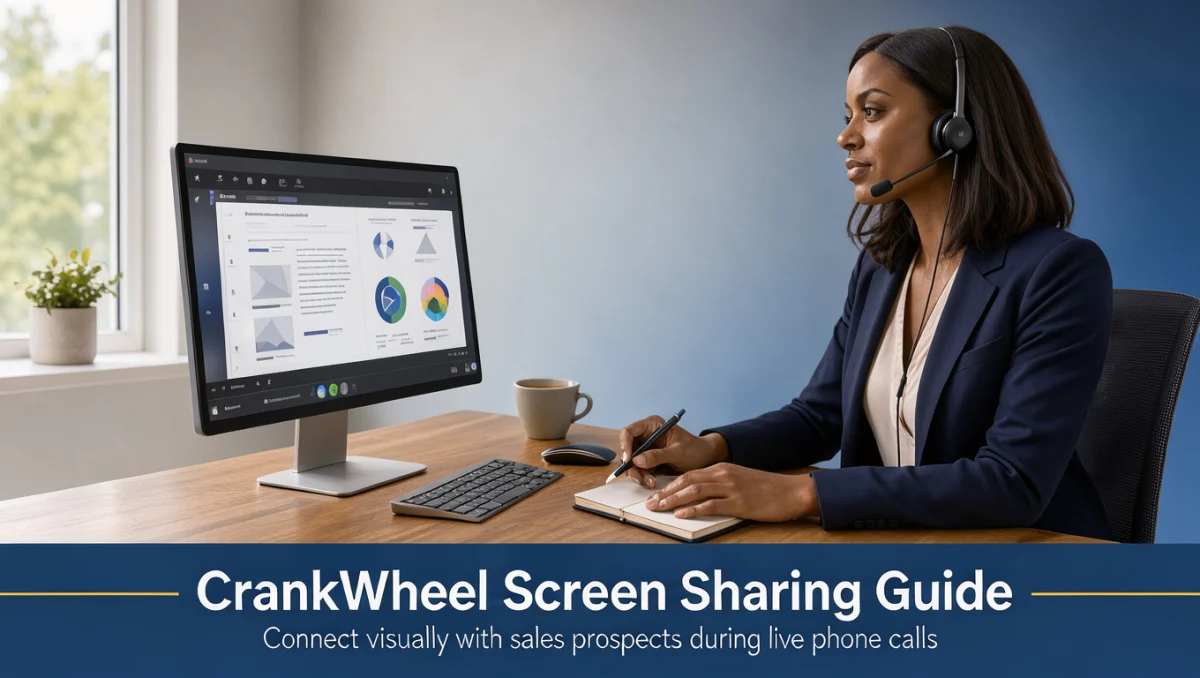
Facilitating immediate visual connections is crucial when engaging with an interested buyer over the phone. Inside sales teams often face challenges with lengthy software downloads or complex access codes during impromptu discussions. CrankWheel resolves this by acting as specialized screen sharing software, delivering direct views of browser tabs, presentations, or applications via a simple link or message. At Best Software Reviews, we analyze presentation platforms to assist sales professionals in selecting the optimal software for their business needs. This tool focuses on providing instant recipient access across various devices, differing from scheduled meeting software by emphasizing speed and simplicity.
Mastering how to share your screen with a prospect with CrankWheel allows for a seamless transition from an audio-only conversation to a dynamic visual demonstration. Prospects can easily view materials in real-time by clicking a text link or a public display link, minimizing technical hurdles and maintaining focus on the product's value. CrankWheel is best suited for sales representatives who need to share visuals instantly during calls without imposing software installation requirements on their prospects. However, it may not be the ideal choice for teams prioritizing comprehensive video conferencing features.
Effortless Prospect Engagement with CrankWheel
CrankWheel excels in enabling sales professionals to connect visually with prospects quickly. The platform is designed to eliminate the common friction points associated with traditional screen sharing or meeting software, making it easier for both the presenter and the viewer to get started.
Streamlining Visual Presentations
The core strength of CrankWheel lies in its ability to initiate a visual session through a simple link. This approach ensures that prospects can view presentations, product demos, or pricing sheets instantly without needing to download any applications or register for an account. This immediacy is vital for maintaining sales momentum during live calls.
Preparing Your Visual Content
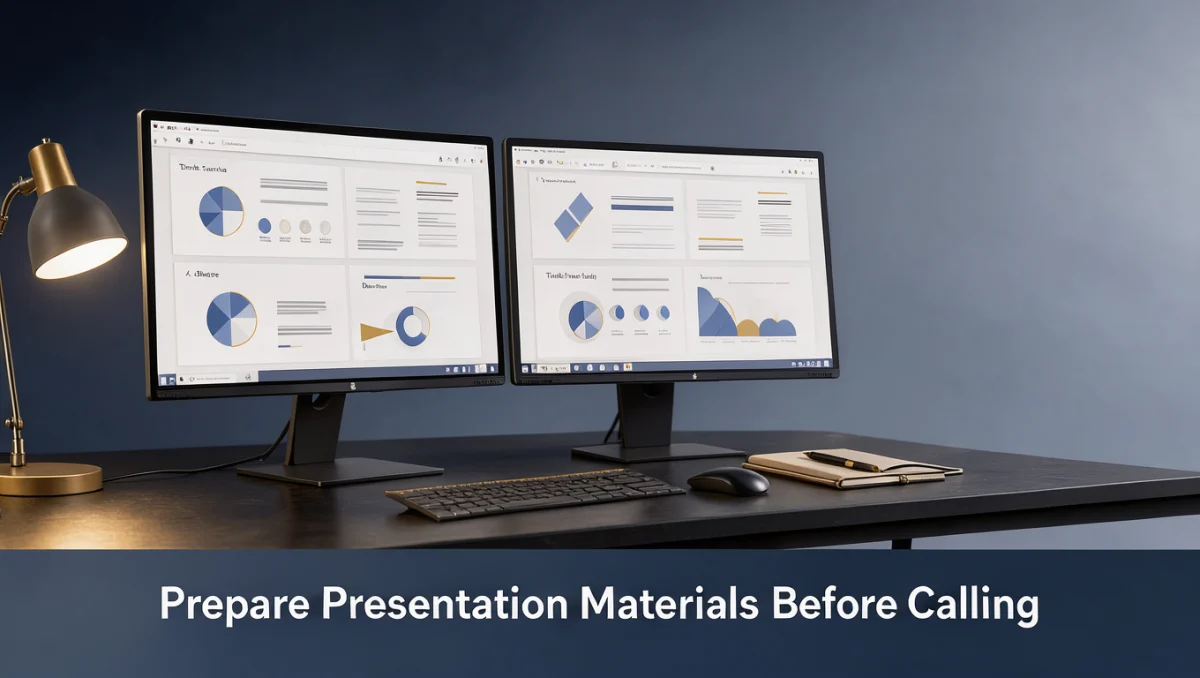
Before initiating a screen share, it's essential to organize your digital workspace. Ensure that all presentation materials, such as slide decks, product catalogs, or quotation templates, are readily accessible in dedicated application windows. Isolating the specific window you intend to broadcast prevents the accidental exposure of unrelated internal data or personal notifications. Sales professionals should also verify that all graphics load correctly and fonts are displayed as intended before starting the session.
Facilitating Link Delivery
Confirm that your chosen method for sending the viewer link aligns with your prospect's communication preferences. Whether through a text message, email, or a simple public web address, having these distribution pathways prepared ensures a smooth experience for the prospect when they are ready to view your content. This preparedness is key to capitalizing on a prospect's immediate interest.
Initiating and Managing Your Screen Share
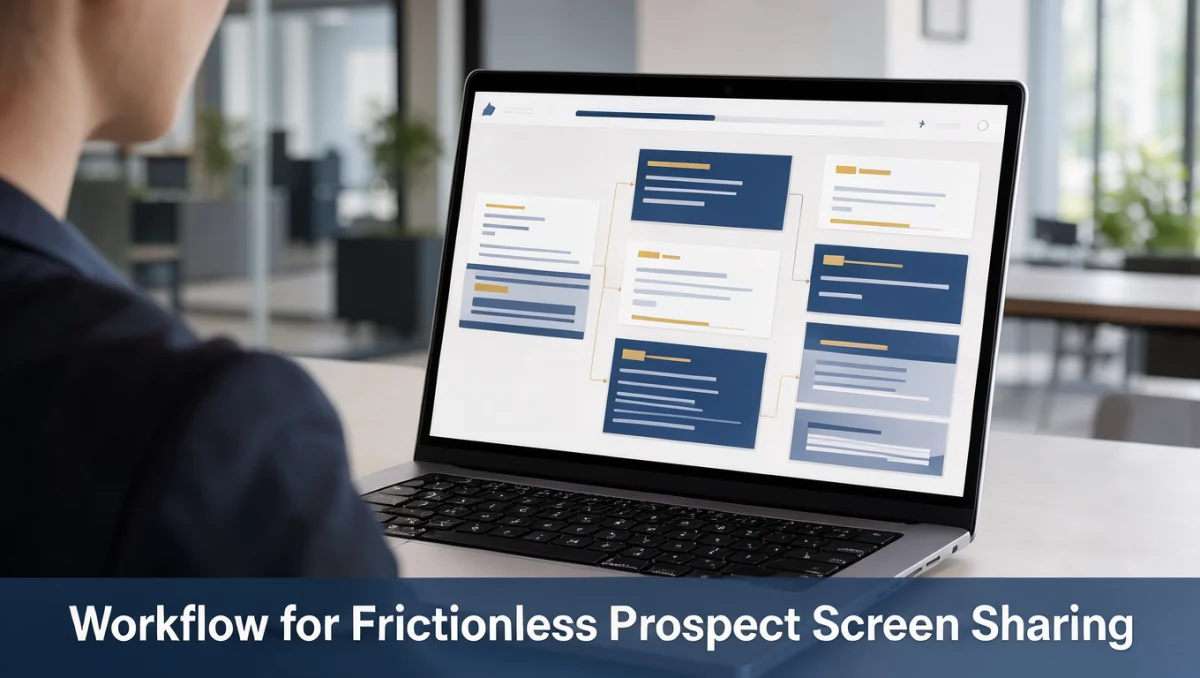
A structured workflow is key to a successful screen presentation that keeps buyers engaged. Understanding the steps involved ensures a professional and effective interaction.
Building Rapport First
Begin your conversation using your standard phone line and confirm that the buyer is comfortable discussing their needs. Introducing visuals becomes most effective after identifying a specific question that can be best answered with a diagram, quote, or interface preview. Rushing into screen sharing before establishing a comfortable rapport can make prospects feel defensive.
Generating the Session Link
Once a prospective buyer agrees to view an example, generate the visual session link from your presenter dashboard. This process creates a direct viewing pathway without requiring the recipient to register or install anything. Prompt link generation helps maintain the energetic and consultative flow of the telephone conversation.
Guiding the Prospect to View
Clearly inform the buyer how the connection will arrive—whether via a text message to their mobile device or a web address they can type into their desktop browser. Provide clear, polite instructions to ensure the prospect feels in control. Once they click the link, your shared view will render immediately on their screen.
Selecting the Correct Window to Share
Choose whether to share a single browser tab, a specific application window, or your entire display, depending on your presentation needs. For security and focus, it is generally safest to restrict the broadcast to a single relevant tab or window. Confirm with your buyer that they can see your starting slide or pricing table before proceeding with your presentation.
Monitoring Viewer Engagement
Utilize your presenter interface indicators to see when the prospect joins the session and if their browser remains focused on your shared content. Understanding when your buyer is actively viewing your visuals allows you to pace your narrative effectively. Conclude the screen share deliberately as you move towards closing questions or commitment stages.
Best Practices for Effective Prospect Screen Sharing
Adhering to deliberate communication practices enhances the effectiveness of visual sales pitches and fosters a comfortable experience for remote buyers.
Maintain Deliberate Navigation
Move your cursor purposefully and pause briefly after changing tabs or scrolling through detailed information. Rapid movements can disorient prospects, especially those with varying internet bandwidth affecting their display refresh rates. Announcing transitions verbally helps guide the viewer's attention.
Prioritize Audio Interaction
Consider your visual display as supporting evidence, not a replacement for active listening. Frequently ask confirming questions to ensure the buyer understands the graphic or quote presented. If the prospect raises an unrelated strategic question, pause the demonstration and refocus on their immediate business priorities.
Respect Technical Comfort Levels
Be mindful that prospects may be using mobile smartphones in the field or multi-monitor setups at their desks. While CrankWheel's design accommodates different display sizes, verify that text is legible for all viewers. Offer to enlarge text on numerical charts or contract terms if a prospect is viewing on a smaller mobile screen.
Common Pitfalls to Avoid
Even experienced sales professionals can inadvertently undermine an opportunity through technical or conversational missteps during live presentations. Recognizing these common workflow errors can help sales teams maintain professionalism.
- Sharing visuals before fully understanding the prospect's current business challenge.
- Broadcasting an entire desktop when unmonitored communication applications might generate notification popups.
- Speaking continuously without confirming that the prospect's device has loaded the intended page.
- Forgetting to close previous client quotes that contain proprietary pricing information.
- Continuing to share your screen after the structured presentation segment has concluded.
Who Benefits Most from CrankWheel?
Different sales roles have varying needs for digital communication tools. Evaluating these needs alongside reviews from Best Software Reviews helps buyers choose solutions that fit their daily sales activities.
High-Volume Inside Sales Representatives
Reps handling numerous outbound calls benefit significantly from instant link generation that bypasses the need for prospect downloads. Adding a visual component during exploratory calls clarifies product tiers and contract terms efficiently.
Field Service and Insurance Agents
Agents and brokers often interact with customers who may not be at their desks or are unfamiliar with meeting software. Sending a direct visual link via text message allows them to review policy details or cost breakdowns while the customer is on their mobile phone.
When Alternative Platforms Might Be Better
Organizations focused on scheduled board presentations, large-scale workshops, or interactive webinars with features like virtual hand-raising might find more value in comprehensive enterprise video conferencing systems. Specialized tools like CrankWheel are optimized for rapid, one-directional visual delivery rather than complex collaborative environments.
Frequently Asked Questions
Handling Slow Prospect Connections
If a prospect experiences fluctuating internet bandwidth, opt for sharing a single, static document window rather than fast-moving interface animations. Pausing after each slide transition allows the viewer's system time to render the content clearly, ensuring synchronized communication.
Pre-Subscription Verification
Before subscribing, confirm user license allocations, concurrent presentation rules, and administrative tracking capabilities on the official CrankWheel pricing page. Different subscription tiers offer varying team management and branding options, so aligning the plan structure with your sales team size is crucial.
Screen Sharing vs. Static Decks
Live screen sharing is superior when presenting complex pricing schedules or customized workflow diagrams that necessitate detailed verbal explanation. Emailing static slide decks can lead prospects to focus solely on final prices without grasping the strategic context justifying the investment.
Ensuring Client Confidentiality
Train representatives to isolate single browser windows instead of entire monitors and ensure desktop notifications are muted. Standardized presentation templates help prevent sales staff from inadvertently displaying confidential files from other accounts during live demonstrations.
Final Thoughts on CrankWheel
Understanding how to share your screen with a prospect with CrankWheel equips sales professionals with a practical method to convert routine phone inquiries into clear visual meetings. By eliminating installation hurdles for prospects, sales teams can present product demonstrations and pricing quotes precisely when buyer interest is highest. It is advisable for commercial buyers to review team seat structures and administrative options directly on official vendor pages before making procurement decisions. CrankWheel offers a focused solution for high-volume phone representatives, keeping prospect attention high without technical friction. For teams requiring advanced features like two-way webcams and digital whiteboarding, broader conferencing suites might be a more suitable investment.
| Criterion | Score /10 | Reason |
|---|---|---|
| Features | 7.5 | Specialized screen broadcast tools engineered for rapid telephone sales interactions. |
| Ease of Use | 8.5 | Straightforward link generation for presenters and frictionless viewer access without downloads. |
| Pricing and Value | 7.0 | Subscription model for sales teams; verify team seat allocations on official resources. |
| Integrations | 7.0 | Standard browser connectivity; confirm compatibility with your CRM environment. |
| Audience Fit | 8.0 | Ideal for phone-based inside sales reps and remote advisors needing immediate visuals. |
| Support | 7.0 | Self-guided documentation and account management; evaluate prior to rollout. |
| Competitive Position | 7.5 | Niche focus on instant sharing speed differentiates from full-suite video conferencing. |
Overall score: 7.5 / 10
CrankWheel is an excellent choice for sales teams that need to quickly and easily share their screen with prospects during phone calls. Its simplicity and speed make it a valuable tool for boosting engagement and closing deals. For more insights into tools that enhance Collaboration & Productivity, explore Best Software Reviews.