Understanding PandaDoc Forms and Target Audience
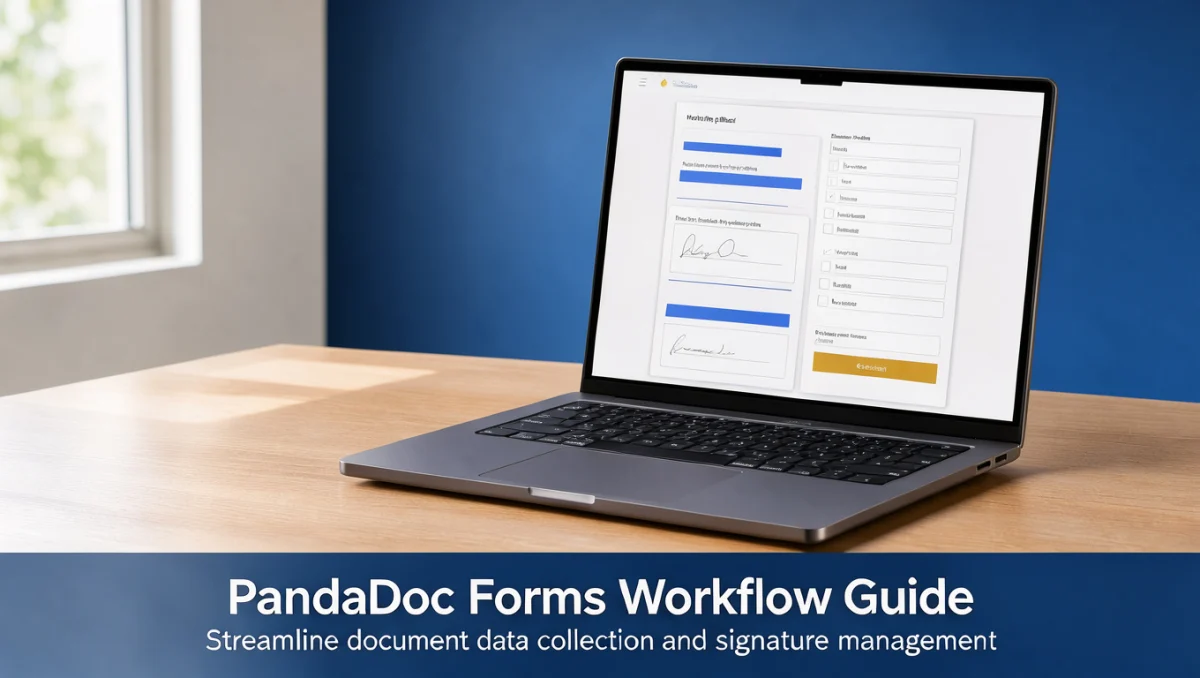
PandaDoc Forms operates as a key component within a broader document management and electronic signature ecosystem. It empowers organizations to construct, distribute, and monitor interactive digital documents. Instead of relying on static files requiring recipients to download and print, administrators can design web-friendly assets that collect information via guided input fields. This system is particularly beneficial for operational teams, customer onboarding specialists, administrative coordinators, and sales professionals who regularly handle agreements, registration forms, and work orders. By integrating data capture directly with signature functionalities, the platform streamlines the process from gathering client details to securing official consent.
In today's business environment, many companies are replacing disjointed paper processes with digital forms that feed directly into document archives. Before committing to any vendor, teams should meticulously map their standard document lifecycles to ensure that form fields align with necessary legal and administrative checkpoints. For those looking for comprehensive tools, exploring pandadoc forms can be a strategic move.
Key Features of PandaDoc Forms
Template Creation and Form Building
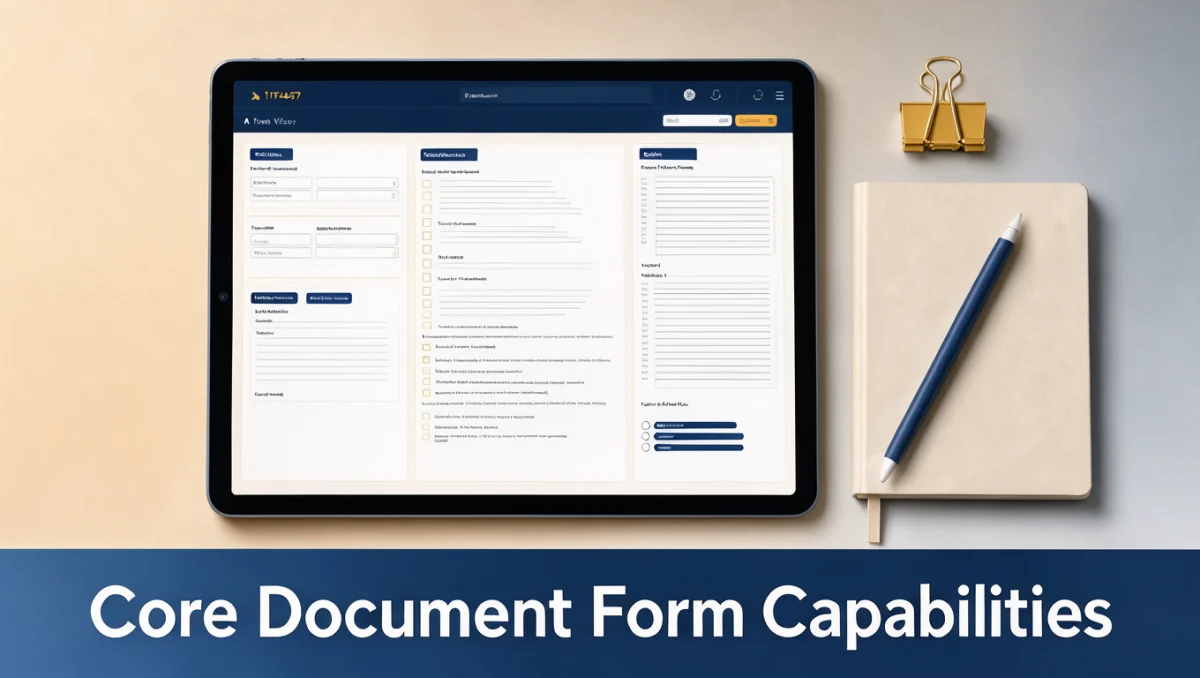
The template creation feature allows administrators to assemble standardized agreements, intake questionnaires, and order forms using reusable content blocks. Content designers can strategically place text areas, dropdown menus, checkboxes, and signature lines throughout the document layout. Centralizing template design ensures consistent branding and uniform language across all client interactions. Organizations must decide whether their internal authors require strict design controls or simple form templates that can be easily updated by non-technical personnel.
Guided Recipient Input and Field Validation
Tools for recipient completion guide signers sequentially through mandatory sections, ensuring that critical information is never missed. Fields can be marked as required, which significantly reduces the need for back-and-forth communication due to incomplete addresses, dates, or signatures. This structured presentation provides respondents with clear indications of remaining tasks before final submission. Potential buyers should examine the specific input formatting rules and how they operate across different subscription levels on the official PandaDoc website.
Electronic Signatures and Audit Trails
The electronic signature functionality enables respondents to affix verifiable signatures directly within the completed form workflow. Upon submission, the system generates a chronological record of all actions, documenting when the recipient accessed, completed, and signed the document. These audit trails provide administrative transparency for contracts, employee agreements, and service authorizations. Organizations in regulated industries must confirm that the recorded completion certificates meet their internal compliance standards.
Workflow Automation and Submission Storage
Completed submissions are automatically converted into standardized digital records, accessible through an administrative dashboard. Internal stakeholders can review collected input, download archived document copies, or trigger notifications to relevant team members. Automating post-submission steps minimizes manual file transfers and reduces administrative backlogs. Prospective users should assess how incoming data files are organized within shared team libraries to prevent duplicate record-keeping and ensure efficient data management.
User Experience and Learning Curve
PandaDoc Forms features a clean administrative interface that minimizes technical difficulties for both document creators and external signers. The design prioritizes visual editing, allowing managers to preview recipient views before distributing documents publicly or sharing private links. External respondents typically navigate guided forms with ease, as the steps advance sequentially through each assigned field. Because signers interact with web-optimized interfaces, completion rates are generally consistent across various work environments. Internal administrators may experience a slight learning period when configuring multi-role routing or aligning complex template field logic. It is advisable for teams to allocate initial setup time to test sample form flows before launching high-volume client intake campaigns.
Advantages and Disadvantages
Key Advantages
- Integrates structured data collection and official electronic signatures within a unified administrative workspace.
- Reduces manual administrative tasks by ensuring respondents complete all necessary fields before submission.
- Standardizes client-facing communications through centralized document templates and consistent branding.
- Maintains transparent completion logs that record significant document milestone timestamps for accountability.
Considerations and Limitations
- Standalone survey projects that do not require signatures might find document-centric tools overly complex.
- Advanced field dependencies or intricate calculation logic might necessitate external database tools, depending on the subscription tier.
- Effective administrative oversight requires clear internal naming conventions to prevent template clutter as team usage grows.
PandaDoc Forms Versus Alternative Document Solutions
Understanding how PandaDoc compares to other document management alternatives helps buyers align software capabilities with their specific organizational priorities. While dedicated signature tools focus solely on signing pre-existing documents, PandaDoc Forms effectively bridges data capture and document generation. Organizations requiring simple feedback forms or academic surveys often find that general survey tools are a better fit than legally focused document platforms.
| Product Type | Primary Focus | Core Strength | When to Consider |
|---|---|---|---|
| PandaDoc Forms | Document automation and signatures | Unified form filling and e-signing | When customer intake requires signed contractual agreements |
| SignNow | Electronic signature workflows | Straightforward document signing | When the main need is simple document execution |
| DocuSign | Enterprise agreement management | Standardized legal transaction routing | When the organization needs broad enterprise document workflows |
| Adobe Acrobat Sign | PDF-centered document workflows | Traditional document handling | When teams work extensively within established PDF ecosystems |
Ideal Users for PandaDoc Forms
Small Business Owners
Small business owners managing client onboarding, service contracts, and vendor agreements can significantly benefit from merging input collection with contractual consent. This consolidation reduces redundant email exchanges and accelerates client engagement. Many small businesses find tools like Sales software can integrate well with document solutions.
Administrative and Human Resources Teams
Staff responsible for internal employee documentation, policy acknowledgments, and onboarding packets can leverage standardized templates for consistent recordkeeping. Automatic submission tracking simplifies compliance verification, especially as teams expand.
Client Services and Account Coordinators
Client managers who need structured project specifications from clients before starting billable work can save considerable administrative time. Capturing signed project parameters upfront ensures service delivery aligns with customer expectations.
Teams Requiring Alternative Solutions
Organizations conducting anonymous public opinion polls, academic research studies, or informal event RSVPs should consider dedicated form utilities. Using contract-grade document tools for casual feedback collection can introduce unnecessary workflow complexity.
Selecting the Appropriate Document Form Setup
Software buyers should systematically verify plan parameters on official vendor portals before committing to annual or monthly agreements. Evaluating subscription terms ensures that teams do not encounter unexpected administrative limitations. Understanding your needs can help you choose the best software for your business.
| What to Check on the Official Website | Why It Matters |
|---|---|
| User seat allowances and administrative permissions | Additional team members who create or manage templates might need separate paid seats. |
| Volume allowances for published forms and documents | Subscription tiers may set limits on monthly or annual document transactions. |
| Available recipient field types and calculation rules | Ensures specialized intake data, like currency or numerical formulas, is formatted correctly. |
| Post-submission data export mechanisms | Determines how easily collected information can flow into downstream organizational databases. |
| Team collaboration and shared template libraries | Confirms whether multiple departments can maintain distinct template workspaces. |
Frequently Asked Questions
General Form Tool vs. Document Form Platform Decision
A team should determine if the collected responses require a legally binding signature and a formal document record. When responses represent legally binding commitments or official service agreements, document-centric tools offer the necessary audit trails. For projects that only involve collecting casual feedback or contact details, dedicated form utilities are generally more practical.
Factors Influencing the Administrative Learning Curve
The learning curve is influenced by the number of unique templates an organization deploys and whether complex multi-recipient routing is involved. Simple, single-recipient intake forms require minimal training to publish, whereas multi-party agreements demand careful planning of field ownership and signing sequences.
Template Governance Details for Administrators
Administrators should review permission controls that dictate who can edit published master templates versus who can distribute them. Maintaining central control over legal language prevents unauthorized modifications while allowing operational staff to efficiently collect information.
Budgeting for Document Workflow Software
Organizations should consider the number of administrative users requiring template-building privileges and the expected transaction volumes. Reviewing the official vendor pricing comparison helps teams determine if specialized features are included in baseline subscriptions or require higher-tier commitments.
Final Assessment of PandaDoc Forms
PandaDoc Forms offers a practical solution for businesses to merge customer data entry with formal document execution. By integrating data collection directly with verified electronic signatures, the platform streamlines administrative workflows that previously necessitated separate software systems.
| Criterion | Score /10 | Reason |
|---|---|---|
| Features | 8.5/10 | Effectively combines data input fields, document template generation, and electronic signatures. |
| Ease of Use | 8.0/10 | Intuitive visual layout simplifies field placement for creators and navigation for signers. |
| Pricing and Value | 7.0/10 | Buyers should verify official pricing to match seat configurations with team size. |
| Integrations | 7.5/10 | Workflow efficiency depends on confirming data export options on the vendor website. |
| Audience Fit | 8.5/10 | Ideal for operational teams managing customer agreements and structured document onboarding. |
| Support | 7.0/10 | Users should check available assistance channels and service terms on official portals. |
| Competitive Position | 8.0/10 | Stands out by combining active form collection directly with contract execution. |
Overall Score: 7.8/10
For organizations seeking an independent review of workflow tools, it is crucial to match functional requirements directly with verified vendor capabilities. Decision-makers should review official terms, outline standard document paths, and confirm administrative requirements before making a purchase. We encourage you to explore the offerings from Best Software Reviews for more insights.