bestsoftwarereviews may earn a commission when you buy through links on this page, at no extra cost to you. This does not affect our ratings.
Signable integrations and core electronic signature capabilities help modern businesses send, sign, and archive legally binding agreements without paper delays. Selecting software in the Collaboration & Productivity category requires understanding how signature requests connect to daily operational routines. At bestsoftwarereviews, our analysis focuses on practical utility, ease of deployment, and functional alignment.
Electronic signature platforms simplify client onboarding, vendor contracting, and internal sign-offs across diverse industries. Teams looking into signable integrations must verify how signature tracking interacts with their broader records management setup before committing budget.
Quick verdict: Signable earns an overall bestsoftwarereviews score of 7.8 / 10. The platform is best for small businesses, agencies, and operational teams seeking straightforward electronic signature delivery without complicated setup overhead. It is not ideal for large enterprises that require fully automated contract lifecycle management or advanced multi-party legal negotiation frameworks.
| Metric | Details |
|---|---|
| bestsoftwarereviews score | 7.8 / 10 |
| Best for | Small businesses, independent operators, and teams wanting direct electronic signature collection. |
| Not ideal for | Enterprises needing deep contract lifecycle management or automated legal authoring suites. |
| Key strengths | Core electronic signature handling, document audit tracking, straightforward signer experience. |
| What to check before buying | Confirm user access allocations and connector compatibility on the official website. |
1. How bestsoftwarereviews Reviewed Signable
This review looks at what Signable is built to do, who it serves, and how it compares with similar tools, using the seven bestsoftwarereviews criteria: features, ease of use, pricing and value, integrations, audience fit, support and competitive position. Plans, prices and limits change often, so we point out what to confirm on the official website before you buy. This article was researched and drafted with the help of AI tools, then reviewed and edited by the bestsoftwarereviews Editorial Team.
2. What Is Signable and Who Is It For
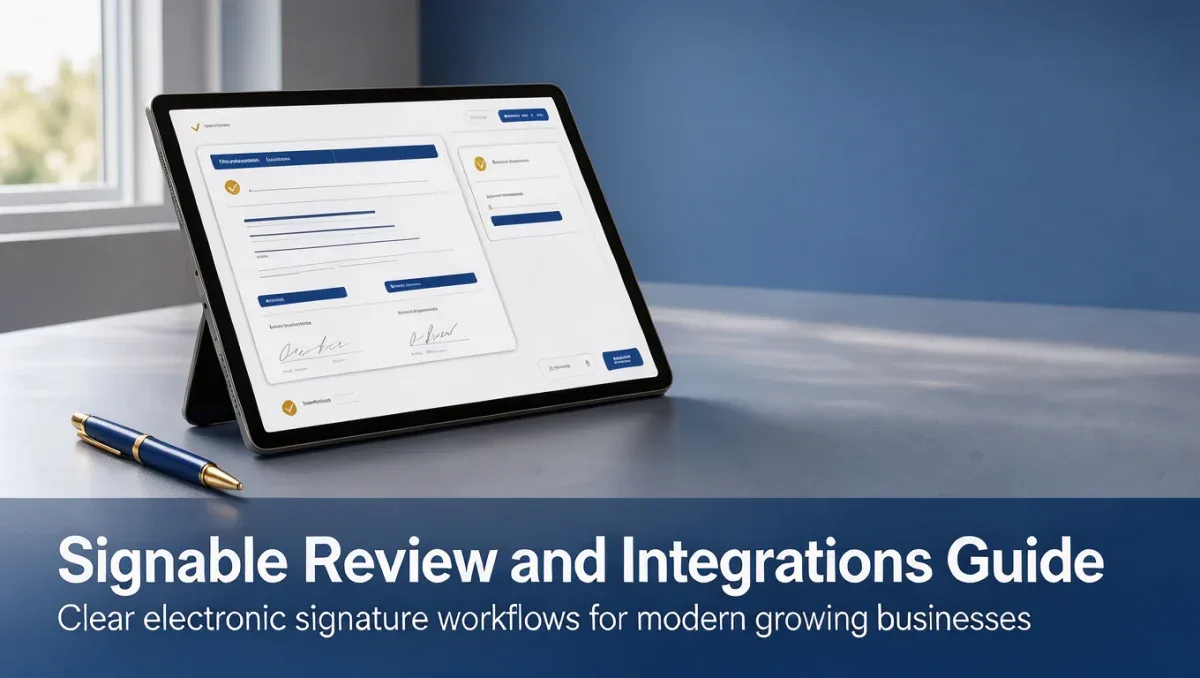
Signable is an electronic signature application created to help organizations execute agreements electronically. The software replaces manual scanning, printing, and postal dispatch with digital document preparation, dispatch, and legal signing. Independent consultants, recruitment firms, property managers, and administrative teams frequently choose this class of tool to accelerate transaction turnarounds.
Readers relying on Best Software Reviews for objective software guidance will appreciate that Signable focuses strictly on core signature execution. Organizations that handle high volumes of client service agreements, employment offers, and supplier waivers benefit from keeping signature gathering structured and traceable.
- Small and midsize business operators seeking rapid turnaround on recurring client contracts.
- Human resources and operations coordinators managing distributed employee onboarding paperwork.
- Agencies and consultancies needing clean document dispatch and signature confirmation.
3. What Signable Helps You Do
Electronic signature platforms serve distinct document governance tasks across everyday business administration. Understanding these functional areas ensures your organization tests the right capabilities during your software review.
3.1 Document Preparation and Field Placement
Signable enables teams to upload standard digital files, place signature and date fields, and assign specific completion areas to designated signers. When configuring templates, users should evaluate how easily reusable templates can be stored for routine contracts such as non-disclosure agreements.
3.2 Automated Document Dispatch and Tracking
The platform facilitates sending signature requests directly to signer email addresses with automated tracking. Administrators can monitor when a recipient opens an agreement, completes fields, or requires reminder notifications to finalize the transaction.
3.3 Digital Audit Trails and Document Completion Certificates
Upon completion of all signature fields, electronic signature platforms generate verifiable audit trails showing completion timestamps, signer email confirmations, and digital verification records. Businesses should review these audit outputs with legal or compliance advisors to verify alignment with local digital signature regulations.
4. Ease of Use and Learning Curve
Electronic signature solutions generally maintain low onboarding friction compared to broad enterprise resource systems. Signable provides a clean pathway from document upload to recipient dispatch, allowing new team members to send agreements quickly.
Because signers do not need software accounts to review and execute agreements, friction on the recipient side remains minimal. However, administrative setup requires careful planning around template organization, team permission boundaries, and naming conventions for completed documents.
| User Experience Area | Expectation for New Users | Recommended Action |
|---|---|---|
| Signer experience | Minimal friction, requiring only browser access to sign. | Send a test agreement to an internal address to verify mobile responsiveness. |
| Template creation | Direct drag-and-place field positioning. | Build two recurring standard templates before rolling out to clients. |
| Administrative management | Central document tracking and status monitoring. | Establish clear document naming conventions for easy retrieval. |
5. A Two-Week Evaluation Plan for Signable
bestsoftwarereviews recommends a structured fourteen-day testing cycle when assessing electronic signature tools. This phased routine tests functional requirements without disrupting existing business operations.
- Days 1 to 3: Upload standard business agreements and test basic signature field assignments with internal colleagues acting as signers.
- Days 4 to 7: Evaluate automated reminders, audit log generation, and mobile signing performance across different handheld devices.
- Days 8 to 14: Check the official Signable integrations directory to see how completed files export to your storage repositories, and review team permissions.
6. Where Signable Shines and Where It May Fall Short
Every business software platform involves trade-offs between specialization and broad enterprise capability. Evaluating these characteristics helps buyers align their document demands with software strengths.
| Area | Shines When | May Fall Short When |
|---|---|---|
| Operational simplicity | Teams require direct signature requests without complex onboarding steps. | Organizations demand automated multi-stage contract redlining and legal drafting. |
| Recipient interaction | External parties need to sign contracts rapidly on any web browser. | Workflows require complex identity verification mechanisms beyond standard email confirmation. |
| Template reuse | Staff routinely send repetitive standardized agreements like non-disclosure forms. | Agreements involve dynamic clause libraries that update based on algorithmic rules. |
| Workflow connectivity | Documents route cleanly to basic archiving and notification pipelines. | Enterprises require bi-directional enterprise data synchronization across bespoke ERP databases. |
7. Signable Compared with Similar Tools

The electronic signature market includes several long-standing options, each addressing specific organizational scale and technical sophistication. Reviewing how Signable sits against established alternatives clarifies its operational niche.
| Tool | Best For | Core Focus |
|---|---|---|
| Signable | Small and medium businesses needing straightforward document execution. | Direct electronic signatures and audit trail generation. |
| DocuSign | Mid-market to large enterprises with complex contract governance. | Broad agreement management and enterprise compliance frameworks. |
| PandaDoc | Sales and marketing teams combining proposals with signatures. | Document creation, CPQ quoting, and visual proposal workflows. |
8. Who Should Use Signable
Software fit depends on transaction frequency, team complexity, and whether your operations require standalone signing or full contract negotiation tools. Review the suitability matrix below to assess your team profile.
| Business Segment | Suitability | Key Considerations |
|---|---|---|
| Freelancers and sole proprietors | Suitable | Straightforward document signing fits individual contract management needs well. |
| Small business owners | Highly suitable | Provides core signature compliance without enterprise administrative overhead. |
| Agencies and consultancies | Suitable | Efficient for recurring service agreements and project sign-offs. |
| Enterprise legal departments | Caution advised | May require deeper clause management and dedicated contract negotiation platforms. |
9. Pricing at a Glance
Subscription structures in the electronic signature market vary significantly between per-user monthly models and pay-per-envelope consumption models. Buyers must evaluate their projected monthly sending volume before choosing a plan.
- Confirm whether your subscription charges on a per-user seat basis or through prepaid document envelope packages on the official Signable pricing page.
- Check whether document volume allowances roll over between billing cycles or reset monthly.
- Verify if additional team administrative roles incur extra recurring charges.
10. Frequently Asked Questions
What should businesses verify regarding electronic signature legality?
Businesses should verify that electronic signature software complies with local digital transaction regulations applicable in their jurisdiction. Legal standards in regions such as the United Kingdom, European Union, and North America define specific requirements for signer intent, authentication, and tamper-evident audit records that your legal counsel should review.
How do electronic signature integrations impact administrative efficiency?
Integrating signature software with cloud storage, CRM, or document storage platforms reduces manual file downloading and re-uploading. When a recipient signs an agreement, connected workflows automatically transfer completed documents and completion certificates directly into designated client folders, reducing filing oversights.
What document formats are compatible with digital signature tools?
Most electronic signature platforms accept standard document formats such as PDF, Microsoft Word, and image files. Once uploaded, these files convert into standardized digital pages where signature tags, date markers, and text entry fields can be placed for recipient completion.
When should an organization choose contract lifecycle software over standalone signing?
Organizations should consider dedicated contract lifecycle management suites when agreements require cross-departmental legal redlining, automated clause generation, and post-execution milestone monitoring. Standalone electronic signature tools focus strictly on the execution and signing phase rather than complex contract drafting.
11. Final Verdict on Signable and Workflow Fit
Signable delivers dependable, focused electronic signature execution tailored for small and midsized organizations that value operational simplicity. Teams evaluating software in 2026 can consult the weighted evaluation breakdown below before making a procurement decision.
| Criterion | Score /10 | Reason |
|---|---|---|
| Features | 7.5 | Provides reliable core signature collection and audit tracking, though lacks advanced enterprise contract drafting modules. |
| Ease of Use | 8.5 | Intuitive document upload and field assignment ensure rapid adoption with minimal training requirements. |
| Pricing and Value | Confirm before buying | Confirm current billing models and document sending limits on the official website to match your monthly volume. |
| Integrations | Confirm before buying | Confirm software connectors and external platform compatibility on the official Signable integrations page prior to purchase. |
| Audience Fit | 8.0 | Directly aligned with small businesses, operational coordinators, and agencies needing clean signature collection. |
| Support | Confirm before buying | Confirm live support channels, response timelines, and onboarding resources directly on the official website. |
| Competitive Position | 7.0 | Maintains a clear focus on straightforward signing, positioned distinctively away from heavy enterprise contract suites. |
| Overall Score | 7.8 / 10 | Calculated average across evaluated qualitative criteria. |
Have a question about choosing software? Send it to the bestsoftwarereviews team through our contact page or follow bestsoftwarereviews on LinkedIn for new reviews and comparisons.