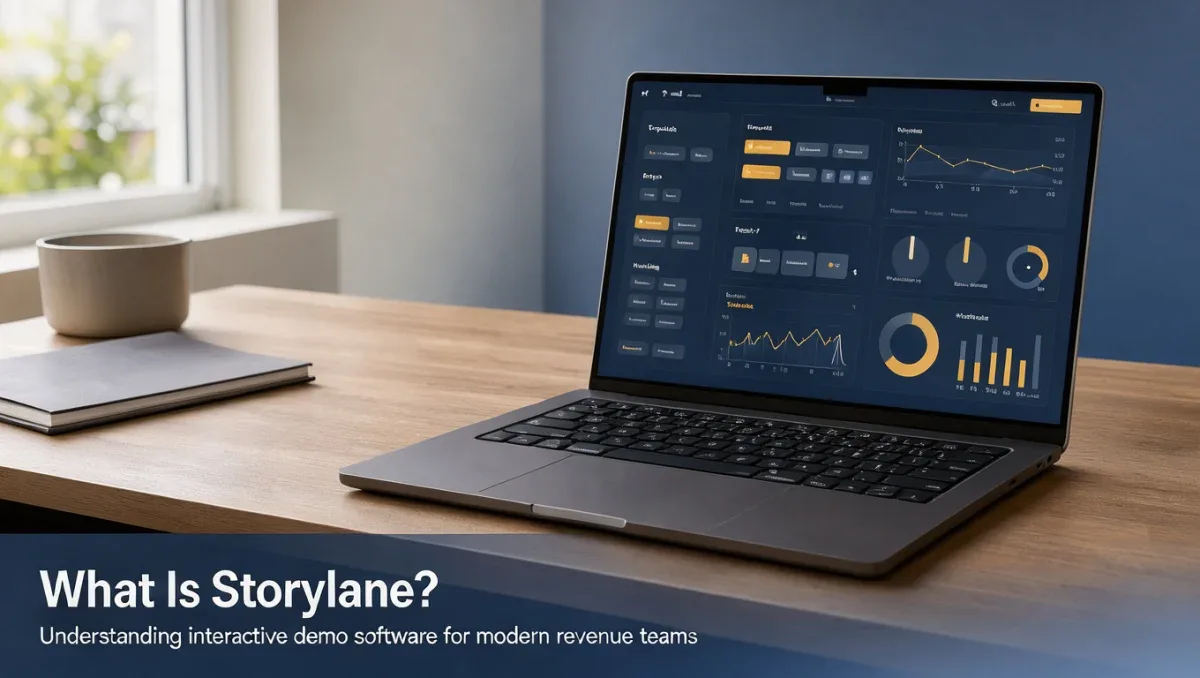
At its heart, Storylane is a sophisticated interactive product demo platform. It enables software companies to capture their application's interface and transform it into engaging self-guided tours or structured walk-throughs. This allows prospective buyers to experience the product's value earlier in the sales cycle, without the need for engineering assistance or live staging environments.
As software buyers increasingly demand hands-on evaluation before engaging with sales representatives, tools that create clickable, guided previews have become indispensable. This guide delves into how Storylane functions, who benefits most from interactive tour technology, and how to assess if this type of tool aligns with your organization's needs. It's a key component in modern Marketing strategies.
In essence, Storylane provides a solution for marketing, sales, and product teams to build interactive, clickable software tours. It helps organizations showcase their application interfaces, capture prospect interest on their websites, and support sales conversations effectively, all without the complexity of maintaining live demo environments.
| Detail | Overview |
|---|---|
| Software Category | Interactive product demo and buyer enablement platform |
| Primary Function | Capturing digital product screens to build clickable guided walk-throughs |
| Common Users | Product marketers, sales enablement leads, and growth teams |
| Competitors | Navattic, Tourial, Walnut |
Understanding Storylane's Capabilities
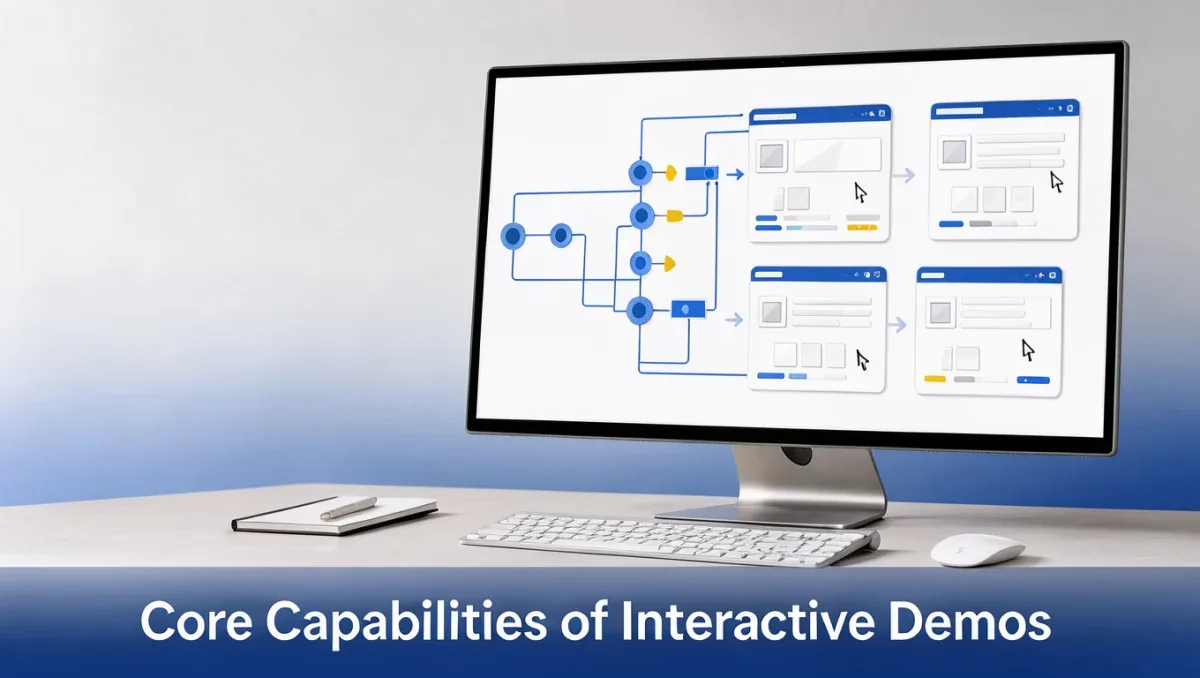
Storylane operates within the interactive demo and product showcase software sector. Instead of relying solely on static screenshots, slide decks, or recorded videos, this type of tool allows teams to offer direct, hands-on product experiences to prospects.
Interactive Screen Capture
By capturing the actual front-end screens of a web application, creators can assemble authentic product representations. Companies utilize these captured views to construct step-by-step click-through experiences that closely mimic navigating a live account.
Guided Tour Customization
The platform allows for the addition of contextual tooltips, callout banners, and modal explainers to guide visitors through core application value points. This highlights primary workflows, ensuring prospects grasp key benefits without getting lost in extraneous settings.
Audience Personalization
Creating tailored variations of an interactive tour enables revenue teams to cater to distinct buyer personas or industry verticals. Product marketers can present unique narrative flows for technical users versus executive stakeholders.
Engagement Analytics and Tracking
Tracking visitor navigation through demo steps reveals which screens hold user attention and where viewers tend to drop off. These behavioral insights help revenue specialists qualify prospect intent before scheduling formal meetings.
Integrating Storylane into Your Workflow
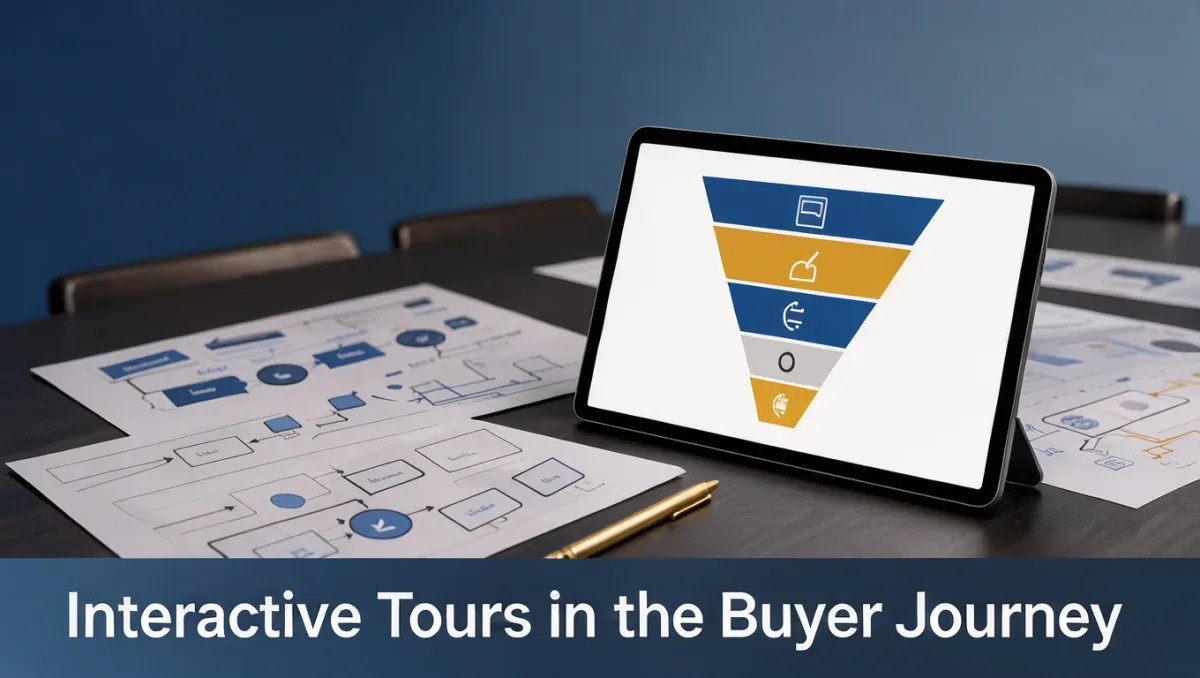
Interactive demo platforms act as a crucial bridge between high-level website messaging and in-depth live sales engineering calls. Modern marketing professionals deploy these self-guided tours across multiple touchpoints to effectively qualify buyer curiosity. Explore how what is Storylane can enhance these touchpoints.
| Business Task | How This Software Helps | Remaining Responsibilities |
|---|---|---|
| Website Lead Qualification | Allows site visitors to independently explore product workflows, building immediate interest. | Crafting the product narrative, writing descriptive tooltips, and designing call-to-action paths. |
| Sales Outbound Outreach | Provides clickable, personalized product previews within email campaigns or proposals. | Identifying account targets and deciding on specific product angles that match their needs. |
| Live Sales Discovery Calls | Offers controlled, stable presentation environments that avoid crashes or messy demo data. | Leading the strategic discussion and addressing specific customer questions during conversations. |
| Customer Onboarding and Training | Walks new users through introductory product setup steps at their own pace. | Creating the onboarding curriculum and ensuring overall customer success milestones are met. |
Key Terminology Explained
- Interactive Product Demo: A self-paced, clickable digital walkthrough simulating software usage without a live user account.
- HTML Screen Capture: A recording method capturing an interface's underlying web code for editing text and images in presentations.
- Demo Automation: The systematic process of sharing guided product tours to reduce manual, repetitive sales engineer presentations.
- Buyer Enablement: Providing prospective customers with clear information, interactive trials, and collateral to simplify their internal buying decisions.
- Tour Analytics: Metrics detailing completion rates, time per step, and drop-off points across an interactive presentation.
Identifying Ideal Users for Interactive Demos
Understanding whether interactive demo software fits your operational model is key to avoiding unnecessary tool adoption.
- Teams that benefit: B2B software companies with complex, multi-step workflows that are challenging to explain through static images alone.
- Teams that benefit: Sales enablement specialists seeking reliable demonstration assets that bypass live environment bugs.
- Teams that benefit: Growth marketers aiming to boost website visitor engagement through self-directed product discovery.
- Organizations that may not need it: Companies selling simple mobile utilities or physical goods where software walkthroughs offer minimal value.
- Organizations that may not need it: Early-stage ventures lacking a functional digital interface ready for capture.
- Organizations that may not need it: Teams without the internal resources to maintain and update captured workflows as products evolve.
Getting Started with Interactive Demos
- Define your primary demonstration objective, such as top-of-funnel website conversion or post-discovery sales leave-behinds.
- Map out a concise product storyline focusing on three or four core user achievements, rather than every menu setting.
- Clean your product interface by preparing representative demo data that appears realistic and professional.
- Consult the official Storylane pricing documentation to confirm seat structures, demo limits, and publishing permissions before making a selection.
- Assemble your initial interactive tour and conduct internal testing of navigation paths with non-technical team members before public launch.
Frequently Asked Questions
What differentiates interactive product tours from standard video recordings?
Interactive product tours allow prospects to click through interface steps at their own pace, unlike passively watching a linear video. Viewers control advancement, click simulated buttons, and inspect data points relevant to their business case, fostering deeper product understanding.
Which team members typically manage interactive demo software?
Product marketing managers, sales enablement directors, and growth leads usually create and maintain these interactive experiences. Since the technology captures existing software front ends, daily authoring doesn't demand continuous developer coding, making it practical for non-engineering departments.
What technical preparation is needed before capturing software screens?
Teams require access to a functioning web application environment with clean, realistic sample data. Preparing tidy user accounts without confusing test labels ensures captured screens convey professional credibility to external evaluators reviewing your walkthroughs.
How do interactive demos impact sales conversations?
Prospective customers arrive at scheduled calls with a foundational understanding of the software's interface functionality. This familiarity shifts initial meetings from basic navigation overviews to more in-depth discussions about implementation, business outcomes, and specific company requirements.
Conclusion
An evaluation of what Storylane offers reveals a dedicated platform for converting digital products into interactive, guided buyer journeys. Organizations looking to modernize their sales enablement and website conversion strategies can leverage this technology to effectively communicate software value, provided they maintain clean underlying application workflows. For more insights, visit Best Software Reviews.