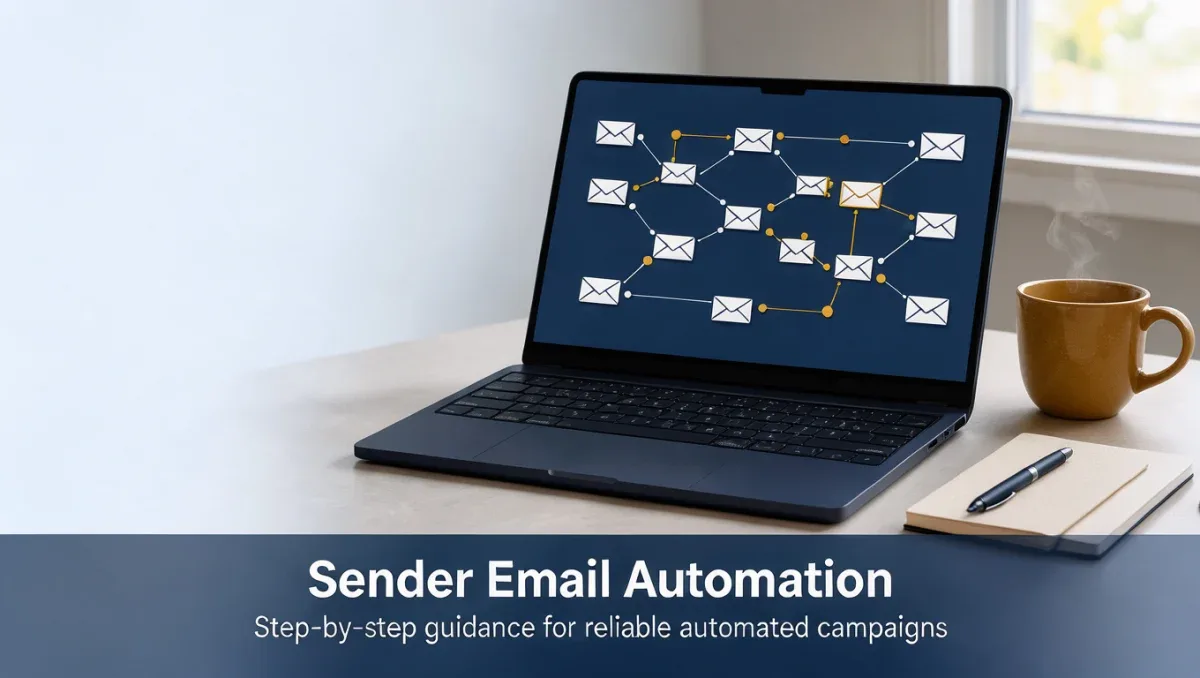
Leveraging the power to automate email campaigns with sender email marketing enables seamless communication without constant manual oversight. This guide breaks down the process of setting up trigger events, structuring message flows, and analyzing performance metrics effectively. Automating your outreach ensures consistent engagement with your audience while optimizing valuable team hours. For guidance on selecting the best tools, consulting Best Software Reviews can help establish dependable procedures for matching subscriber expectations with tailored messaging.
Quick answer: Automating email campaigns with Sender involves preparing accurate contact records, defining clear trigger conditions, crafting sequential messages, conducting thorough tests, and monitoring delivery on the official Sender platform before activating your campaigns.
| Key Elements | Requirements |
|---|---|
| Target Audience | Entrepreneurs, content creators, and teams streamlining subscriber interactions |
| Prerequisites | Sender account, authenticated domains, verified lists, and prepared content |
| Outcome | A functioning automated sequence triggered by user actions, with scheduled maintenance |
Essential Preparations Before Launching Automation

Organizing your assets is crucial before initiating automated communications to prevent delivery issues. Email platforms enforce stringent authentication to safeguard inboxes from unwanted messages.
- Domain Authentication: Secure your DNS credentials for setting up sender verification protocols like SPF and DKIM.
- Consent Records: Verify explicit opt-in consent from every recipient for your communications.
- Content Assets: Prepare plain text drafts, subject lines, and visual elements in advance.
- Data Fields: Identify necessary custom fields, such as personalization tags or purchase history, for your sequences.
- Sender Policies: Review sending guidelines and domain reputation requirements on Sender's official website.
Implementing Your Automated Email Campaign Workflow
Automating outgoing messages necessitates clear sequences directly linked to user actions. Successful Marketing relies on clean contact management and relevant content delivery over sporadic mass mailings.
- Authenticate Sender Credentials: Ensure your sending domain is verified per provider rules to protect deliverability before sending tests.
- Segment Your Audience: Group contacts by source, interest, or signup date to ensure triggered messages are relevant.
- Define the Trigger: Choose the specific action, like a form submission or tag addition, that initiates the automation.
- Build the Message Sequence: Arrange emails logically with appropriate delays between each send.
- Test Message Delivery: Send test emails to various internal inboxes to check rendering and link functionality.
- Activate and Monitor: Enable the automation and observe the logs on the Sender website to confirm recipients are correctly entering the flow.
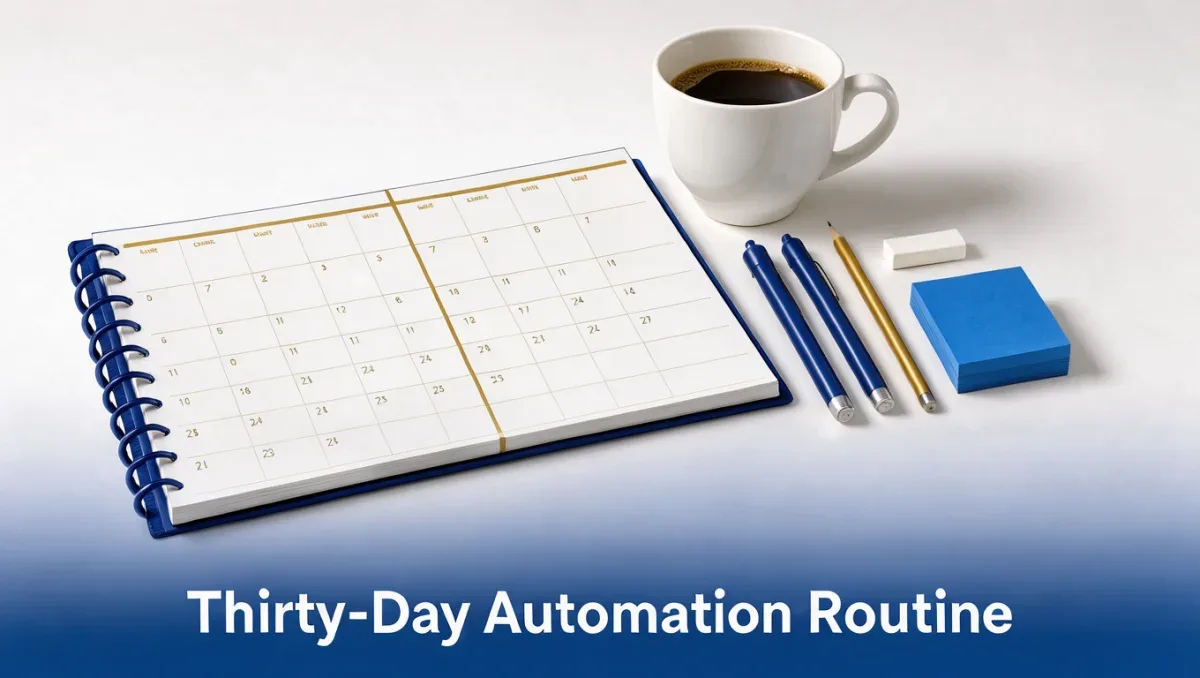
Establishing Your Automation Routine in the First Month
Launching a sequence is just the beginning. Implementing regular review intervals during the initial month ensures your messages remain accurate, deliverable, and aligned with your growth objectives.
| Timeline | Routine | Importance |
|---|---|---|
| Week 1 | Daily check of delivery logs and bounce reports | Immediately identifies authentication issues or broken links post-launch. |
| Week 2 | Analyze subscriber feedback and unsubscribe reasons | Reveals if message frequency is too high or if subject lines are misleading. |
| Week 3 | Audit list segments and remove invalid contacts | Maintains your sender reputation with major email providers. |
| Week 4 | Compare engagement trends to goals | Provides insights for refining content and timing for future months. |
Common Pitfalls and How to Navigate Them
Many teams face deliverability challenges when adopting automated workflows. Recognizing common mistakes helps protect your brand and maintain subscriber trust.
- Sending Without Authentication: Skipping SPF or DKIM setup can lead to emails being marked as spam.
- Overwhelming New Contacts: Sending too many messages too quickly often results in unsubscribes and complaints.
- Neglecting List Hygiene: Continuing to send to inactive or invalid addresses harms your sender score.
- Failing to Test Links: Broken external links frustrate users and decrease campaign effectiveness.
- Ignoring Mobile Responsiveness: Designs that don't display well on mobile devices reduce readership.
Seeking Assistance When Needed
While automated sequences simplify communication, technical issues may require external support. Knowing when to escalate prevents prolonged disruptions.
- Domain Configuration Errors: Consult your domain host or IT support if DNS records consistently fail validation.
- Sudden Delivery Drops: If emails are not reaching inboxes, seek help from deliverability specialists or Sender's support team.
- Compliance Questions: Consult a legal expert on privacy laws like GDPR or CAN-SPAM before processing personal data.
- Complex Data Sync: Engage a technical developer if contact data transfer between systems is problematic.
Frequently Asked Questions
What technical prerequisites are needed for setting up an automated sequence?
You need administrative access to your domain's DNS settings, an authenticated sending address, compliant subscriber data, and pre-written message content. Ensuring these are ready guarantees consistent inbox delivery.
How should message timing intervals be determined?
Timing should align with subscriber expectations set during signup. Educational sequences might benefit from multi-day intervals, while transactional messages need immediate dispatch. Analyzing engagement data helps refine spacing.
Why do automated emails sometimes end up in spam folders?
Emails can land in spam due to missing domain authentication, spam trigger words in the content, or skipped list verification. Maintaining clean lists and following sender guidelines minimizes these issues.
What steps should be taken if contacts stop entering a workflow?
Verify that the trigger condition is correctly configured and that integrated forms are sending data without errors. Check active integration statuses and list enrollment criteria to identify the bottleneck.
Moving Forward with Automation
After understanding the fundamentals of campaign automation, taking deliberate steps will transform strategy into effective execution. You can learn more about how to automate email campaigns with sender email marketing by exploring Sender's resources.
- Complete domain authentication via your DNS manager for optimal inbox placement.
- Draft your initial welcome sequence, detailing the purpose and delays for each email.
- Consult the official Sender knowledge base to confirm current workflow settings and list management capabilities.
- Schedule a monthly audit to review delivery metrics and subscriber feedback.