bestsoftwarereviews may earn a commission when you buy through links on this page, at no extra cost to you. This does not affect our ratings.
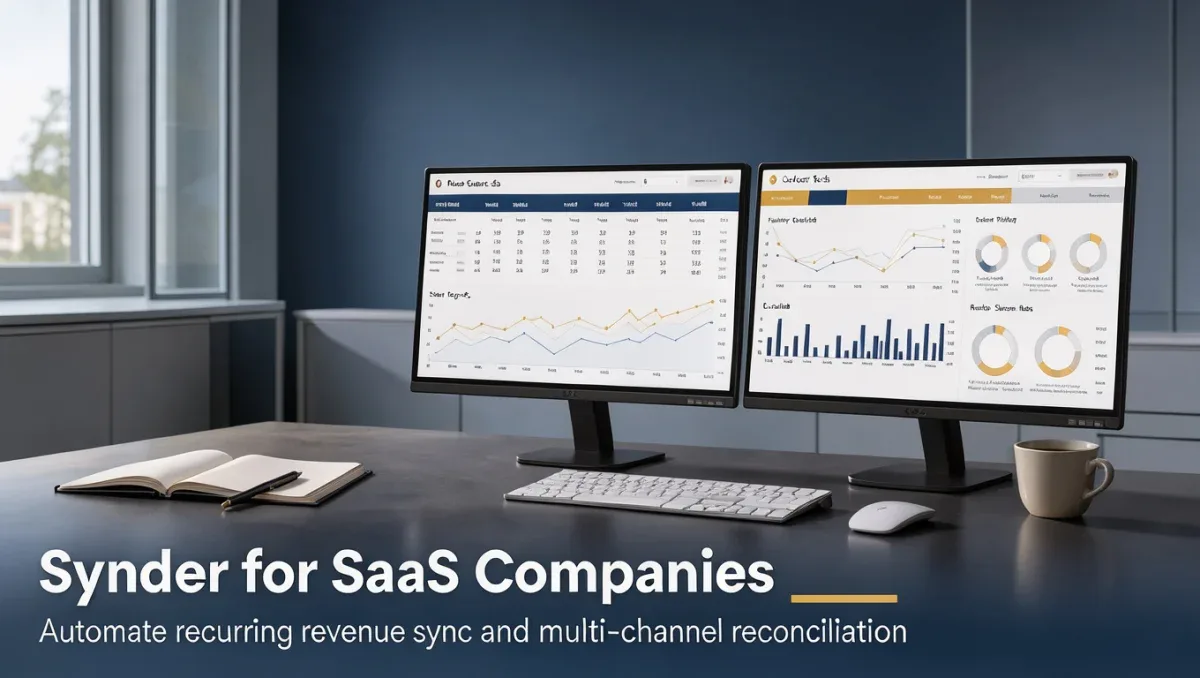
Synder for SaaS companies provides automated financial data synchronization designed to translate high-volume subscription transactions into clean accounting entries. Subscription business models generate complex billing events, including recurring charges, refunds, failed payments, and deferred revenue balances that often overwhelm manual bookkeeping routines. In this independent evaluation, bestsoftwarereviews examines how the platform handles these financial workflows and whether it meets the needs of growing digital services.
Selecting the right bookkeeping automation platform determines how accurately your business records monthly recurring revenue and meets reporting obligations. You can discover in-depth software evaluations and guidance on Best Software Reviews to make informed operational investments. Understanding the operational boundaries of this tool helps finance leaders decide if adopting synder for saas companies fits their current growth stage.
Quick verdict: Synder scores 8.3 out of 10 for software businesses. It is best for software businesses needing automated synchronization between subscription billing processors and general ledgers. It is not ideal for solo operators with simple single-currency invoicing who do not require automated deferred revenue handling.
| Metric | Details |
|---|---|
| bestsoftwarereviews score | 8.3 / 10 |
| Best for | Subscription businesses and digital services managing recurring transactions |
| Not ideal for | Freelance professionals with low-volume manual billing |
| Key strengths | Automated transaction recording, multi-channel payment reconciliation, and subscription revenue categorization |
| What to check before buying | Confirm transaction volume thresholds and add-on costs on the official vendor website |
1. How bestsoftwarereviews Reviewed Synder
This review looks at what Synder is built to do, who it serves, and how it compares with similar tools, using the seven bestsoftwarereviews criteria: features, ease of use, pricing and value, integrations, audience fit, support and competitive position. Plans, prices and limits change often, so we point out what to confirm on the official website before you buy. This article was researched and drafted with the help of AI tools, then reviewed and edited by the bestsoftwarereviews Editorial Team.
2. What is Synder and who is it for
Synder is a financial data synchronization and bookkeeping automation platform developed by Cloud Business. The software bridges the gap between payment processing systems, e-commerce checkouts, and primary accounting ledgers. Instead of requiring finance teams to export spreadsheets and create manual journal entries, the platform captures transactional events and books them directly into standard financial books.
The platform is designed primarily for subscription firms, digital service providers, and multi-channel online merchants. These businesses face distinct accounting complexities, such as merchant processing fees, customer disputes, partial refunds, and multi-currency conversions. By automating the transfer of transactional records, Synder aims to help founders and finance departments maintain audit-ready financial statements without expanding administrative headcount.
3. What Synder helps you do
3.1. Automated transaction recording
Managing high-volume digital subscriptions creates hundreds or thousands of individual ledger entries every month. Synder automates the recording of individual sales, processor fees, taxes, and customer refunds into your general ledger. When testing this functionality, prospective buyers should review whether transactions are posted as detailed individual entries or consolidated daily summaries to keep their chart of accounts organized.
3.2. Deferred revenue and revenue recognition
SaaS businesses that collect upfront annual payments must distribute revenue across service delivery periods to comply with standard financial guidelines. Synder assists finance teams by categorizing recognized income versus deferred liability balances over the subscription lifecycle. Companies evaluating this area should test how the software tracks cancellations and upgrades mid-cycle against standard balance sheet classifications within their wider Accounting setup.
3.3. Multi-processor reconciliation
Digital companies frequently process payments across multiple gateways, creating reconciliation discrepancies between bank deposits and gross sales figures. Synder captures gross receipts, deducts processing fees, and accounts for rolling reserves before matching net amounts to bank feeds. Users should verify how payouts are grouped to ensure that clearing accounts clear to zero without lingering discrepancies.
4. Ease of use and learning curve
Financial synchronization software inherently carries a steeper learning curve than basic invoicing utilities because it touches core accounting structures. Setting up Synder requires configuring clearing accounts, tax agency rules, and payment processor mappings to avoid creating duplicate ledger records.
For teams with bookkeeping experience, the initial setup follows standard accounting logic and provides clear categorization rules. However, non-technical founders without accounting guidance may find the configuration process demanding. Working alongside a certified accountant during initial rule configuration helps prevent ledger clutter and ensures accurate reporting from the beginning.
5. A two-week evaluation plan for Synder
- Days 1 to 3: Map your financial architecture by documenting your active payment gateways, chart of accounts, and primary bank clearing accounts. Confirm on the official Synder website which sync modes match your accounting platform setup.
- Days 4 to 7: Run synchronization tests on historical data from a single payment channel. Check whether gross sales, processor fees, and refunds land in the appropriate expense and revenue accounts without creating duplicate entries.
- Days 8 to 14: Review balance sheet reconciliation and tax postings across all active sales avenues. Evaluate whether daily summaries match bank deposit records and consult your bookkeeper to verify that financial statements remain balanced.
6. Where Synder shines and where it may fall short
| Area | Shines when | May fall short when |
|---|---|---|
| Transaction synchronization | Businesses handle hundreds of daily transactions across diverse payment gateways | A company sends only a few manual invoices each month |
| Financial reconciliation | Finance teams need automated matching between payment processor net payouts and bank feeds | Bank feeds are managed manually without structured clearing accounts |
| Revenue categorization | SaaS operators need systematic separation of recurring charges, processing fees, and refunds | Custom accounting schemas require non-standard transaction attributes |
| System configuration | Teams work with an experienced bookkeeper to establish mapping rules | Non-finance operators attempt setup without understanding double-entry principles |
7. Synder compared with similar tools
| Tool | Best for | Core focus |
|---|---|---|
| Synder | SaaS and multi-channel businesses | Automated transaction syncing, clearing account reconciliation, and subscription revenue recording |
| QuickBooks Online | Small to mid-sized businesses | Core general ledger bookkeeping, business invoicing, and financial reporting |
| Xero | Growing companies and collaborative teams | Double-entry accounting, bank reconciliation, and business management workflows |
| FreshBooks | Freelancers and service agencies | Project time tracking, client billing, and basic expense monitoring |
8. Who should use Synder

| User segment | Fit assessment | Primary consideration |
|---|---|---|
| SaaS founders and finance teams | Recommended | Automates high-volume subscription entries, fee separation, and recurring revenue recognition |
| Multi-channel merchants | Recommended | Consolidates sales, payment processor deductions, and multi-currency transactions into one ledger |
| Growing startups with external accountants | Recommended | Reduces manual data entry hours and provides cleaner records for month-end close procedures |
| Freelance professionals and sole contractors | Not recommended | Standard invoicing software covers manual billing without requiring specialized data sync infrastructure |
| Businesses without established bookkeeping software | Not recommended | Synder functions as a synchronization bridge rather than a standalone general ledger |
9. Pricing at a glance
- Confirm on the official Synder website whether plans are tiered by monthly transaction limits, connected channels, or sync frequency to estimate total monthly investment.
- Check whether historical data synchronization requires an additional fee or is included in the base subscription plan.
- Review whether organizational seats for external bookkeepers require separate paid licenses or are included across all tiers.
10. Frequently asked questions
10.1. What business problems does Synder address for software companies?
Subscription companies generate numerous micro-transactions, merchant fees, chargebacks, and multi-currency events that overwhelm manual entry. Synder automates data entry by translating payment gateway activity into structured accounting entries, keeping the general ledger balanced and reducing month-end close preparation time.
10.2. What accounting preparation is necessary before setting up Synder?
Businesses should have an active general ledger, a documented chart of accounts, and dedicated clearing accounts for each payment gateway. Having clear definitions for sales tax, refund categories, and merchant fee expenses ensures that synchronization rules map accurately from the start.
10.3. Which operational aspects should teams verify prior to purchasing?
Prospective users should verify transaction volume caps, additional costs for scaling processing volume, and policies regarding historical data imports directly on the official Synder pricing page. Confirming these items ensures your monthly budget aligns with anticipated business expansion.
10.4. Should an accountant be involved during the initial implementation?
Consulting an accounting professional or certified bookkeeper during initial configuration helps guarantee that transaction rules comply with revenue recognition requirements. Professional guidance prevents miscategorized balances and ensures clearing accounts reconcile properly with bank deposits.
11. Final verdict
| Criterion | Score / 10 | Reason |
|---|---|---|
| Features | 8.8 / 10 | Provides specialized automation for subscription recording, fee splitting, and multi-channel reconciliation |
| Ease of Use | 7.8 / 10 | Requires understanding double-entry principles and careful initial clearing account setup |
| Pricing and Value | Confirm before buying | Review official subscription plans to match anticipated transaction volume against tiered limits |
| Integrations | Confirm before buying | Verify current supported payment processors and accounting platforms on the official vendor website |
| Audience Fit | 8.4 / 10 | Well suited for digital subscription models, online retailers, and finance departments managing recurring revenue |
| Support | Confirm before buying | Check official service level agreements and available communication channels on the vendor site |
| Competitive Position | 8.2 / 10 | Focuses on transaction-level synchronization rather than acting as a standalone general ledger |
| Overall score | 8.3 / 10 | Consolidated bestsoftwarereviews evaluation score across all assessed categories |
Synder offers practical capabilities for SaaS companies seeking to eliminate tedious spreadsheet reconciliation and automate transactional accounting entries. Software businesses managing recurring billing across multiple gateways will benefit most from its structured clearing workflows. We advise scheduling a trial run during your monthly close and consulting your financial advisor to ensure your data mapping rules align with your long-term reporting goals.
Have a question about choosing software? Send it to the bestsoftwarereviews team through our contact page or follow bestsoftwarereviews on LinkedIn for new reviews and comparisons.