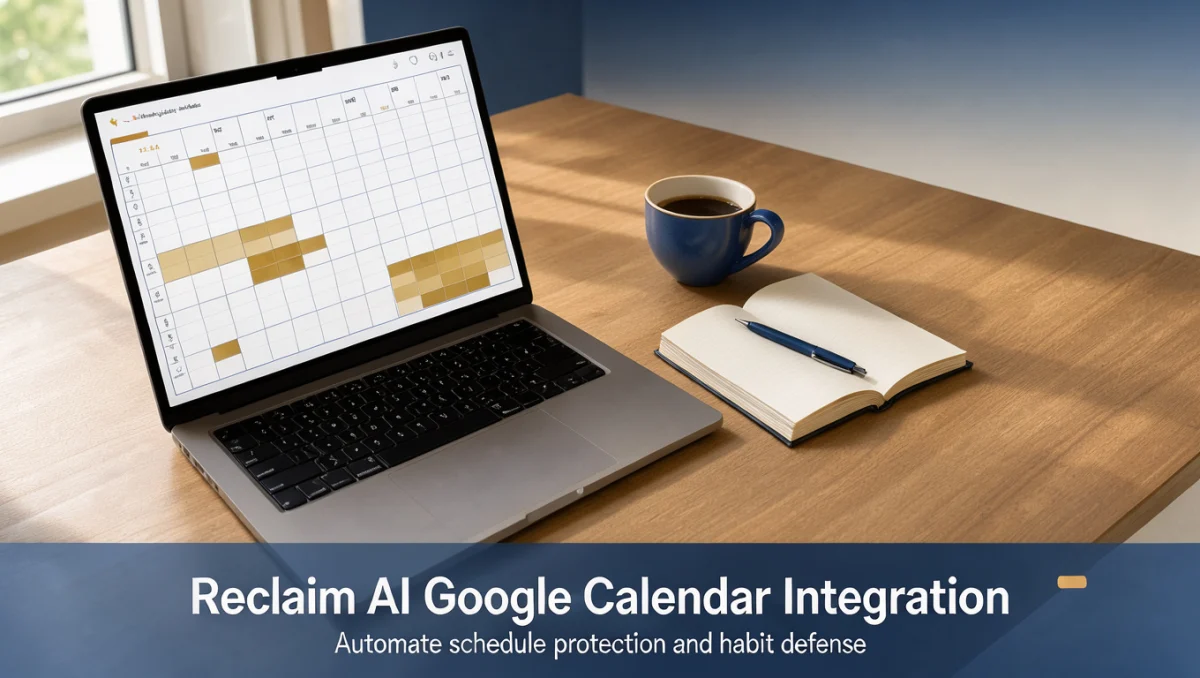
Understanding Reclaim AI's Purpose
Reclaim AI is an intelligent assistant designed to optimize your digital calendar. It automates schedule management, striking a balance between flexible habits, routine tasks, and external appointments. Professionals often turn to such tools to reclaim time lost to manual calendar adjustments. This platform connects with your existing schedule to safeguard crucial focus periods, synchronize various personal or work agendas, and ensure time is preserved for recurring responsibilities.
For organizations with dynamic obligations, protecting dedicated work blocks from constant meeting requests can be challenging. Automated calendar software offers a solution by integrating with existing schedules to defend priority focus times, sync multiple calendars, and maintain room for essential recurring tasks.
Quick verdict: With an overall score of 7.8/10, the reclaim ai google calendar integration is ideal for individual contributors and cross-functional professionals needing automated schedule protection. It's less suited for users who prefer manual time-blocking without dynamic adjustments.
| Metric | Summary |
|---|---|
| Best Software Reviews score | 7.8/10 |
| Best for | Professionals balancing dense meetings with recurring focus tasks |
| Not ideal for | Users demanding total manual control over every calendar item |
| Key strengths | Automated schedule defense, recurring habit allocation, multi-agenda synchronization |
| Before buying | Check user limits, sync options, and workspace settings on the official Reclaim AI website |
How This Review Was Conducted
This review assesses Reclaim AI's core functionalities, target audience, and competitive positioning. We evaluated it against seven key criteria: features, ease of use, pricing, integrations, audience fit, support, and competitive standing. As plans and pricing can change, always verify details on the official website. This article was researched and drafted with AI assistance, then meticulously reviewed and edited by the Best Software Reviews Editorial Team.
What is Reclaim AI and Who Benefits Most
Reclaim AI acts as an intelligent calendar assistant, safeguarding your availability, scheduling tasks automatically, and unifying multiple time-management agendas. Instead of treating appointments as fixed digital blocks, this automation categorizes items based on flexible priorities and fixed commitments.
The primary audience includes knowledge workers, project coordinators, product leaders, and consultants whose daily schedules are frequently interrupted by meetings. When unexpected conferences arise, automated platforms can intelligently reschedule non-urgent focus blocks into alternative open slots.
Many professionals leverage software from the Artificial Intelligence sector to streamline administrative tasks and overcome calendar gridlock. For teams aiming for balanced workdays, these automated tools provide a structured alternative to constant manual rescheduling.
Key Features of Reclaim AI
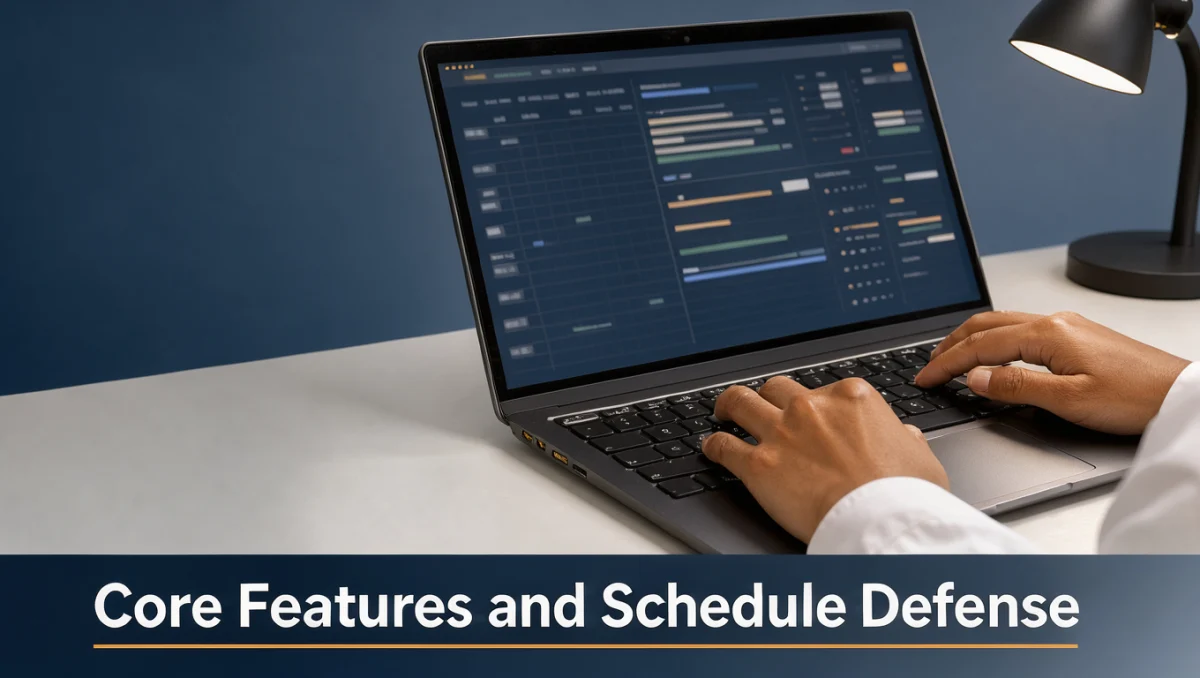
Understanding the capabilities of scheduling engines is crucial for determining if automated calendar assistance aligns with your team's communication habits.
Automated Task and Habit Scheduling
Task defense enables users to assign recurring habits, such as daily planning or administrative check-ins, directly into available calendar space. The system initially marks these blocks as tentative until calendar space tightens, converting them to occupied status when meeting invitations threaten to displace them.
Multi-Agenda Calendar Synchronization
Professionals managing both personal and work commitments often face overlapping obligations. This calendar sync functionality mirrors availability from a secondary calendar to a primary workplace calendar, while discreetly masking sensitive appointment details.
Smart Meeting and Break Buffering
Back-to-back meetings without adequate transition or decompression time significantly degrade workday productivity. This software intelligently inserts buffers following lengthy collaborative sessions, preserving essential space for transition and necessary breaks.
Ease of Use and Initial Setup
Adopting calendar automation involves a shift in how individuals perceive appointment availability and calendar ownership. Users accustomed to manually blocking out time must learn to delegate prioritization rules to an algorithmic assistant.
Configuring basic habits and connecting accounts typically requires only a brief initial session. However, fine-tuning priority rankings between incoming client bookings and internal tasks demands ongoing adjustment during the initial working periods.
For teams implementing shared scheduling rules, establishing clear communication protocols regarding tentative versus defended blocks is essential to prevent internal confusion during collaborative scheduling efforts.
Advantages and Disadvantages of Automated Scheduling
Carefully weighing the structural benefits against inherent trade-offs helps buyers select the most appropriate calendar management style.
Advantages
- Protects high-priority focused work periods from unplanned meeting intrusions.
- Maintains synchronization across distinct calendars without revealing private event details.
- Automatically shifts flexible routines when critical team appointments emerge.
- Reduces the manual administrative effort required for rescheduling weekly tasks.
Disadvantages
- Requires reliance on dynamic calendar logic, which may unsettle users preferring rigid manual setups.
- Can lead to team confusion if colleagues misunderstand automated availability markings.
- Demands meticulous initial rule definition to prevent tasks from shifting indefinitely.
Reclaim AI Compared to Similar Scheduling Tools
The scheduling technology market offers diverse approaches, from external booking links to internal algorithmic prioritization engines. Clockwise is a notable alternative focused on optimizing team-wide meetings and synchronizing focus hours across engineering and product teams. Motion integrates comprehensive task management databases directly with dynamic calendar blocking for intensive task execution.
In contrast, Reclaim AI emphasizes habit preservation, personal schedule defense, and detailed multi-calendar synchronization. Organizations focused on collecting external appointments might consider tools like Calendly, while teams needing dynamic schedule adjustments often gravitate towards Reclaim AI or Clockwise.
Who Should Utilize Reclaim AI
Assessing your specific operational context is key to determining if dynamic calendar automation offers tangible workflow improvements.
Freelancers and Consultants
Independent professionals frequently navigate distinct client environments and personal scheduling accounts. Calendar synchronization safeguards personal commitments while accurately presenting available periods on corporate partner dashboards.
Small Business Owners and Managers
Entrepreneurs juggling operational, managerial, and sales duties require reliable focus blocks for strategic execution. Automatic task rescheduling ensures that interrupted working sessions are seamlessly relocated to subsequent open slots.
Marketers and Office Workers
Cross-functional staff members often attend inter-departmental reviews that disrupt concentrated writing or research periods. Setting defensive priorities helps preserve the necessary time to finalize campaign materials before critical milestones.
Users Who Might Consider Alternatives
Individuals with very sparse calendars or those whose roles demand strict adherence to fixed time slots may find limited utility in algorithmic shifting. These users are often well-served by traditional manual calendar entries.
Choosing the Right Reclaim AI Plan
Subscription models for productivity tools vary based on administrative controls, synchronization volume, and historical data tracking. Review the table below before allocating resources to a specific tier.
| What to Check | Why It Matters |
|---|---|
| Calendar Account Connections | Confirm the number of separate accounts requiring reciprocal availability updates in your setup. |
| Scheduling Policy Granularity | Verify if customized habit frequencies and priority rules align with your weekly schedule structure. |
| Workspace Governance Controls | Determine if team-wide analytics, shared booking policies, and centralized billing are necessary. |
| External Integrations | Ensure your primary task repositories integrate smoothly with the calendar scheduling engine. |
Frequently Asked Questions
Calendar Synchronization Privacy Concerns
Buyers should consult the vendor's official privacy documentation to understand how event summaries are displayed to third parties. Most professional tools offer settings to show synchronized events merely as occupied time, without revealing sensitive subject lines.
Establishing Norms for Dynamic Calendar Blocking
Teams should communicate clearly whether dynamically placed focus blocks represent optional commitments or protected availability. Clear internal agreements prevent team members from overriding algorithmic focus reservations without prior consent.
Factors Influencing the Learning Curve
The learning curve is influenced by how clearly users define their weekly routines and priorities. Professionals who already categorize tasks by urgency tend to adapt more quickly than those with undefined task workflows.
Task Prioritization and Indefinite Movement
Configuring strict due dates and minimum weekly recurrence rules ensures that dynamic engines lock items into immovable positions as target deadlines approach.
Final Verdict on Reclaim AI
The reclaim ai google calendar integration offers sophisticated calendar coordination for professionals managing dense, conflicting obligations. Its emphasis on habit protection and privacy-conscious calendar synchronization makes it a valuable asset for modern knowledge workers.
| Criterion | Score /10 | Reason |
|---|---|---|
| Features | 8.2/10 | Flexible habit defense, automated task positioning, and private calendar sync address complex scheduling challenges. |
| Ease of Use | 7.8/10 | Initial setup is straightforward, though configuring priority boundaries requires ongoing refinement. |
| Pricing and Value | 7.6/10 | Review the official pricing page for seat minimums and feature allocations across subscription tiers. |
| Integrations | 7.4/10 | Core calendar and communication links function well; task tool connectors should be confirmed on the official list. |
| Audience Fit | 8.4/10 | Especially beneficial for busy professionals, consultants, and leaders balancing heavy meetings with focus duties. |
| Support | 7.2/10 | Verify available documentation and contact pathways on the vendor portal. |
| Competitive Position | 7.9/10 | Distinguishes itself as a dedicated habit defense and calendar sync tool compared to appointment link utilities. |
Overall Score: 7.8/10
For professionals aiming to protect productive working hours without manual calendar adjustments, this integration provides structured schedule defense. Audit your weekly schedule demands and confirm current tier terms directly with the provider.
Explore more solutions on Best Software Reviews for optimizing your workflow.