Understanding Kixie for Modern Sales Teams
Implementing a robust outbound communication strategy involves more than just making calls. It requires careful preparation, focusing on telephony readiness, CRM integration, automated dialing, and adherence to compliance standards. For sales operations leaders, selecting the right telephony add-on is crucial for replacing outdated systems, reducing call times, and maintaining accurate activity logs within customer databases. This kixie guide aims to illuminate the path for businesses seeking to enhance their outbound efforts.
Core Concepts of Sales Telephony with Kixie
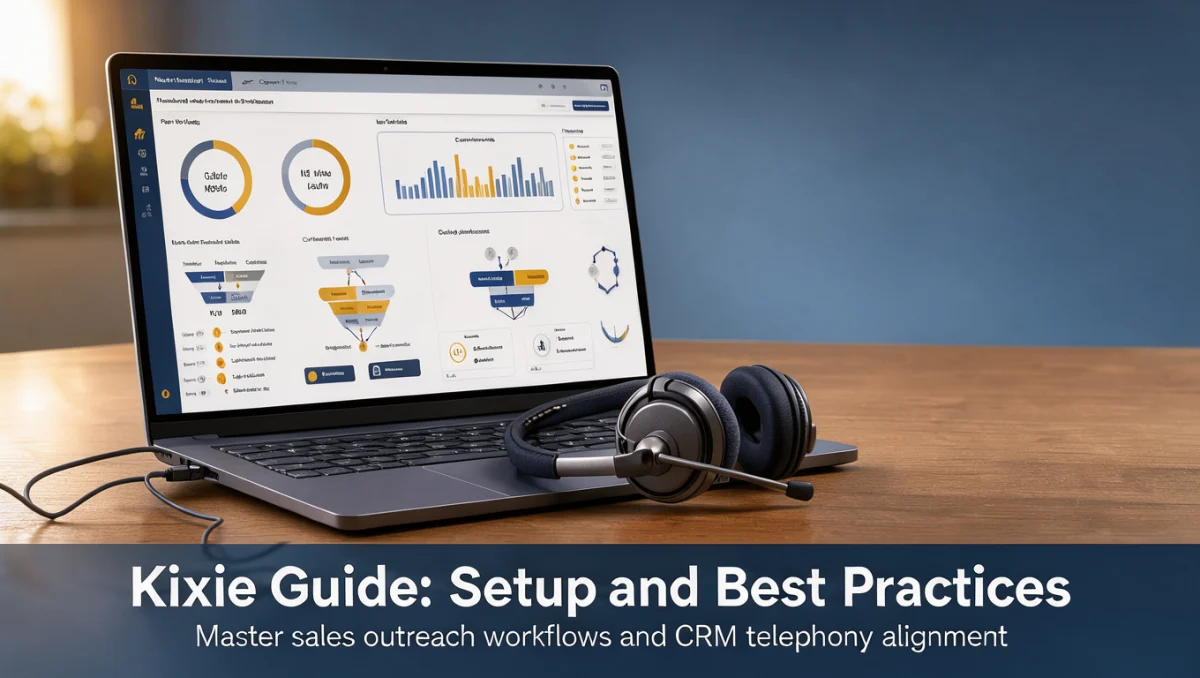
Kixie functions as a unified sales communication platform, simplifying voice calls and text messaging for sales and service teams. It allows sales representatives to initiate outbound calls, send SMS messages, and log outcomes directly within their customer relationship management system. Key features that define effective sales engagement telephony include:
- Click-to-Call Dialers: Transform phone numbers into clickable elements, eliminating manual entry and potential dialing errors.
- Automated Activity Sync: Automatically log call recordings, outcomes, durations, and text message logs into prospect timelines without manual input.
- Local Presence Signaling: Enhance connection rates by matching outbound caller IDs with the geographical area codes of targeted prospects.
- Two-Way Text Engagement: Facilitate direct SMS communication from contact screens for follow-ups and meeting confirmations.
Prerequisites for Effective Telephony Deployment
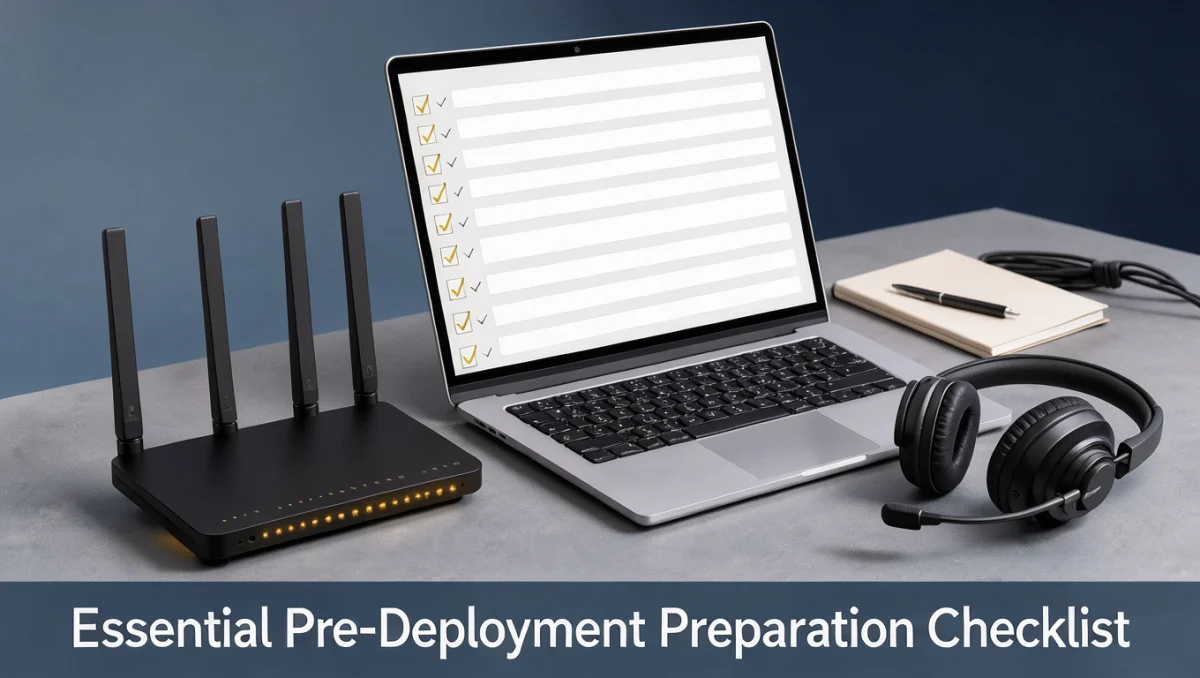
Before embarking on the implementation of advanced telephony software, organizations must conduct thorough operational groundwork. Skipping these preliminary checks can lead to significant communication bottlenecks and administrative challenges. A critical aspect is assessing the technical infrastructure and ensuring data integrity within your CRM.
Technical and Network Readiness
Voice over IP (VoIP) performance is highly dependent on network stability and audio hardware. Poor internet connections, whether at home or in the office, can immediately cause audio latency and dropped calls. It is essential to:
- Test network packet loss, jitter, and available bandwidth during peak usage hours.
- Equip representatives with dedicated USB wired headsets to avoid interference from wireless devices.
- Verify that corporate firewalls allow necessary voice transmission ports without throttling audio traffic.
Data Hygiene and CRM Alignment
The effectiveness of telephony dialers hinges on the accuracy of phone records in your customer database. Inconsistent formatting, extensions, or non-numeric characters in contact fields can prevent automated dialers from recognizing numbers correctly. Key operational steps include:
| Operational Step | Importance | Verification Point |
|---|---|---|
| Phone Number Normalization | Ensures consistent area codes and international prefixes for correct dialing. | Internal CRM database audit |
| Opt-Out Field Setup | Provides clear indicators for leads who have opted out of calls or texts. | CRM custom field settings |
| Carrier Identity Verification | Essential for preventing calls from being flagged as spam by telecom carriers. | Official Kixie regulatory onboarding pages |
| Role Permission Review | Restricts calling access to authorized personnel, preventing accidental outreach. | Team user management dashboard |
Step-by-Step Implementation Workflow
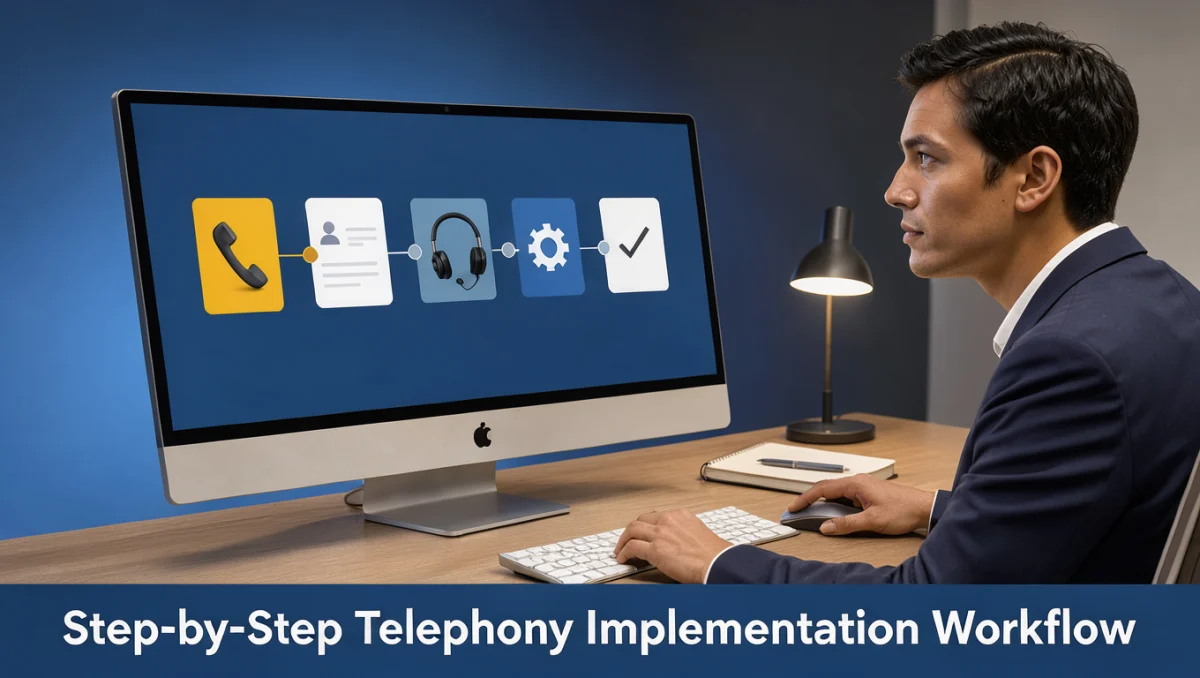
Deploying sales telephony follows a structured workflow designed to confirm connectivity, validate user permissions, and guarantee accurate activity recording across your sales pipelines. This process ensures a smooth transition and maximizes the utility of your new system.
Account Provisioning and Compliance
The initial phase involves setting up team accounts, acquiring necessary business phone numbers, and completing telecommunication compliance submissions. Carriers meticulously review business registrations to authorize high-volume messaging and outbound voice dialing. It is advisable to submit corporate identification documents early in the process. Consult the official Kixie website for mandatory registration paperwork specific to your operating country, as processing times can vary significantly.
Database Integration and Extension Deployment
With accounts active, the next step is to link the telephony service with your primary database. Most telephony platforms offer browser extensions that integrate calling widgets directly into web pages and contact databases. Ensure each representative installs the correct extension and verifies microphone permissions. A test call to an internal line is recommended to confirm clear two-way audio and proper call duration metric recording within lead records.
Inbound Call Routing and Voicemail Setup
Although Kixie is primarily geared towards outbound sales, handling inbound calls and voicemails efficiently is crucial. Establishing structured routing paths ensures that returning callers are directed to active representatives. Key configurations include:
- Personalized voicemail greetings that align with professional corporate messaging.
- Call-forwarding rules for periods outside working hours or during meetings.
- Ring groups to route unassigned inbound inquiries to available team members sequentially or simultaneously.
Cadence and Disposition Configuration
Call dispositions categorize the outcome of each conversation (e.g., connected, wrong number, meeting scheduled). Standardizing these disposition tags is vital for sales leadership to accurately measure outreach volume and team effectiveness. Limiting the disposition list to a concise set of labels prevents confusion and maintains clean CRM reporting.
Best Practices for Sustainable Outbound Outreach
Maximizing your investment in telephony requires disciplined outreach strategies beyond simply increasing call volume. Organizations that adopt structured engagement practices not only protect their brand reputation but also enhance representative retention. This approach focuses on quality over sheer quantity.
Preserving Number Reputation
Telecommunications carriers actively monitor calling velocity and prospect block rates. Excessive rapid calling without successful connections can lead to numbers being flagged as spam. It is best to distribute outreach across designated time blocks rather than engaging in continuous automated dialing. Periodically auditing answer rates can help identify if specific numbers require a temporary cooling-off period.
Blending Calling with Text Messaging
Outbound phone calls alone often yield lower connection rates compared to multichannel outreach. Pairing an unanswered voice attempt with an immediate, professional text message can significantly increase callback and response rates. Ensure your text messages are concise, reference the voicemail content, and include a clear opt-out option for future communications. Avoid generic, mass-promotional messages that resemble spam.
Regular Coaching and Call Review
Call recording features are invaluable training tools for sales enablement managers. Reviewing recorded calls allows teams to identify and replicate successful objection-handling techniques, especially among newer representatives. Scheduling weekly call review sessions where managers and representatives listen to recorded interactions together can be highly beneficial. Focusing on the opening seconds of calls is particularly important, as this is when prospects often decide whether to continue the conversation.
Common Pitfalls in Dialer System Implementation
Sales teams often encounter preventable errors when rolling out new dialer systems, leading to wasted resources and frustrated representatives. Avoiding these common mistakes is key to a successful deployment.
- Neglecting Telecommunication Compliance: Sending text messages without proper carrier registration and explicit consent can result in significant fines and domain blocks. Always review regional compliance guidelines before launching automated text campaigns.
- Failing to Train on Dispositions: When agents skip logging call outcomes or use random disposition tags, reporting dashboards become inaccurate, hindering pipeline forecasting.
- Overwhelming Leads with Automated Calls: High-frequency dialing without genuine prospect engagement can alienate buyers and damage brand trust. Prioritize targeted account outreach over broad, high-volume cold contact lists.
- Ignoring Hardware Quality: Expecting representatives to make numerous weekly calls using basic laptop microphones results in muffled audio and poor prospect impressions. Investing in quality hardware is essential for professional communication.
Frequently Asked Questions for Sales Leaders
Does our sales team require dedicated sales telephony?
Consider dedicated telephony when representatives spend a significant amount of time manually dialing or fail to update CRM records post-call. If tracking outbound volume, call duration, and conversation recordings is critical, specialized dialer tools offer substantial operational advantages over basic phone lines.
What additional costs should be budgeted for?
Beyond base user subscriptions, budget for per-minute calling charges, SMS message fees, additional phone numbers, and telecom regulatory registration costs. Review the official pricing page to understand call allowances included in subscription tiers and any separate carrier fees.
How should customer lists be prepared before activation?
Sales operations teams should perform address and phone validation routines to remove outdated numbers and standardize country and area code prefixes. Ensuring phone numbers are in standard formats guarantees that click-to-call extensions detect contact details accurately, reducing the need for manual correction by representatives.
When should a growing business consider enterprise telephony?
Businesses should explore enterprise PBX or comprehensive contact center platforms when needs expand beyond outbound sales acceleration to include complex inbound routing, multi-language Interactive Voice Response (IVR) trees, and company-wide desk phone hardware deployments.
Final Verdict on Kixie
Kixie provides a focused communications environment engineered for sales and service teams prioritizing rapid calling, seamless CRM data synchronization, and integrated text engagement. By reducing manual data entry and consolidating call histories within lead records, the platform empowers sales operations managers to maintain disciplined and measurable outbound cadences. For sales development managers, high-velocity outreach teams, and businesses focused on rigorous CRM call record-keeping, adopting Kixie introduces immediate structure to outbound calling. If your organization requires internal desk phone support or handles infrequent calling, traditional business phone lines may remain a simpler solution.
See More Best Software Reviews