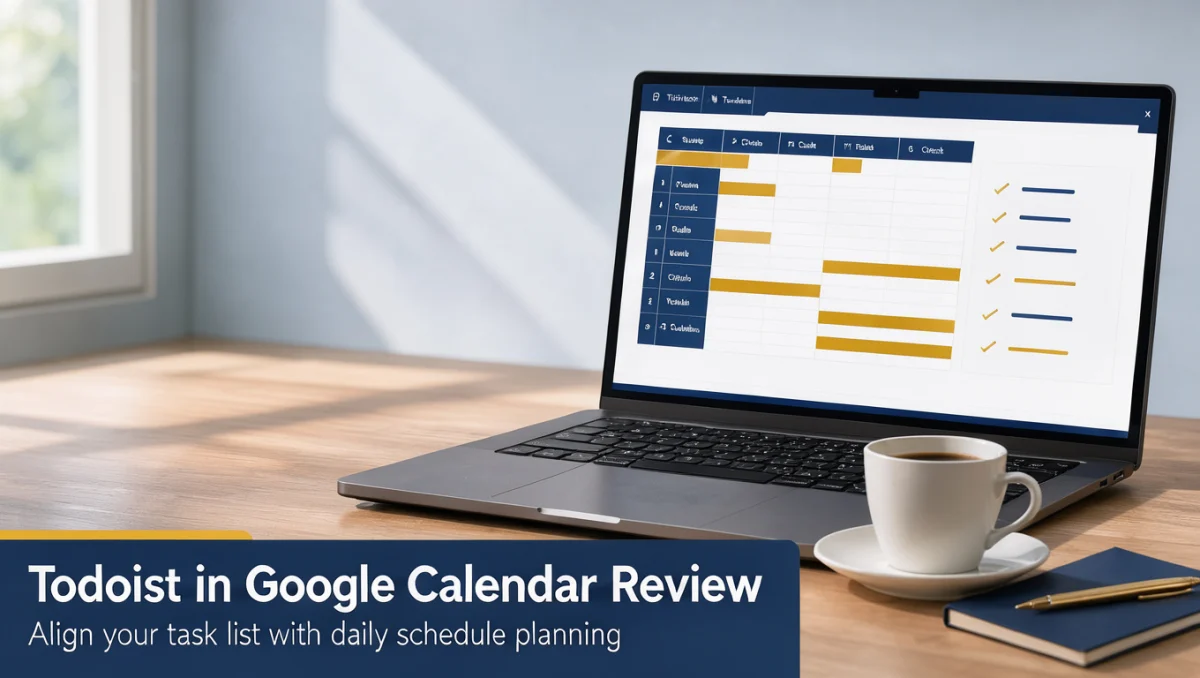
For professionals managing diverse projects and shifting priorities, merging task organization with schedule planning offers a unified view of commitments. Integrating your task manager with calendar software prevents overbooking and clarifies daily availability. This review dives into how coordinating tasks with your schedule supports effective daily execution and team coordination.
Understanding Task Management and Calendar Synergy
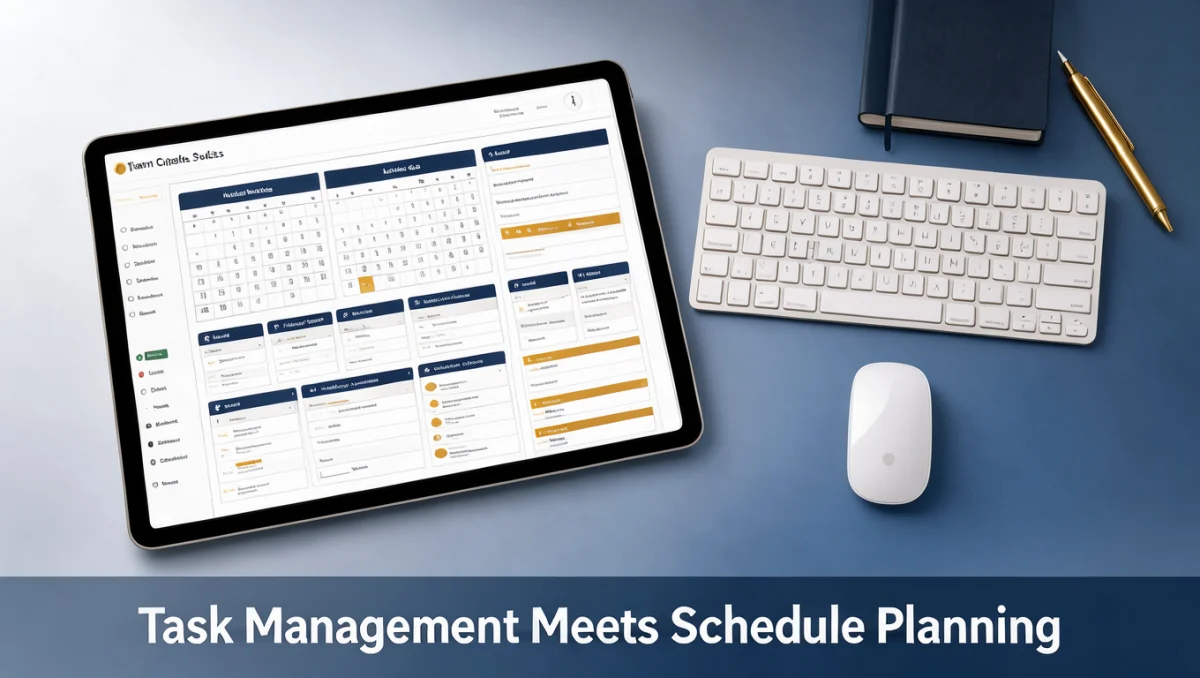
Task management applications are designed to organize, prioritize, and track action items across various environments. When users explore todoist in Google Calendar, they are essentially linking an itemized to-do list with a time-based grid to construct realistic daily routines. This approach ensures that deadlines are assigned to actual calendar intervals, rather than just accumulating as a list.
While calendar tools excel at reserving specific time blocks and displaying meetings, task managers are built for sorting items into projects, applying tags, and tracking progress. Utilizing both systems concurrently addresses the common disconnect between what needs to be done and the actual hours available for completion.
Key Features for Enhanced Coordination
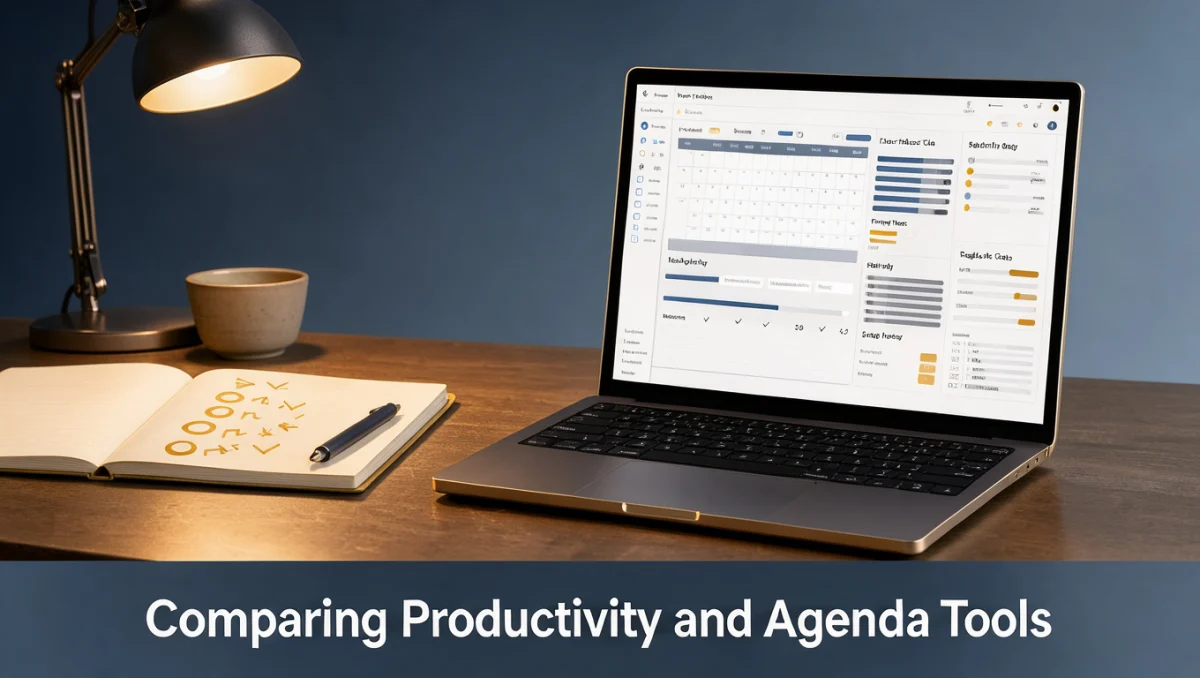
Task tracking software offers distinct capabilities that influence how easily users structure their workdays. Evaluating these core functionalities helps determine if an application aligns with your daily planning standards.
Efficient Task Capture and Input
Quickly entering tasks minimizes mental fatigue during demanding work sessions. Todoist allows users to add action items along with associated dates, project assignments, and reminder settings through simple text input. When a task is assigned a specific time, it gains chronological context that directly translates to your time management schedules.
Organized Project Grouping and Prioritization
Structuring tasks into distinct project hierarchies prevents work clutter from overshadowing immediate responsibilities. Todoist provides various priority levels that visually differentiate urgent assignments from routine administrative duties. When viewed within an integrated schedule, these priority markers highlight which commitments require immediate attention during designated work periods.
Seamless Bidirectional Synchronization
Connecting a task platform with calendar software ensures systematic alignment between events and assignments. Modifications to task deadlines update corresponding calendar blocks, while adjustments to calendar durations are reflected back onto task schedules. This synchronization is crucial for preventing double bookings and maintaining an accurate operational agenda.
For more comprehensive strategies on managing your workload, exploring our resources on Collaboration & Productivity can offer deeper insights into selecting effective software stacks.
Streamlining Daily Workflows with Ease of Use
Todoist is known for its clean, minimalist interface, which reduces friction when adding and organizing assignments. The learning curve is gentle, as core interactions rely on straightforward keyboard shortcuts, drag-and-drop functionality, and clear list structures. Navigating between daily views, upcoming tasks, and individual project spaces requires minimal setup.
When combined with calendar interfaces, the visual layout clearly separates scheduled events from flexible checklists. Users can review their calendar alongside their daily agenda without navigating complex menus. This clarity aids busy professionals in maintaining consistent habits without dedicating excessive time to system configuration.
Advantages and Considerations of Task-Calendar Integration
Weighing the benefits and potential drawbacks helps users decide if an integrated task-calendar setup suits their specific working style.
Operational Advantages
- Combines high-level project tracking with concrete hourly execution blocks.
- Eliminates the need for duplicate data entry between to-do lists and appointment schedules.
- Reduces cognitive load by displaying only relevant daily action items.
- Maintains consistent agenda updates across personal and professional planning views.
Potential Drawbacks
- Requires consistent scheduling discipline to avoid calendar clutter from minor tasks.
- Multi-account calendar configurations may demand careful setup on provider portals.
- Teams needing shared capacity planning might require more specialized enterprise resource software.
Comparing Todoist with Other Productivity Tools
Examining alternative task management platforms reveals how different tools cater to diverse operational needs.
| Software | Target Audience | Core Strength | Planning Consideration |
|---|---|---|---|
| Todoist | Individuals and organized teams | Fast task capture and clear deadline scheduling | Verify integration setup parameters on official documentation. |
| Asana | Cross-functional project teams | Collaborative project tracking and workflow mapping | Review team-wide boarding requirements for complex setups. |
| Trello | Visual workflow organizers | Board-oriented visual card progress tracking | Consider if linear calendar planning matches board layouts. |
| TickTick | Solo planners and focused taskers | Built-in habit tracking and integrated agenda views | Confirm external calendar compatibility details on vendor pages. |
While platforms like Asana focus on team project coordination and Trello emphasizes visual board management, Todoist prioritizes straightforward task execution. For objective software evaluations, seeking out resources like Best Software Reviews can help examine how competing platforms serve varying organizational needs.
Who Benefits Most from This Integration?
Identifying specific operational requirements ensures that adopting a task-calendar integration yields tangible organizational improvements.
For Independent Professionals and Freelancers
Freelancers and solo practitioners often juggle multiple client deadlines with administrative tasks. Connecting a structured task list to a central calendar prevents missed deadlines and aids in calculating realistic availability for new client inquiries.
For Knowledge Workers and Project Leads
Coordinators managing ongoing departmental deliverables benefit greatly from aligning task priorities with meeting schedules. Visualizing dedicated focus blocks between collaborative calls preserves uninterrupted time for analytical assignments.
Choosing the Right Subscription Plan
Subscription software models typically differentiate features across user tiers. Buyers should verify specific account parameters on the official provider portal before making a financial commitment.
| Checklist Before Subscribing | Importance |
|---|---|
| Multi-calendar connection allowances | Determines if personal and business calendars can sync simultaneously. |
| Collaborative workspace permissions | Affects how project lists and shared deadlines are distributed among team members. |
| Reminder and notification triggers | Ensures critical deadlines trigger alerts through your preferred channels. |
| Historical activity tracking and backups | Protects task archives and audit trails for completed projects. |
Frequently Asked Questions
How do task lists and digital calendars differ in scheduling?
To-do lists organize work by priority, project, and completion criteria, while digital calendars arrange time chronologically. Task lists define what needs attention, and calendars determine when execution happens within available working hours.
What should be evaluated before integrating personal and work schedules?
Buyers should assess data privacy policies, administrative sharing rules, and calendar visibility settings. Ensuring that confidential business schedules remain separate from personal to-do items protects operational security across accounts.
Why might calendars become cluttered after linking task managers?
Clutter often results from sending every minor administrative step to the calendar instead of reserving blocks for major focus areas. Grouping smaller tasks into consolidated calendar sessions helps maintain visual clarity.
Final Verdict
Todoist offers an efficient and adaptable framework for organizing complex responsibilities into manageable daily agendas. Linking this system with a calendar structure establishes operational clarity for individuals and collaborative groups committed to disciplined time blocking.
| Criterion | Score /10 | Reason |
|---|---|---|
| Features | 8.2/10 | Reliable task capture, natural language input, and structured priority management. |
| Ease of Use | 8.8/10 | Clean interface with minimal onboarding for new users. |
| Pricing and Value | 7.6/10 | Verify current plan inclusions against alternatives. |
| Integrations | 7.9/10 | Dependable calendar connectivity; confirm multi-account terms. |
| Audience Fit | 8.5/10 | Ideal for knowledge workers, freelancers, and organized task managers. |
| Support | 7.2/10 | Review official documentation and contact channels prior to purchase. |
| Competitive Position | 8.0/10 | Maintains a strong position among modern task management platforms. |
For knowledge workers who value clean visual interfaces and disciplined daily time blocking, coordinating Todoist with calendar software provides an organized approach to work execution. This integration is highly recommended for anyone looking to better manage their todoist in Google Calendar workflow.