Understanding Hubstaff for Employee Time Tracking
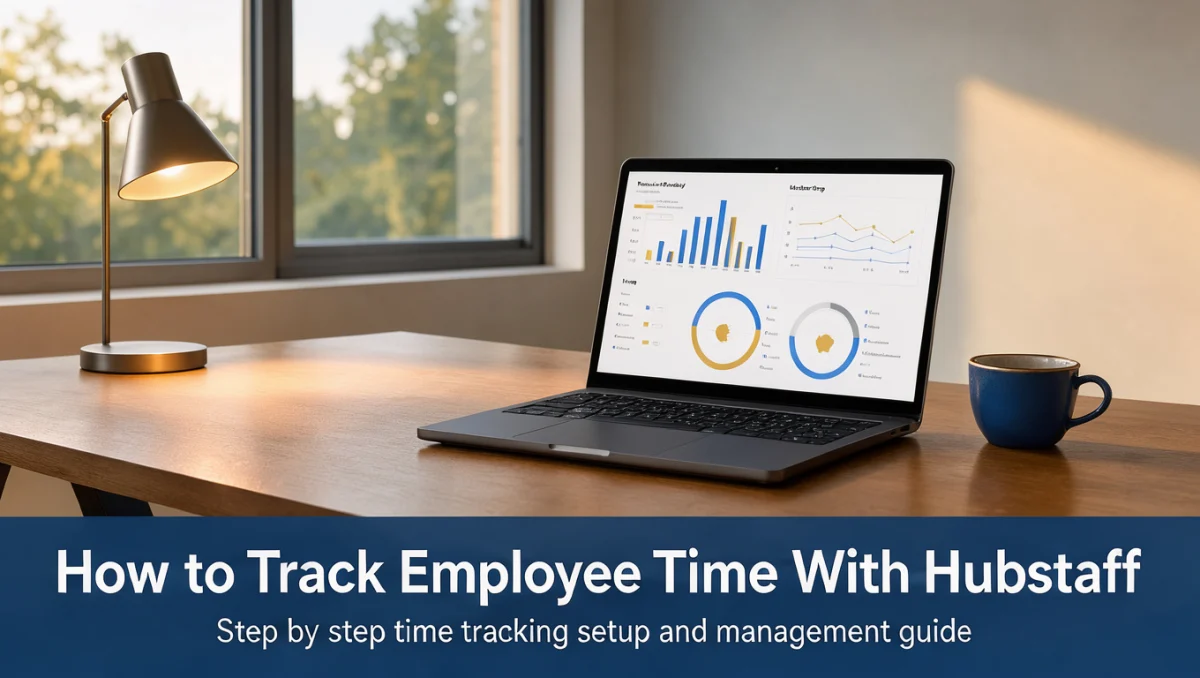
Implementing how to track employee time with Hubstaff involves configuring organizational projects, setting clear activity expectations, and guiding your team in accurately recording work hours. This software provides essential visibility into work distribution, project budgets, and payroll readiness, moving beyond manual spreadsheets. At Best Software Reviews, we assess platforms based on their ability to streamline daily business workflows for growing organizations.
Effective time tracking with Hubstaff is both a technical setup and a mutual policy agreement. When integrated with defined operational boundaries, automated platforms reduce administrative burdens and deliver reliable records for client billing and internal capacity planning.
Key Features and Suitability
| Aspect | Details |
|---|---|
| Overall Score | 7.9/10 |
| Ideal For | Distributed teams, remote service agencies, and field organizations needing structured proof of work and project-level tracking. |
| Not Ideal For | Small creative studios or flat organizations preferring simple, honor-based attendance logging without activity monitoring. |
| Strengths | Automated time capture, task and project categorization, client invoicing preparation, and centralized team attendance management. |
| Pre-Purchase Checks | Verify user seat pricing, activity logging specifics, and export options on the official Hubstaff website. |
How Best Software Reviews Evaluates Hubstaff
Our review methodology examines Hubstaff's core functionalities, user-friendliness, pricing, value, integrations, target audience fit, support, and competitive standing. We recommend confirming current plans and pricing directly on the official website, as these details can change. This article was developed with AI assistance and refined by the Best Software Reviews Editorial Team.
Preparation Before Implementing Time Tracking
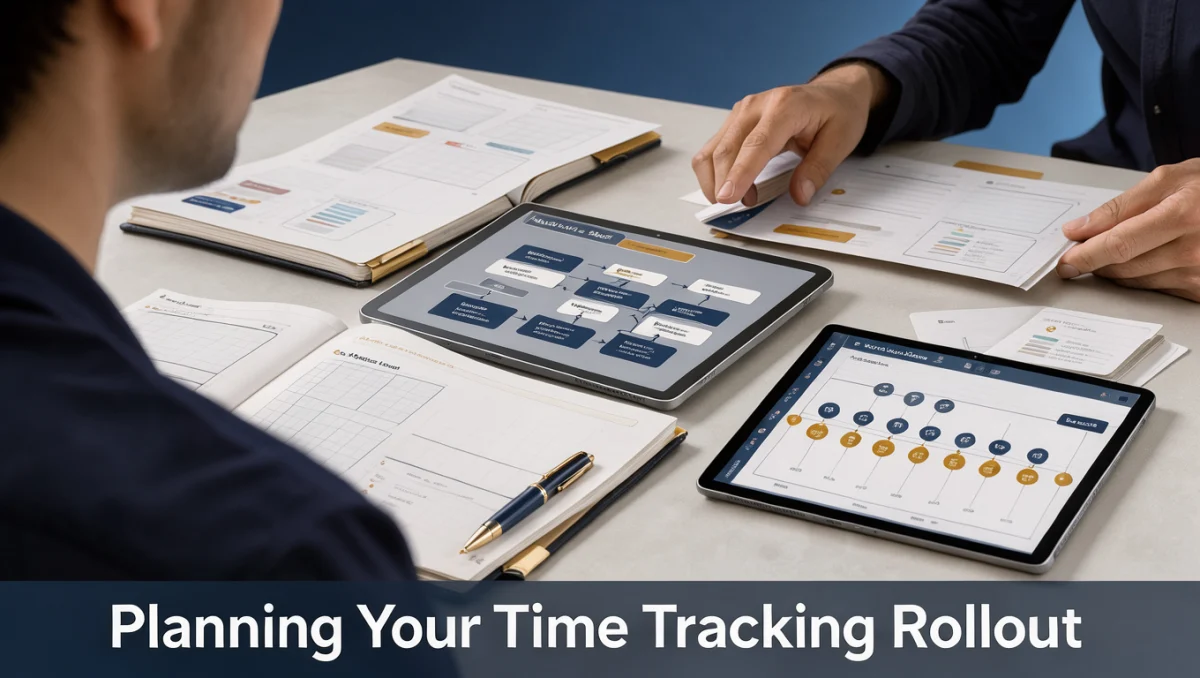
Deploying workforce management software requires thorough preparation before your team begins logging hours. Technical configurations for projects and user roles must align with an agreed-upon workplace policy to ensure team compliance and foster trust. This is a critical first step in understanding how to track employee time with Hubstaff effectively.
Establish Clear Organizational Policies
Before launching any time monitoring software, leadership must create explicit written guidelines. These should detail what data is captured, how hours are reviewed, and who can access team logs. While software offers detailed logging controls, it cannot substitute for transparent communication about expectations regarding privacy, breaks, and billable work. Teams that clarify whether tracking applies to fixed schedules or flexible milestones see higher adoption rates. Defining policies for personal time, idle prompts, and manual entries prevents friction between managers and staff.
Structure Your Projects and Tasks
Organizing your work hierarchy within the software ensures that recorded time directly links to internal budgets or client invoices. Establish clear naming conventions for clients, project categories, and specific tasks before inviting staff. A well-defined structure prevents cluttered reporting and simplifies month-end reconciliations. When employees accurately select project buckets, payroll and project accounting require fewer manual corrections.
Step-by-Step Implementation Guide
A methodical rollout allows administrators to configure accounts, verify settings, and train staff without disrupting daily operations. Modern tracking platforms guide users through a structured onboarding sequence to maintain data integrity.
Step 1: Configure Organization Defaults
Begin by setting up your primary organizational profile. Select your base currency, standard workweek, and regional time zones to align recorded shifts with your payroll cycle. Review optional parameters like automated idle time detection and manual time editing permissions. Most tools allow owners to decide if workers can edit past entries or if adjustments need manager approval.
Step 2: Create Projects and Assign Access
Build client accounts and individual projects within the management panel. Restrict project visibility so staff only see tasks relevant to their active contracts. Assigning explicit budgets or hour limits helps managers monitor capacity. Maintaining neat assignment lists prevents workers from logging hours against archived jobs.
Step 3: Invite Team Members and Designate Roles
Send user invitations through the administrative interface, assigning appropriate permission levels. Typical structures separate standard workers, project managers, and finance administrators. Ensure each user gets instructions to complete their profile and connect their assigned schedule. Standard user tiers protect sensitive billing rates and restrict payroll exports.
Step 4: Instruct Staff on Daily Tracking
Provide clear instructions on starting and stopping tracking at the beginning of shifts, during breaks, and when switching between client accounts. Consistent tracking habits ensure daily attendance records reflect true output. Encourage team members to review their daily summaries before logging out to promptly correct misallocated project tags.
Step 5: Review and Approve Timesheets
Managers should establish a regular cadence for reviewing pending timesheets and resolving discrepancies. Verify that recorded project hours align with deliverables or scheduled meetings. Once approved, this data forms the basis for client billing, contractor payouts, or internal cost accounting. Standardizing approvals prevents payout delays and maintains predictable cash flow.
Best Practices for Effective Time Monitoring
Using employee time monitoring software effectively requires a balance between oversight and operational autonomy. Organizations maintaining clean data practices derive the most value from their tracking investment. This approach is fundamental to efficient Collaboration & Productivity.
Set Guidelines for Manual Time Adjustments
Unexpected interruptions or network issues can affect automated tracking. Define a clear procedure for requesting manual time credits when tracking was interrupted. Require workers to add descriptive notes when submitting manual requests to create an auditable record. This keeps data accurate while discouraging casual estimation.
Leverage Time Data for Workload Balancing
Time tracking data offers insights beyond payroll and invoicing. Evaluating project hour distributions helps identify bottlenecks, unrealistic scope estimates, and staff nearing burnout. When records show a project consistently exceeds projected hours, leadership can renegotiate terms or reassign team members. Using tracking analytics to support team wellbeing is crucial for sustainable operations.
Schedule Regular Audit and Cleanup Cycles
As organizations grow, old client files can accumulate. Schedule quarterly reviews to archive inactive projects and deactivate accounts for departed contractors. Maintaining an uncluttered directory ensures workers select current tasks. Clean master data also speeds up report generation and keeps financial exports organized.
Common Mistakes to Avoid
Many organizations face friction when introducing tracking software due to preventable management errors. Avoiding these pitfalls keeps staff engagement high and prevents operational bottlenecks.
Over-Monitoring and Micromanaging Activity
A common error is viewing percentage-based activity levels as direct productivity indicators. High-level cognitive work, like system architecture or design planning, doesn't always generate constant keystrokes. Treating activity metrics as strict performance benchmarks damages morale and encourages artificial input. Focus instead on tangible project deliverables and overall output quality.
Inconsistent Review Schedules
Waiting until the end of the month to review timesheets often results in administrative gridlock. Long delays make it difficult for employees to recall details about disputed hours or mislabeled project codes. Adopting a weekly or bi-weekly review ensures discrepancies are addressed while memories are fresh. Prompt approvals also maintain trust with hourly workers.
Failing to Define Billable vs. Non-Billable Tasks
Neglecting to classify internal administrative time or professional training leads to distorted client billing reports. Organizations must provide distinct non-billable project buckets for internal operations. When employees have clear channels for recording internal development, managers gain a realistic picture of organizational utilization and true client profitability.
Frequently Asked Questions
What other costs should a company budget for besides the base subscription?
Budget for internal onboarding time, administrative training, and ongoing timesheet review resources. Businesses may also need external accounting consultations to ensure payroll exports align with labor regulations and tax filings.
How do managers identify the need for a more advanced tracking platform?
Teams typically need advanced platforms when basic spreadsheets cause payroll discrepancies, project billing becomes unmanageable, or remote teams require verified proof of work. If cross-referencing hours against project deliverables consumes excessive managerial time weekly, dedicated software is essential.
Should a business consult an accountant before setting up hourly tracking rules?
Consulting a qualified accountant or payroll specialist is advisable when configuring overtime rules, contractor compensation, and client billing structures. Professional guidance ensures time classifications meet statutory recordkeeping standards.
What steps help distributed teams accept automated time tracking smoothly?
Leadership should clearly explain the administrative purpose of tracking, such as equitable compensation and accurate client billing. Involving staff in trial testing and committing to outcome-based evaluation rather than invasive micro-monitoring fosters trust across remote organizations.
Final Verdict on Hubstaff
Adopting systematic time management software offers measurable operational clarity for remote companies and contractor-heavy operations. The detailed evaluation framework by Best Software Reviews provides an objective assessment of Hubstaff's performance across core operational criteria.
| Criterion | Score /10 | Reason |
|---|---|---|
| Features | 8.2 | Strong capabilities for automated hour capture, project allocation, and export generation. |
| Ease of Use | 8.0 | Straightforward workflow for starting timers and assigning tasks; administrative setup requires thoughtful policy planning. |
| Pricing and Value | 7.4 | Costs scale with headcount, so review active seats against budget expectations on the official site. |
| Integrations | 7.6 | Connects into accounting and project management systems; check current connector availability. |
| Audience Fit | 8.5 | Highly focused on remote teams and agencies needing verifiable work allocation and clear timesheet trails. |
| Support | 7.2 | Evaluate official help channels and response expectations directly through the vendor portal. |
| Competitive Position | 8.1 | Prioritizes structured team oversight, differentiating it from competitors like Time Doctor and Toggl Track. |
Overall score: 7.9/10
For remote agencies and distributed companies billing hourly, Hubstaff offers dependable workflow structures and transparent recordkeeping. Conversely, solo creators or salaried executive teams with fluid schedules might find simpler, honor-based timesheets sufficient.