Understanding Hubstaff's Core Functionality
Hubstaff serves as a robust platform for time tracking and overall workforce management. It empowers organizations to meticulously monitor work hours, delegate tasks efficiently, and generate insightful activity reports. For businesses coordinating with distributed contractors or managing an agency, implementing structured processes from the outset is crucial for minimizing administrative overhead.
Quick Verdict: Is Hubstaff Right for You?
Our evaluation gives Hubstaff a score of 7.7/10. This platform excels for distributed teams and agencies that require seamless integration between time tracking and productivity metrics. It may be less ideal for internal corporate teams needing basic attendance logging without granular activity details.
| Metric | Details |
|---|---|
| bestsoftwarereviews score | 7.7/10 |
| Ideal For | Distributed teams managing billable client hours across multiple projects |
| Not Ideal For | Organizations needing simple attendance tracking without activity records |
| Key Strengths | Directly links tracked time to tasks, project budgets, and provides automated reporting |
| Pre-Purchase Check | Verify user seat pricing and tracking frequency policies on the official website |
1. How We Reviewed Hubstaff

Our review process for Hubstaff assesses its features, usability, pricing, integrations, audience suitability, support, and competitive standing. We recognize that plans and prices can change, so we advise checking the official website for the most current information before purchasing. This review was generated with AI assistance and meticulously edited by our editorial team.
2. Essential Preparations Before Implementation
Before deploying any tracking system, leadership should clearly define monitoring expectations and establish transparent communication protocols. Time tracking tools enhance visibility into work patterns, but clear guidelines are necessary to ensure team members understand what data is collected and why.
2.1. Developing Clear Team Policies
Establishing explicit workplace agreements helps prevent misunderstandings. When introducing time tracking, clarify whether the primary focus is on verifying client billings, estimating internal project costs, or balancing overall workloads.
- Document which activities are considered billable client work versus administrative tasks.
- Specify privacy settings, such as whether screen capture or background tracking is active during work sessions.
- Set clear expectations for manual time adjustments for offline meetings or research.
For deeper insights into structuring effective digital workplaces, explore our resources in Collaboration & Productivity.
2.2. Gathering Necessary Account Information
Thorough administrative preparation is key to a smooth rollout. Compile client lists, assign project leads, and define your organizational naming conventions before inviting team members to the platform.
| Administrative Step | Importance | Key Verification Task |
|---|---|---|
| Client and Project Naming | Prevents duplicate time entries | Standardize prefixes for active client accounts |
| Role Hierarchy Planning | Secures sensitive financial data | Review administrative permissions on the official Hubstaff platform |
| Billing Rate Alignment | Ensures accurate invoice totals | Confirm how your accounting team calculates billable hourly rates |
3. Streamlining the Getting Started Workflow
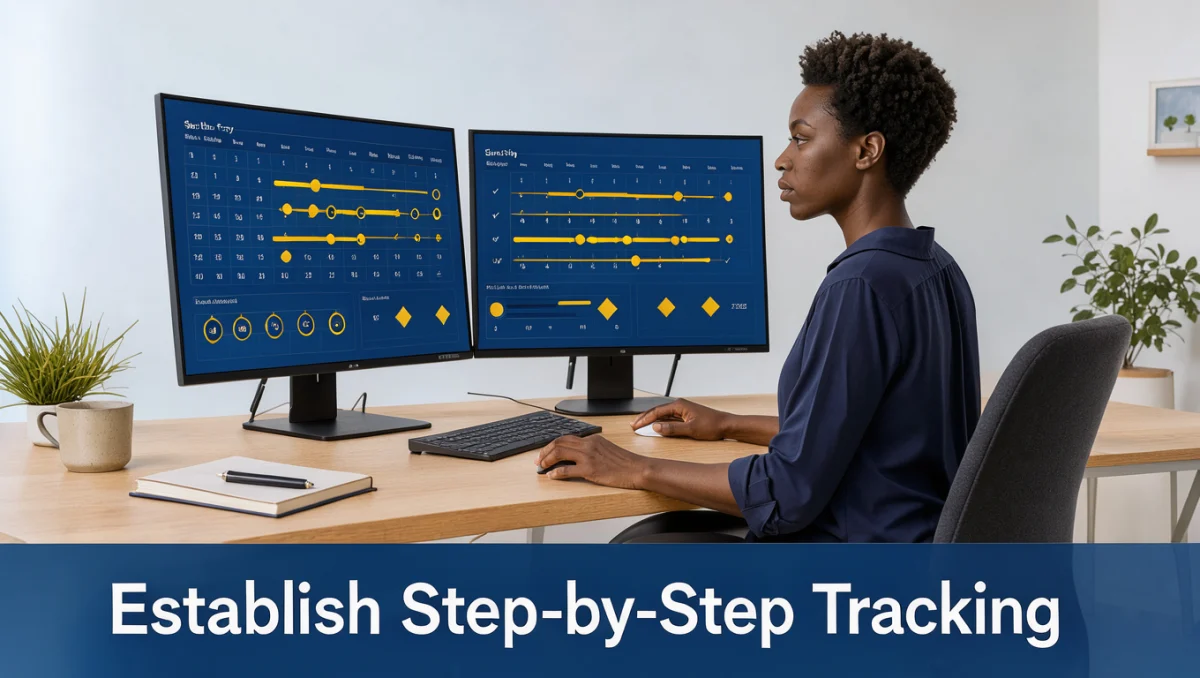
Following this hubstaff tutorial for beginners framework enables managers to establish a solid data foundation while maintaining an intuitive daily operation for all team members.
3.1. Step 1: Organizing Your Account and Projects
The workspace structure is fundamental for all time logging and payroll computations. Organize your activities under client portfolios or internal cost centers, then create specific projects within each category. Assign team members exclusively to the projects they actively support to prevent incorrect time logging.
3.2. Step 2: Configuring Tracking Preferences
Tracking settings determine how data populates your dashboard. Management must decide whether continuous tracking, manual time entry, or automated activity detection is most suitable. Carefully review data recording parameters, as some clients require detailed activity monitoring for proof of work, while others prefer simple stopwatch tracking for user comfort.
3.3. Step 3: Onboarding Team Members
Onboarding new users should be a phased process. Start with project managers to test task assignments, then invite general contributors once projects are correctly labeled. Provide clear instructions on selecting the appropriate project before starting work to ensure accurate weekly summary reports.
3.4. Step 4: Initiating Your First Work Session
Team members begin tracking by selecting their assigned project and starting the timer. When switching tasks, they should stop the current timer, choose the new assignment, and restart tracking. Encourage pausing timers during breaks to maintain accurate records that respect both client trust and employee rest.
3.5. Step 5: Reviewing Timesheet Reports
At the end of each work period, managers should examine timesheets for any anomalies, missing project tags, or unexpected overtime. Weekly reviews help identify misallocated hours before monthly invoicing.
4. Effective Time Tracking and Management Strategies
Sustained value from workforce management software requires consistent administrative effort and mutual respect. These strategies ensure optimal use of Hubstaff.
4.1. Upholding Ethical Monitoring Standards
Time monitoring tools should promote accountability, not micromanagement. Communicate transparently that tracked data aids in workload balancing, preventing burnout, and forecasting hiring needs.
- Use activity metrics as indicators of workflow bottlenecks, not as a strict performance evaluation.
- Audit recorded hours alongside completed tasks to measure actual business output.
- Encourage staff to flag unrealistic deadlines early, using timesheet history as supporting evidence.
4.2. Optimizing Project Accounting and Billing
Accurate time records are the cornerstone of transparent invoicing. Compare logged project hours against initial scope estimates to refine future client proposals. Regular audits can also identify unprofitable service offerings, helping you adjust project allocations and ensure predictable operating budgets.
5. Common Pitfalls to Sidestep
Many organizations encounter difficulties when implementing tracking software due to insufficient preparation or overly rigid rules.
5.1. Overly Complex Task Structures
Creating an excessive number of detailed subtasks can confuse staff and lead to incorrect time entries. Keep tracking categories broad enough to be manageable yet specific enough to distinguish between different clients and projects.
5.2. Neglecting Idle Time Policies
Ambiguity often arises regarding activities like phone calls, planning sessions, or paper-based work conducted away from the computer. Without clear policies on offline time entry, employees might feel unfairly penalized for necessary non-computer tasks.
6. Frequently Asked Questions Answered
How should teams choose between continuous and manual time tracking?
Teams should align their choice with primary operational goals and client contract requirements. Client-facing agencies often need active tracking for billable hours, while internal teams may benefit more from manual logging to support focused work.
What must administrators verify before inviting contractors?
Confirm project assignment limits and access permissions before adding external workers. Restricting contractor visibility to their specific projects ensures data security and accurate billing for their contributions.
How can managers avoid late timesheet submissions?
Establish a consistent weekly review schedule and implement automated reminders. Reviewing timesheets every Friday keeps project data current and prevents stressful month-end reconciliation issues.
What should buyers confirm about seat adjustments?
Verify minimum seat requirements and billing adjustments for changing team sizes directly on the official Hubstaff pricing page. Understanding how user changes impact subscription renewals is vital for budget predictability.
7. Final Thoughts on Hubstaff Implementation
This tutorial demonstrates how Hubstaff supports remote operations needing to verify billable hours and manage project timelines effectively. With open communication and straightforward task structures, the software streamlines administration and provides reliable data for invoicing and client reporting. For freelancers tracking personal hours, simpler tools might suffice. However, for growing agencies and remote teams managing client deadlines, adopting the structured habits outlined here offers lasting clarity and dependable financial records. Discover more about selecting enterprise tools by visiting Best Software Reviews for our comprehensive buying guides.
| Criterion | Score /10 | Reason |
|---|---|---|
| Features | 8.5 | Comprehensive time tracking, project management, and automated reporting. |
| Ease of Use | 7.5 | Requires initial setup of project hierarchies and clear user habits. |
| Pricing and Value | 7.0 | Value is dependent on team size and specific needs; verify current terms. |
| Integrations | 7.5 | Connects with popular platforms; verify specific compatibility for your workflow. |
| Audience Fit | 8.5 | Excellent for remote teams, agencies, and distributed contractors. |
| Support | 7.0 | Support channels vary; confirm access terms on official documentation. |
| Competitive Position | 8.0 | Distinct focus compared to alternatives like Toggl Track and Harvest. |
Overall bestsoftwarereviews score: 7.7/10