Foxit PDF Reader Windows 10 is a dedicated application designed for professionals, students, and office workers who need to effectively view, annotate, and manage digital documents. This software falls under the Collaboration & Productivity sector, focusing on reliable rendering of standardized files, maintaining complex layouts, and supporting team annotation workflows.
For desktop users who frequently handle contracts, forms, and research papers, the need for structured review tools is paramount. Evaluating viewing responsiveness, commenting flexibility, and long-term compatibility with standard office hardware are key considerations when selecting such a utility. Our assessment of foxit pdf reader windows 10 examines its core functionalities without assuming premium commercial tiers.
Quick verdict: Foxit PDF Reader Windows 10 achieves an overall score of 7.7/10. It excels for office teams, students, and professionals prioritizing structured annotation, reliable form completion, and digital signing. It is less suited for users exclusively focused on full document authoring or complex creative file editing.
| Metric | Details |
|---|---|
| bestsoftwarereviews score | 7.7 / 10 |
| Best for | Users handling daily document review, markup exchange, and standard form completion |
| Not ideal for | Teams requiring advanced page layout creation or specialized graphic design workflows |
| Key strengths | Document viewing reliability, extensive annotation instruments, and structured navigation panels |
| What to check before buying | Deployment options, commercial licensing terms, and administrative management features on the vendor website |
Comprehensive Review of Foxit PDF Reader for Windows 10
This review delves into the specific functionalities of Foxit PDF Reader Windows 10, its intended audience, and its standing relative to competing tools. We apply the seven core bestsoftwarereviews criteria: features, ease of use, pricing, value, integrations, audience fit, support, and competitive standing. Given that plans and pricing can change, it's advisable to confirm details on the official vendor website before making a purchase. This analysis was developed with AI assistance and subsequently reviewed and edited by the bestsoftwarereviews Editorial Team.
Understanding Foxit PDF Reader Windows 10
Foxit PDF Reader Windows 10 is a specialized desktop application for viewing and annotating documents, developed by Foxit. It addresses the essential need to open portable document files, review information, highlight key sections, and complete structured administrative forms. The software's primary function is not content creation from scratch but rather managing existing documents that require scrutiny prior to approval or distribution.
Its target audience includes knowledge workers, legal assistants, academic researchers, and enterprise staff who regularly interact with electronic manuals and records. For those considering foxit pdf reader windows 10 for team collaboration, its core value lies in predictable document rendering and clear commenting tools that maintain formatting integrity within standard desktop environments.
Key Features for Efficient Document Handling
Effective document utility software is characterized by distinct functional groups that support daily office operations, verification processes, and long-term record preservation.
Seamless Document Viewing and Navigation
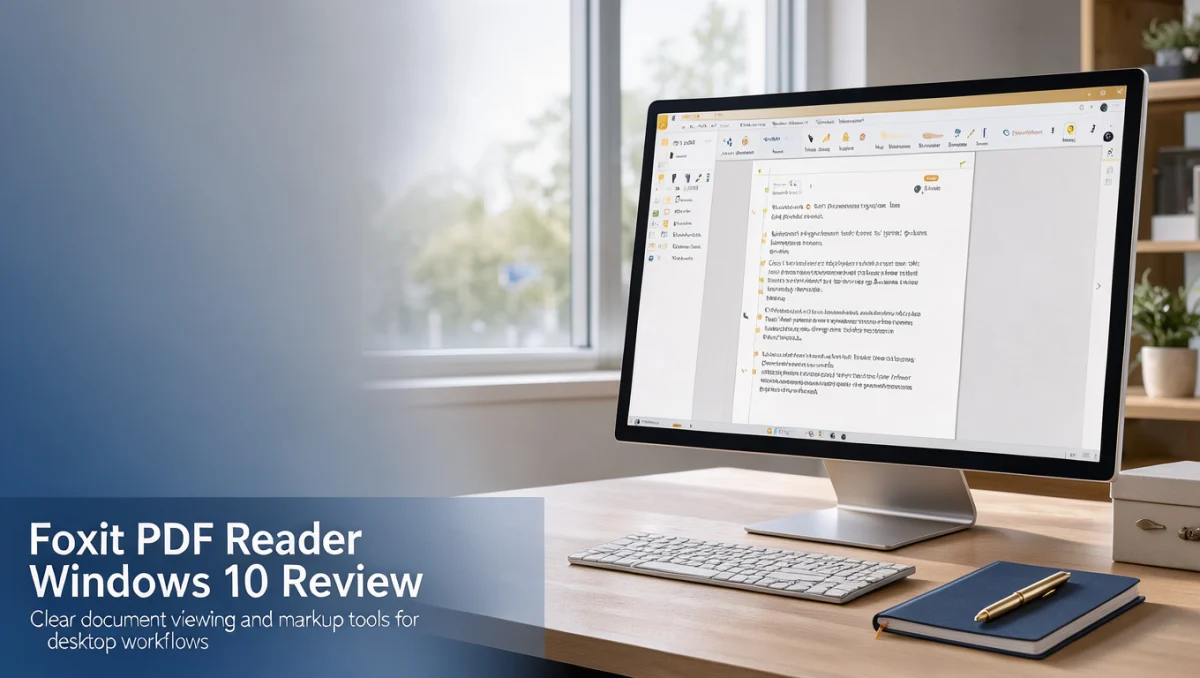
The application's rendering engine supports multipage documents with adjustable zoom levels, customizable page display settings, and bookmark management. Users can navigate extensive documents efficiently using thumbnail previews, powerful search functionalities for specific text, and dedicated panes for document attachments. Hierarchical table of contents structures allow quick access to different sections within large reference materials during collaborative review.
Advanced Annotation and Markup Capabilities
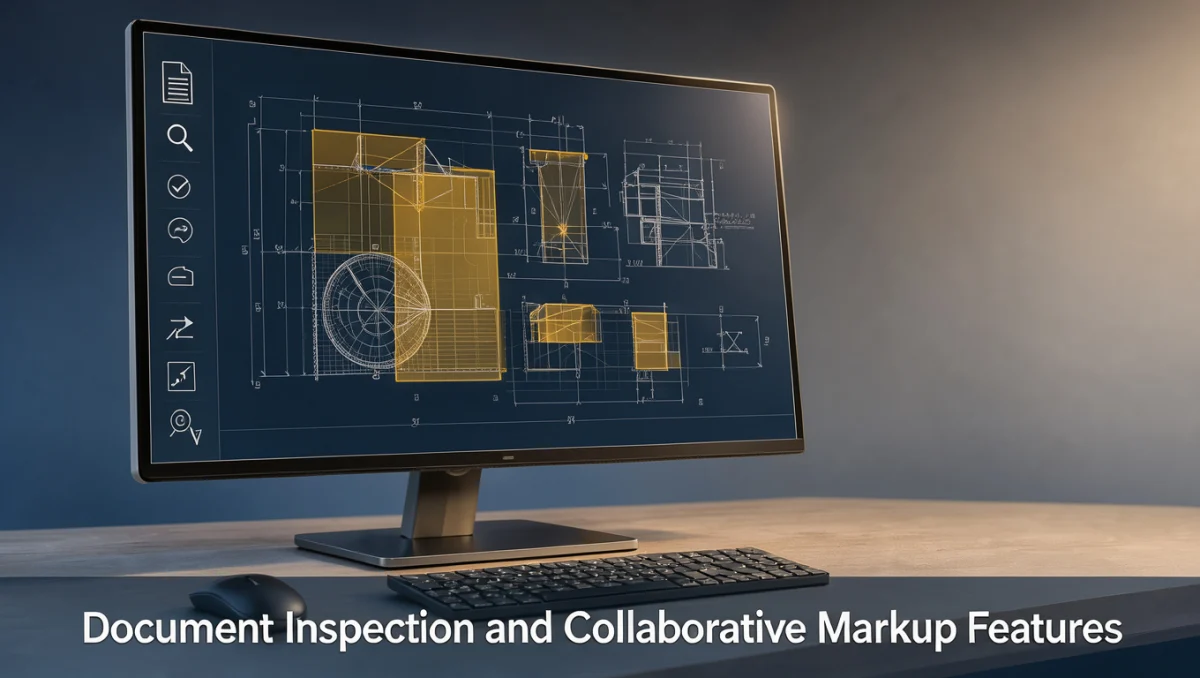
Collaborative document inspection is significantly enhanced by contextual commenting features. The software provides tools for text highlighting, underlining, strikeout formatting, and sticky notes for detailed feedback. Visual aids like drawing callouts, measurement markings, and stamps are invaluable for technical personnel reviewing blueprints or contract drafts.
Efficient Form Completion and Interactive Fields
Administrative workflows often require direct interaction with standardized electronic forms. This application automatically detects fillable form fields, supports checkboxes, and allows standard text input for governmental or organizational forms. Completed forms retain all field data, facilitating record-keeping and subsequent processing by administrative staff.
Secure Digital Signing and Verification
Built-in signing features allow users to apply standard digital signatures and visual signature marks to finalized documents. Verification indicators confirm the integrity of the document's contents post-signing, supporting official sign-off procedures without the need for paper printouts.
Ease of Use and User Experience
Productivity utilities for desktop use must strike a balance between comprehensive toolsets and an uncluttered reading experience. The interface adopts a familiar ribbon-style toolbar, organizing viewing controls, annotation tools, and form utilities into intuitive tabs, similar to modern office suites.
Most new users can quickly master page navigation and basic highlighting features upon opening their first document. More advanced annotation tools, such as area measurement and complex layer management, might present a slight learning curve for infrequent users. Adjusting ribbon visibility or activating a dedicated reading mode can help streamline the workspace during extended review sessions.
Pros and Cons of Foxit PDF Reader Windows 10
Understanding the strengths and limitations of this software is crucial for teams to determine its suitability for their specific hardware and operational requirements.
Advantages
- The intuitive ribbon layout effectively organizes annotation, navigation, and review tools.
- Responsive page rendering ensures clarity for both text-heavy documents and complex schematics.
- Flexible markup instruments facilitate detailed peer reviews and feedback cycles.
- Reliable processing of interactive forms simplifies administrative data submission.
Disadvantages
- The extensive toolbar can appear cluttered for users primarily needing basic reading functions.
- Advanced document creation features typically require upgrading to different product tiers.
- Administrative deployment tools for corporate networks necessitate thorough organizational review.
Comparison with Similar Tools
The desktop document reader market features several prominent applications, each catering to different organizational priorities and user preferences.
Adobe Acrobat Reader is widely recognized as a standard for viewing and signing documents across various platforms. Nitro PDF focuses its offerings on corporate document management and operational efficiency. Sumatra PDF appeals to minimalist users seeking rapid, no-frills document viewing. Foxit PDF Reader positions itself as a mid-range solution, bridging the gap between lightweight viewers and full authoring suites by providing rich annotation capabilities and structured reading tools for collaborative office work.
Who Benefits Most from Foxit PDF Reader?
Identifying specific user needs ensures that software deployments lead to genuine productivity enhancements without introducing operational complexities.
For Office Professionals and Administrators
Administrative staff handling intake forms, client agreements, and internal records find the dependable form handling and digital signature features particularly beneficial. These capabilities reduce the dependence on physical paperwork while maintaining document integrity.
For Students and Academic Researchers
Scholars reviewing research papers, textbooks, and dissertation drafts heavily rely on annotation tools. Features like highlighting text, adding margin notes, and organizing bookmarks significantly streamline literature reviews and the tracking of source citations.
For Technical Reviewers and Project Coordinators
Professionals such as engineers, architects, and compliance officers who review technical drawings and regulatory filings benefit from visual drawing callouts and measurement tools. Clear markups simplify the process of handing off revisions among project stakeholders.
Consider Alternatives If
Individuals who only need to open occasional receipts or short articles without adding comments might find simpler, minimalist viewers more user-friendly. Furthermore, creative professionals requiring full desktop publishing, vector illustration, or commercial print prepress capabilities should explore specialized graphic design software.
Choosing the Right Plan
Commercial software offerings often update their package structures, licensing terms, and administrative add-ons. Potential buyers should always consult official documentation to confirm precise product details.
| What to check on the official page | Why it matters |
|---|---|
| Commercial licensing rights | Confirm if organizational use requires specific business licensing. |
| Enterprise deployment utilities | Verify if package management and silent installation options align with IT policies. |
| Advanced editing feature boundaries | Check if text rewriting or object restructuring is included or requires an authoring suite. |
| Document conversion support | Determine which export formats are available within the selected package. |
| Account management controls | Ensure license allocation tools match organizational headcount needs. |
Frequently Asked Questions
How should IT departments prepare desktops for document viewer software deployment?
Administrators should assess default file associations, confirm existing printer drivers, and review installation privileges on user machines. Verifying these system settings helps prevent workflow interruptions during document distribution.
When does a department need full document editing software over a reader?
Organizations should assess whether staff primarily consume and annotate existing documents or create new layouts requiring paragraph reflow, font changes, and graphic manipulation. Basic review tasks suit reader utilities, while layout creation demands dedicated authoring suites.
Where can organizations verify current licensing requirements for business use?
Organizations should refer to the official commercial licensing terms published on the developer's website. These guidelines detail commercial rights, volume usage rules, and compliance requirements.
How can users ensure shared annotations are visible across different applications?
Users should utilize standardized markup protocols, such as native comment objects and conventional highlight layers, to ensure compatibility. Standardized elements allow external partners to view feedback within any compliant document viewer.
Final Verdict on Foxit PDF Reader Windows 10
Foxit PDF Reader Windows 10 offers a well-rounded desktop environment for structured document review, collaborative markup, and administrative form processing. Its extensive toolbar capabilities empower knowledge workers to examine large documents without compromising layout integrity.
| Criterion | Score /10 | Reason |
|---|---|---|
| Features | 8.2 / 10 | |
| Ease of Use | 8.5 / 10 | |
| Pricing and Value | 7.4 / 10 | |
| Integrations | 7.0 / 10 | |
| Audience Fit | 8.0 / 10 | |
| Support | 7.2 / 10 | |
| Competitive Position | 7.9 / 10 |
Overall score: 7.7 / 10
For independent professionals and teams seeking reliable document review workflows, Foxit PDF Reader Windows 10 remains a highly effective tool. Organizations are encouraged to verify licensing and deployment options on the official vendor website to ensure alignment with their technical infrastructure. For insights on other productivity solutions, explore Best Software Reviews.