Creating an effective voice agent with ElevenLabs involves integrating advanced speech synthesis with intelligent conversational design. This guide will walk you through the process, from initial planning to final deployment, ensuring your agent delivers natural and engaging spoken interactions. We’ll explore the architectural components, essential setup steps, and best practices to avoid common pitfalls.
Building a voice agent is more than just generating speech; it requires a structured approach to conversational flow, persona definition, and technical integration. By understanding the interplay between speech recognition, language processing, and synthesis, you can craft agents that truly connect with users.
Laying the Foundation: Planning Your Voice Agent
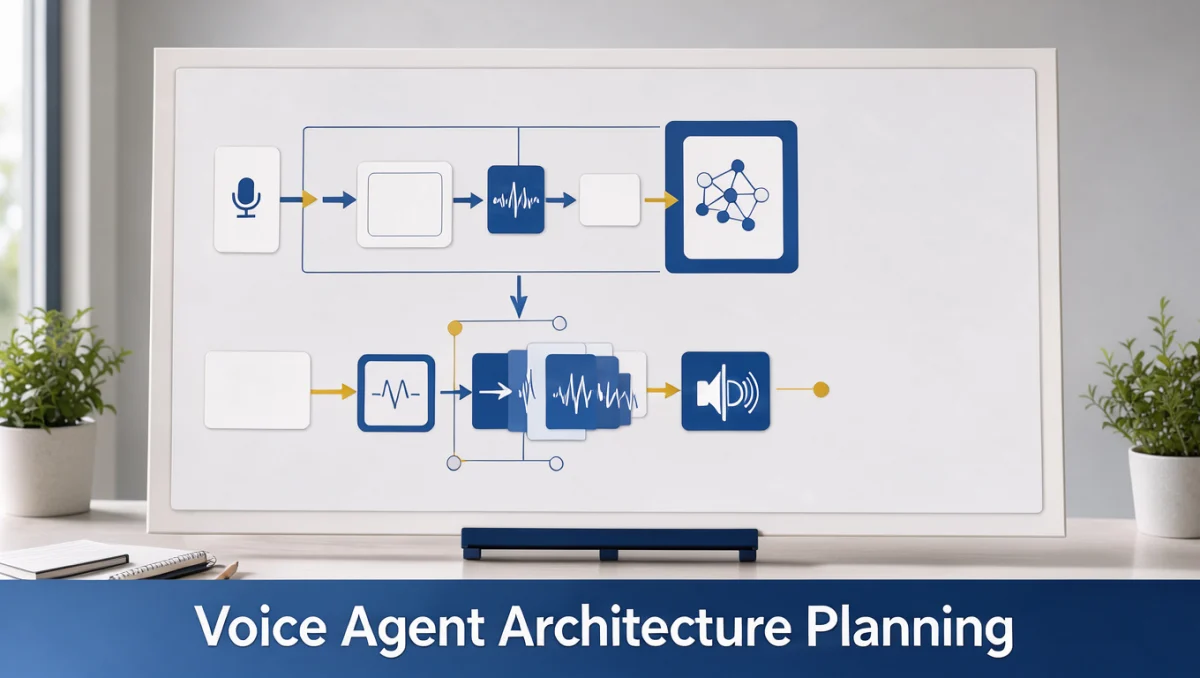
Before diving into configuration, a solid architectural plan is crucial. A voice agent relies on a tri-component system: understanding spoken input (speech recognition), processing intent (language reasoning), and generating spoken output (speech synthesis). Misunderstanding this foundational architecture is a common point of failure.
Defining Conversational Boundaries
Every voice agent needs a clearly defined scope. For optimal performance, agents should handle specific tasks, such as appointment confirmations or basic customer queries, rather than attempting open-ended conversations. Documenting these operational boundaries prevents conversational drift and ensures consistent, concise responses.
Selecting Persona and Voice Characteristics
The chosen voice profile sets the tone for all interactions. Select vocal attributes that align with your brand's communication guidelines. Consistency in vocal pacing and clarity is vital for user confidence, especially in noisy environments or over telephone lines. Test voice samples across different speaker types to guarantee comprehension.
Preparing Dialogue Scripts and Knowledge Sources
Spoken dialogue differs from written text. Script knowledge base answers using short sentences and plain language. Prepare structured operational data, like business hours or service categories, ensuring clean, unformatted text for the language model to process efficiently.
| Planning Aspect | Key Considerations | Verification Steps |
|---|---|---|
| Agent Objective | Define a singular, clear operational goal. | Confirm the agent’s scope covers specific tasks like triage or booking. |
| Persona Tone | Match vocal pacing and tone to audience expectations. | Audition voice samples using various hardware profiles. |
| Fallback Strategy | Establish clear responses for out-of-scope inquiries. | Document explicit handoff messages for human escalation. |
| Latency | Anticipate acceptable delays for audio feedback. | Check system latency parameters on official documentation. |
Step-by-Step Workflow for Voice Agent Creation
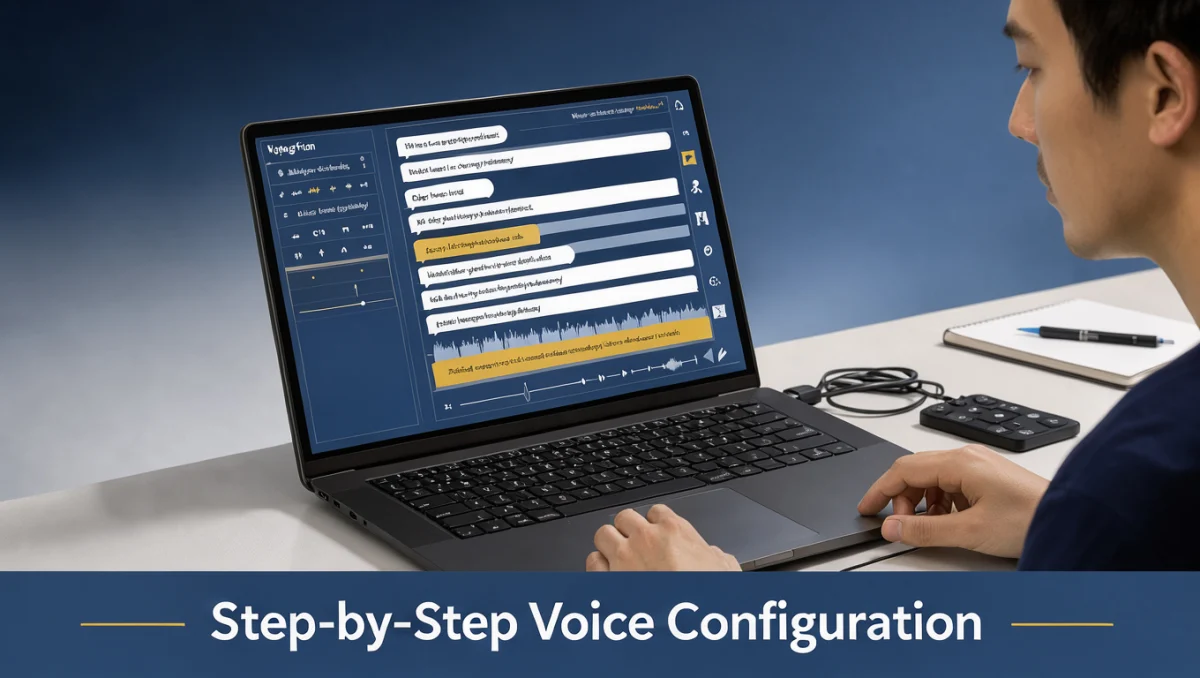
Crafting a voice agent involves configuring prompts, integrating language intelligence, and setting audio output parameters. Following a standardized workflow ensures seamless integration between voice styling and instructions.
Setting Up the Agent Workspace
Begin by creating a dedicated workspace within the ElevenLabs administrative console. Separate environments for development, testing, and production prevent accidental changes to live workflows. Ensure conversational endpoints are configured for your target operational environment.
Crafting the System Prompt
The system prompt dictates how the agent reasons, manages conversational turns, and structures vocal output. Instruct the agent to provide concise answers, typically in two to three short sentences, to avoid unnatural pauses. Define explicit rules for handling numbers, dates, and currency to ensure clarity.
Configuring Voice Models and Latency
Choose a synthetic voice profile optimized for conversational response times. While complex models offer nuanced emotion, interactive dialogue demands low latency. Balance expressive depth with the processing time required for audio synthesis. Adjust stability and clarity settings to ensure predictable pronunciation and vocal quality.
Integrating Knowledge and Context
Connect validated reference documents to supply the agent with accurate information. Upload plain text summaries of operational documentation, stripped of complex formatting, for efficient retrieval. Set context limits to maintain swift retrieval speeds and regularly audit knowledge snippets for outdated information.
Testing in the Sandbox Environment
Conduct thorough testing within the interactive console before connecting external channels. Simulate natural speech patterns, including corrections and interruptions, to observe the agent’s response. Review generated audio transcripts alongside playback to identify and correct mispronounced terms or awkward phrasing.
Best Practices for Natural Conversational Design
Voice interfaces require different design principles than text-based systems. Without visual cues, the reliance is entirely on auditory flow and pacing.
Managing Latency and Interruptions
Natural conversation hinges on timely responses. Acknowledging audio input quickly through brief signals while generating complete responses is key. Configure interruption handling so the system pauses playback immediately when the caller speaks to avoid frustrating user experiences.
Handling Fallbacks Gracefully
Automated agents will encounter inquiries beyond their scope. Program definite fallback statements to manage user expectations smoothly. Instruct the agent to acknowledge comprehension limits and offer alternative communication channels, preserving customer goodwill.
Formatting Output for Spoken Clarity
Synthetic voice engines interpret text literally. Pre-format elements like URLs, email addresses, and phone numbers for spoken dialogue. Direct the system to spell out verification codes letter-by-letter with pauses. Format dates conversationally for easy comprehension.
Common Mistakes to Avoid
Many organizations encounter similar challenges when adopting voice tools. Recognizing these pitfalls early can save resources and prevent negative user interactions.
Overloading System Prompts
Avoid pasting large documents directly into agent prompts. Language reasoning components struggle to extract concise replies from dense text. Instead, maintain modular, curated knowledge documents written specifically for speech delivery.
Ignoring Audio Compression
Voice agents tested in studios may sound clear, but standard telephony channels heavily compress audio. Always conduct end-to-end testing across various mobile carriers and speakerphones to verify vocal articulation and clarity over low-bandwidth paths.
Neglecting Phonetic Spelling
General pronunciation rules often fail with industry acronyms, foreign names, or branded terms. Maintain a lexicon of business-specific terms with phonetic equivalents to ensure accurate spoken delivery. Review call logs to identify and correct mispronounced terms.
Evaluating Operational Fit and Technical Requirements
Deploying a voice agent requires balancing software capabilities with your organization's internal technical resources and customer experience standards. Voice automation projects have unique infrastructural demands.
Technical Skill Requirements
While configuration dashboards are intuitive, deploying complete conversational workflows often requires developer involvement for managing webhooks, database lookups, and telephony routing. Organizations without development staff may need third-party integration specialists.
Assessing Usage Scenarios
Small businesses can benefit from agents handling structured after-hours inquiries. Growing enterprises need complex integration pipelines connecting voice outputs with real-time ERP and CRM systems. Ensure agents incorporate identity verification before exposing sensitive data.
Frequently Asked Questions
What are the technical prerequisites for an ElevenLabs voice agent?
An active ElevenLabs account, defined conversational prompts, and structured reference material for spoken delivery are essential. If connecting to telephony or external data sources, development knowledge for handling webhooks, audio routing, and APIs is also required.
What causes awkward pauses in automated voice calls?
Pauses typically result from cumulative latency in speech-to-text, language model reasoning, and audio synthesis. Optimizing response times through model selection, shorter prompts, and server proximity minimizes these delays.
Where can I find pricing and usage limit details?
Confirm current subscription plans, usage thresholds, and audio generation limits directly on the official ElevenLabs pricing page. These details change frequently, making vendor documentation the most reliable source.
How should specialized industry terms be handled?
Test specialized terminology thoroughly using custom pronunciation settings and phonetic spelling overrides within the platform configuration dashboard to ensure accurate spoken delivery.
Are voice agents suitable for complex customer escalations?
Voice agents are most reliable for structured, repetitive inquiries. Emotionally charged complaints or complex troubleshooting are better handled by human representatives, requiring clear escalation pathways.
Final Verdict
Implementing an automated voice agent with ElevenLabs offers a direct path to realistic synthetic speech. However, transforming this technology into a dependable communication channel requires disciplined architectural planning, focused prompt engineering, and continuous pronunciation auditing. Voice realism alone cannot substitute for thoughtful conversational design; agents lacking clear fallback pathways or conversational turn limits will struggle.
For engineering teams and digital creators seeking high-fidelity vocal delivery within custom applications, ElevenLabs provides adaptable voice generation infrastructure. Organizations without development resources or those seeking turnkey contact center solutions should carefully evaluate the engineering effort required before proceeding.
| Evaluation Criterion | Score | Rationale |
|---|---|---|
| Features | 8.6/10 | Offers expressive voice synthesis, customizable styling, and flexible dialogue parameters. |
| Ease of Use | 8.3/10 | Intuitive dashboards for setup, but external integration needs technical familiarity. |
| Pricing and Value | 7.4/10 | Monitor character consumption and subscription allowances on the vendor's pricing page. |
| Integrations | 7.5/10 | Telephony and database connections rely on custom developer implementation. |
| Audience Fit | 8.8/10 | Ideal for developers and businesses focused on lifelike voice for structured inquiries. |
| Support | 7.3/10 | Primarily relies on documentation and forums, requiring user self-sufficiency. |
| Competitive Position | 8.8/10 | Excels in natural speech acoustics and voice personalization. |
| Overall Score | 8.1/10 | A capable platform for realistic voice interactions when paired with strong language pipelines and disciplined prompt boundaries. |
See More how to build a voice agent with elevenlabs · Artificial Intelligence · Best Software Reviews