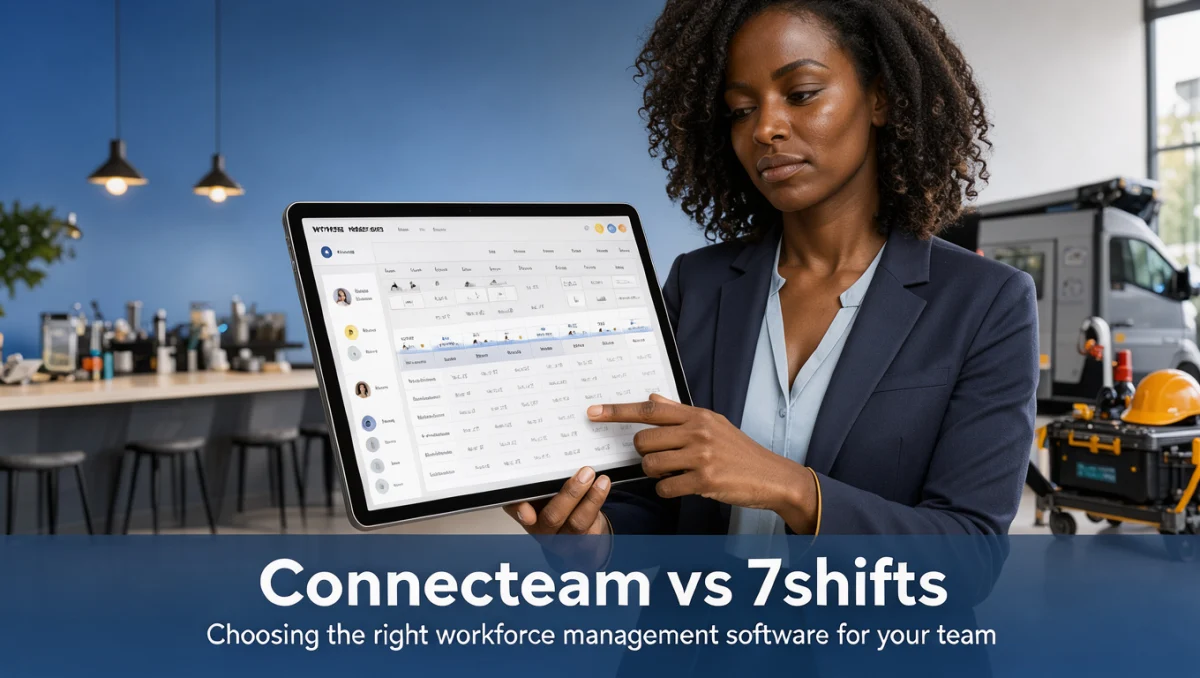
In the landscape of workforce management, the choice between a comprehensive deskless employee solution and an industry-specific platform presents a key decision point. At Best Software Reviews, we delve into operational software to guide managers in selecting the infrastructure that best matches their team structure and scheduling demands. This analysis focuses on the core functionalities of both platforms, helping you understand whether a broad approach or a tailored solution serves your business better.
Both Connecteam and 7shifts excel at organizing shift distribution, tracking attendance, and facilitating staff communication without requiring employees to be at a desk. The central question revolves around whether your organization thrives with generic operational workflows or benefits more from tools designed exclusively for the food service industry.
Understanding the Core Offerings
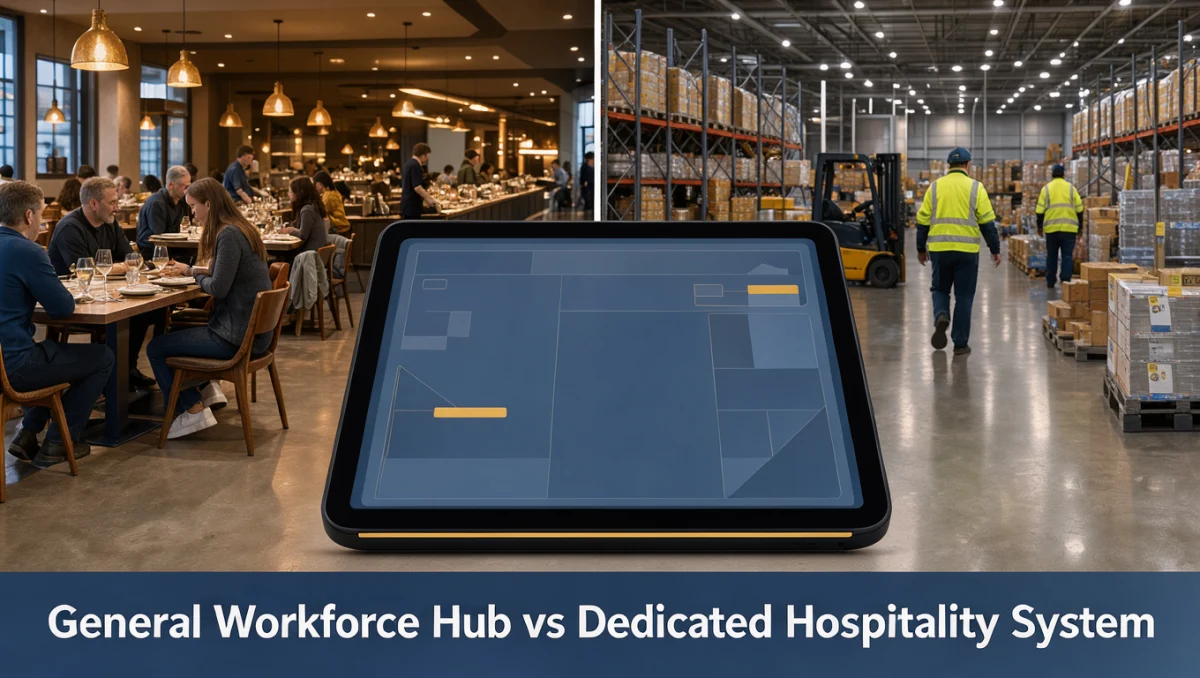
Connecteam functions as a broad operations hub for various deskless businesses, encompassing scheduling, task management, digital forms, and internal communication for sectors like retail, security, cleaning, and construction. Conversely, 7shifts hones its features for the food service environment, organizing schedules and labor demands specifically for dining establishments and kitchens.
The decision hinges on industry breadth. If your enterprise spans diverse field crews or non-hospitality trades, Connecteam offers the necessary flexibility. For operations centered on food preparation, kitchen stations, and front-of-house coverage, 7shifts provides direct industry alignment.
Feature Set Deep Dive
At their core, workforce management platforms offer tools for shift planning, time tracking, communications, and task delegation. Connecteam provides a customizable toolkit, enabling administrators to create company surveys, daily inspection forms, training materials, and time clocks for remote sites. 7shifts, on the other hand, structures its features around typical restaurant routines, including service periods, station qualifications, and managing tip distribution and shift swaps among staff.
Key Strengths: Both systems are robust in employee scheduling, mobile time tracking, staff messaging, and operational task distribution. Buyers should always check the latest feature documentation and subscription tiers for advanced compliance alerts or specialized checklists.
Ease of Use and User Experience
The user-friendliness of each platform often depends on how quickly hourly staff can master daily tasks like clocking in and checking schedules. Connecteam offers deep administrative control, which may require an initial setup period to tailor for specific work crews. However, for the end-users, clocking in and reviewing tasks is typically straightforward via mobile devices. 7shifts uses terminology familiar to hospitality staff, which can ease onboarding for those already accustomed to restaurant work patterns. For administrators managing departments outside of hospitality, its specialized language might be less intuitive for general tasks.
Pricing, Value, and Integration Capabilities
Workforce management software typically employs subscription models based on team size, feature sets, or operational hubs. Subscription tiers often differentiate basic scheduling from advanced compliance tracking or audit logs. It is crucial to verify current pricing on the official Connecteam vs 7shifts pricing pages, considering potential add-ons, user brackets, and location surcharges. The true value is realized when features align with actual operational needs; paying for restaurant-specific workflows offers little benefit in a retail setting, and vice versa.
Integration with payroll processors, point-of-sale terminals, and other business systems is vital to prevent duplicate data entry. Managers must review official compatibility directories as vendor integration ecosystems evolve. Hospitality managers should confirm direct attendance data exchange with their POS system via 7shifts. Field service and construction managers evaluating Connecteam should verify synchronization with their accounting and payroll systems.
Target Audience and Industry Fit
The divergence between Connecteam and 7shifts is most apparent in their target audiences. Connecteam caters to broad field industries where employees move between sites, complete safety checklists, and report incidents. It serves commercial cleaners, property managers, security firms, and retail networks effectively. 7shifts is explicitly designed for food service operators, including independent bistros, fast-casual franchises, and bars. Its workflows are tailored to the demands of kitchen call-outs and floor coverage adjustments, making it less suitable for non-hospitality sectors.
Support and Competitive Standing
Support structures vary by vendor, tier, and the quality of self-help documentation. Unplanned disruptions often occur during peak service hours, necessitating reliable support. Prospective buyers should consult official vendor resources to understand support availability and administrative training options. In the broader team coordination sector, Connecteam competes with general deskless platforms by offering extensive operational forms beyond basic scheduling. 7shifts occupies a specialized niche against other restaurant systems by remaining focused on hospitality management. Both maintain strong, distinct positions within their respective software categories.
Making the Right Choice
To decide between Connecteam and 7shifts, consider your specific business environment and needs:
- Industry Focus: If your staff includes waitstaff, bartenders, and cooks, prioritize food-service tools. For mobile maintenance, home healthcare, or logistics teams, choose cross-industry operational platforms.
- Task Management: Assess if you require digital equipment inspections, incident reporting, or employee quizzes. Connecteam accommodates custom administrative forms directly.
- System Connections: Identify your payroll provider and POS system, then verify direct data exchange capabilities on each vendor's official website.
- Shift Rules: Review how each platform governs employee shift trades, manager approvals, and station qualification limits.
For businesses operating outside the hospitality sector or managing diverse mobile field units, Connecteam offers significant utility. Companies in security, construction, cleaning, or multi-site retail benefit from its flexible checklists and universal mobile time tracking. For restaurant owners, dedicated hospitality scheduling simplifies kitchen and floor station alignment. Ultimately, the best Collaboration & Productivity software depends on whether your operation demands general deskless capabilities or specialized restaurant workflows.