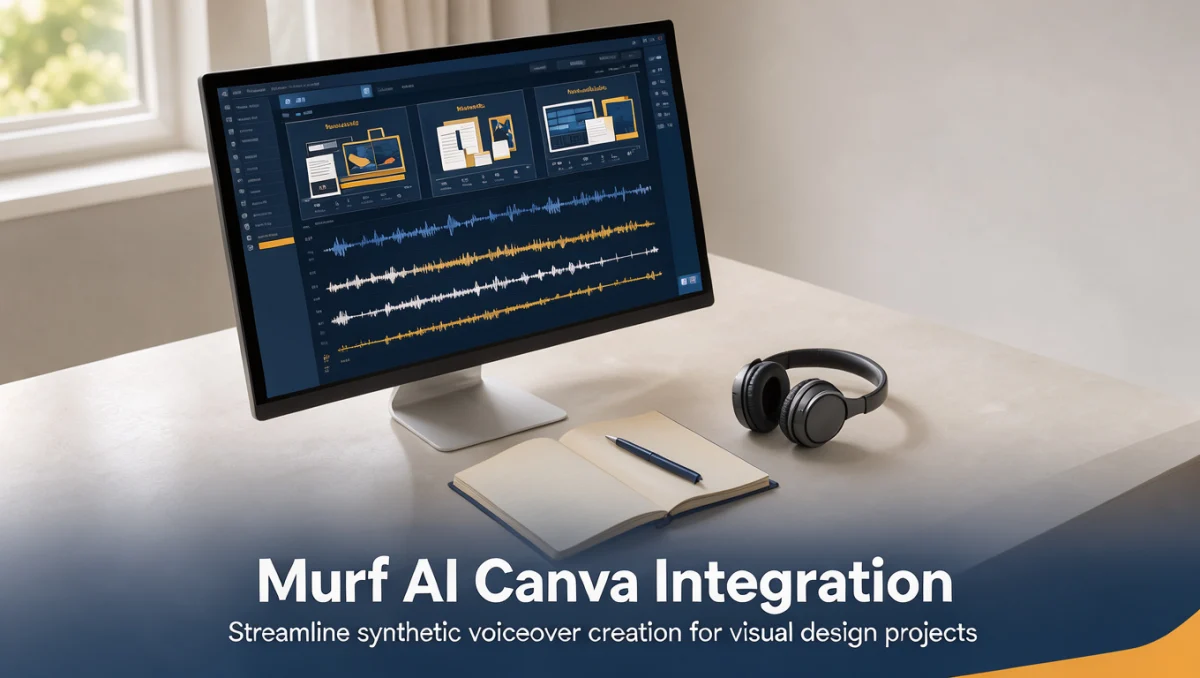
Murf AI’s integration with Canva brings powerful text-to-speech capabilities directly into your design workflow. This synergy allows creators to produce engaging narrated visuals, from social media clips to product explainers, without needing external recording equipment or extensive audio editing skills. At Best Software Reviews, we analyze digital creative tools to help businesses make informed technology investments.
Understanding how voice generation tools fit within your existing visual design software is crucial for assessing if they can meet your content creation velocity. Evaluating the murf ai canva integration involves looking at ease of use, voice fidelity, and team management features against your content output targets.
Quick verdict: Murf AI scores 7.9 out of 10, making it an excellent choice for visual designers and educators needing rapid synthetic narration for presentations and promotional materials. It may not be the best fit for audio professionals requiring granular waveform manipulation or studio-grade sound mastering.
| Evaluation Metric | Summary Details |
|---|---|
| bestsoftwarereviews score | 7.9 / 10 |
| Ideal Use Case | Creating narrated presentations and short promotional videos for visual designers and video creators. |
| Not Recommended For | Sound production specialists needing multi-track acoustic mastering and uncompressed analog recording. |
| Key Strengths | High-quality synthetic voice generation, seamless text-to-audio synchronization, and intuitive narration pacing controls. |
| Pre-Purchase Check | Verify audio export limits and voice catalog access on the official subscription details page. |
Effortless Voice Generation for Designers
Murf AI functions as a sophisticated platform that transforms written scripts into spoken audio using advanced AI. This capability is invaluable for teams creating voice tracks for product demonstrations, corporate training modules, marketing campaigns, and educational content, bypassing the need to hire voice actors.
The platform is designed for businesses, independent marketers, educators, and design professionals who regularly combine visual elements with spoken narration. Instead of managing recording schedules and dealing with background noise, users can input scripts, choose from a variety of voice profiles, and preview audio outputs directly within their design environment.
Modern marketing departments leveraging Artificial Intelligence in their multimedia toolkits often seek direct links between their design canvases and voice engines. Integrating voice generation directly into visual design software significantly cuts down on file transfers and accelerates the revision process for team projects.
Core Audio Creation and Visual Integration
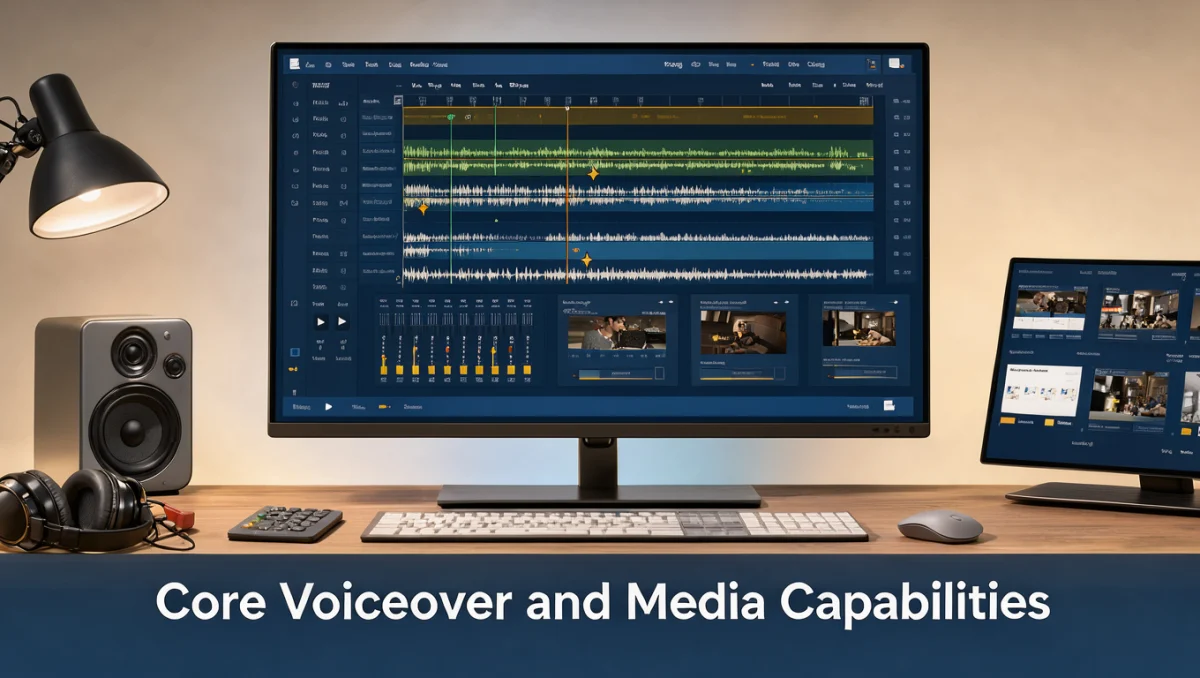
Voice generation platforms provide creators with specialized audio manipulation tools focused on delivering clear and impactful messages. The primary functionalities revolve around script conversion, vocal style customization, and synchronization with visual media.
Script to Speech Conversion
Text-to-speech engines translate written text into spoken dialogue by employing sophisticated sound modeling algorithms. Users simply paste their scripts into an editor, assign desired speaking styles, and generate spoken audio files ready for immediate digital use.
Before committing to a production budget, potential buyers should verify the available languages and regional accents on Murf AI’s official website. Different voice engines offer distinct styles, ranging from conversational narration to formal public announcements.
Voice Customization and Nuance Control
The ability to finely tune vocal delivery allows creators to precisely match the spoken pace and tone with their brand identity. Voice platforms enable adjustments to speech speed, pitch, and pronunciation, ensuring that technical terms are articulated accurately.
For lengthy training materials, being able to stress specific syllables prevents the narration from sounding unnatural or monotonous. Teams should explore the sample audio libraries on the vendor's website to confirm that the available vocal profiles meet their required broadcast quality standards.
Synchronizing Audio with Visual Timelines
Combining voice audio with visual presentations requires careful timing alignment between vocal cues and on-screen visual transitions. Creators can synchronize recorded narration with graphic banners, animated sequences, and video slides.
When voice generation operates within visual creation environments, users can adjust script segments in parallel with visual frames. This eliminates the tedious process of exporting audio, importing it into separate editors, and then re-exporting the final combined media.
Intuitive Interface and Workflow Simplicity
Murf AI offers an accessible entry point for visual creators who may not have prior experience with traditional digital audio workstations. Its script-centric interface simplifies voice creation, treating it much like editing text documents, which makes the initial setup straightforward for beginners.
Team members without technical audio expertise can type sentences, select a preferred voice profile, and listen to instant audio previews without needing to adjust complex sound frequencies or equalization settings. This streamlined structure significantly reduces the learning curve for marketing and training personnel.
However, seasoned audio professionals might find the automated editing environment somewhat limited compared to specialized sound engineering software. Teams requiring advanced multi-mic balancing or intricate musical score mixing will likely need to complement voice generators with dedicated post-production tools.
Advantages and Disadvantages of Murf AI
A thorough evaluation of both operational strengths and workflow limitations is essential for buyers to select tools that truly align with their daily publishing requirements.
Key Advantages
- Streamlined text-to-speech workflow simplifies voiceover creation for presentations and promotional videos.
- Offers a wide variety of vocal styles suitable for corporate training, marketing communications, and educational content.
- Provides direct integration with visual design platforms, eliminating the need for cumbersome intermediate file transfers.
- Features a user-friendly interface enabling non-technical creators to produce polished voiceovers without requiring studio equipment.
Key Limitations and Solutions
- Voice customization controls are not a substitute for high-end acoustic mastering suites needed for specialized audio engineering. For complex audio soundscapes, finalize background music and effects in dedicated audio editing software.
- Script nuances occasionally necessitate manual adjustments to pacing and emphasis to achieve a natural flow. Creators should carefully review generated voice tracks before embedding them into final visual exports.
- Commercial usage terms and voice availability can differ across subscription tiers. Always confirm the commercial licensing guidelines on the official Murf AI terms page before publishing for clients or commercial use.
Comparing Murf AI with Other Voiceover Tools
The market for voice generation tools includes specialized solutions designed for distinct production needs. Understanding the general positioning of each vendor helps teams select the most appropriate tool for their content strategy.
Murf AI positions itself for multimedia creators, educators, and business communicators who prioritize slide-synchronized voiceovers and collaborative visual production. Its main appeal is linking audio creation directly with everyday presentation design tasks.
In contrast, ElevenLabs focuses on highly realistic voice replication and deep emotional expression, catering to audiobook publishers, game developers, and advanced media creators. Buyers prioritizing subtle vocal performances often compare these two platforms.
Synthesia takes a different approach, centered on avatar-led video generation, combining synthetic narration with AI-powered on-screen presenters. Teams seeking complete visual talking-head presentations might consider Synthesia, while those needing flexible voiceovers for custom graphic designs would gravitate towards Murf AI.
Who Benefits Most from Murf AI
Identifying specific user requirements is key to ensuring your production team selects software that aligns perfectly with operational objectives.
- Freelance Designers: Individual creators producing social graphics, web videos, and client presentations who require quick audio tracks without the hassle of coordinating external recording sessions.
- Small Business Marketers: In-house promotional teams responsible for developing weekly video ads, product tutorials, and social media explainers under tight deadlines.
- Corporate Educators: Instructional designers creating standardized training courses, software onboarding materials, and compliance presentations for geographically dispersed teams.
- Academic Institutions: Instructors and students producing narrated slide lectures and digital coursework summaries that require clear and professional spoken audio.
- Consider Alternatives If: You are an audio engineer producing theatrical podcasts, film score mixing, or high-fidelity musical productions that demand physical microphone mastering and extensive acoustic treatment.
Choosing the Right Murf AI Subscription
Subscription plans for voice generation software are typically structured based on production volume, the number of user seats, and audio export allowances. Carefully evaluating your team’s specific needs beforehand can prevent unnecessary expenditure.
| Key Subscription Factors | Importance for Your Needs |
|---|---|
| Voice catalog availability per plan | Ensures that the specific accent or language needed for your target audience is accessible within your chosen tier. |
| Audio generation and export limits | Monthly limits on voice generation dictate the total duration of completed voiceovers your team can produce. |
| Team collaboration features | Multi-user workspaces allow designers and copywriters to simultaneously review and collaborate on the same voice project. |
| Commercial usage rights | Confirms whether the published audio can be legally used in paid advertising campaigns and client deliverables. |
Frequently Asked Questions About Murf AI
What factors should influence a voiceover tool budget?
Buyers should calculate their monthly video content volume, the number of user seats required, and any specific licensing needs before setting a budget. Factoring in costs for secondary design tool subscriptions helps in establishing an accurate estimate of total monthly creative software expenditures.
How can businesses assess voice naturalness before purchase?
Prospective buyers should review public voice samples on the vendor's website and test how specific industry terminology is pronounced. Listening to sample audio across different vocal tones helps confirm if the AI synthesis aligns with corporate branding guidelines.
What steps ensure synthetic voiceovers sound professional in visual slides?
Pacing scripts with natural pauses and auditioning playback against slide transitions helps prevent the audio from sounding rushed. Aligning visual bullet points with distinct spoken sentences creates a balanced and engaging viewing experience for the audience.
Why should content teams verify commercial rights before publishing?
Voice software subscriptions often have distinct commercial licensing rules that vary for individual, educational, and business accounts. Checking the terms on the official subscription page is essential to ensure that client work and monetized video campaigns remain fully compliant with legal requirements.
Final Assessment of Murf AI
| Criterion | Score / 10 | Reasoning |
|---|---|---|
| Features | 8.5 / 10 | Offers robust text-to-speech conversion, pitch adjustment, and timeline synchronization capabilities for visual media projects. |
| Ease of Use | 8.5 / 10 | The simple, script-focused interface enables non-audio specialists to produce clean voice tracks without needing audio engineering expertise. |
| Pricing and Value | 7.0 / 10 | Users must carefully evaluate monthly voice generation allotments against their production volume to determine true value. |
| Integrations | 7.5 / 10 | Direct connection with visual design platforms simplifies media assembly, though integration specifics with third-party tools require individual verification. |
| Audience Fit | 8.5 / 10 | Excellently targeted for presentation designers, corporate training developers, and promotional content creation teams. |
| Support | 7.0 / 10 | Documentation and help resources offer valuable workflow guidance, though support channel availability may vary by subscription terms. |
| Competitive Position | 8.0 / 10 | Holds a distinct market advantage for media creators seeking voice generation tightly integrated with visual design layouts. |
Overall bestsoftwarereviews Score: 7.9 / 10
Murf AI provides an accessible and effective solution for marketing professionals, visual designers, and corporate trainers who require clear voice narration without the overhead of traditional recording. Its ability to synchronize voice tracks with visual layouts significantly streamlines content creation for regular publishing schedules. While teams focused on specialized acoustic mastering may need dedicated audio software, visual content teams will find Murf AI’s voiceover workflow practical and highly productive.
For inquiries regarding software selection or detailed workflow advice, please reach out via the Best Software Reviews contact page, or follow our LinkedIn page for regular updates on software analysis.