Preparing for Your Taxfyle Account Creation
Before embarking on how to sign up for Taxfyle, it's crucial to understand your tax obligations and gather all necessary financial documents. This walkthrough is designed by the experts at Best Software Reviews to help both individuals and businesses navigate the onboarding process smoothly, avoiding common administrative delays.
Taxfyle acts as a vital link, connecting users with qualified tax experts, including Certified Public Accountants (CPAs) and Enrolled Agents. A methodical approach to registration ensures precise professional matching, clear communication channels, and timely tax return completion.
Key takeaway: To sign up, gather your prior tax documents and identification, visit the official platform, complete the initial assessment, upload your financial data, and then connect with your assigned tax professional for review.
| Overview | Details |
|---|---|
| Intended audience | Individuals, freelancers, and business owners looking for online professional tax filing services. |
| Pre-registration requirements | Valid government ID, income statements, previous tax returns, and expense records. |
| Outcome of the process | An active account paired with a certified tax professional ready to prepare and file your taxes. |
Streamlining Your Taxfyle Onboarding

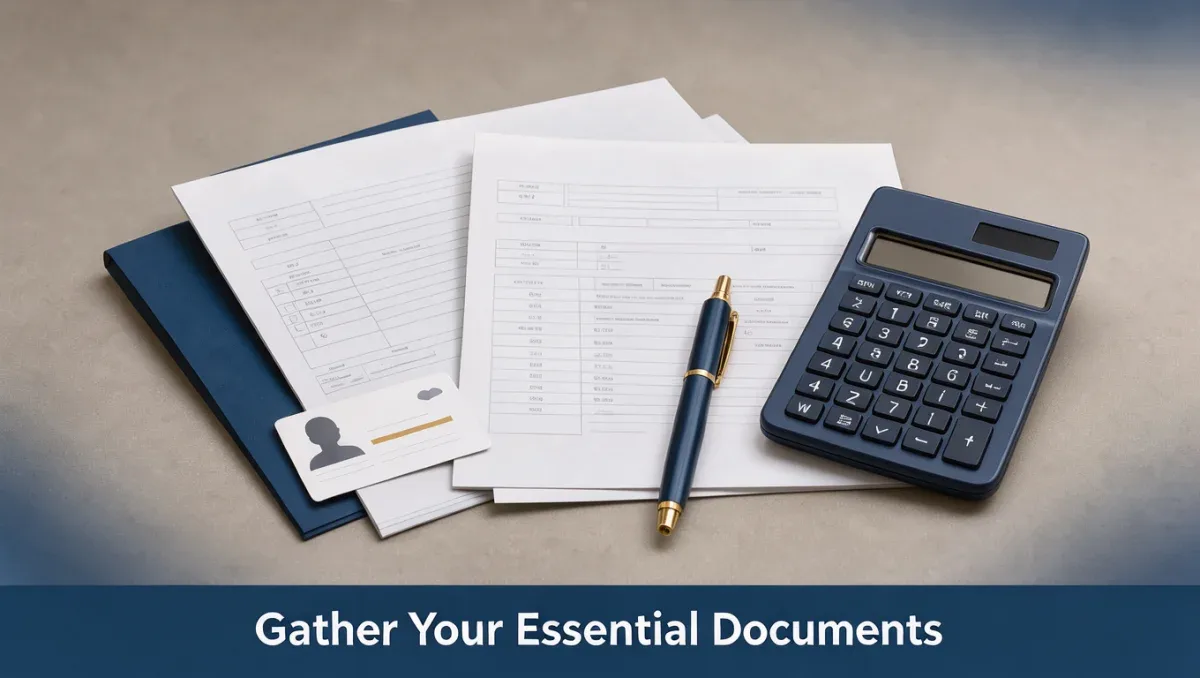
Ensuring a seamless experience when learning how to sign up for Taxfyle requires thorough preparation. Organize all financial records that pertain to your tax filing responsibilities before beginning the online process.
- Identification: Secure a valid government-issued photo ID and taxpayer identification numbers for yourself and any dependents.
- Income Documentation: Compile all earnings statements, including W-2s, 1099s, dividend reports, and investment summaries.
- Expense Records: Gather receipts or summaries for deductible expenses, such as retirement contributions and educational costs.
- Previous Filings: Have complete copies of recent federal and state tax returns available for reference on filing status and carried-over information.
Step-by-Step Guide to Taxfyle Registration
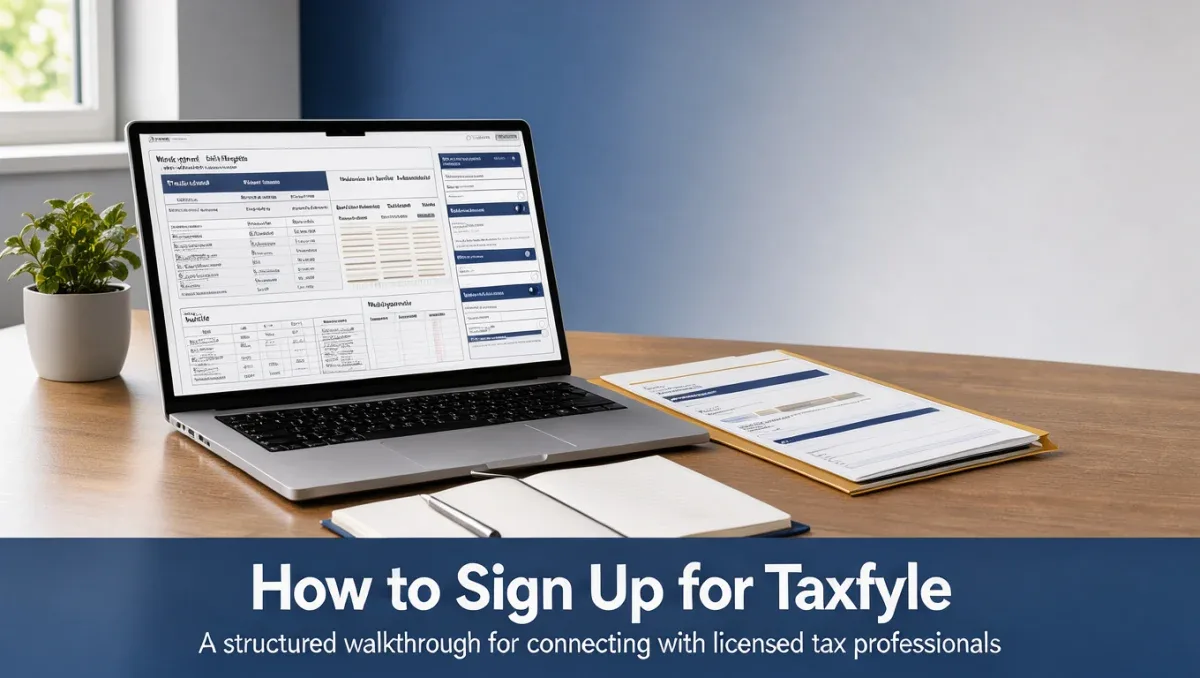
Registering on modern tax assistance platforms follows a structured path to assess your tax situation and pair you with the right expertise. Here's the typical workflow for setting up your account.
- Initiate Registration: Go to the official Taxfyle website to begin the sign-up process. Always verify you're on the legitimate site before entering personal data.
- Select Filing Type: Choose your filing category—individual taxes, sole proprietorship, or business taxes—to accurately define your service needs.
- Complete Intake Questionnaire: Answer questions about income sources, property ownership, foreign assets, or cryptocurrency holdings to determine your tax complexity.
- Review Service Agreement: Examine the proposed service details and confirm the specifics on the official Taxfyle pricing page before agreeing to the terms.
- Upload Financial Documents: Securely submit your organized financial papers for your assigned tax preparer to review.
- Connect with Your Professional: Establish communication with your matched tax expert to discuss timelines, clarify deductions, and finalize filing dates.
Navigating Your First Month with Taxfyle
Structuring your post-registration activities within an Accounting management system helps maintain compliance and reduces end-of-season filing stress.
| Timeline | Key Activities | Importance |
|---|---|---|
| Week 1 | Account setup and document verification | Ensures all uploaded forms are clear and accessible for your preparer. |
| Week 2 | Preparer consultation and clarification | Addresses any uncertainties about expenses, credits, or multi-state tax issues promptly. |
| Week 3 | Draft review and comparison | Allows you to cross-reference the draft return with your original financial records for accuracy. |
| Week 4 | Filing authorization and record keeping | Grants electronic submission approval and secures signed documents for your records. |
Common Pitfalls and Prevention Strategies
Mistakes during the sign-up process can lead to delays or extended review periods. Adhering to best practices ensures a smoother experience.
- Incomplete Submissions: Omitting secondary income forms or dependent details can halt the review process.
- Incorrect Entity Selection: Mischaracterizing your business structure may result in incorrect form assignments and adjusted costs.
- Delayed Communication: Tax professionals often need clarifications; slow responses can postpone your filing.
- Identification Errors: Providing inaccurate Social Security or bank details will cause immediate rejection by tax authorities.
When to Seek Expert Assistance
While online platforms handle most standard tax situations, specific circumstances may require expert consultation prior to final submission.
- Multi-State Operations: Conducting business across several states or internationally necessitates specialized review for compliance.
- Major Life/Business Changes: Events like corporate restructuring, asset sales, or significant inheritances benefit from specialized tax advice.
- Platform Technicalities: If you encounter issues with document verification or portal errors, contact official support channels.
- Doubtful Deductions: Consult an independent tax professional if you are unsure about claiming substantial deductions, such as for a home office or capital depreciation.
Frequently Asked Questions
What essential documents are needed for Taxfyle registration?
You'll need valid government ID, Social Security numbers for all household members, all annual income forms, previous tax returns, and verified expense summaries. Having these ready speeds up the onboarding.
Why is precise information critical in the intake questionnaire?
The intake questions help determine the necessary tax schedules and match you with a preparer skilled in your specific tax area. Incorrect data can cause scope changes and scheduling issues.
Who handles tax return preparation post-onboarding?
The platform connects you with credentialed professionals, like CPAs and Enrolled Agents, who prepare and review your return under professional standards. You’ll communicate directly with your assigned specialist.
Where can users confirm service scopes and terms?
Prospective users should always check the official Taxfyle website for the most current service agreements, terms, and scope limitations before committing to their services.
Finalizing Your Taxfyle Experience
Completing your initial registration is just the first step toward an effective tax strategy. To ensure a smooth filing process through to final submission, take these actions:
- Conduct a final review of all uploaded financial documents to ensure no supplemental schedules are missing.
- Confirm your preferred notification settings to receive timely updates when your preparer needs information.
- Set a calendar reminder to review your final draft well before the statutory tax filing deadlines.
For any questions about software selection, reach out to the Best Software Reviews team via our contact page or follow us on LinkedIn for the latest reviews and comparisons.