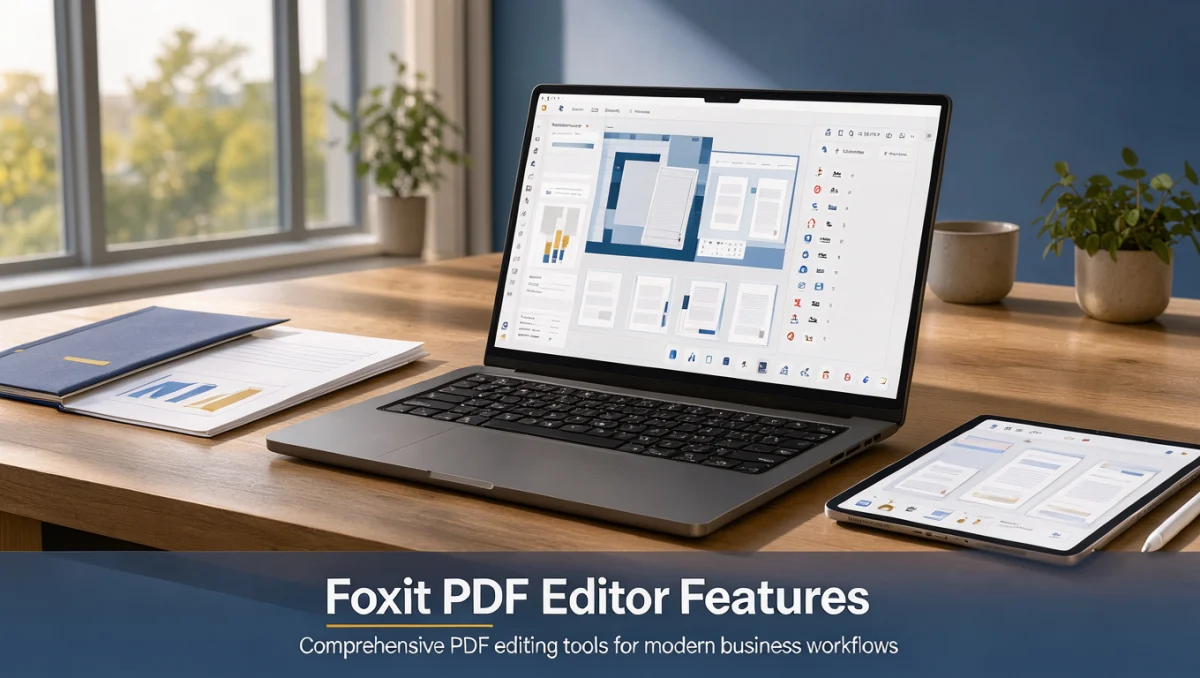
Understand the essential foxit pdf editor features that empower businesses to manage documents effectively. From intricate text adjustments to streamlined form creation and secure collaboration, this review delves into what makes Foxit PDF Editor a strong contender in document management solutions. We aim to provide insights for buyers looking to enhance their Collaboration & Productivity.
| Evaluation Metric | Assessment Details |
|---|---|
| Best Software Reviews Score | 8.0 / 10 |
| Ideal For | Teams needing recurring PDF revisions, contract preparation, and structured form creation. |
| Key Strengths | Direct text reflow editing, robust form generation, page assembly tools, and structured comment tracking. |
Understanding Foxit PDF Editor's Purpose
Foxit PDF Editor is a specialized application engineered for creating, modifying, and organizing PDF documents. It serves a broad audience including knowledge workers, legal professionals, and administrative departments that process a high volume of digital paperwork daily. Unlike simple readers, this platform allows users to edit existing text, swap graphics, and reconfigure entire documents, ensuring professional output and consistent formatting across various devices.
Core Capabilities for Document Workflows
Text and Image Manipulation
Users can directly alter paragraphs, fix typos, and change font styles within completed PDFs. The paragraph reflow feature ensures visual consistency when text is added or removed, preventing layout issues. Additionally, graphic tools enable resizing, rotating, and replacing visual elements without needing to restart document creation, which is invaluable for updating logos or product information under tight deadlines.
Page Assembly and Organization
The software offers page management tools for reordering, extracting, splitting, and merging pages from multiple files. This allows for the creation of comprehensive binders from separate reports or the removal of sensitive sections before distribution. Standard indexing mechanisms like headers, footers, watermarks, and bates numbering are included, crucial for legal document preparation and archiving compliance.
Interactive Form Building and Data Capture
Foxit PDF Editor includes tools to transform static pages into interactive documents with fields such as text boxes, checkboxes, and dropdown menus. Automated field calculations and formatting reduce data entry errors on internal order forms, client intake sheets, and HR documents. Organizations can also export form submissions into structured databases, simplifying data entry and analysis.
Document Review and Annotation
Annotation features provide tools like highlighting, sticky notes, and custom stamps for editorial feedback. A structured comment panel aggregates notes from collaborators, allowing editors to filter remarks by author or status. This facilitates a clear feedback loop, preventing conflicting edits and enabling teams to track suggested changes through to resolution before final approval.
File Conversion and OCR
The editor supports exporting to various standard formats like text documents and spreadsheets, while also allowing import into consistent PDF archives. Bidirectional conversion is useful for recovering editable layouts from PDFs when original source files are lost. Optical Character Recognition (OCR) converts scanned paper documents into searchable digital text layers, enabling quick retrieval of information within scanned historical records.
Document Protection and E-Signatures
Security functions include password protection, printing/copying permission controls, and redaction tools to permanently remove sensitive information. These features are vital for handling confidential client data before public disclosure. The platform also incorporates signature verification tools, allowing for the placement of visual signatures and validation controls on contracts and authorizations, formalizing agreements.
Ease of Use and Learning Curve
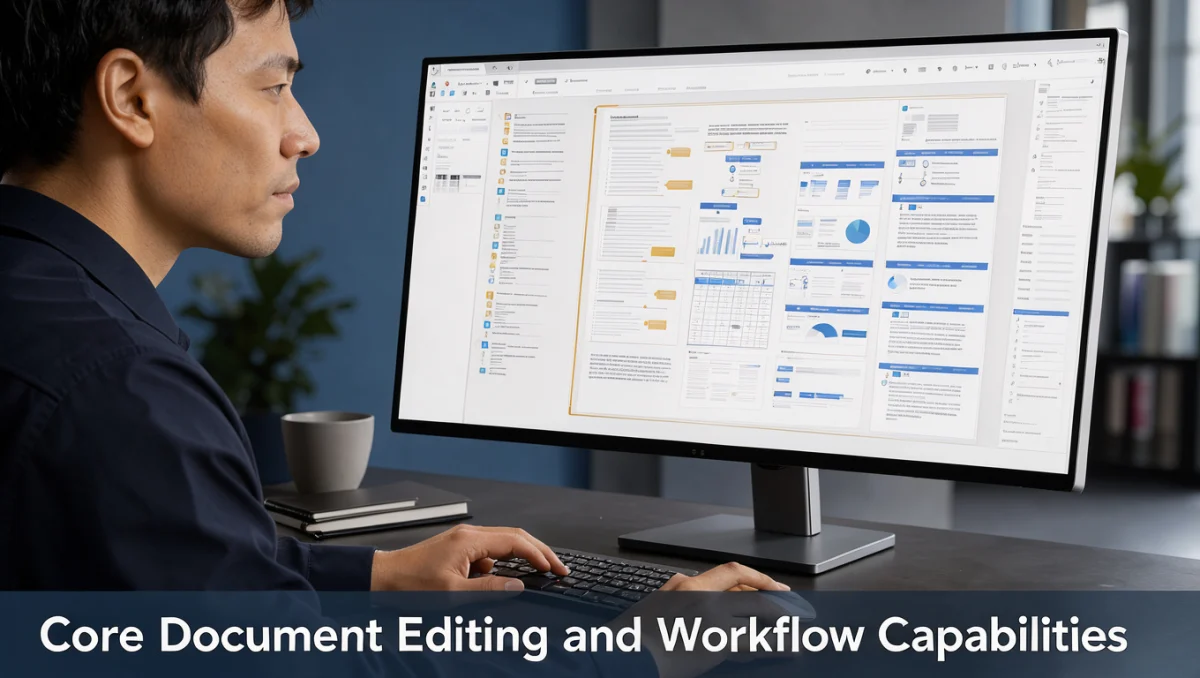
Foxit PDF Editor employs a ribbon navigation menu similar to popular desktop productivity suites, making it familiar for users accustomed to standard office applications. Basic tasks like text correction or file merging have a moderate learning curve, allowing new team members to adapt quickly. However, mastering advanced features like complex form calculations or batch processing requires dedicated practice and guidance.
Pros and Cons of Foxit PDF Editor
Operational Advantages
- Direct text reflow simplifies late-stage edits without rebuilding source files.
- Comprehensive form generation tools support calculations and data extraction.
- Bates numbering and redaction features fulfill essential compliance requirements.
- Annotation aggregation streamlines multi-party editorial workflows.
Practical Limitations
- Dense ribbon toolbars can be overwhelming for users needing only simple functions.
- Complex layouts might experience minor formatting shifts during heavy inline text editing.
- Advanced administrative features require careful verification on the official website to match deployment needs.
Foxit PDF Editor Compared to Alternatives
When evaluating document management software, understanding each platform's positioning is key. Adobe Acrobat is often the benchmark for creative professionals and enterprises needing advanced print production features. Foxit PDF Editor, on the other hand, is frequently chosen by general enterprise departments for its practical focus on clerical workflows, security, and form management. Nitro PDF targets mid-market businesses with its document conversion and team handling capabilities, while open-source viewers suffice for basic annotation and rearrangement by individual users.
Who Benefits Most from Foxit PDF Editor

Small Business Owners and Operations Managers
Small business operators can assemble client proposals and vendor agreements efficiently. The software helps small teams present standardized documentation without the cost of specialized graphic design suites. However, solo operators with minimal editing needs should assess their usage frequency before committing to a subscription.
Administrative and HR Teams
Staff in administrative and HR roles benefit from interactive form creation for employee onboarding, performance reviews, and policy manuals. Standardizing corporate paperwork on interactive PDF forms ensures consistent data collection and simplifies record management across different locations.
Legal and Compliance Professionals
Legal departments require verifiable document indexing, bates numbering for court submissions, and certified redaction tools. Foxit PDF Editor provides these critical safeguards, assisting legal clerks in assembling case exhibits and securely removing private identifying data.
Choosing the Right Plan
Software vendors typically offer licensing tiers based on functional scope and user management. Prospective buyers should compare their internal workflows with available plan breakdowns. Key factors include user provisioning, advanced redaction tool inclusion, form calculation capabilities, administrative deployment controls, and platform compatibility. Review these details on the official foxit pdf editor features page to ensure alignment with your organization's requirements.
Final Verdict
Foxit PDF Editor offers a balanced and functional solution for corporate offices, administrative teams, and compliance-focused organizations. Its direct paragraph editing, structured form builder, and document organization tools effectively manage demanding corporate document lifecycles. Organizations looking for a focused document suite for contract drafting, compliance indexing, and client intake forms will find it well-suited for everyday administrative needs. We encourage you to explore the official product pages for the latest details on licensing and features.
See More Best Software Reviews