For facility managers, IT teams, and operations leaders in 2026, selecting a modern physical access control system often narrows down to a decision between Kisi vs Openpath. Both systems offer cloud-based solutions for managing door access, issuing digital credentials, and overseeing facility security without the need for traditional on-premise servers. At Best Software Reviews, we've analyzed their approaches to credential management, hardware compatibility, and multi-tenant administration to help you make an informed choice.
The optimal system for your organization will depend on your specific building requirements, existing door hardware, and how your administrative team prefers to manage access for employees and visitors. A thorough evaluation against your daily entry workflows will ensure that your chosen system enhances security without hindering access for authorized personnel.
In brief: Opt for Kisi if your priority is seamless hardware integration and direct management of internal office doors, earning it an 8.3/10 score. Choose Openpath if your facility requires flexible reader architecture across diverse commercial real estate settings, with a score of 8.4/10.
| Evaluation Metric | Kisi | Openpath |
|---|---|---|
| Best Software Reviews Score | 8.3/10 | 8.4/10 |
| Best For | Growing offices, modern commercial spaces, and multi-location businesses seeking unified credential issuance. | Commercial real estate, multi-tenant corporate buildings, and enterprise operations requiring retrofittable door hardware. |
| Core Focus | Digital credential distribution, facility door scheduling, and streamlined administrative oversight. | Touchless entry methods, high-density physical security management, and scalable enterprise reader deployments. |
| Consider If | You want a unified ecosystem for internal staff permissions across commercial office doors. | You manage large properties with mixed turnstiles, elevators, and legacy door controller infrastructure. |
Understanding Kisi and Openpath's Core Philosophies
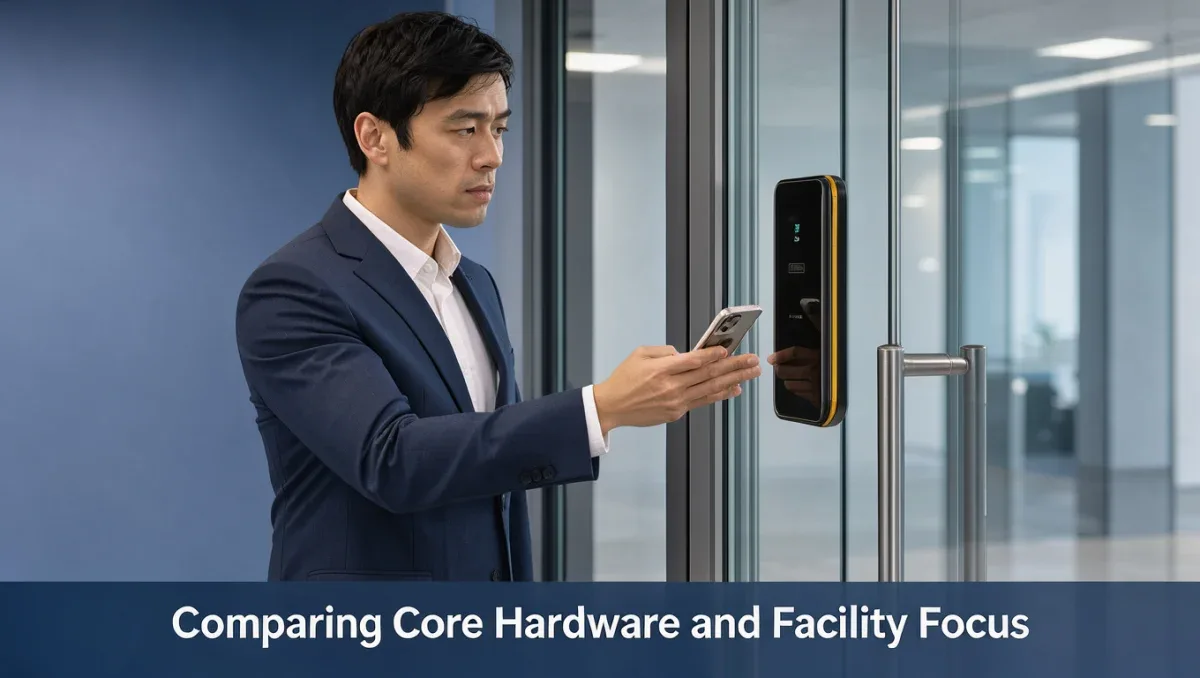
Kisi is designed as an integrated access management system, particularly well-suited for commercial facilities, coworking spaces, and contemporary corporate offices. Its primary objective is to allow administrators to easily issue digital badges, schedule door unlocks, and monitor access activities through a centralized console. Many teams leveraging advanced Office Software find Kisi an ideal replacement for outdated keycard systems, enabling the use of smartphone credentials for daily access.
Openpath, conversely, emphasizes flexible hardware configurations and touchless entry experiences, making it a strong contender for complex corporate campuses and multi-tenant commercial properties. The system excels at retrofitting existing security infrastructure and integrating with various commercial door locking mechanisms, including turnstiles, parking gates, and elevator controls. Facility directors managing extensive commercial properties often select Openpath for its reader compatibility across high-traffic areas.
- Kisi provides unified management for corporate suites and distributed collaborative work areas.
- Openpath focuses on versatile physical deployment across commercial real estate, parking facilities, and entry points.
- Both systems effectively address the issue of lost physical keys by offering digital authorization and immediate credential revocation capabilities.
Matching the System to Your Environment
Identifying the right tool for your specific workplace setting is crucial to avoid deployment challenges. This guide from Best Software Reviews helps match your operational needs with the appropriate access control model.
| Situation | Choose Kisi if | Choose Openpath if |
|---|---|---|
| Equipping a new commercial office | You prefer sleek reader aesthetics and direct digital pass issuance for employees. | You require specific reader designs for high-traffic entry lobbies. |
| Upgrading a multi-tenant building | Your focus is on managing internal tenant suites and meeting rooms. | You need to integrate elevator controls, turnstiles, and lobby gates onto common controllers. |
| Managing distributed company hubs | You desire centralized administration for assigning temporary access across multiple branches. | You require localized hardware overrides within independent building management systems. |
| Handling mixed entry preferences | Your policy is to standardize on digital smartphone credentials for your workforce. | Your facility needs simultaneous support for legacy proximity fobs and wave-to-unlock functionality. |
| Retrofitting existing wiring | Your setup involves standard low-voltage locking mechanisms on typical doors. | Your installation demands backward compatibility with diverse legacy controller panels and wiring. |
Conducting Your Own Comparison

Given that physical access control systems involve both management software and physical hardware, a thorough evaluation is essential before investing. Use the following criteria to assess how each option aligns with your corporate infrastructure during consultations.
Core Access Control Functions
Investigate how administrators manage door schedules, visitor access, and credential revocation on each platform. During demonstrations, ask vendors to illustrate the process for issuing a temporary guest badge or restricting weekend access. Verify how lock schedules update automatically during emergency lockdown procedures.
Usability and Mobile Credential Experience
Physical security systems are only effective if employees can access their workspaces without recurring technical issues. When comparing Kisi vs Openpath, test the speed at which an administrator can invite a new staff member and observe the end-user steps for unlocking a door. Compare the responsiveness of mobile unlocking as users approach readers from various distances.
Pricing and Ongoing Value
Access control pricing typically includes hardware, installation, and recurring subscription fees. Request detailed quotes from each vendor, separating hardware costs from ongoing platform access licenses. Confirm if firmware updates and administrative user licenses incur additional charges.
Third-Party Software Integrations
Physical door management platforms should integrate with identity providers, employee directories, and security camera systems. Review the integration directories for Kisi and Openpath to confirm compatibility with your corporate single sign-on system and video surveillance tools. Verify if event logs can sync with your security monitoring systems without manual exports.
Audience Fit and Installation Scale
Consider whether your internal IT department or a third-party integrator will handle the physical installation. Some organizations prefer standardized hardware for quick office installations, while complex campuses may require specialized panels for numerous relays. Match each vendor's hardware ecosystem to your building's physical layout.
Technical Support and Field Service
Prompt technical support is crucial for business continuity when an exterior door fails. Request written details on emergency service availability, hardware warranty terms, and field replacement procedures for damaged readers. Confirm whether direct assistance is available or if all troubleshooting must go through an installation partner.
Competitive Positioning
Assess how each vendor differentiates its technology roadmap in the commercial physical security market. Consider if their future developments focus on software-driven workplace management or institutional perimeter protection. Align your long-term facility plans with the core technical priorities of the platform provider.
Cost Considerations for Both Systems
Budgeting for access control involves careful review of both physical hardware and recurring software fees. Many platforms bill per door or reader annually, so examine these items closely on official pricing pages before committing.
| Cost Item | Ask About Kisi | Ask About Openpath |
|---|---|---|
| Controller and Reader Hardware | Confirm exact prices per door controller and digital reader models for your entry count on the official Kisi website. | Confirm specific controller board models and reader styles for your door locks through authorized Openpath integrators. |
| Monthly or Annual Software License | Confirm how recurring software subscription fees are calculated per door, location, or active credential holder. | Confirm the tier structure for cloud administrative management and if multi-site management requires elevated licensing. |
| Mobile Credentials and User Fees | Confirm if digital smartphone passes incur extra recurring costs as your workforce grows. | Confirm if high-density badge issuance or visitor passes trigger additional administrative user seat fees. |
| Professional Installation | Confirm if you can select any certified electrician or must use an authorized partner. | Confirm local certified integrator labor rates for wiring door strikes, backup power, and reader plates. |
| Video Integration Licensing | Confirm if linking video feeds to access logs requires a higher-tier software subscription. | Confirm if external video management system connectors carry separate monthly gateway charges. |
Making Your Final Decision
Selecting commercial building access infrastructure requires a structured evaluation. Follow these steps to choose between Kisi and Openpath with confidence.
- Audit your physical doors, noting lock types (mortise, electric strike, magnetic, gates, turnstiles).
- Review your corporate IT infrastructure to determine necessary synchronization with your identity provider or HR directory.
- Schedule simultaneous sales presentations and hardware demonstrations with both Kisi and Openpath.
- Obtain formal installation estimates from at least two certified low-voltage security integrators experienced with cloud door controllers.
- Conduct a hands-on review of the mobile unlock workflow using a sample reader to assess employee entry response times.
Frequently Asked Questions
Which system better handles retrofitting older hardware?
Openpath is often favored for complex retrofits due to its controller hardware and reader lineup, designed for compatibility with a wide range of legacy security wiring and existing power supplies. Kisi can also retrofit standard low-voltage mechanisms, but verifying existing wire gauge and reader box dimensions with an installer is recommended before purchase.
What should administrators check regarding user credential management?
Administrators should verify how each platform handles bulk user onboarding, single sign-on synchronization, and automated credential revocation for departing staff. Checking the official documentation for both systems reveals how administrative directories map employee security groups to specific doors, saving IT teams time on manual assignments.
How do door controllers maintain security during internet outages?
Both Kisi and Openpath use local door controllers with internal memory that retain access permissions, authorized credential databases, and event logs even during internet disruptions. As long as local power is available, authorized employees can still enter, and stored access records automatically synchronize once connectivity is restored.
Can third-party security cameras integrate with these platforms?
Many commercial security platforms link access control events with third-party IP camera feeds, allowing administrators to review footage captured during door unlocks or prolonged open events. Confirm on the official Kisi and Openpath partner integration directories whether your specific video management software or cloud security camera vendor is officially supported without custom engineering.
Final Verdict
Both Kisi and Openpath offer reliable solutions for replacing traditional keys and outdated card readers with digital physical security. Your final choice should align with whether your facility needs favor straightforward commercial office management or complex hardware retrofitting across multi-tenant buildings.
| Criterion | Kisi Score /10 | Openpath Score /10 | Reason |
|---|---|---|---|
| Features | 8.2 | 8.5 | Openpath supports diverse commercial barriers, while Kisi excels in focused digital credential distribution. |
| Ease of Use | 8.7 | 8.1 | Kisi provides an accessible administrative interface; Openpath accommodates more complex configurations. |
| Pricing and Value | Confirm Before Buying | Confirm Before Buying | Verify per-door controller costs and monthly subscription structures on each official sales portal. |
| Integrations | Confirm Before Buying | Confirm Before Buying | Check official partner pages for native links with identity management platforms and camera systems. |
| Audience Fit | 8.5 | 8.6 | Kisi suits modern private offices and coworking spaces; Openpath fits complex commercial properties and multi-tenant assets. |
| Support | Confirm Before Buying | Confirm Before Buying | Verify field warranty response times and installer availability directly with vendor representatives. |
| Competitive Position | 7.8 | 8.4 | Openpath offers deep physical versatility across commercial real estate, while Kisi maintains a clean office-centric focus. |
| Overall Score | 8.3/10 | 8.4/10 | Average score reflecting each platform's architectural positioning. |
Organizations managing modern single-tenant corporate offices, shared collaborative facilities, or regional business branches will find Kisi's straightforward software management and user credential experience beneficial. Property managers overseeing high-throughput commercial lobbies, real estate developers, and enterprises managing complex turnstile and elevator systems should consider Openpath for its adaptable reader hardware and commercial retrofitting capabilities.