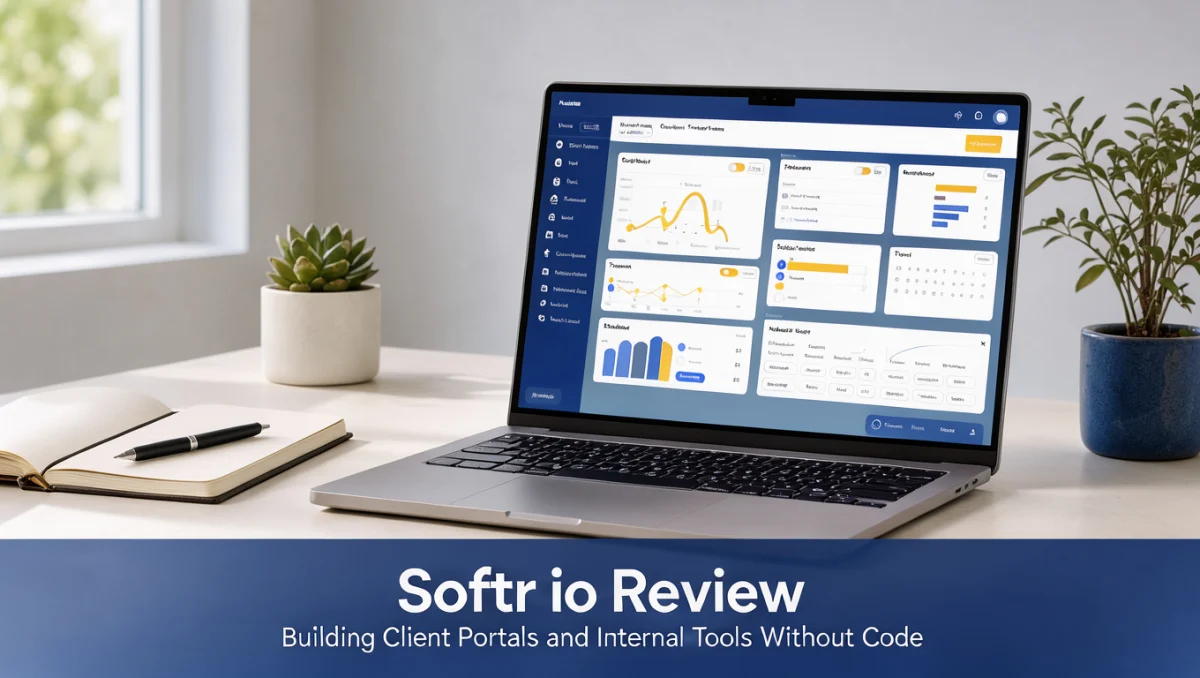
Softr io stands out as a premier no-code application builder, simplifying the process of converting relational databases and spreadsheets into dynamic web applications, client portals, and essential internal tools. For professionals aiming to create interactive interfaces without delving into coding, evaluating Softr io offers a clear pathway to understand if its modular approach aligns with your project requirements.
Choosing the right development platform involves balancing flexibility with manageability. Modern no-code solutions empower non-technical teams to construct interfaces using pre-designed layouts, all while maintaining existing databases as the central source of truth. This approach negates the need for extensive engineering resources.
Key Strengths of Softr io

Softr io excels in several areas, making it a compelling choice for specific use cases. Its strengths lie in its intuitive design, robust data integration, and user management capabilities.
Prebuilt Interface Components
The platform utilizes a block-based system, allowing users to assemble pages by combining pre-designed elements. These include interactive tables, user profile displays, kanban boards, and submission forms. This modular approach ensures visual consistency across the application without requiring specialized design knowledge.
Seamless Data Integration
A fundamental feature is the ability to link visual components directly to fields within an external database. Changes made in the database are automatically reflected on the web application, ensuring that data remains synchronized and up-to-date. This makes managing data in familiar spreadsheet formats possible while users interact with a polished web interface.
User Access Control
Managing who can access or modify information is critical for portals. Softr io provides granular permission controls based on user login credentials. This allows administrators to set specific visibility rules, ensuring clients only see their relevant information, while internal teams have access to broader datasets.
Interactive Forms and Data Updates
Beyond displaying data, applications built with Softr io can accept user input and facilitate record editing. Forms can collect text, file uploads, and various selection types, feeding updates directly back into the linked database tables. This functionality is ideal for workflows like customer support ticketing or client onboarding.
Ease of Use and Learning Curve
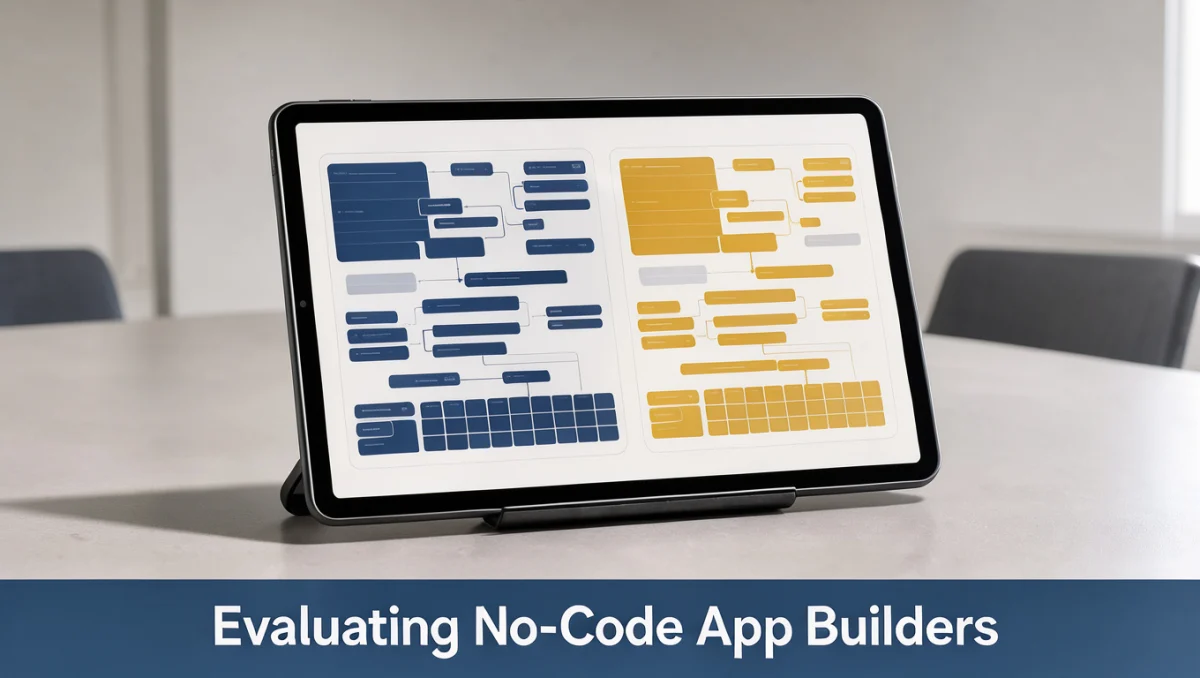
Softr io offers an accessible user experience, prioritizing drag-and-drop functionality over complex scripting. The visual editor’s interface is intuitive, making the initial setup process straightforward for users familiar with website builders. This significantly shortens the onboarding time.
The main learning curve involves understanding the fundamentals of relational databases. While arranging components on a page is simple, configuring data filters, linking fields, and setting up user authentication requires careful planning. It’s essential to organize your data source with clear headers and defined relationships before building dynamic pages.
For teams accustomed to standard office software and cloud spreadsheets, mastering the basics of portal creation can be achieved within a single planning session. More advanced features, like complex permission structures or intricate data displays, might necessitate additional practice and consulting setup guides.
Who Benefits Most from Softr io
Identifying the ideal user for Softr io depends on specific project needs and team structures.
Freelancers and Consultants
Independent professionals can leverage Softr io to create client portals for sharing project updates, invoices, and essential documents. This centralizes communication, replacing scattered email chains and presenting a professional image.
Small Business Owners
For small businesses tracking inventory, managing internal assets, or organizing employee information, Softr io provides a way to build internal portals without relying on external developers. Integrating these tools within Collaboration & Productivity ecosystems enhances internal coordination and transparency.
Marketing and Operations Teams
Marketing departments can deploy interactive directories for partners, resource libraries, or event listings directly from existing spreadsheets. Updates managed in the source table mean no developer intervention is needed for simple content changes.
Softr io vs. Other Platforms
The no-code development space offers various solutions, each with unique positioning.
| Platform | Ideal For | Core Strength | Key Difference |
|---|---|---|---|
| Softr io | Small teams, operational managers | Rapid portal/dashboard generation from structured data | Fast visual assembly with standardized blocks |
| Bubble | Technical founders, developers | Complex web applications with custom logic | Deep flexibility, steeper learning curve |
| Glide | Operations managers, mobile-first users | Internal business apps, mobile tracking | Mobile layout focus, spreadsheet-driven apps |
While platforms like Bubble offer extensive flexibility for building complex applications from the ground up, they demand a significant learning investment. Softr io prioritizes speed and simplicity, trading granular customization for rapid deployment. Glide specializes in mobile-first applications, making it suitable for field teams and logistics.
Choosing the Right Plan
Selecting the appropriate subscription tier depends on your projected usage and growth.
| Consideration | Importance |
|---|---|
| Authenticated User Limits | Scaling costs can arise if your portal requires many client logins or internal staff accounts. |
| Data Sync Frequency | Ensure the refresh rate of external records meets your operational needs for real-time data. |
| Custom Domain Options | Check if custom branding and unique domain names require higher-tier plans. |
| Advanced Permissions | Verify if complex role segregation necessitates specialized account levels. |
Before committing, review the official vendor pricing details to align your anticipated user base with the plan's limitations. Consulting resources from Best Software Reviews can help ensure your technology investment supports sustainable growth.
Frequently Asked Questions
What basic skills are needed to start?
A fundamental understanding of spreadsheet or relational database organization is sufficient. Proper structuring of column headers, text fields, and relationships is key. Programming or styling sheet knowledge is not required due to the visual design process.
How should data be prepared for building?
Ensure your database records are clean, with redundant columns removed and sensitive entries segregated. Structuring user tables with unique identifiers and email addresses simplifies setting up login authentication and access rules.
What additional costs might arise?
Factor in potential costs for the underlying database platform, custom domain registration, and any third-party automation tools. Evaluating the complete technology stack helps prevent budget overruns as usage expands.
When might an application outgrow Softr io?
Migration may be necessary for projects requiring complex calculations, custom payment logic, or unique frontend interactions beyond the platform's pre-built blocks. If workflows demand custom database hosting or offline access, transitioning to custom development becomes practical.
Final Verdict
Softr io offers a robust and accessible solution for transforming structured data into secure web portals and operational dashboards. By simplifying frontend design through modular components, it empowers non-technical users to deploy functional business tools rapidly.
| Criterion | Score /10 | Justification |
|---|---|---|
| Features | 7.8 | Strong library of modular blocks for portals, though limited by pre-configured layouts. |
| Ease of Use | 8.8 | Intuitive visual assembly requires only basic relational data literacy. |
| Pricing and Value | 7.6 | Tiers scale with usage; verify user limits on the vendor site. |
| Integrations | 7.5 | Pairs well with specific cloud databases; confirm source compatibility. |
| Audience Fit | 8.4 | Excellent for operations managers, consultants, and client-facing teams. |
| Support | 7.2 | Documentation covers core functions; check direct assistance terms for scaling. |
| Competitive Position | 8.0 | Strong position for rapid portal building against code-intensive engines. |
Overall score: 7.9/10. For professionals managing organized records who need client access portals, Softr io delivers immediate value. If your organization requires custom algorithmic processing or unique visual coding, alternative development frameworks might be more suitable.