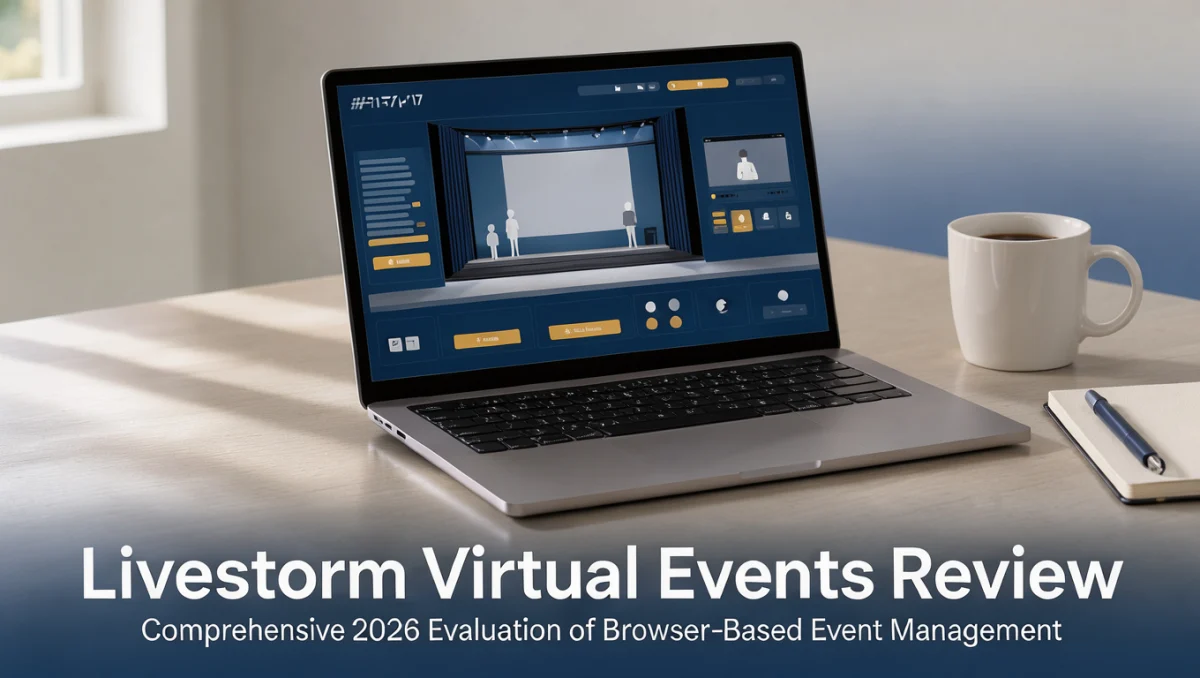
Livestorm virtual events are designed for organizations needing structured digital presentations, interactive webinars, and collaborative online gatherings without requiring attendees to install any software. When selecting an event platform, it's crucial to evaluate host controls, audience interaction tools, and post-session workflows before committing resources. At Best Software Reviews, we analyze software options against practical operational needs to guide your team's investment decisions.
The platform is centered around browser-based participation, the management of registration landing pages, and built-in audience engagement modules. Teams often choose Livestorm to simplify audience onboarding for recurring client demonstrations, employee workshops, or external panel discussions. It's essential to check specific attendance thresholds and administrative allowances on the vendor portal during the procurement process.
Quick verdict: Livestorm achieves an overall score of 7.9/10 for its virtual event capabilities. This tool is best suited for marketing, customer education, and corporate communication teams that prioritize browser accessibility and structured audience engagement. It may not be the ideal choice for organizations requiring on-premise event hosting infrastructure or informal peer-to-peer internal team communication.
| Evaluation Dimension | Summary Assessment |
|---|---|
| BestSoftwareReviews Score | 7.9/10 |
| Best For | Organizations hosting structured digital presentations and interactive webinars that need simple guest onboarding without local desktop installations. |
| Not Ideal For | Teams looking for informal internal communication channels or massive broadcast productions needing complex hardware integration. |
| Key Strengths | Browser-based attendee access, centralized registration workflow management, and structured audience engagement modules. |
| What to Check Before Buying | Registration limits, active speaker capacities, storage allowances, and add-on module pricing on the official vendor portal. |
Understanding the Livestorm Review Process
This review examines Livestorm's intended purpose, target audience, and competitive positioning. We utilize the BestSoftwareReviews seven-point evaluation framework: features, ease of use, pricing and value, integrations, audience fit, support, and competitive standing. As plans, prices, and limits can change, we advise confirming details on the official website before purchase. This article was drafted with AI assistance and thoroughly reviewed by the BestSoftwareReviews Editorial Team.
What Livestorm Offers and For Whom
Livestorm is an end-to-end event and webinar management platform accessible through a web interface. It simplifies the process of collecting registrations, staging presenters, and delivering live video streams directly within modern web browsers. Attendees can join instantly via standard web links, eliminating the need to download executable software packages.
This product serves corporate marketing departments, customer success professionals, product onboarding specialists, and internal training coordinators. These professionals often manage recurring webinars, lead generation presentations, customer education seminars, and multi-speaker panel sessions. By integrating landing page creation, automated email reminders, live moderation, and participant reporting, the software reduces reliance on disparate administrative tools.
Organizations exploring the modern Collaboration & Productivity landscape often compare browser-centric tools like Livestorm against traditional conferencing software. Livestorm is specifically designed for structured events where attendee engagement and logistical efficiency are prioritized over unstructured internal team chat.
Core Functionalities of Livestorm Virtual Events
The platform's capabilities can be categorized into several key functional areas that support event execution.
Streamlining Event Creation and Registration
Event setup begins with creating promotional registration pages, custom forms, and automated confirmation messages. Organizers can configure single-session events or recurring series, allowing attendees to register for specific dates. The administrative panel offers tools to embed registration forms on external websites, brand confirmation emails, and monitor registration numbers.
Managing Live Presentations and Moderation
The live presentation environment provides controls for main speakers, guest panelists, and moderators. Presenters can share screens, display slide decks, stream recorded media, and feature specific team members. Moderators have permissions to invite audience members to speak, manage public chat, and facilitate private discussions among the event team.
Enhancing Interactive Audience Engagement
Interactive modules enable organizers to engage attendees during live broadcasts. Presenters can launch instant polls with real-time results, while attendees can submit questions via a dedicated upvoting system. Hosts can also deploy call-to-action cards directly on the presentation stage to direct attendees to surveys, resources, or booking calendars.
Leveraging Analytics and Reporting
Post-event analysis relies on structured data dashboards that track attendance rates, viewing duration, and engagement metrics. Administrators can review registrant attendance, identify poll participants, and export question logs for follow-up actions. These reports help marketing and customer teams measure audience retention across different segments of each presentation.
Ease of Use and Learning Curve
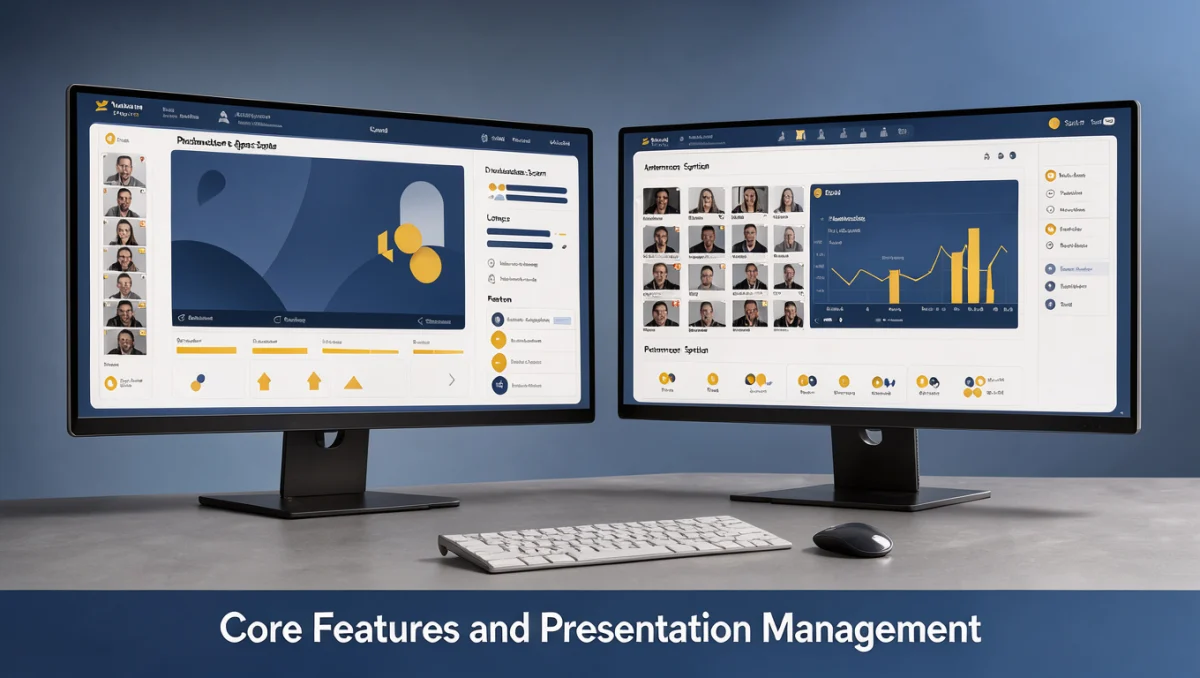
Livestorm features an intuitive administrative interface that allows teams to schedule events quickly. The event creation workflow guides administrators through scheduling, form building, email drafting, and room customization without requiring coding knowledge. New hosts typically find the presenter dashboard easy to navigate, with primary controls readily accessible.
The learning curve becomes slightly steeper when coordinating complex multi-speaker panels that involve backstage producers. While stage permissions and backstage communication tools are available, hosts need to practice switching speaker spotlights and managing separate question streams. Dry runs are recommended before public sessions to ensure all team members are familiar with moderation boundaries and stage switching protocols.
Pros and Cons of Livestorm Virtual Events
Understanding the platform's trade-offs is essential for determining if it aligns with your administrative structure and audience expectations.
Platform Strengths
- Browser-first access eliminates software installation barriers for attendees, especially those using restricted corporate systems.
- A unified event workflow integrates registration, email notifications, and live delivery into a single system.
- Dedicated audience interaction tabs keep chat, questions, and polls distinct and manageable for moderators.
- Call-to-action cards allow organizers to display relevant links and downloads within the video interface.
- Post-session data analytics offer clear reporting on attendee duration and interaction behaviors.
Operational Limitations and Workarounds
- Browser-based video performance is dependent on local hardware and stable internet. Presenters should close heavy background applications and use wired network connections.
- Complex multi-track virtual conferences with extensive exhibition halls and networking require supplementary setups. Large academic conventions might need pairing with dedicated directory portals.
- Administrative seat allocation and concurrent session policies need careful oversight. Buyers should confirm team licensing structures to avoid scheduling conflicts.
Livestorm Versus Similar Tools
Comparing Livestorm to established alternatives helps buyers identify the most suitable fit for their presentation needs.
Zoom is a widely recognized standard for general video conferencing, known for its technical stability and broad applicability for daily meetings. While Zoom offers webinar extensions, its participant experience often requires users to download local software. Livestorm differentiates itself by maintaining an entirely browser-based attendee journey while natively integrating landing pages and email sequences into its administrative core.
ON24 targets large enterprises requiring extensive virtual conference environments with complex marketing automation. ON24 emphasizes deep customization, intricate analytics, and bespoke consulting services. In contrast, Livestorm offers a faster deployment for smaller marketing teams and mid-sized businesses that can operate independently without extensive technical consultation.
GoToWebinar is a long-standing webinar system favored for corporate instructional broadcasts. While reliable for standard presentations, its older architecture can feel less modern compared to browser-first tools. Livestorm provides a more contemporary audience interface, cleaner interactive widgets, and streamlined registration builders that align with current user experience standards.
Who Should Utilize Livestorm?

Software selection should consider team size, presentation format, and audience characteristics.
Ideal User Profiles
- Demand Generation and Product Marketers: Benefit from integrated landing pages, automated reminders, and exportable data for webinars and product demos.
- Customer Success and Onboarding Specialists: Can invite new accounts for training sessions without worrying about guest software conflicts on corporate laptops.
- Corporate Trainers and Internal Educators: Use it to organize structured employee workshops with real-time polling and Q&A tracking.
When Another Solution Might Be Better
- Informal Internal Collaboration Groups: Teams needing casual daily calls, open chat rooms, or peer audio huddles should opt for standard office collaboration suites.
- Large-Scale Multi-Stage Trade Expos: Organizers producing sprawling virtual conventions with vendor booths and complex networking may find specialized convention suites more appropriate.
- Broadcasters Requiring Heavy Hardware: Production groups relying on complex studio broadcast equipment should consider specialized streaming platforms built for television-grade output.
Choosing the Right Livestorm Plan
Event software pricing often depends on attendee capacity, administrator seats, and specific features. Before purchasing, audit your event schedule and verify tier limits on the official Livestorm plan comparison page.
| What to Check on the Official Page | Why It Matters for Your Budget |
|---|---|
| Maximum live attendee capacity per event | Exceeding limits can block attendees or trigger overage billing. |
| Host license definitions and seat allowances | Understand if charges are per named host or per team member who schedules/moderates. |
| Concurrent event allowances | Determines if multiple departments can host events simultaneously under one account. |
| Recording storage hours and replay access | Automated cloud recording and on-demand replay hosting may have specific storage constraints. |
| Custom branding and domain styling options | Removing vendor badges and using corporate subdomains often requires higher subscription levels. |
Frequently Asked Questions
How does browser-based attendance benefit virtual event participants?
Browser-based attendance eliminates the need for attendees to download and configure software. They simply click a web link to enter the presentation room immediately, reducing technical friction for those using restricted corporate devices.
What should teams verify regarding presenter network setups?
Presenters must ensure their hardware, webcam, and internet connections meet platform standards. To optimize browser video rendering, speakers should close unneeded applications and avoid shared wireless connections during major public presentations.
What budget items should organizations consider beyond the base software fee?
Organizations should budget for potential upgrades to external audio-visual hardware like microphones, lighting, and high-definition webcams for frequent presenters. Consider also if external graphic design or email template tools are needed.
How can an organization test software suitability before a public broadcast?
Schedule an internal rehearsal with staff acting as simulated attendees. Testing audio, screen sharing, polls, and Q&A during a live simulation reveals operational challenges and confirms administrative workflows match team expectations.
Final Verdict
Livestorm provides a dependable, modern, and user-friendly platform for structured virtual events, webinars, and training. Its key advantage is enabling attendance via browser, removing barriers while equipping teams with intuitive registration tools and real-time interaction modules. While organizations requiring complex, multi-stage conventions might find it limiting, Livestorm remains a compelling choice for polished digital presentations without significant operational overhead. For marketing teams, corporate trainers, and customer education professionals seeking a clean presentation experience without attendee software friction, Livestorm is a solid investment. Learn more about using livestorm virtual events by exploring resources on Best Software Reviews.
| Evaluation Criterion | Score /10 | Assessment Rationale |
|---|---|---|
| Features | 8.1/10 | Offers comprehensive event lifecycle management, including registration, moderation, polling, and analytics. |
| Ease of Use | 8.6/10 | Features a clean interface allowing quick event launches with minimal onboarding. |
| Pricing and Value | 7.2/10 | Requires careful review of attendee limits and licenses to align with budgets. |
| Integrations | 7.8/10 | Connects with standard marketing automation and CRM platforms; verify specific support. |
| Audience Fit | 8.4/10 | Excellent for marketing, customer training, and education teams needing accessible, browser-first presentations. |
| Support | 7.4/10 | Provides foundational resources; service levels depend on account tiers. |
| Competitive Position | 8.0/10 | A streamlined alternative to legacy webinar software and complex enterprise systems. |
Overall Score: 7.9/10