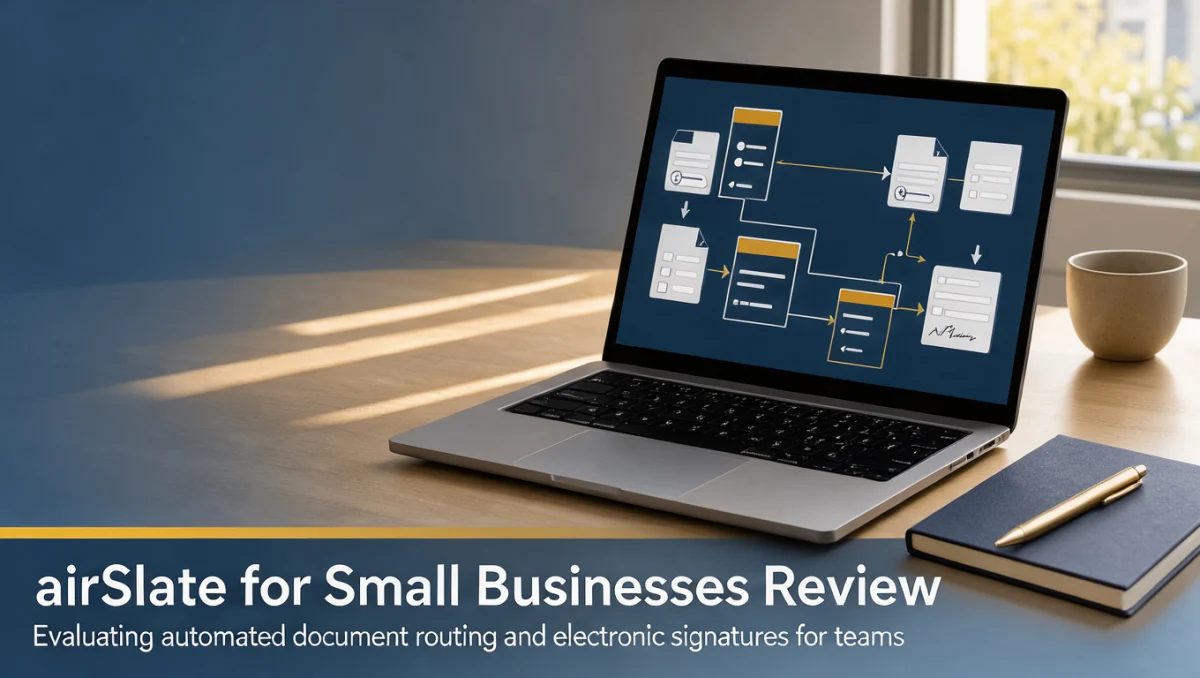
For small businesses navigating the complexities of document management, a robust automation platform can be a game-changer. airSlate offers a comprehensive solution designed to digitize document processes, manage approvals, and ensure seamless contract handling. This platform helps streamline operations, reduce manual errors, and improve overall efficiency for growing commercial teams.
The core value of airSlate lies in its ability to transform traditional paper-based workflows into digital pipelines. By centralizing document creation, electronic signatures, and routing, businesses can eliminate bottlenecks, enhance transparency, and accelerate turnaround times. This is particularly beneficial for processes like customer onboarding, vendor agreements, and internal HR forms.
Quick Verdict: airSlate scores 8.0/10 for its structured document routing and contract preparation capabilities, making it ideal for growing commercial teams. It's less suited for individuals needing only basic signature placement on standalone documents without multi-step approvals.
| Evaluation Metric | Assessment Summary |
|---|---|
| bestsoftwarereviews score | 8.0/10 |
| Best for | Growing commercial teams requiring structured multi-party document routing and systematic signature handoffs |
| Not ideal for | Sole operators seeking basic, occasional signature placement on isolated digital files |
| Key strengths | Configurable document routing, integrated form completion, contract generation, and automated approval pathways |
| What to check before buying | Confirm user tier structures, submission thresholds, and billing intervals on the official airSlate pricing page |
Streamlining Document Generation and Forms
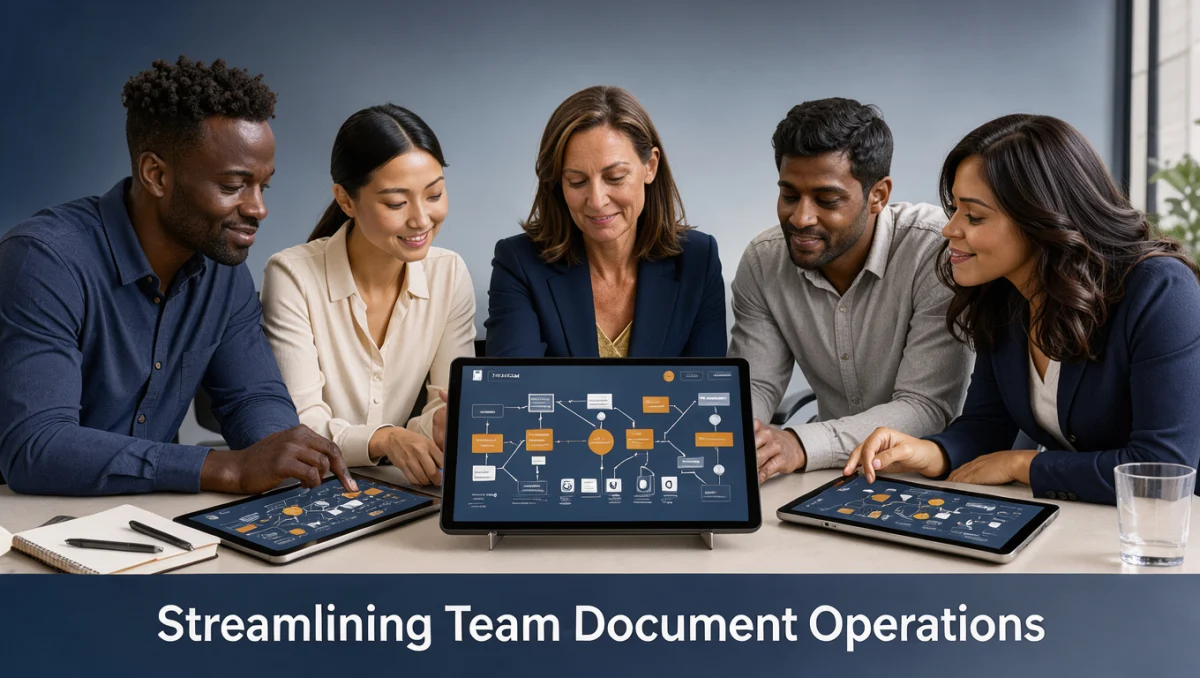
airSlate simplifies the creation of standardized templates for crucial business documents, including agreements, intake forms, and operational questionnaires. This feature allows for pre-population of known information, with designated fields left open for client or stakeholder input. By standardizing digital form generation, businesses can minimize transcription errors and ensure that essential details are never missed during the completion process.
Implementing Sequential Workflow Routing
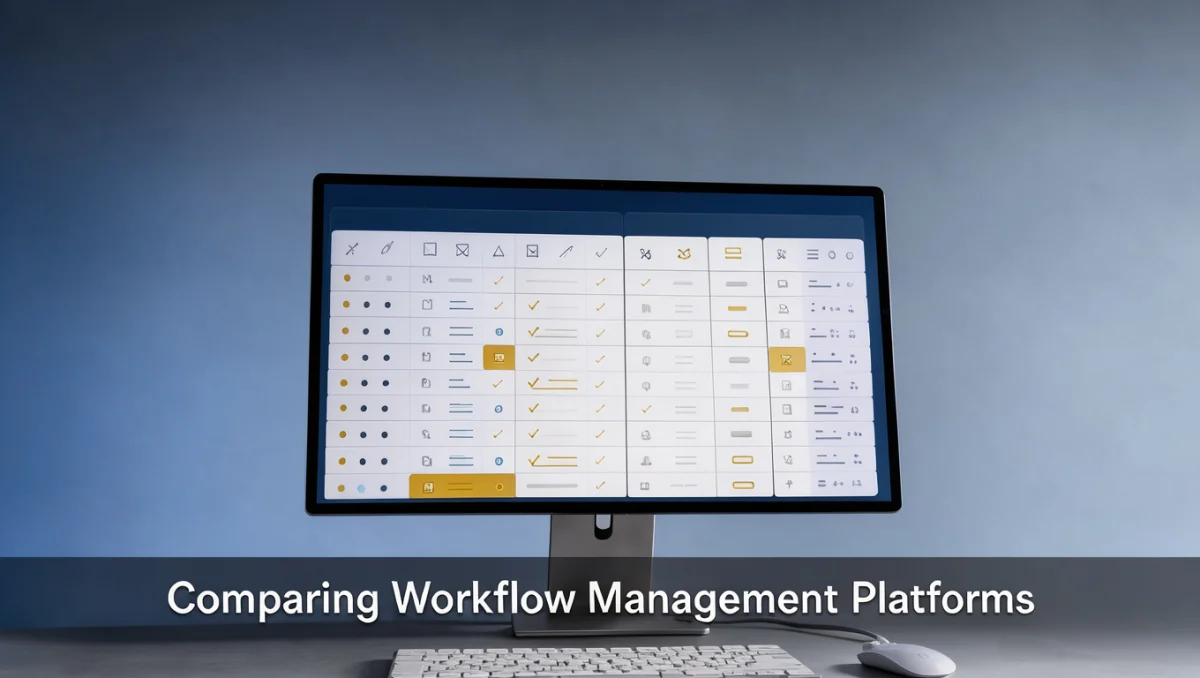
Businesses can define clear sequential approval hierarchies with airSlate, directing documents to specific stakeholders in a designated order. Once an initial document is completed, it automatically progresses to the next designated participant for review or approval. Conditional logic paths further enhance this by re-routing paperwork based on specific entered values, ensuring that high-value agreements are routed to executives while standard ones are processed by account representatives. This eliminates the need for manual tracking of document progress across departments.
Effortless Electronic Signature Collection
Collecting electronic signatures is a core function of airSlate, enabling counterparties to finalize agreements remotely without the need for printing, scanning, or mailing physical documents. Signatories can affix legally binding attestations directly within secure browser sessions. The platform includes automated notifications for outstanding signatures and maintains detailed tracking logs of access history, providing administrators with crucial visibility to prevent delays and meet transaction deadlines.
Coordinating the Contract Lifecycle
airSlate supports the entire contract lifecycle, from initial drafting and negotiation to post-signing archival. Its standardized repositories keep executed contracts organized and accessible for future audits. By centralizing document storage, organizations can protect themselves against lost files and disputes, ensuring that all completed transactions are systematically archived. This significantly reduces the time operational staff spend searching through scattered shared drives for critical agreements.
Ease of Use and Adoption
Adopting workflow automation involves translating existing manual office routines into visual, digital workflows. The initial setup requires mapping out form fields, assigning roles for sign-offs, and establishing validation rules. For less technical users, configuring linear workflows is relatively straightforward once team roles are defined. However, creating complex routing paths with conditional branches demands careful planning and testing before client deployment. It's important to budget for transition periods, providing staff with training to effectively monitor digital queues and ensure documents progress smoothly.
Pros and Cons of Document Automation
Evaluating document management solutions like airSlate requires balancing its procedural rigor against the effort involved in implementation. Potential buyers should weigh the systemic advantages against the necessary organizational adjustments.
Operational Advantages
- Systematic elimination of manual data re-entry across standard organizational records
- Clear visibility into document status, reducing time spent following up on missing signatures
- Standardized data entry fields that reduce omissions and compliance oversights on legal documents
- Structured participant routing that ensures all required supervisory approvals occur in order
Practical Considerations and Limits
- Initial configuration requires dedicated time to document existing office handoffs accurately
- Multi-branch automated flows require periodic review to prevent routing conflicts when staff roles change
- External recipients accustomed to basic email attachments may require initial guidance to complete interactive forms
Comparing airSlate with Alternatives
The document technology market offers various platforms, each catering to different operational needs. Understanding these differences is key to selecting the right tool for your business scale.
| Platform | Primary Positioning | Best Suited For | Strategic Trade-off |
|---|---|---|---|
| airSlate | End-to-end document workflow and business process automation | Teams needing combined form building, multi-stage approval, and signing | Requires upfront workflow mapping compared to basic e-signature utilities |
| DocuSign | Enterprise electronic signature and contract agreement cloud | Organizations prioritizing standalone signature verification and legal exchange | Emphasizes agreement execution over comprehensive internal form automation |
| PandaDoc | Sales document creation, proposal tracking, and quoting | Client-facing sales teams building proposals and client contracts | Focuses heavily on sales enablement rather than general operational routing |
| HelloSign | Streamlined electronic signature collection | Small teams and developers wanting straightforward digital document signing | Offers fewer built-in tools for complex multi-department approval rules |
Who Benefits Most from airSlate?
Determining if your organization will benefit from structured automation hinges on factors like weekly document volume, procedural complexity, and regulatory requirements.
Small Business Owners
Owners managing client onboarding, supplier agreements, and service delivery schedules will find value in airSlate's standardized operating pipelines. Automating document handoffs enhances accountability across distributed teams.
Administrative and Operations Managers
Office coordinators overseeing HR records, equipment forms, and internal requisitions can centrally track the status of all documents. Automation significantly reduces the time spent sending manual reminder emails.
Freelancers and Solo Consultants
While independent professionals managing occasional agreements might not need comprehensive routing engines, solopreneurs can still benefit from efficient digital signing tools. However, for those requiring multi-step approvals, platforms like airSlate are more appropriate.
Choosing the Right Plan
Subscription models for business software typically balance user access with transactional limits. It's crucial to analyze your company's usage patterns before committing to a plan.
| Evaluation Factor | Why It Matters | Where to Confirm |
|---|---|---|
| User seat allocations | Determines which staff members can build workflows versus submit form responses | Official airSlate pricing schedule |
| Document volume limits | Prevents unexpected administrative halts when transactional quotas are reached | Official airSlate plan specification details |
| Integration parameters | Ensures completed records sync directly into existing customer record databases | Official airSlate product documentation |
| Billing commitment periods | Impacts operational flexibility should team workflows require structural changes | Official airSlate checkout terms |
Frequently Asked Questions
How do buyers determine if automated workflows justify migration costs?
Businesses can calculate administrative savings by assessing the weekly hours spent chasing signatures, correcting manual form errors, and re-entering data. If staff dedicate substantial time to paperwork logistics instead of core client delivery, automation typically offers a positive return on investment.
What administrative preparation is required before software deployment?
Operations teams should audit their current forms, eliminate redundancies, and clearly outline the approval sequence for each record. Documenting these sequences on paper beforehand helps prevent logical errors during digital configuration.
Should companies maintain parallel paper systems during initial setup?
Maintaining backup paper records during the initial template rollout allows coordinators to verify data field integrity without impacting live customer agreements. Once sample transactions pass validation checks, staff can fully transition to digital submission queues.
How should small teams budget for workflow automation investments?
Financial planners should consider the base platform cost, team seat expansions, and potential training time. Reviewing quarterly operational forecasts helps ensure that document allocation aligns with anticipated business growth.
Final Assessment
Evaluating software through independent reviews helps commercial operators align tools with genuine organizational needs. airSlate is a capable solution for businesses aiming to formalize their document operations within reliable automation frameworks. It offers a structured path toward paperless consistency, especially for teams dealing with multi-party document cycles and compliance requirements.
| Criterion | Score /10 | Reason |
|---|---|---|
| Features | 8.5/10 | Provides comprehensive tools for document generation, form building, e-signatures, and conditional workflow routing. |
| Ease of Use | 7.5/10 | Straightforward for basic document signing, but requires dedicated setup effort to master complex branching workflows. |
| Pricing and Value | 7.5/10 | Delivers sound value for multi-step operations, though small buyers must align team size with seat minimums. |
| Integrations | 8.0/10 | Connects operational data across core productivity repositories, though teams must verify specific endpoint setups. |
| Audience Fit | 8.5/10 | Well matched to commercial teams managing recurring multi-party document cycles and compliance handoffs. |
| Support | 7.5/10 | Provides standard enterprise guidance resources, though self-service learning remains key during template design. |
| Competitive Position | 8.5/10 | Holds distinct appeal for teams needing deep form logic and workflow control beyond standalone e-signature utilities. |
Overall bestsoftwarereviews score: 8.0/10
For small companies struggling with manual paperwork, vendor onboarding delays, and scattered approval tracking, airSlate offers a clear path to paperless efficiency. Teams with modest signature needs and no multi-stage routing requirements might find simpler tools more suitable to avoid configuration complexities.
See More airslate for small businesses · Content Management · Best Software Reviews