For professional content creators and organizations, maintaining continuous broadcast feeds is paramount. A reliable restream backup stream capability offers a secondary signal ingestion method to protect live transmissions against unexpected network interruptions. This review delves into the software's redundancy features, plan considerations, and setup tips, aiming to guide your software investments without bias.
Implementing stream redundancy involves balancing your primary feed with a secondary RTMP pipeline. As live video infrastructure becomes increasingly central to digital engagement within Collaboration & Productivity workflows, understanding failover mechanics is crucial for production teams to prevent broadcast disruptions. It's essential to evaluate your local uplink capacity and hardware capabilities before committing to a redundant delivery architecture.
Restream is a cloud-based multistreaming service engineered to redistribute live video content to multiple destinations simultaneously. Instead of requiring individual encoding processes for each target platform, the service receives a primary broadcast feed and duplicates it in the cloud. This design minimizes local CPU load and upstream bandwidth demands.
Achieving Robust Multistreaming Distribution
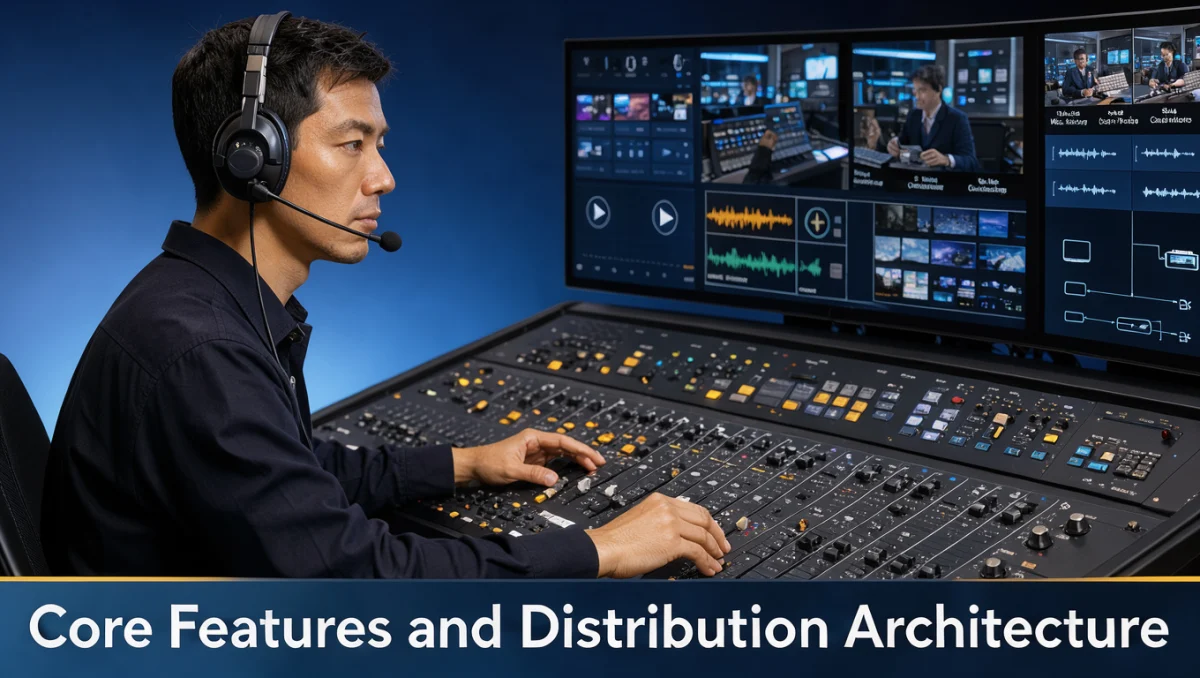
Centralized distribution allows broadcasters to connect multiple destination endpoints through standard RTMP credentials or direct platform authorizations. Transmitting through the cloud hub ensures your live video reaches separate audiences concurrently across social networks and professional platforms.
Cloud redistribution eliminates the need for separate upload bandwidth pipelines for every audience channel. You can enable or disable destinations on the fly without interrupting ongoing feeds, making multi-platform syndication manageable.
Leveraging the Broadcast Studio and Video Management
The internal studio interface provides presentation staging directly via a web browser. Invite guest speakers, arrange screen shares, overlay graphic banners, and switch between layout templates without needing separate third-party encoder applications. For automated broadcasting, pre-recorded video scheduling allows uploaded assets to stream live at scheduled times, assisting marketing departments in reaching global time zones.
Understanding Restream Backup Stream and Failover Redundancy
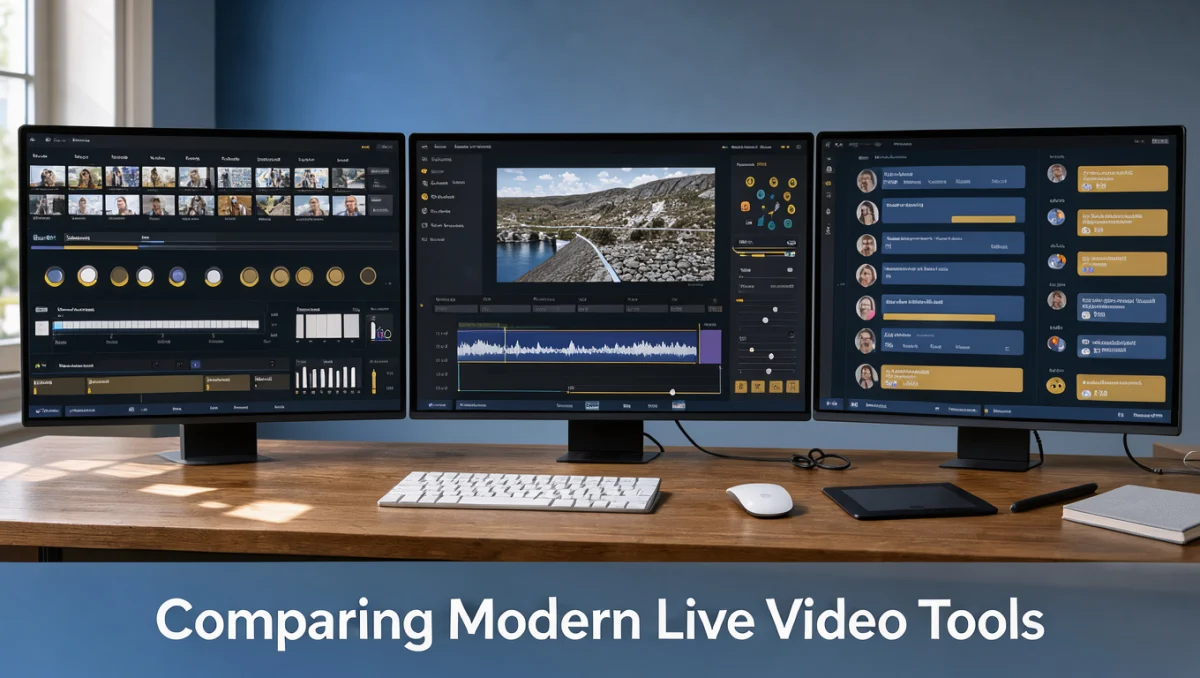
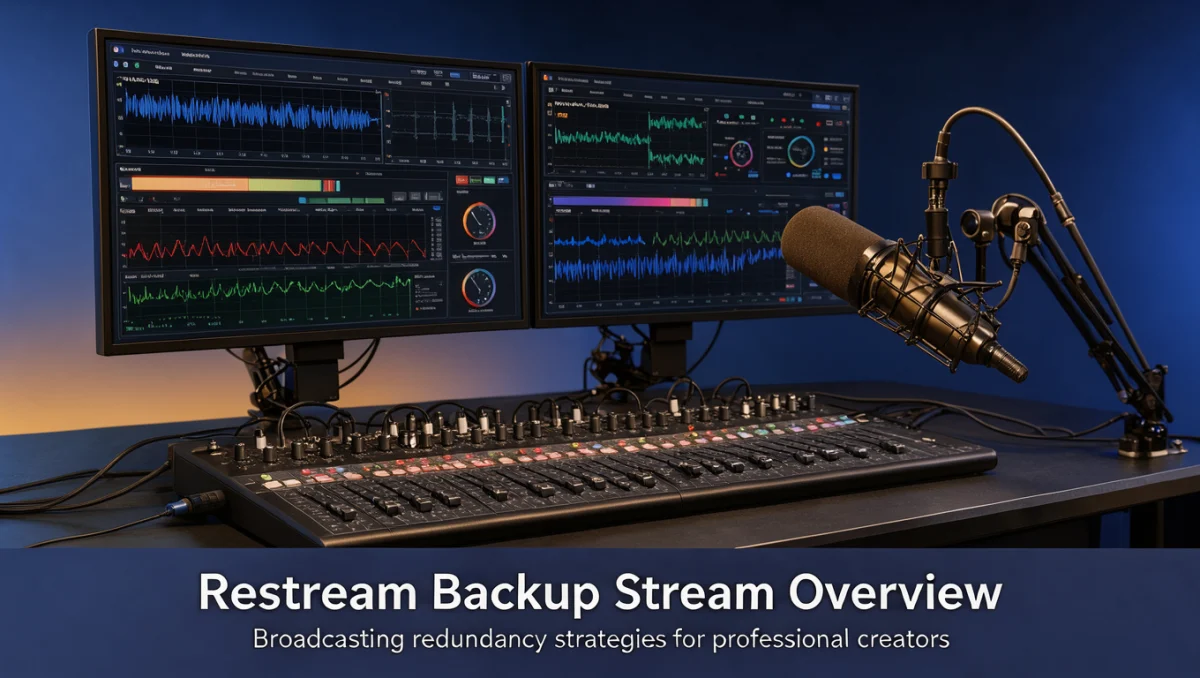
A configured restream backup stream acts as an operational safety net during unexpected primary encoder outages. When you set up a secondary RTMP key on an independent encoder or internet line, the cloud server automatically transitions to the secondary signal if the primary feed drops. Redundant ingest paths safeguard commercial webinars, investor calls, and esports tournaments from disruption. Automated failover handles switching in the cloud, allowing minimal buffer interruption for viewers while local engineers troubleshoot the origin.
Enhancing Audience Engagement with Unified Chat
Managing viewer interaction across dispersed platforms can be challenging. The consolidated chat utility aggregates incoming viewer messages from all active destination channels into one interface. You can highlight individual comments on-screen during live transmissions to encourage participation. Centralized chat relays also enable community managers to respond to inquiries across disparate platforms from a single administrative window.
Ease of Use and Setup Considerations
Restream offers an accessible administrative interface designed to lower technical barriers for non-specialist production staff. Connecting third-party social destinations involves standard authorization workflows. Generating RTMP stream keys follows common broadcasting protocols. However, learning to configure automated redundancy requires additional network preparation. Effectively utilizing secondary failover requires configuring two independent encoding instances, which demands an understanding of network adapter binding and encoder profile matching. While beginners can launch basic multistreams quickly, establishing robust secondary redundancy requires technical diligence.
Advantages and Disadvantages of Restream
Evaluating the trade-offs helps ensure software selections align with your operational capacity and technical experience.
Operational Advantages
- Centralized video ingestion conserves local workstation resources and uplink bandwidth.
- Redundant ingest options protect critical broadcasts against local network failures.
- Consolidated viewer chat streamlines multi-destination community management.
- Browser-based studio tools allow rapid deployment without auxiliary desktop encoder installations.
Operational Limitations
- Achieving genuine transmission redundancy necessitates dual independent internet service providers at the production venue.
- Advanced failover configurations and destination caps are tied to specific subscription tiers.
- Cloud-based transcoding can introduce slight latency differences across various end-user platforms.
Restream vs. Competitors
Broadcasters often choose between cloud-based multi-distributors and specialized desktop video switchers based on production scale and technical infrastructure. StreamYard focuses on browser-based live production with an emphasis on guest interviews. While intuitive, Restream emphasizes versatile RTMP routing and infrastructure-level distribution. OBS Studio is a free, open-source desktop encoding tool requiring local hardware installation, offering granular control but needing intermediaries for multistreaming. Wirecast is suited for enterprise environments demanding multi-camera hardware capture and advanced graphics, excelling at local manipulation, whereas cloud platforms handle wide distribution scaling.
Who Benefits Most from Restream
Organizational objectives and hardware setups determine if cloud-based multi-destination streaming fits daily operations.
Freelance Content Creators
Freelancers broadcasting gaming sessions, educational tutorials, or creative workshops can gain wider reach without multiplying home internet bandwidth requirements. Cloud distribution handles simultaneous delivery cleanly, though solo operators should confirm destination allowances.
Small Business Owners and Marketers
Marketing teams hosting product announcements, customer education webinars, and recruitment sessions benefit from browser-based staging. The ability to monitor cross-platform chats in one feed allows lean teams to execute polished presentations.
Enterprise Event Organizers
Professional event producers running multi-track conferences and executive summits require redundant feed architecture. Pairing primary and secondary encoders through cloud failover provides the necessary transmission insurance demanded by clients and stakeholders.
When Alternative Approaches Are Better
Broadcasters with strictly local distribution needs, such as streaming solely to a single internal private channel, do not require multistreaming middleware. Production environments operating entirely on restricted air-gapped networks should consider dedicated on-premise encoding infrastructure rather than public cloud routing.
Choosing the Right Restream Plan
Streaming providers structure plans around channel destinations, recording storage, video quality, and administrative seats. Before purchasing, evaluate your core operational constraints.
| What to verify on official pages | Why it matters |
|---|---|
| Concurrent destination allowances | Determines how many simultaneous social and custom RTMP channels can be active. |
| Backup stream availability | Confirms if secondary RTMP failover routing is unlocked on your subscription level. |
| Pre-recorded stream scheduling limits | Affects how many automated broadcast assets can be stored and queued. |
| Video storage duration | Dictates how long recorded broadcast files remain accessible. |
| Team seat allocations | Controls how many production staff members can access the console. |
Frequently Asked Questions
Why is a secondary broadcast connection beneficial for live events?
Secondary connections protect live transmissions against unpredictable hardware crashes or internet drops. By routing a secondary feed to a cloud server, the broadcast continues running without forcing viewers to refresh or navigate to an alternate URL.
What network requirements are necessary for stream redundancy?
Ideally, configure two distinct internet connections from separate service providers, such as a wired fiber line paired with a bonded mobile data connection. Sending two video signals across a single shared router fails to address local hardware or provider failure points.
How should production teams decide between browser studios and desktop encoders?
Browser studios allow remote guests to join discussions without downloading specialized software, making them suitable for interviews and team panels. Desktop encoders provide advanced scene nesting, hardware acceleration, and granular audio control, typically demanded by complex studio productions.
What should buyers verify regarding destination limits?
Subscription tiers frequently enforce caps on custom RTMP endpoints and standard social destinations. Buyers should map their target distribution platforms against the official plan specifications to avoid mid-production restrictions.
When does pre-recorded streaming make sense?
Pre-recorded streaming suits polished product demos, recurring announcements, and broadcasts targeting foreign time zones. It eliminates real-time presenter errors while maintaining live engagement through real-time chat moderation during playback.
Final Verdict on Restream
Restream scores 7.9 out of 10. The platform excels at simplifying multi-destination broadcasting and consolidating audience interaction. For organizations and dedicated creators requiring robust broadcast insurance, configuring restream backup stream redundancy provides essential peace of mind during high-stakes presentations. Before subscribing, verify specific destination allowances, storage durations, and failover capabilities on the official Restream website. You can learn more about essential tools at Best Software Reviews.