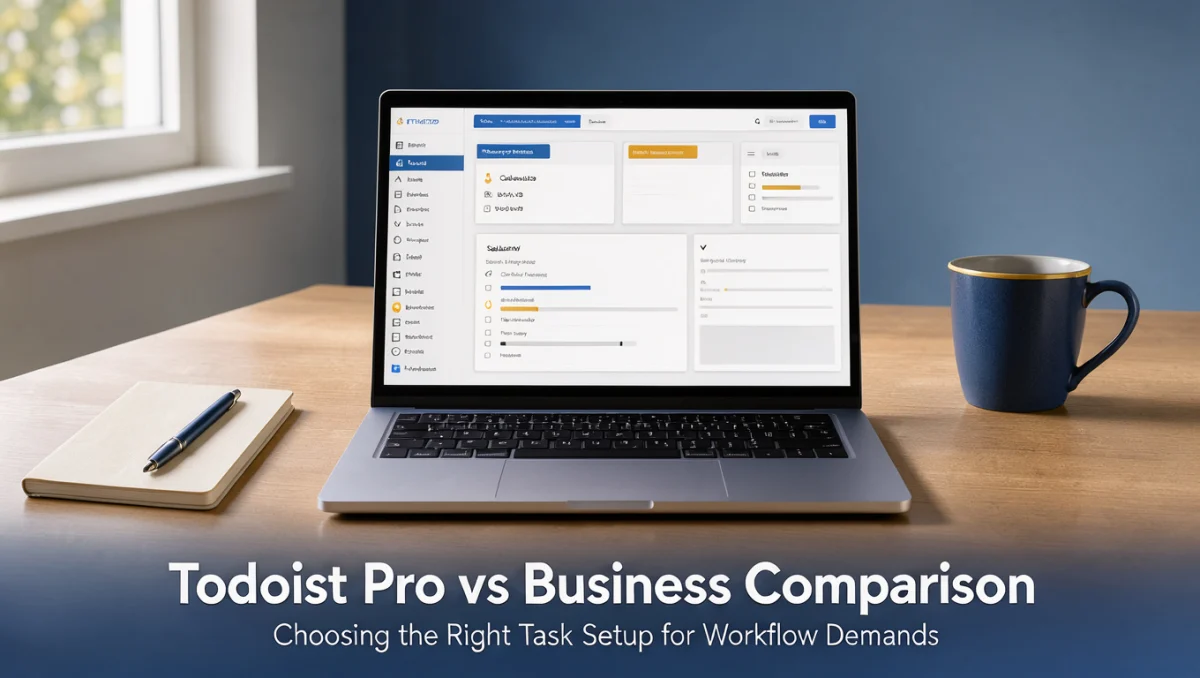
Understanding the Core Differences: Solo vs. Team Focus
The primary divergence between Todoist Pro and Todoist Business lies in their intended use cases: individual task management versus collaborative team environments. Professionals managing their own schedules and projects will find the features of a Pro account sufficient. Conversely, organizations requiring centralized oversight, team-wide billing, and shared project spaces will benefit from the Business tier.
Choosing the right plan involves assessing your need for administrative controls, consolidated invoicing, and team-centric collaboration features. This detailed comparison aims to clarify how todoist pro vs business options align with different operational demands, ensuring your software investment supports your specific workflow.
Key Features and Workspace Frameworks
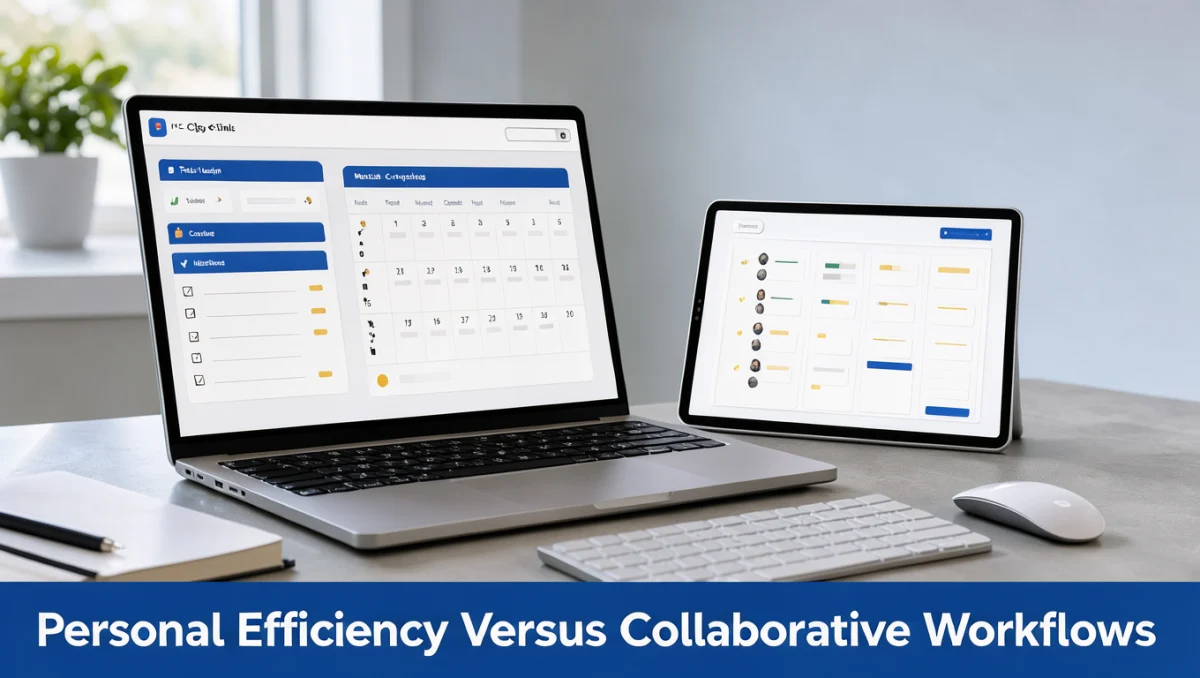
Todoist offers a robust task management system adaptable to various user needs. The fundamental difference lies in the scope of workspace separation, account governance, and billing architecture.
| Evaluation Angle | Solo and Independent Scope | Team and Multi-User Scope |
|---|---|---|
| Workspace Separation | Dedicated to individual daily agendas and self-directed tasks. | Requires partitioned team spaces alongside private member task lists. |
| Account Governance | Individual account ownership, no centralized administrator. | Centralized administrative dashboards for managing users and project access. |
| Billing Architecture | Single subscription per account. | Consolidated billing for multiple user seats under one organizational invoice. |
| Collaboration Context | Manual project sharing via invitations. | Pre-configured organizational directories for easy team project discovery. |
Feature Breakdown: Task Organization and Usability
Task Organization and Project Features
Both Todoist Pro and Business excel at organizing tasks with features like projects, sections, subtasks, priority flags, tags, and due dates. Recurring tasks ensure routine processes are managed efficiently. For teams, the ability to delegate tasks, attach files, and track progress within comment threads is crucial. It’s important to confirm which project views and activity logging capabilities are included at each subscription level.
Usability and Interface Navigation
Todoist is renowned for its clean, intuitive interface designed for rapid task capture. Natural language processing allows users to quickly set deadlines by simply typing them. The platform maintains a consistent design across web and desktop applications, offering flexibility between board and list layouts to suit user preferences.
Subscription Evaluation and Ecosystem Connectivity

Subscription Evaluation and Cost Structure
Todoist offers tiered subscription models. Individual plans are billed per user, while business editions charge on a per-user seat basis. Total cost for teams is calculated by multiplying the per-seat fee by the number of active users. It’s essential to understand how seat adjustments are handled throughout the subscription cycle and whether additions are prorated. Reviewing the official pricing page for details on billing intervals and administrative seat policies is recommended.
Ecosystem and External Connectivity
Task managers integrate with a wider digital ecosystem, including calendars, email clients, cloud storage, and communication apps. Integrating with a calendar ensures tasks appear alongside appointments, preventing conflicts. For teams, linking to communication platforms allows easy conversion of messages into tasks. Buyers should verify which third-party connectors require workspace-level authorization, as permissions can vary by subscription tier.
User Profile and Support Channels
User Profile and Workflow Alignment
The ideal user for Todoist Pro is an independent knowledge worker, writer, consultant, or solo practitioner who prioritizes focused organization without administrative overhead. Growing departments, project teams, and agencies requiring shared visibility over collective deliverables will find the Business plan more suitable to prevent work duplication and ensure cross-functional oversight.
Assistance and Account Guidance
While both plans offer access to extensive self-service knowledge bases, business subscriptions may provide expedited support channels or dedicated account management. For organizations reliant on continuous task coordination, prompt resolution of account administration issues is vital. Buyers should consult the official Todoist support documentation to understand the available assistance channels and service level expectations for each tier.
Comparing Against the Task Management Landscape
Todoist differentiates itself by focusing on speed, checklist clarity, and personal workflow efficiency, rather than the complex enterprise governance found in tools like Asana or ClickUp. While it offers visual boards, its core strength lies in streamlined task execution. This positioning is key for buyers needing a focused tool for agile personal and team productivity, rather than a full-scale enterprise resource planning system.
Making Your Final Decision
The choice between Todoist Pro and Business depends on a systematic review of your team structure and operational needs.
- Assess Team Size and Collaboration: If you work solo, Pro is sufficient. For two or more staff collaborating on shared projects, a unified team workspace is essential.
- Determine Administrative Needs: Decide if company ownership of all project data is required. Business plans allow administrators to reassign projects and manage access when staff depart.
- Evaluate Billing Consolidation: Solo users manage individual expenses. Companies need single, centralized invoicing for unified accounting.
- Review Feature Availability: Visit the official Todoist plan comparison page to check specific limitations on active projects, collaborator invitations, and activity logs.
- Calculate Total Expenditure: Multiply the per-user seat charge by your team size and anticipate future growth for a dependable software budget.
Frequently Asked Questions
When are team management features necessary?
Team management features are necessary when project data must remain company property, centralized user offboarding is required, and consolidated billing is preferred. If informal coordination suffices without centralized administration, individual setups may be adequate.
What influences total software cost for teams?
The total expenditure is driven by the number of active user seats and the billing interval. Adding users increases recurring fees. Buyers should check the official pricing page for details on guest account fees and mid-cycle seat adjustment calculations.
Why confirm project ownership rules?
Confirming project ownership ensures task lists and client histories remain accessible within the company if an employee leaves. Personal subscriptions grant ownership to the account creator. Reviewing administrative control documentation ensures appropriate data custody.
How do task managers differ from project management suites?
Task managers focus on action items, deadlines, and straightforward categorizations for individual and team execution. Full project management suites include complex Gantt charts, resource balancing, and budget tracking for extensive client billing.
Overall Verdict and Recommendation
| Criterion | Score /10 | Reason |
|---|---|---|
| Features | 8.5 | Comprehensive task scheduling, natural language input, recurring due dates, and adaptable list layouts |
| Ease of Use | 9.0 | Intuitive navigation, rapid task entry mechanics, and minimal configuration required to begin working |
| Pricing and Value | 7.5 | Competitive subscription options, though multi-seat teams must audit per-user overhead. |
| Integrations | 8.0 | Broad connectivity across calendars, email clients, and external productivity tools. |
| Audience Fit | 8.5 | Serves individual knowledge workers and small collaborative groups effectively. |
| Support | 7.0 | Extensive self-service guides with ticket-based support; confirm channels on official pages. |
| Competitive Position | 8.0 | Distinct positioning focused on speed and list clarity, suitable for agile productivity. |
Overall score: 8.1/10
For freelancers and solo entrepreneurs, Todoist Pro offers ample organizational control. For growing businesses requiring administrative controls, centralized billing, and shared spaces, the Todoist Business plan is the logical investment. Confirm current tier details and seat policies on the official Todoist Pro vs Business comparison page to select the best configuration for your operational structure.
See More Collaboration & Productivity · Best Software Reviews