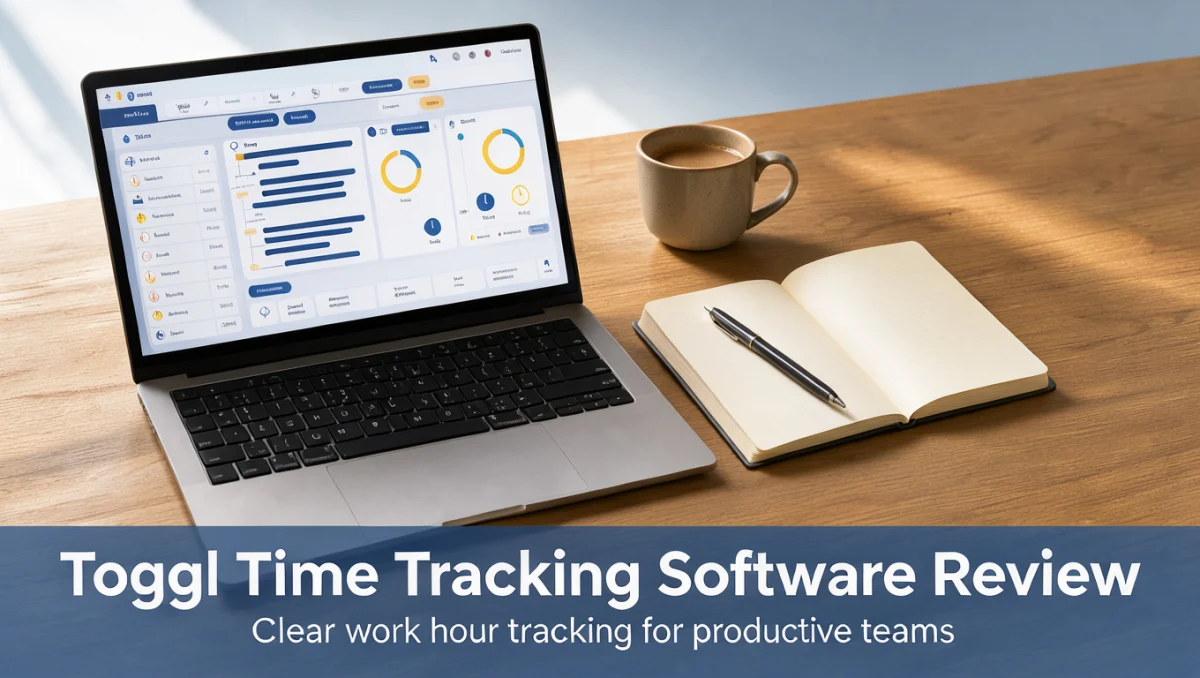
Toggl time tracking software is designed for professionals and organizations needing precise insights into how work hours are allocated. In 2026, choosing the right tool for tracking billable time and operational workflows means focusing on actual team routines over marketing claims. Our aim is to help decision-makers evaluate software objectively, ensuring they invest in systems that genuinely fit their operational needs.
Time tracking platforms primarily record active work intervals, categorize them by client or internal account, and summarize this data for reporting or invoicing. Before selecting any platform, carefully consider if simple timer logging meets your needs or if complex project budgeting and employee oversight are essential.
Quick Verdict: With an overall score of 7.9 out of 10, Toggl time tracking software is well-suited for independent professionals and service teams prioritizing rapid, low-friction time entry and clear reporting. It's less ideal for organizations requiring strict employee monitoring or integrated accounting functions.
| Metric | Summary Details |
|---|---|
| bestsoftwarereviews score | 7.9 / 10 |
| Best for | Service teams and freelancers seeking flexible timer-based work records |
| Not ideal for | Organizations demanding continuous screen capture or heavy accounting suites |
| Key strengths | Intuitive timer logging, flexible project tagging, and clear summary reporting |
| What to check before buying | Review tier limits on team size and reporting exports on the official site |
Effortless Time Capture and Organization
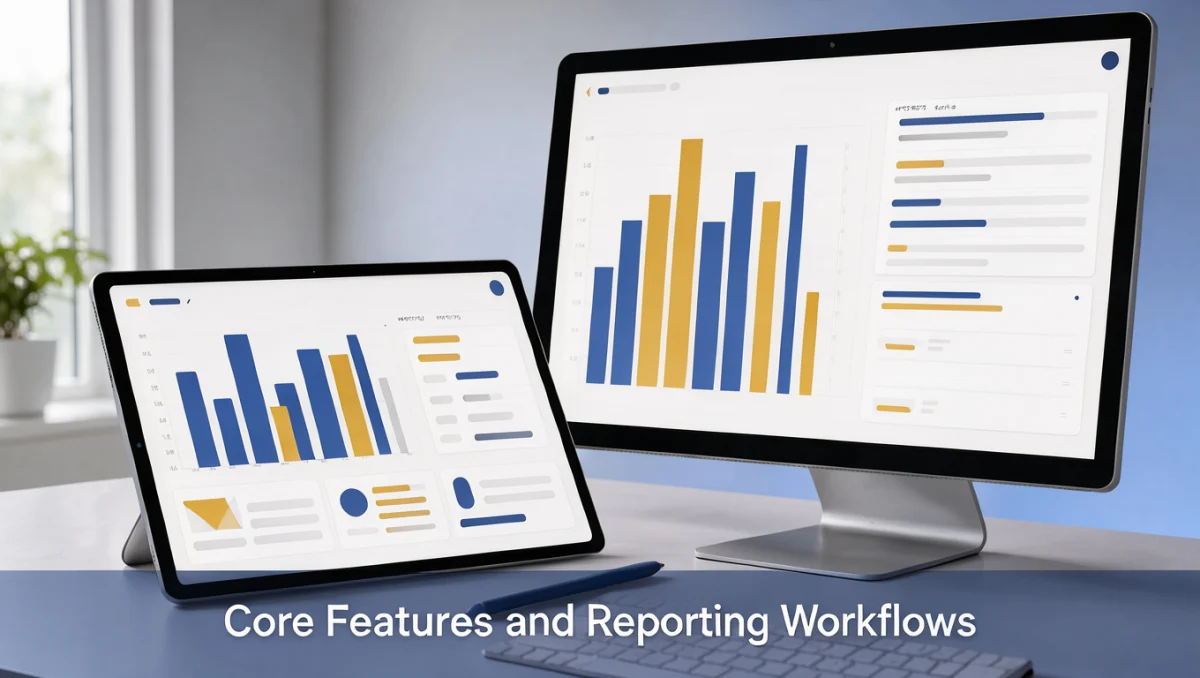
Toggl's core functionality centers on accurately recording durations, structuring work activities, and presenting clear visual summaries for management and clients. The platform allows users to start a timer when a task begins, assign it a label, and categorize it by client or project, stopping the timer upon completion. For those who prefer logging hours in bulk, manual entry enables direct input of start/end times or total durations.
To maintain order, users can structure activities by client names, projects, and descriptive tags. This organization helps teams distinguish between billable client work and non-billable administrative tasks. Tags offer an additional layer for filtering activities by type, such as research or client meetings.
Seamless User Experience and Setup

Ease of adoption is crucial when introducing new tools. Toggl simplifies the interface, requiring minimal configuration to start a timer, making it accessible for team members who find administrative logging cumbersome. Initial setup involves creating client lists, defining projects, and inviting collaborators.
For individual users, the learning curve is minimal, allowing immediate time recording. For growing teams, establishing consistent naming conventions for tasks and tags is important for consistent reporting. Managers should encourage regular tracking habits, as software alone cannot guarantee accuracy without clear team guidelines.
Advantages and Limitations
Evaluating Toggl's strengths and weaknesses helps determine its fit with your operational culture.
Pros
- Intuitive timer interface encourages consistent daily use.
- Clear categorization of projects, tasks, and clients keeps deliverables organized.
- Visual reporting makes understanding team time allocation easy.
- Flexible manual entry accommodates various work styles.
Cons
- Lacks native invoicing and full accounting features, requiring separate financial tools.
- Does not offer automated background activity capture or employee surveillance.
- Advanced reporting and permissions may require higher subscription tiers.
Toggl in Comparison to Alternatives
The time tracking market offers various tools, each suited for different needs.
| Software | Market Positioning | Key Distinction |
|---|---|---|
| Toggl | Focused time tracking for agile teams and freelancers | Prioritizes rapid user entry over integrated financial management |
| Harvest | Time tracking with native invoicing and expense management | Suitable for service teams needing direct billing from tracked hours |
| Clockify | Broad time tracking and timesheet management | Provides structured timesheet grids alongside standard timers |
Toggl is appreciated for its straightforwardness in recording hours and exporting reports. Teams needing time entries to automatically generate invoices within a single platform might prefer Harvest. For those who rely on traditional weekly timesheet grids, Clockify offers a comparable alternative.
Ideal User Profiles for Toggl
Identifying if Toggl matches your business profile saves setup time and budget.
Freelancers and Independent Contractors
Solo professionals managing multiple clients benefit from quick timer switches, ensuring accurate invoicing without manual errors.
Small Creative and Marketing Agencies
Agencies need to verify project profitability. Toggl provides clear summaries, helping identify scope creep before hours exceed budget.
Desk Workers and Knowledge Teams
Professionals like software engineers and writers can track focus blocks for personal productivity insights, identifying workflow bottlenecks.
When to Consider Other Options
Organizations requiring automated keystroke recording, webcam monitoring, or direct payroll disbursement should explore alternative solutions. Toggl is built on trust and straightforward time recording, making it unsuitable for businesses with strict surveillance demands.
Navigating Plan Selection
Subscription tiers are typically structured around team size, administrative controls, and analytics. Always verify current details on the official Toggl pricing page.
| Pricing Page Checkpoints | Importance |
|---|---|
| Per-user costs | Directly impacts monthly expenditure as team size grows. |
| Export and reporting formats | Advanced features like custom branding may be tier-dependent. |
| Project budgeting tools | Setting time or monetary targets often requires higher plans. |
| User access permissions | Specific management controls for restricting member visibility are crucial. |
Frequently Asked Questions
How should a team prepare for implementing time tracking software?
Establish clear project naming standards and define the purpose of tracking (billable hours, resource planning, etc.). Transparent guidelines reduce employee anxiety and ensure data consistency.
What additional expenses should buyers budget for?
Beyond subscription costs, budget for separate accounting or invoicing software if client billing is a requirement. Ensure seamless data transfer to your existing bookkeeping system.
Timer-based tracking or weekly timesheets for agencies?
Timer-based tracking offers greater precision for agencies managing multiple client interactions throughout the day. Weekly timesheets suit businesses with longer, single assignments where exact minute-by-minute records are less critical.
How can managers ensure consistent hour logging?
Simplify task categories so recording time takes seconds. Conduct brief weekly reviews of aggregate project hours to identify missing entries and reinforce the value of accurate data.
Final Assessment
Toggl time tracking software provides a reliable solution for tracking billable hours and understanding project resource allocation. Its clean interface encourages active user engagement by avoiding overly complex features.
| Evaluation Criterion | Score /10 | Editorial Assessment |
|---|---|---|
| Features | 8.0 / 10 | Strong core tracking capabilities with timer, tagging, and reporting. |
| Ease of Use | 9.0 / 10 | Highly intuitive interface, requiring minimal setup for new users. |
| Pricing and Value | 7.5 / 10 | Offers straightforward value; verify seat costs on the official site. |
| Integrations | 7.5 / 10 | Connects with broader productivity tools; confirm supported applications officially. |
| Audience Fit | 8.5 / 10 | Exceptional suitability for agencies, freelancers, and knowledge workers. |
| Support | 7.0 / 10 | Standard self-serve guides and support channels. |
| Competitive Position | 8.0 / 10 | Maintains a distinct reputation for ease of use and clean design. |
Overall bestsoftwarereviews Score: 7.9 / 10
For independent professionals and service agencies seeking transparent work logs without intrusive monitoring, Toggl is a dependable, user-friendly choice. If your team requires complete accounting integration or automated employee surveillance, alternative platforms should be explored.
For assistance with selecting software for your organization, reach out to our team or connect with Best Software Reviews on LinkedIn.
See More Collaboration & Productivity