Implementing effective volume discounts with Fast Bundle Shopify is crucial for boosting average order value. This process requires a strategic approach, starting with a thorough analysis of your product profit margins and carefully establishing tiered quantity breaks. By configuring these savings directly within your store catalog, you can create compelling incentives for customers without the usual complexities of manual discounting. At Best Software Reviews, we focus on how these promotional tools integrate into practical merchant workflows.
Understanding Promotional Software Dynamics
To leverage promotional software effectively, it’s essential to evaluate your catalog hierarchy, checkout calculation methods, and inventory synchronization. Modern E-commerce store operators need straightforward procedures to ensure quantity promotions are clearly displayed on storefronts while safeguarding profitability. This guide outlines the operational sequence for successfully structuring tiered quantity pricing.
Preparing for Volume Discount Implementation
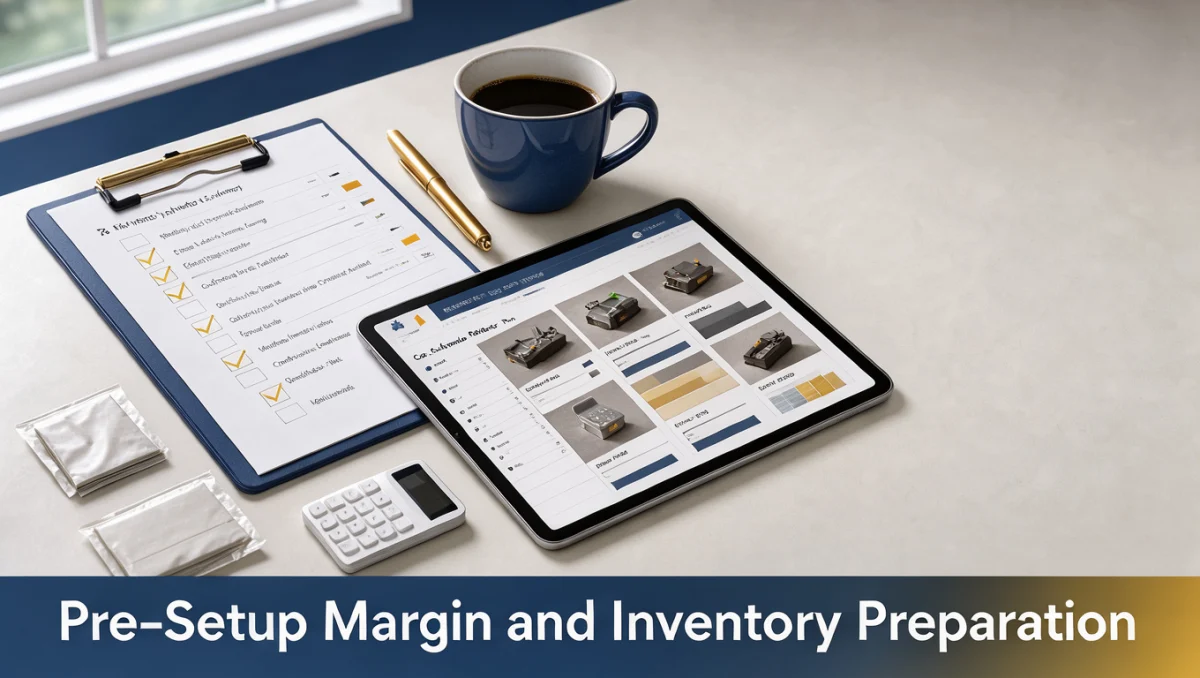
Launching volume promotions without adequate preparation can lead to eroded profit margins and inventory issues. Organizing your pricing boundaries and administrative assets beforehand ensures your tiered discount campaign runs smoothly from the start. Consider these key preparation steps:
- Catalog Margin Analysis: Calculate baseline margins for each eligible item. This ensures that discounted tiers remain profitable after accounting for payment processing fees.
- Quantity Break Milestones: Define logical purchase thresholds, such as buying two, three, or four units, based on historical customer order data.
- Administrative Permissions: Confirm that your store user account has the necessary permissions to configure bundle applications and modify storefront scripts.
- Theme Template Backup: Create a backup of your active online theme before testing discount widgets. This provides an untouched fallback version if needed.
- Promotional Asset Copy: Prepare concise text callouts to clearly communicate the per-unit savings directly on your product pages.
Step-by-Step Workflow for Setting Up
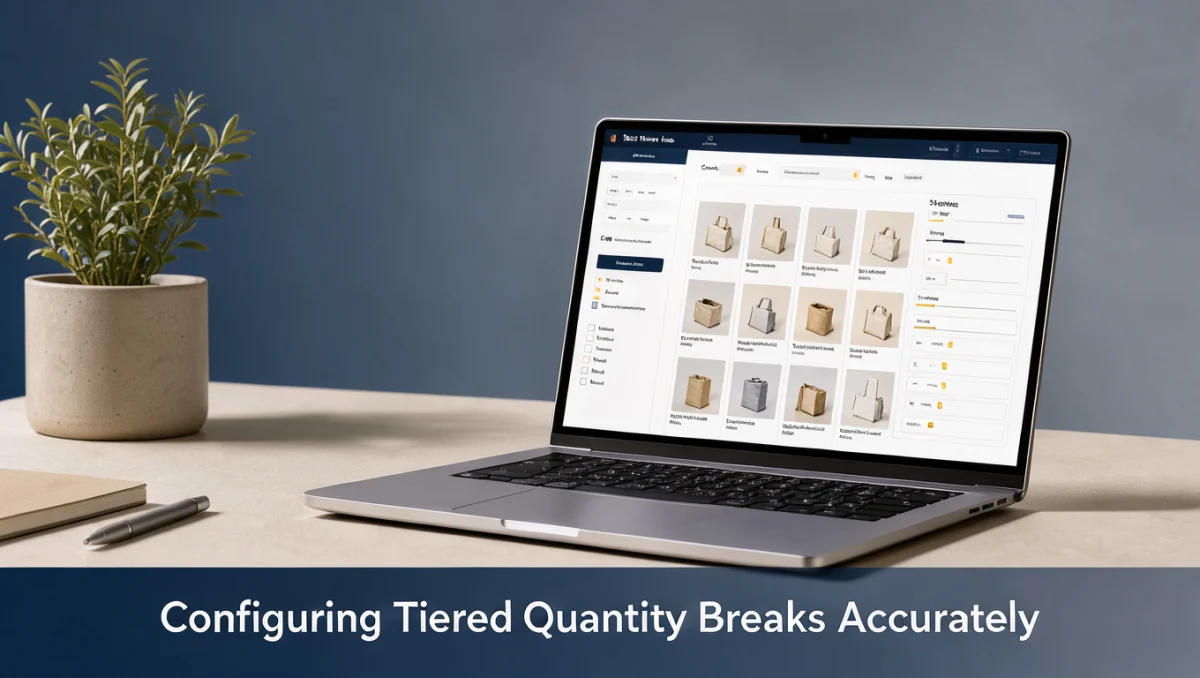
Implementing volume breaks involves configuring promotional rules, applying them to designated SKUs, and auditing the customer checkout path. Guidance from independent evaluators helps merchants maintain operational discipline during these launches. Follow these steps to how to set up volume discounts with fast bundle shopify effectively:
- Audit Product Eligibility and Baseline Costs: Review your catalog to select items with sufficient inventory and healthy profit buffers. Ensure the promotion protects your gross margin.
- Establish Discount Tiers and Reward Mechanisms: Choose between percentage reductions, fixed amount deductions, or flat bundle pricing across specific quantity levels.
- Configure the Volume Discount Bundle Rule: Map your chosen product variants into the discount structure and define the minimum quantity thresholds for each tier.
- Integrate Display Widgets: Place the visual volume discount selector cleanly on the product page layout without obscuring essential purchasing elements.
- Conduct End-to-End Checkout Testing: Add test items to your cart across each quantity threshold. Verify that discounts apply accurately and shipping rates calculate properly.
Navigating the First 30 Days Post-Launch
A structured schedule helps your team track promotional adoption, identify edge cases, and refine tier thresholds based on real shopping behavior during the initial month. Regular monitoring is key:
| Week | Routine to Build | Importance |
|---|---|---|
| Week 1 | Daily cart verification and checkout auditing | Identifies discrepancies or script conflicts before they impact significant traffic. |
| Week 2 | Inventory velocity and reorder level tracking | Prevents stockouts on promoted variants due to increased unit purchase volumes. |
| Week 3 | Gross margin review across tier levels | Confirms that overall profit dollars increase despite lower per-unit sale prices. |
| Week 4 | Threshold adjustments and catalog expansion | Optimizes underperforming tiers and expands the discount framework to complementary merchandise. |
Common Pitfalls and Avoidance Strategies
Merchants often encounter minor setbacks when introducing tiered volume discounts. Recognizing these common issues early helps maintain predictable storefront performance:
- Stacking Multiple Discounts: Allowing volume pricing to combine with general store coupons can erase profit margins. Establish explicit discount exclusion rules.
- Promoting Low-Stock Variants: Featuring items with limited inventory can lead to broken bundles and backorders. Focus quantity promotions on stable inventory lines.
- Unclear Per-Unit Savings: Displaying total bundle costs without showing per-item savings can confuse shoppers. Clearly state per-unit pricing near the add-to-cart area.
- Ignoring Mobile Responsiveness: Tier tables that fit desktops may stretch awkwardly on mobile screens. Regularly check usability on smaller screens.
- Forgetting Shipping Weight Increases: Shipping multiple units can increase order weight, potentially raising shipping costs. Balance volume discounts against actual fulfillment expenses.
Seeking Assistance When Needed
While automated bundling applications aim for straightforward setups, certain technical and business scenarios may require specialized help. Contact your software provider's support team if discount calculations fail at checkout or if custom theme scripts interfere with widget loading. For complex tax jurisdictions or multi-location shipping, consult your accountant or fulfillment consultant. Experienced store developers can assist with intricate storefront customizations involving custom code.
Frequently Asked Questions
What information should merchants review before setting up volume tiers?
Merchants should review product profit margins, supplier restock schedules, and packaging costs. Understanding baseline expenses prevents setting discount thresholds that result in a net loss after platform fees.
How should store owners select optimal quantity break points?
Analyzing historical purchase data reveals typical customer buying patterns. Choosing thresholds slightly above the current average unit order encourages shoppers to add an additional product to reach the next tier.
Why might volume discounts not display at checkout?
Discount rules can conflict with other automatic promotions, draft orders, or theme script conflicts. Testing your checkout sequence in private browsing windows helps isolate these issues.
Where can teams verify tier limit capabilities?
Consult the official Fast Bundle website for specific feature boundaries and setup guidelines. Promotional parameters vary across subscription tiers, making official documentation the definitive reference.
Concluding Next Steps
After reviewing this setup workflow, select three to five core products with strong margins for an initial promotional pilot. Verify your discount rules across desktop and mobile devices, and schedule a profit margin audit after two weeks. Integrate regular inventory check-ins to ensure supplier purchase orders keep pace with higher unit counts per basket. For more insights on choosing software, visit Best Software Reviews.