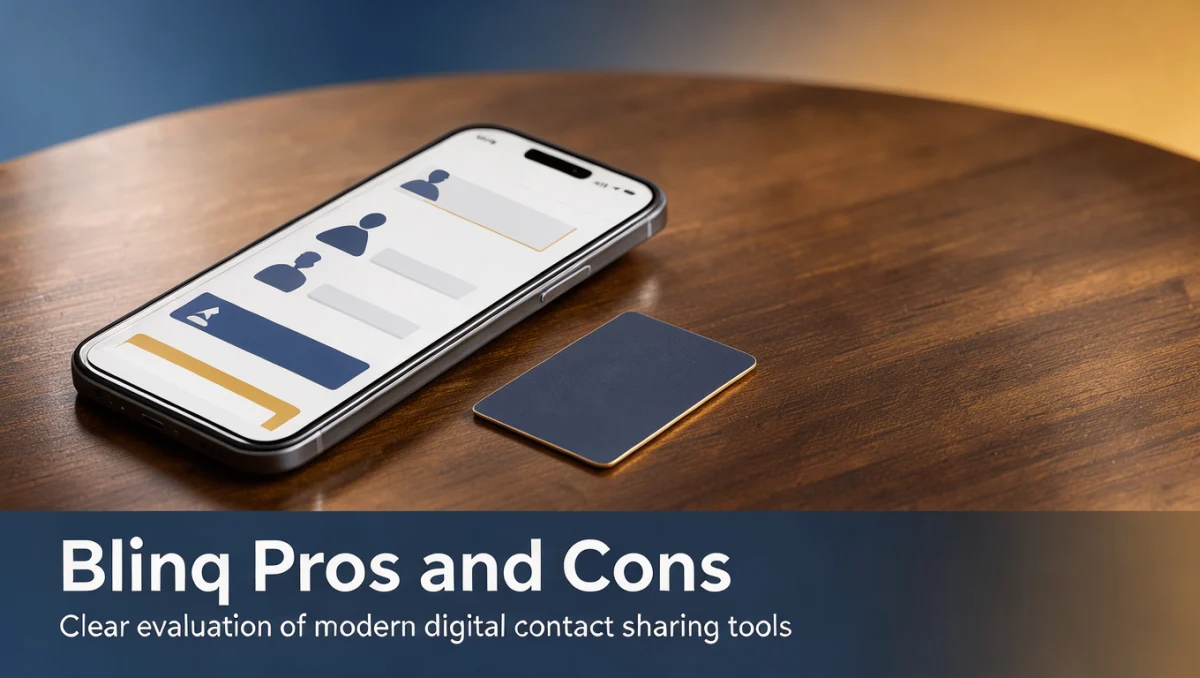
Digital contact sharing platforms are transforming how professionals connect. As businesses move away from traditional paper cards, evaluating solutions like Blinq becomes essential. This review delves into the blinq pros and cons to help you determine if it aligns with your Collaboration & Productivity needs.
Key Strengths and Weaknesses of Blinq
Modern networking demands a balance between rapid information exchange and maintaining control over branding and data. Digital card solutions aim to streamline this process, eliminating the need for physical reprints whenever contact details change. Blinq focuses on creating interactive professional profiles that can be shared through various electronic channels, while also capturing contact information from interested parties.
However, it's important to consider how Blinq integrates into existing workflows and whether its administrative features meet organizational requirements before full adoption.
Advantages of Using Blinq
Seamless Contact Distribution
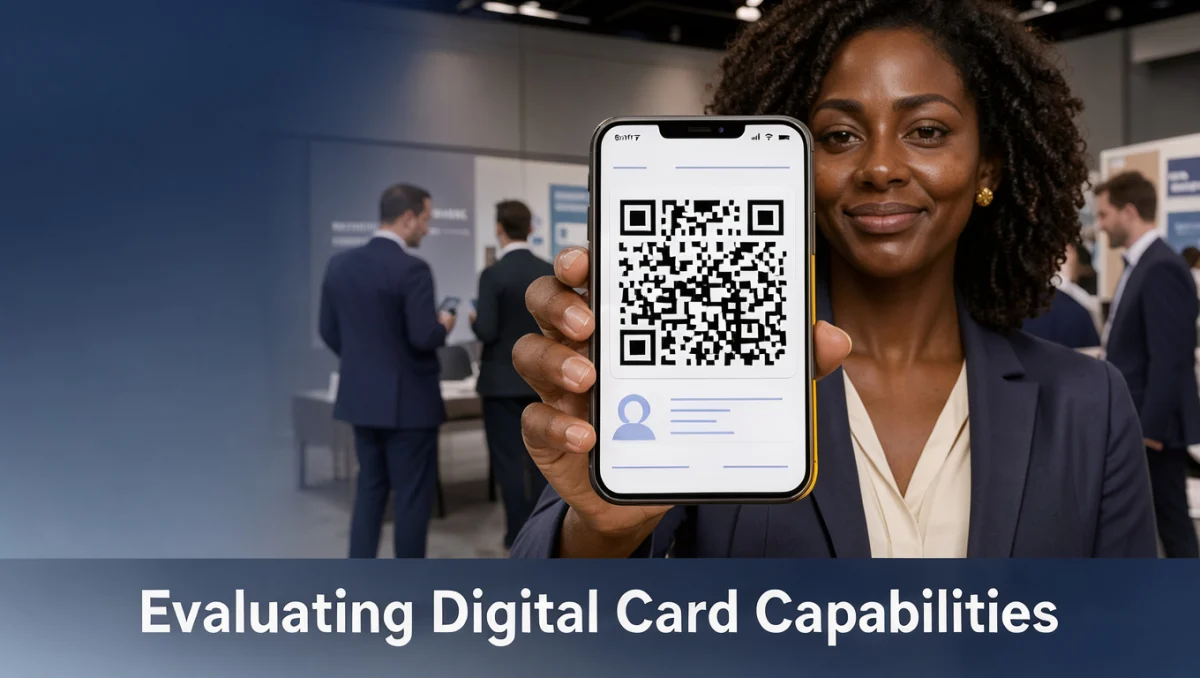
Blinq facilitates instant sharing of contact information without requiring recipients to install any special applications. Prospects can view a professional's details via a standard mobile web browser and save the information directly to their device's address book, removing friction during brief networking encounters.
Consolidated Digital Identity
Managing multiple communication channels is simplified with a single digital card. Blinq allows users to include phone numbers, emails, website links, social media profiles, and custom external URLs, directing potential clients to portfolios or booking calendars.
Facilitates Two-Way Information Exchange
Effective networking involves not only sharing your details but also capturing those of others. Blinq features an integrated mechanism for recipients to submit their contact information, including names and notes, back to the cardholder, helping to prevent missed business opportunities.
Real-Time Information Updates
Unlike static paper cards that quickly become outdated, Blinq allows cardholders to update their professional details centrally. This ensures that anyone accessing the digital card link will always see the most current and accurate information, eliminating the need for reprinting.
Disadvantages and Mitigation Strategies for Blinq
While Blinq offers significant benefits, potential users should be aware of certain limitations and how to address them.
Dependency on Recipient Technology
The effectiveness of digital cards relies on the recipient having a smartphone capable of accessing web links or scanning QR codes. In situations where mobile device usage is restricted or discouraged, digital sharing might not be a complete replacement for traditional methods.
Mitigation: Maintain a backup of your contact information in an easily shareable format, such as an email signature or a simple digital document, for individuals who prefer conventional communication methods.
Need for Verification of Organizational Controls
For enterprise-wide deployment, businesses must ensure central oversight of branding elements like logos and color schemes. It's crucial to verify how Blinq's subscription models handle template locking and administrative roles to prevent employees from distributing off-brand materials.
Mitigation: Consult the official Blinq website's plan comparison to understand template restrictions, administrative permissions, and centralized directory management features before rolling out to multiple departments.
Configuration of Contact Data Export
Gathering contacts electronically is less valuable if the data cannot be easily integrated into existing sales workflows. Teams using CRM software need collected contact details to sync directly into their primary systems to maintain lead organization.
Mitigation: Examine the official Blinq integrations list and available export options to confirm native CRM connectivity or the need for manual file transfers.
Comparative Overview of Blinq's Features
A balanced view of Blinq involves weighing its operational advantages against potential administrative challenges.
| Aspect | Benefit | Consideration & Solution |
|---|---|---|
| Contact Sharing | Instant distribution via codes and links | Assess audience's device accessibility; consider alternative sharing methods if needed. |
| Lead Capture | Interactive forms for recipients | Ensure clear processes for exporting leads into CRM software. |
| Profile Management | Centralized updates for accuracy | Confirm template permissions for consistent brand representation. |
| Admin Oversight | Unified directory management | Verify administrative seat allocations and role management. |
Ideal Users for Blinq
Different professional roles and team structures can leverage Blinq in distinct ways.
Independent Professionals
Solo entrepreneurs can present an interactive portfolio, linking directly to calendars and project galleries, while saving on stationery costs and projecting a modern image.
Small Businesses
Owners and agency representatives attending industry events can efficiently capture prospect details, ensuring inquiries are logged systematically.
Sales Teams
Field representatives can quickly exchange details at high-volume events. It's advisable to confirm how collected leads integrate with broader company CRM systems for seamless follow-up.
Organizations Requiring Alternatives
Businesses in highly regulated industries or those with strict device policies might find paper cards or manual email exchanges more suitable. Organizations needing on-premise directory installations should carefully evaluate web-based solutions.
Frequently Asked Questions About Blinq
How does Blinq function in person?
Blinq displays contact info via an interactive web profile, accessible by scanning a code or link. Recipients can save the contact directly to their device, bypassing manual entry.
What administrative controls should be checked?
Buyers should verify how Blinq handles account administration, template locking, and user access revocation to ensure consistent corporate branding.
Why is CRM integration important?
For sales teams, direct CRM sync for collected contacts is vital to avoid manual data entry and maintain efficient lead nurturing processes.
How do physical accessories work with digital cards?
Physical accessories with embedded NFC chips can be tapped against smartphones to open the user's digital profile, offering a tactile sharing option.
Concluding Thoughts on Blinq
Blinq stands out as a capable digital business card solution for freelancers, sales professionals, and small businesses aiming to modernize their networking approach. Prospective adopters should carefully review administrative requirements and CRM integration capabilities on the official Blinq website before committing to a plan. For those seeking a comprehensive blinq pros and cons analysis, understanding these aspects is key to maximizing its utility.
Discover more about effective software solutions at Best Software Reviews.