Understanding how to build a sales pipeline with Folk CRM is essential for sales professionals aiming to streamline their client acquisition process. A well-defined pipeline ensures that prospects are tracked systematically from initial contact to final deal closure, preventing missed opportunities and maintaining clarity as your business grows.
Folk CRM offers a centralized environment to manage these crucial interactions. By properly configuring your pipeline stages and diligently logging each step, you create a robust system that supports consistent follow-ups and accurate revenue forecasting.
Essential Preparations Before Setting Up Your Pipeline

Before diving into Folk CRM's configuration, laying a strong foundation is critical. Ensure you have the following in place to prevent data issues and maintain an accurate view of your sales opportunities:
- Clean Contact Data: Compile a comprehensive list of your prospects, including company names, email addresses, and key contact details. Verify the accuracy of this information to ensure your database starts organized.
- Defined Qualification Criteria: Clearly outline what constitutes a qualified lead. This prevents your pipeline from becoming cluttered with prospects who are unlikely to convert, saving valuable time and resources.
- Clear Stage Milestones: Establish between three to six distinct stages that represent the progression of a deal. Use descriptive names for each stage, such as ‘Lead Qualification', ‘Proposal Sent', or ‘Negotiation'.
- Key Field Specifications: Determine which custom fields are most important for tracking deal progress, such as estimated deal value, expected closing date, and the assigned sales representative.
Step-by-Step Workflow for Building Your Folk CRM Pipeline

Implementing your sales pipeline within Folk CRM involves a structured, sequential process. Follow these steps to establish clarity and consistency across all your deal management activities:
- Import and Organize Contacts: Begin by cleaning your prospect data, removing duplicates, and ensuring all contact information is accurate before importing it into Folk CRM. This initial step is vital for a tidy database.
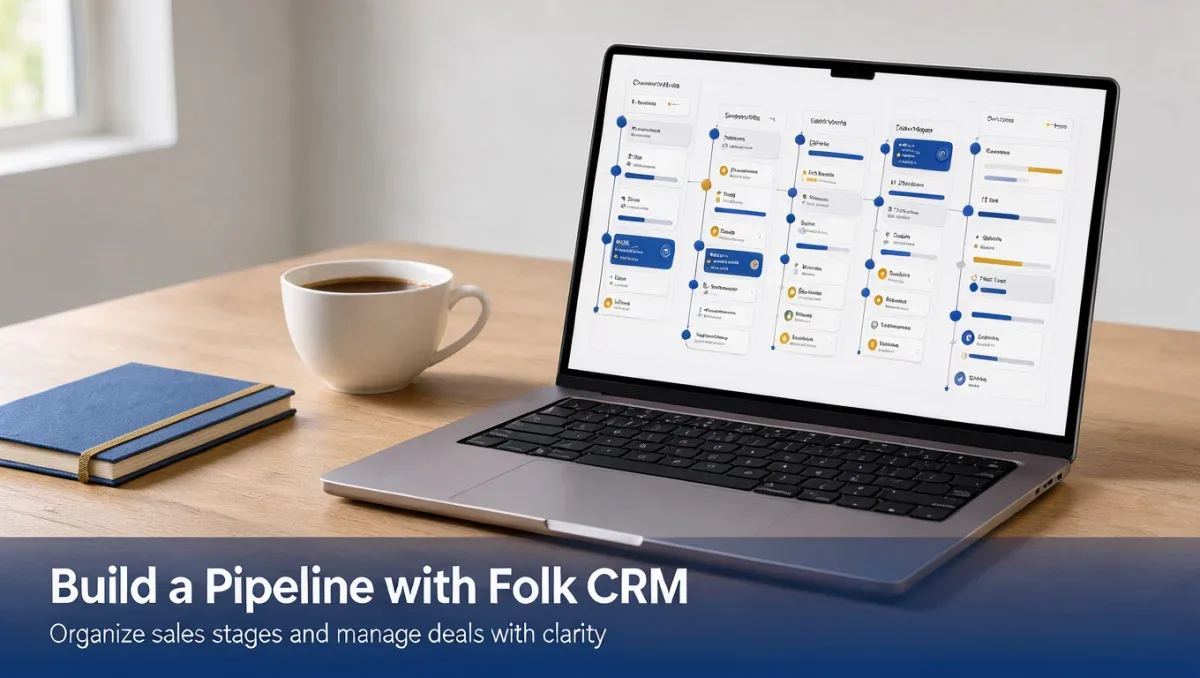
- Construct Your Custom Pipeline: Create distinct columns within Folk CRM that correspond to each stage of your sales cycle. Ensure that the names of these stages clearly indicate the objective actions or status within the sales process.
- Configure Important Property Fields: Add essential tracking attributes like deal amount, target closing timeline, primary contact person, and the source channel of the lead. This ensures every record provides key commercial context.
- Populate with Existing Opportunities: Assign your qualified contacts to their current appropriate stages within the pipeline. Verify these assignments against recent communication records to ensure accuracy.
- Establish Interaction Logging: Consistently log notes, schedule follow-up reminders, and record all communication touchpoints directly within each contact's record. This ensures a complete and accessible history for your entire team. Access how to build a sales pipeline with folk crm effectively by following these steps.
Maintaining Your Pipeline in the First Month
Cultivating disciplined habits during your initial month using Folk CRM is crucial for ensuring your pipeline accurately reflects potential revenue. Utilize this four-week framework to build consistency:
| Week | Routine to Build | Importance |
|---|---|---|
| Week 1 | Daily lead entry and stage assignment | Ensures new inquiries are promptly addressed, preventing backlogs. |
| Week 2 | Midweek audit of deal values and property fields | Maintains accurate sales forecasts and identifies incomplete prospect information. |
| Week 3 | Weekly pipeline review for stalled opportunities | Highlights deals needing urgent follow-up before prospects lose interest. |
| Week 4 | Monthly cleanup of inactive or lost deals | Clears clutter from active views, focusing attention on viable prospects. This is key for effective Sales management. |
Common Pitfalls and How to Avoid Them
Teams often encounter preventable issues when setting up sales tracking systems. Be mindful of these common errors while configuring your Folk CRM pipeline:
- Excessive Stages: Creating too many pipeline stages can lead to confusion. Stick to a concise number that clearly represents distinct milestones in the customer's journey.
- Neglecting Stale Records: Leaving unresponsive prospects in active stages skews revenue forecasts. Promptly archive or mark deals as inactive when they become unresponsive.
- Inconsistent Data Entry: Failing to record essential details like deal values or meeting notes leaves your team uninformed. Establish clear guidelines for logging all interactions.
- Overlooking Official Documentation: Features, limitations, and collaboration settings can vary by subscription plan. Always confirm current capabilities on the official Folk CRM website.
When to Seek External Assistance
While internal management is often sufficient, certain situations may warrant seeking external expertise or direct vendor support:
- Complex Data Migration: If you're transferring a large volume of contacts from an old system, consult a data specialist to prevent data corruption.
- Advanced Process Design: For expanding sales teams across new regions, a sales operations consultant can help design sophisticated multi-stage funnels.
- Account and Permission Queries: For questions regarding user roles, team access, or subscription limits, contact the official Folk CRM support team directly.
Frequently Asked Questions About Sales Pipelines
What data should be prepared before importing contacts?
Prepare a clean spreadsheet with verified email addresses, prospect names, company affiliations, and current conversation statuses. Removing duplicates beforehand is crucial for a tidy database.
How many pipeline stages are optimal for a small team?
Most small sales teams find clarity with four to six distinct stages. Common stages include ‘Lead Qualification', ‘Initial Discovery', ‘Proposal', ‘Negotiation', and ‘Closed'.
Should non-sales contacts be in the same pipeline?
It’s best to keep distinct groups in separate views or pipelines to prevent clutter. This ensures your active sales workflow focuses solely on qualified commercial prospects, maintaining accurate revenue projections.
When should an opportunity be marked as lost?
An opportunity should be moved to a ‘Lost' or ‘Closed' stage when a prospect definitively declines an offer or stops responding after multiple follow-ups. Archiving these contacts keeps your daily focus on active prospects.
Moving Forward with Your Folk CRM Pipeline
Once you've successfully established your sales pipeline in Folk CRM, maintain this momentum with consistent action. Regularly review your prospect communications, assign contacts to their correct stages, and schedule weekly appointments to address stalled opportunities. For team expansion, always confirm current plan details and collaboration options on the official Best Software Reviews page before onboarding new members.