bestsoftwarereviews may earn a commission when you buy through links on this page, at no extra cost to you. This does not affect our ratings.
Glide Reddit conversations often center on how effectively teams turn structured data into functional web applications without manual programming. Readers tracking discussions across the community frequently seek clear guidance on whether this no-code solution handles practical business workflows or remains limited to basic project trackers.
At Best Software Reviews, we assess business software through an objective framework that isolates durable product characteristics from temporary marketing claims. This review explores what Glide delivers for modern operations teams and highlights the specific operational factors you should check prior to committing company resources.
Quick verdict: Glide earns an overall rating of 8.1/10 from bestsoftwarereviews. It serves operations teams and businesses seeking straightforward internal software without writing custom code. However, it remains less suitable for organizations requiring highly bespoke consumer applications or complex custom backend architectures.
| Evaluation Dimension | Summary Assessment |
|---|---|
| bestsoftwarereviews score | 8.1/10 |
| Best for | Operations managers and departmental leads building internal portals, inventory trackers, and team directories |
| Not ideal for | Organizations needing native mobile distribution through public app storefronts or highly complex transactional backends |
| Key strengths | Fast data-driven interface assembly, structured relational table support, and clear visual organization |
| What to check before buying | Review official plan terms for active user thresholds, monthly update allowances, and private database storage limits |
1. How bestsoftwarereviews Reviewed Glide
This review looks at what Glide is built to do, who it serves, and how it compares with similar tools, using the seven bestsoftwarereviews criteria: features, ease of use, pricing and value, integrations, audience fit, support and competitive position. Plans, prices and limits change often, so we point out what to confirm on the official website before you buy. This article was researched and drafted with the help of AI tools, then reviewed and edited by the bestsoftwarereviews Editorial Team.
2. What is Glide and who is it for
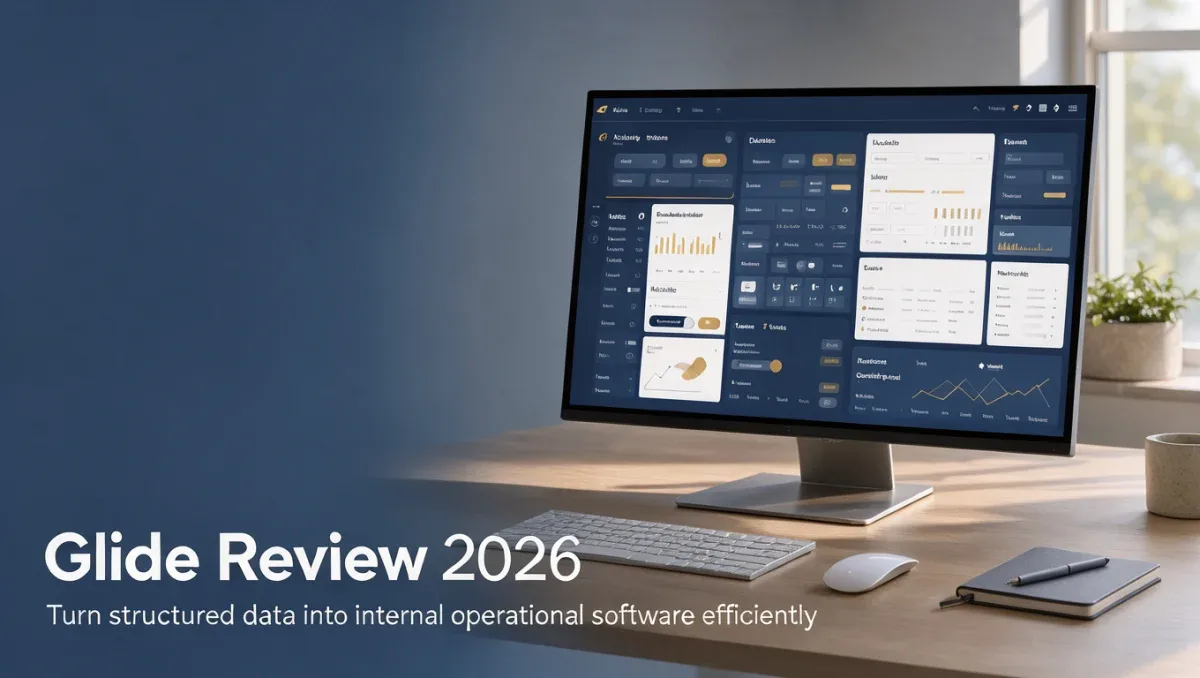
Glide operates in the modern Development category as an application generation platform that converts existing business tables into responsive user interfaces. The platform focuses on enabling non-technical teams to assemble working tools directly on top of structured data tables, avoiding the traditional overhead of manual front-end programming.
The software targets business users who manage operational data but lack dedicated software engineering teams. Key adopter profiles include:
- Operations managers centralizing equipment tracking, field tickets, or internal asset allocations.
- Agency leaders sharing structured progress updates and intake forms with external clients.
- Human resources and administration teams distributing internal staff directories and company knowledge bases.
3. What Glide helps you do
Exploring popular glide reddit threads reveals that prospective buyers primarily want to know how the software functions across day-to-day administrative tasks. Glide structures its primary functional capabilities around data connectivity, interface composition, and role-governed data presentation.
3.1. Data management and record linking
Glide connects with existing tabular datasets and enables users to establish relations across multiple tables. Teams use these data structures to link customer accounts with historical order logs, assign company assets to individual employees, or attach verification documents to specific client records.
3.2. Visual screen assembly and component mapping
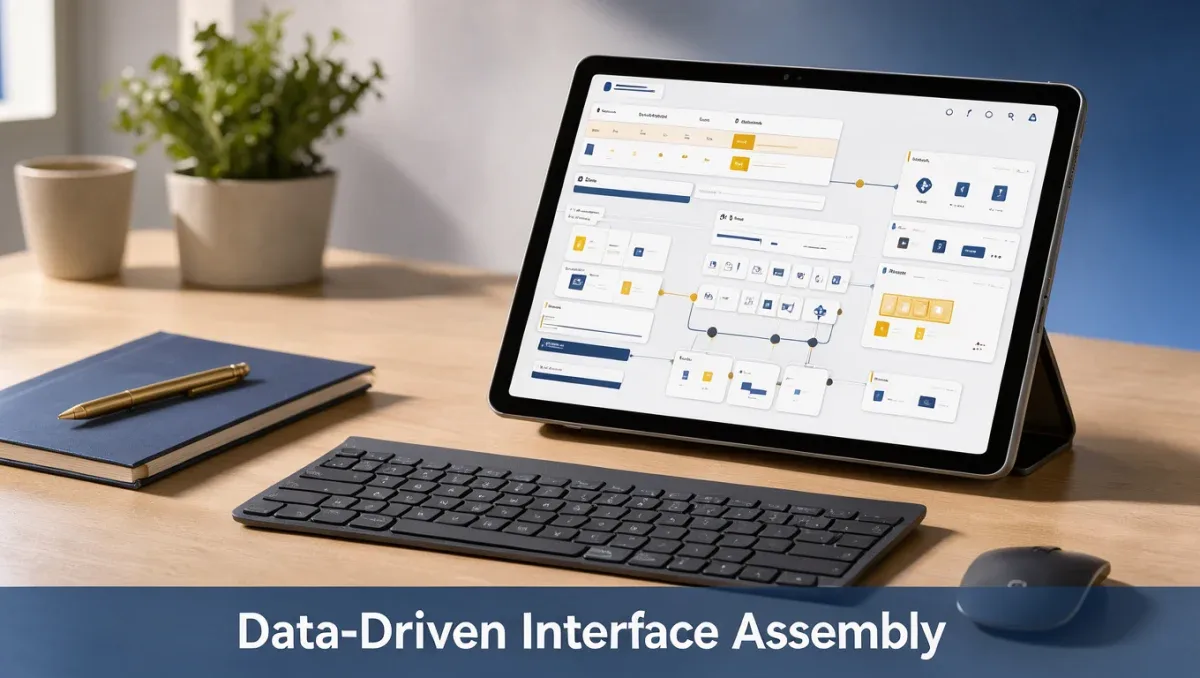
The system lets creators assemble user-facing screens by configuring functional components such as lists, cards, media holders, and input forms. Rather than writing visual layout code, builders map component fields directly to corresponding data columns, allowing records to update whenever users submit changes.
3.3. User permissions and conditional display
Glide allows teams to implement conditional visibility rules that restrict specific screens or editing rights according to user identity. Department leads can ensure that field personnel only access relevant regional assignments while supervisors retain company-wide oversight across all submitted records.
4. Ease of use and learning curve
For individuals already comfortable organizing information within spreadsheets, the initial learning path remains gentle. The system removes the need to understand layout frameworks, hosting servers, or database schemas, allowing builders to produce structured interfaces relatively quickly.
| User Profile | Initial Learning Curve | Typical Time to First Working Layout |
|---|---|---|
| Spreadsheet-fluent managers | Low friction; concepts like columns and lookups translate directly | Under three days of testing |
| Non-technical staff | Moderate; requires understanding row-level relational links | Between four and seven days |
| Traditional programmers | Low technical difficulty, but requires adapting to opinionated layout limits | Under two days |
5. A two-week evaluation plan for Glide
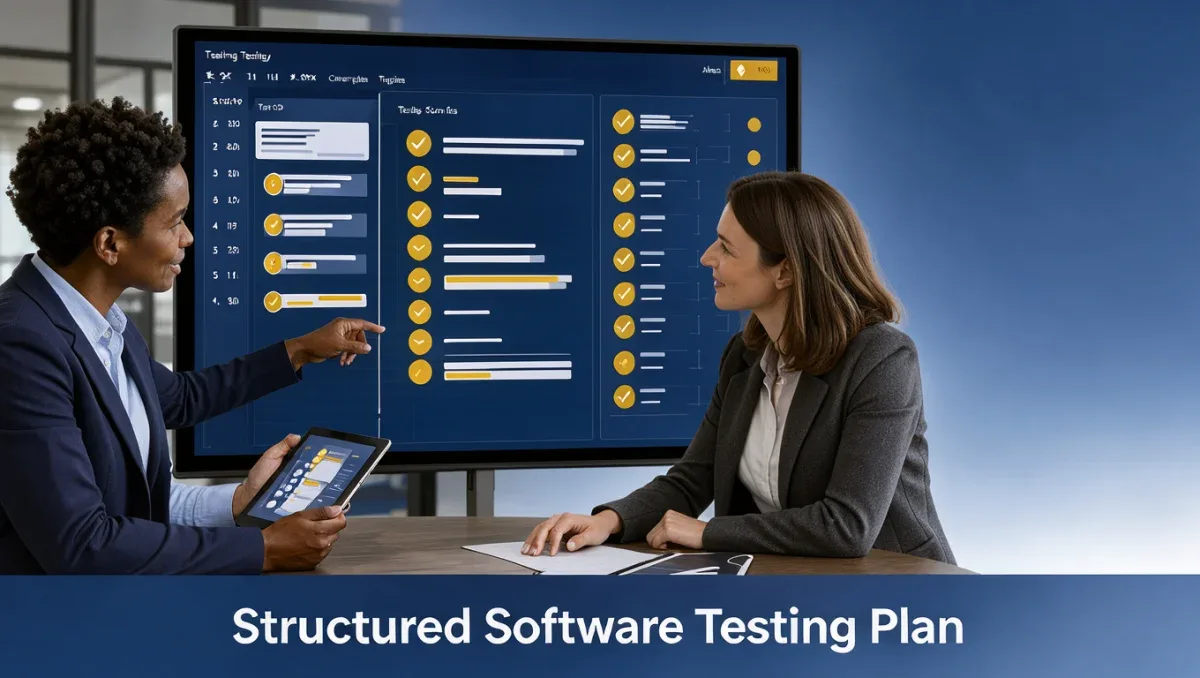
To establish whether Glide meets organizational requirements without relying on promotional promises, teams should execute a structured evaluation protocol. Follow this two-week evaluation schedule:
- Days 1 to 3: Baseline data modeling. Prepare a sanitized spreadsheet containing two linked data tables, such as clients and projects. Import the data and verify that relational links between parent and child records resolve accurately.
- Days 4 to 7: Component validation and user workflows. Assemble an intake form and an administrative summary screen. Test how edits submitted on mobile devices populate within the source database table.
- Days 8 to 11: Access rule testing. Configure two test accounts with distinct permission levels to ensure that restricted records remain hidden from non-authorized viewers.
- Days 12 to 14: Team trial and capacity audit. Invite three colleagues to submit routine updates. Document any latency or layout friction, then inspect the official pricing documentation to evaluate future seat costs.
6. Where Glide shines and where it may fall short
Evaluating no-code builders requires balancing rapid delivery against design flexibility. Software buyers should review the general strengths and functional boundaries outlined below.
| Operational Area | Shines when | May fall short when |
|---|---|---|
| Internal operational tools | Teams need rapid utility without designing layouts from scratch | Workflows require complex offline-first database synchronization |
| Visual customization | Clean, consistent corporate layouts satisfy internal requirements | Brands demand pixel-level control over animations and typography |
| Data architecture | Workflows rely on standard relational rows and tabular inputs | Systems require multi-threaded background scripts or custom server logic |
7. Glide compared with similar tools
Understanding the market positioning of Glide helps clarify which platform aligns best with particular project demands. The table below outlines the primary focus of comparable options within the category.
| Tool | Best for | Core focus |
|---|---|---|
| Glide | Internal team portals and structured data trackers | Opinionated interface generation directly from tabular datasets |
| Bubble | Complex web applications requiring custom databases | Visual programming with deep logic workflows and open canvas design |
| Airtable | Collaborative operations planning and project management | Relational database grids with embedded views and visual interface blocks |
8. Who should use Glide
Because software utility varies according to technical capability and operational scale, organizations should verify whether Glide addresses their specific operational context.
| User Category | Suitability Status | Primary Consideration |
|---|---|---|
| Operations managers | Recommended | Streamlines internal processes without requiring software development queues |
| Small business owners | Recommended | Centralizes customer logs, dispatch records, and equipment trackers efficiently |
| Corporate office workers | Recommended | Replaces static internal spreadsheets with interactive self-service portals |
| Professional developers | Situational | Effective for rapid prototyping, but limited for deeply customized code injection |
| Public-facing mobile startups | Not recommended | Less suited for native mobile app distribution via public app stores |
9. Pricing at a glance
Glide packages its platform under a subscription model that tiers functional access according to organizational usage. Before finalizing any purchase, buyers should verify the following three factors directly on the official Glide website:
- User seat categories: Confirm how the official plan definitions distinguish between internal team members and external portal users, as seat designations directly influence your monthly bill.
- Data volume thresholds: Check the explicit row limits and file attachment capacity associated with each subscription level on the official Glide pricing page.
- Data refresh rates: Review how frequently background data sources synchronize, ensuring that update cycles align with your team operational tempo.
10. Frequently asked questions
Which teams get the most value from Glide?
Internal operations teams, project coordinators, and service businesses gain substantial utility from Glide. Organizations that maintain their daily records in spreadsheets can launch functional portals quickly without waiting for dedicated software development resources.
What technical prerequisites are necessary before adopting Glide?
Users should understand basic data organization concepts, including columns, unique keys, and relational lookups across tables. Familiarity with standard spreadsheet software provides sufficient foundation to construct functional applications without programming experience.
When should an organization choose an alternative development tool?
Projects that require pixel-level visual freedom, complex server-side background automation, or native mobile app distribution through official consumer app stores should evaluate alternative platforms designed for deep custom development.
How should buyers prepare before upgrading to a paid tier?
Decision-makers should calculate expected monthly user counts, estimate total database record expansion, and map required data source integrations. Reviewing these figures against official vendor documentation ensures predictable software expenditures over time.
11. Final verdict
Glide offers a practical, structured route for teams seeking to automate operational tasks through custom internal software. Its disciplined approach to interface design eliminates technical overhead for non-developers, while its relational data structure supports dependable company workflows. Organizations must weigh these advantages against inherent design constraints and confirm subscription limits directly with the vendor prior to enterprise adoption.
| Evaluation Criterion | bestsoftwarereviews Score | Evaluation Rationale |
|---|---|---|
| Features | 8.0/10 | Provides comprehensive core capabilities for relational linking, form inputs, and role-based viewing |
| Ease of Use | 8.8/10 | Structured, component-driven layout building dramatically shortens setup time for spreadsheet users |
| Pricing and Value | Confirm before buying | Review official plan details to assess whether active user allowances align with operational budgets |
| Integrations | Confirm before buying | Check the official data source compatibility list to verify support for your company database |
| Audience Fit | 8.2/10 | Aligns closely with the operational demands of small businesses, agencies, and departmental teams |
| Support | Confirm before buying | Verify official documentation on direct assistance channels and response commitments prior to launch |
| Competitive Position | 7.5/10 | Maintains a distinct operational niche for rapid internal apps despite strong no-code competition |
| Overall score | 8.1/10 | Balanced rating reflecting reliable utility for internal workflows alongside opinionated layout limits |
Have a question about choosing software? Send it to the bestsoftwarereviews team through our contact page or follow bestsoftwarereviews on LinkedIn for new reviews and comparisons.