Understanding SaneBox's Core Functionality
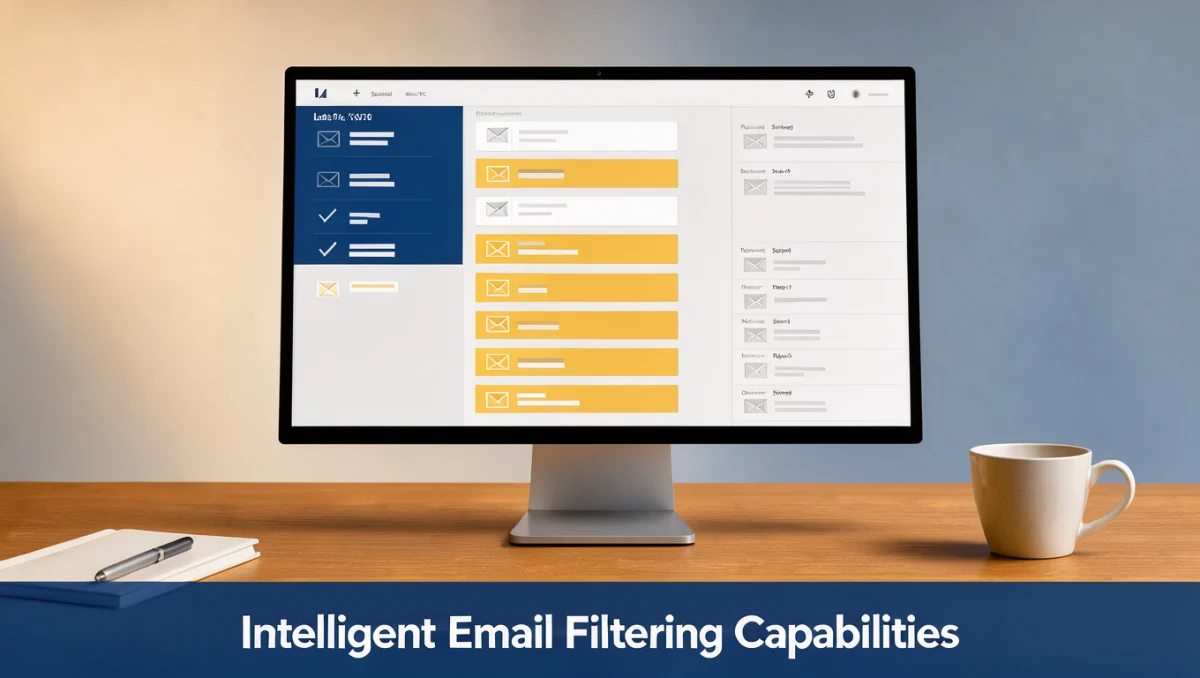
SaneBox is engineered to automate the process of sorting incoming emails, directing less urgent messages into separate folders. This allows users to concentrate on critical communications. By evaluating how this email filtering operates across various clients, professionals can determine if this automated organization fits their daily workflow. As a software review site, we aim to clarify its capabilities and purchasing considerations without marketing hype.
Dealing with an overwhelming volume of correspondence is a persistent issue in today's workplaces. This review delves into the fundamental mechanisms, operational trade-offs, and essential verification points that potential buyers should consider before subscribing to an email management solution.
Quick Verdict: SaneBox earns a score of 7.9/10 for its effective email prioritization. It's ideal for professionals receiving a high volume of non-critical emails daily but may not suit those who prefer manual folder management or teams requiring integrated project boards within their communication tools.
| Metric | Summary Details |
|---|---|
| bestsoftwarereviews score | 7.9/10 |
| Best for | Professionals handling heavy incoming message volumes seeking automated secondary inbox triage |
| Not ideal for | Users wanting manual categorization control or built-in project collaboration interfaces |
| Key strengths | Automated background filtering, non-intrusive folder mechanics, distraction deferral capabilities |
| What to check before buying | Review the official SaneBox subscription comparison page to confirm account connection allowances and custom folder rules |
How We Reviewed SaneBox
Our assessment of SaneBox focuses on its intended purpose, target audience, and comparative standing against similar tools, utilizing our standard review criteria: features, ease of use, pricing and value, integrations, audience fit, support, and competitive position. Subscription details and pricing can change, so we advise confirming specifics on the official website. This article was researched and drafted with AI assistance, then meticulously reviewed and edited by our editorial team.
What SaneBox Is and Who Benefits
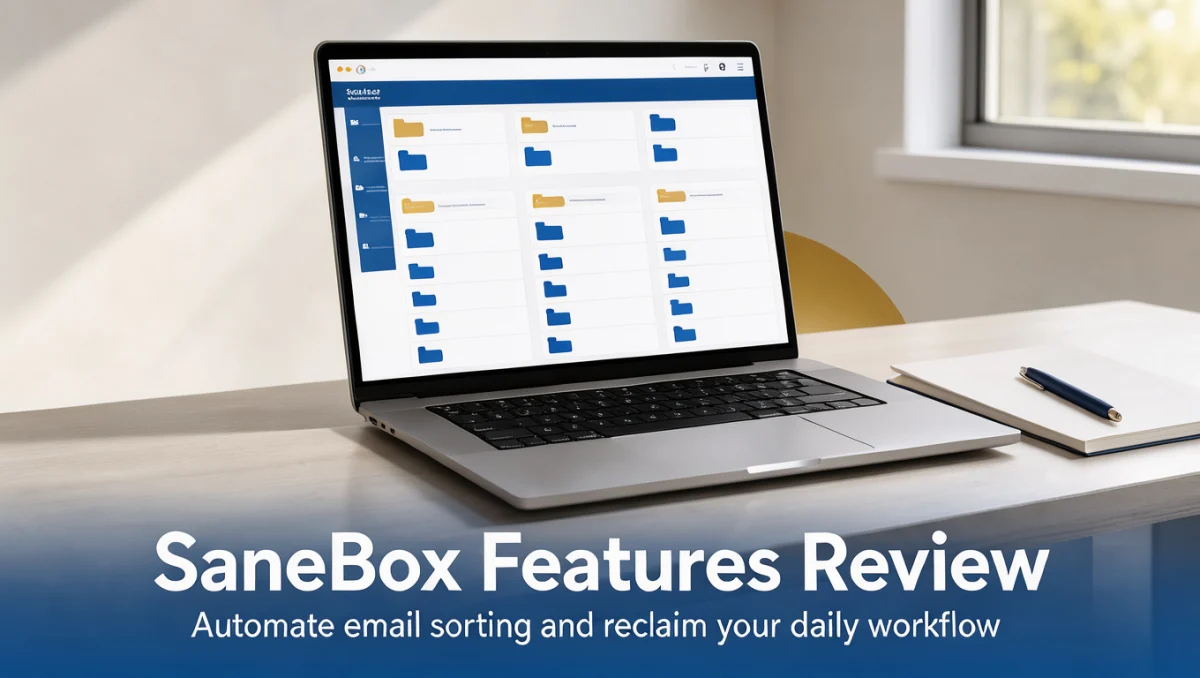
SaneBox functions as an automated email management service designed to divert non-urgent messages from your primary inbox. It integrates with standard email server protocols to organize correspondence based on sender importance and your past interactions. Crucially, SaneBox operates in the background of your existing mail system, rather than replacing it.
This service is primarily aimed at independent professionals, business owners, executives, and agency managers who are frequently overwhelmed by message volume. When daily communications include client requests, receipts, newsletters, and promotions, automated separation enables users to process priority tasks first and review secondary items later on a set schedule.
For individuals exploring solutions within the broader Collaboration & Productivity sector, understanding how an organizational layer interacts with daily habits is key. SaneBox tackles inbox clutter at the server folder level, avoiding the need for a new dashboard, making it practical for those who wish to retain their current email software.
Core SaneBox Features and Their Capabilities
Examining the SaneBox features reveals its method of applying rule-based filtering and automated sorting to standard email accounts. The platform is structured around four main functional areas designed to simplify inbox processing.
Automated Inbox Prioritization Explained
Automated prioritization is the foundational element of SaneBox. It analyzes incoming mail based on historical sender interactions, placing important and urgent correspondence in the primary inbox while moving secondary messages to other folders. Users train this system by moving emails between folders, which automatically adjusts future sorting behavior.
Email Snoozing and Deferral Functionality
The deferral capability allows users to temporarily remove actionable messages from view until a more suitable time. Emails placed in designated deferral folders will reappear in the main inbox on a future date or during scheduled review periods. This helps maintain a clean task list without the need for separate reminder applications.
Filtering Unwanted Senders Effectively
This feature offers a permanent solution to discard unsolicited emails without repeatedly unsubscribing. Moving an unwanted message to the dedicated discard folder ensures all future emails from that address are filtered out, bypassing the inbox entirely. This significantly reduces the time spent cleaning up recurring promotional content.
Follow-Up and Reminder Tracking Assistance
Follow-up tracking helps ensure that critical outgoing messages receive timely responses. By including specific reminder addresses in outgoing emails, senders can receive automated alerts if recipients do not reply within a set timeframe. This is particularly useful for project managers needing to maintain communication momentum without relying on manual tracking spreadsheets.
Ease of Use and the Learning Curve
Starting with email management software typically involves granting server access and adapting to new folder habits. Since SaneBox utilizes standard email folders, users don't need to learn an entirely new interface. The initial transition period involves monitoring the sorted folders to ensure messages are landing in the correct places.
Training the system involves moving misplaced emails to their proper folders, enabling the filtering algorithms to adapt to your preferences. Most users establish a comfortable processing rhythm relatively quickly, although the initial setup requires some patience as the system processes your historical communication patterns.
Organizations with strict information governance policies should review the data handling documentation on the official website before connecting administrative accounts. Careful assessment of configuration settings during the early onboarding phase can prevent unintended message deferrals during critical operational periods.
Advantages and Disadvantages
Key Advantages
- Operates directly within your existing email clients, eliminating the need for separate desktop or mobile installations.
- Automates folder sorting based on your direct actions and simple drag-and-drop corrections.
- Offers dedicated deferral tools to keep primary inboxes clear during focused work sessions.
- Saves time by permanently filtering out promotional solicitations.
Practical Limitations
- Requires continuous server-level permissions for connected email accounts to manage folders.
- Demands active monitoring during the initial training phase to prevent important messages from being overlooked.
- Lacks built-in team task collaboration boards or shared document editing features.
SaneBox Compared to Similar Tools
To understand SaneBox's place in the market, it's useful to contrast its approach with other email productivity strategies. Many professionals consider dedicated server filters against specialized email clients or inbox workflow extensions.
Dedicated email clients like Superhuman focus on keyboard shortcuts, speed, and integrated task management, often replacing the default email interface entirely. In contrast, SaneBox works with any standard client by operating at the underlying server folder level.
Rule-based extensions and web-based email filters typically require manual setup of keyword filters and complex sorting criteria. SaneBox simplifies this process by learning from user behavior. However, buyers should assess whether this automated sorting aligns with their desire for personal control.
Who Should Consider Using SaneBox
Freelancers and Consultants
Independent professionals managing communications for multiple clients benefit greatly from the automated separation between urgent client inquiries and general vendor updates. SaneBox keeps project communications visible while grouping less critical reading for non-billable administrative time.
Small Business Owners and Executives
Business operators receiving hundreds of inbound messages daily can isolate strategic operational conversations from supplier notifications. Delegating secondary filtering to background automation allows them to maintain focus on business development and personnel management.
Knowledge Workers and Marketing Specialists
Marketers subscribed to industry newsletters, competitor alerts, and analytical reports often find their inboxes cluttered. Background sorting enables these professionals to review research batches intentionally rather than being constantly interrupted.
Who Should Explore Alternative Options
Professionals who receive a low volume of daily emails or those who strictly adhere to manual filing systems might find dedicated automated filters unnecessary. Furthermore, teams requiring shared customer support inboxes or collaborative ticket routing should investigate specialized help desk platforms instead.
Choosing the Right SaneBox Plan
Subscription tiers for email tools typically vary based on the number of active email accounts connected and the specific folder tools included. Evaluating your personal communication habits is key to determining the most suitable service requirements.
| Factors to Verify on the Official Website | Significance |
|---|---|
| Allowed account connections | Determines if you can manage personal, consulting, and primary business inboxes simultaneously. |
| Included feature modules | Confirms if advanced follow-up tracking and custom deferral folders align with your workflow needs. |
| Subscription renewal terms | Ensures billing intervals match organizational expense policies and software evaluation cycles. |
| Folder limit rules | Clarifies the maximum number of specialized filtering folders available for a single email address. |
Frequently Asked Questions
How does automated email sorting adapt to evolving priorities?
Automated sorting algorithms adjust as users move messages between designated folders in their regular email client. Dragging an email from a secondary folder into the primary inbox signals that future communications from that sender should be treated with higher priority. Consistent placement trains the underlying system over time.
What determines if an inbox management subscription is necessary?
Assessing your daily incoming message volume and the time you spend manually sorting correspondence helps determine the overall utility of such a service. Professionals who dedicate significant time to clearing non-essential mail often benefit from automated sorting layers, whereas individuals receiving minimal daily mail can manage communications using standard manual rules.
How should buyers evaluate account connection requirements for multiple addresses?
Prospective subscribers should list all active email addresses needing automated organization before selecting a plan. Different subscription levels accommodate varying numbers of connected inboxes, making it crucial to confirm allowances on the official website to ensure all professional addresses are covered.
What steps can be taken to ensure important messages aren't missed during initial setup?
Checking secondary sorting folders daily during the initial onboarding period is essential to promptly redirect any critical correspondence. Moving any misplaced business emails back to the primary inbox reinforces correct filtering patterns, helping the system accurately reflect your personal priorities.
Final Verdict on SaneBox
| Criterion | Score /10 | Reason |
|---|---|---|
| Features | 8.5/10 | Offers comprehensive automated folder sorting, message deferral, and follow-up tracking. |
| Ease of Use | 8.0/10 | Operates seamlessly within familiar email applications without requiring a new interface. |
| Pricing and Value | 7.5/10 | Provides practical time savings, but users should verify account connection limits. |
| Integrations | 8.0/10 | Works with standard email server protocols, supporting virtually any conventional mail client. |
| Audience Fit | 8.5/10 | Highly effective for high-volume email users seeking unobtrusive automated organization. |
| Support | 7.0/10 | Documentation covers standard folder training; users should confirm direct assistance options. |
| Competitive Position | 8.0/10 | Maintains a distinct server-level approach compared to full email client replacements. |
Overall bestsoftwarereviews Score: 7.9/10
SaneBox provides a practical and reliable method for email organization by automating folder management discreetly. For busy executives, consultants, and knowledge workers struggling with email clutter, this platform offers significant productivity enhancements. Potential subscribers are encouraged to verify current feature sets and account allowances on the official SaneBox website to choose the ideal configuration for their needs.
For readers seeking more information on selecting email software, feel free to contact our team or follow Best Software Reviews on LinkedIn for ongoing evaluations of productivity tools.