Bridging Tasks and Time: The Todoist Apple Calendar Workflow
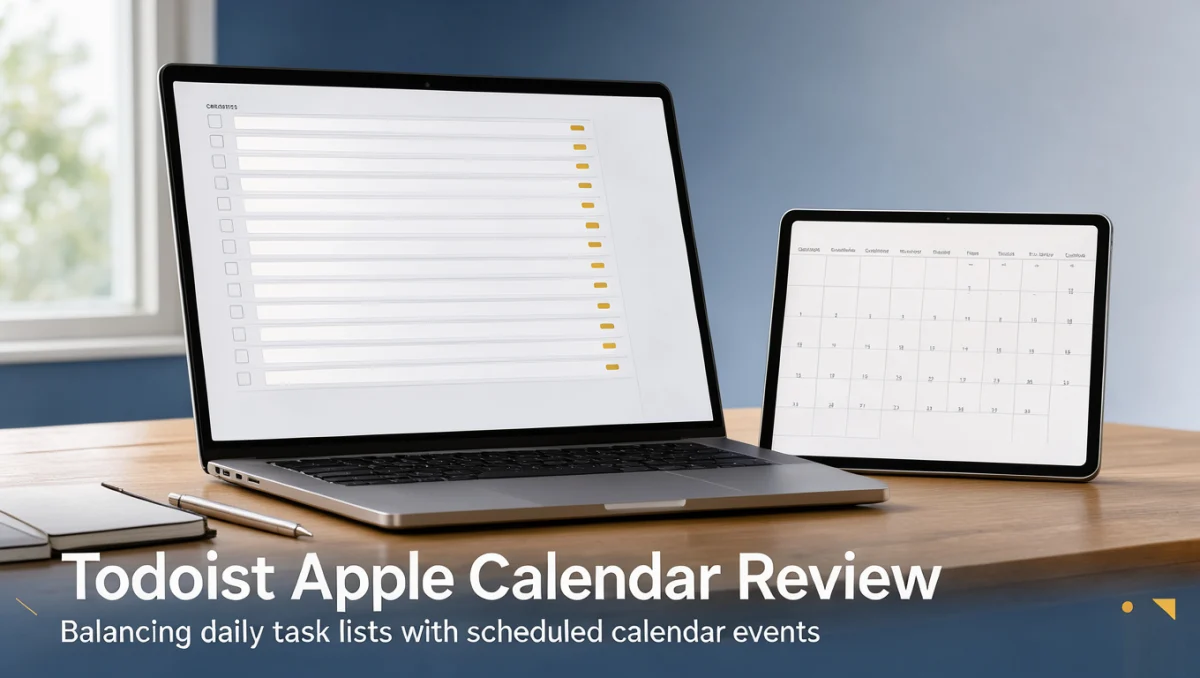
Seamlessly integrating your task management with your daily schedule is crucial for staying organized. A todoist apple calendar setup allows individuals and teams to manage actionable to-do lists alongside scheduled events, creating a unified view of commitments. This approach is vital for coordinating deadlines, recurring tasks, and project milestones without overbooking valuable working hours.
Managing tasks directly with your calendar provides essential visibility into what requires completion and the available time to do it. While task management platforms excel at organizing personal errands, client deliverables, and team projects, calendar applications map these commitments into specific time slots. Evaluating how your personal scheduling habits align with structured list management is a key step before committing to any productivity software.
Understanding Todoist's Capabilities for Professionals
Todoist is a specialized application designed to help individuals, freelancers, and teams capture, organize, and prioritize their daily workload. Developed by Doist, it focuses on transforming incoming ideas and project steps into manageable, trackable lists. When paired with tools like Apple Calendar, it creates a powerful link between pending actions and your chronological schedule.
This platform is particularly beneficial for knowledge workers, project coordinators, educators, and creative freelancers who need to maintain control over complex personal and professional task loads. For those whose daily lives are governed by a digital calendar, understanding how tasks interact with scheduled events is a fundamental requirement.
Key Features for Calendar Coordination
At its core, task management software focuses on list creation, deadline scheduling, categorization, and progress monitoring. Todoist offers several features that enhance its integration with calendar applications.
Task Capture and Natural Language Processing
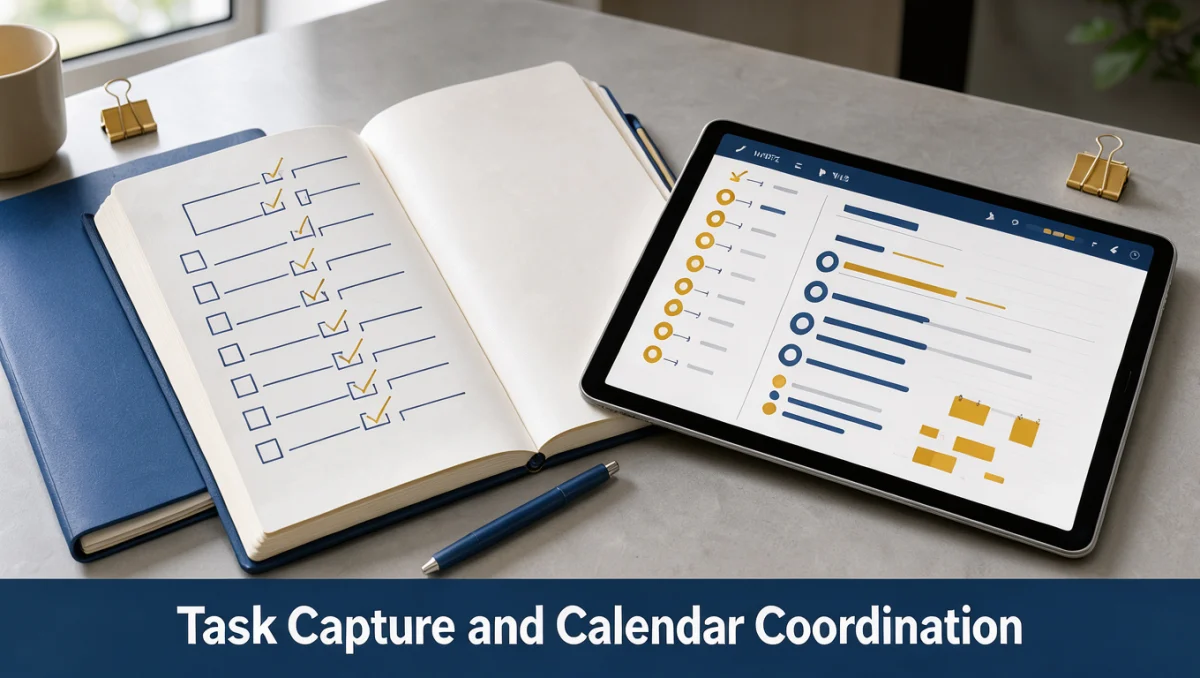
Todoist allows rapid task creation through natural language input. By typing dates and priorities directly into a task title, the software automatically parses this information, turning it into an active commitment with a specific due date. This significantly reduces manual effort and keeps administrative tasks minimal, even during busy periods.
Project Organization and Sub-Task Structures
The ability to organize tasks into distinct projects, sections, and indented sub-tasks brings crucial clarity. Teams can group client work into separate boards, while individuals can separate professional tasks from personal responsibilities. Breaking down complex initiatives into smaller, sequential sub-tasks ensures that every phase remains actionable and manageable.
Recurring Schedules and Event Mapping
Recurring task features are essential for managing obligations that repeat on daily, weekly, monthly, or other cyclical patterns. When these are synchronized with external calendar applications, scheduled items can appear alongside appointments and meetings. It’s important to verify how external calendar feeds display recurring tasks, as refresh frequencies can vary.
Priority Levels, Labels, and Custom Filters
Assigning priority markers and custom tags allows users to sort their task lists by context, urgency, or required effort. Custom filters enable professionals to generate specific views, such as tasks due today or urgent work for a particular client, ensuring critical obligations remain visible.
Ease of Use and Integration Aspects
Todoist features a minimalist user interface designed to minimize clutter and keep users focused on their tasks. Adding new tasks requires minimal input, and navigation is straightforward, making it accessible for beginners. While basic task management is simple to learn, mastering advanced features like nested filters and external calendar subscriptions may require some setup and consultation of help resources.
Advantages and Limitations for Users
Every software solution has its trade-offs that potential buyers should consider.
Advantages
- A clean interface that prioritizes daily tasks without visual distractions.
- Flexible natural language input for quick task entry and date scheduling.
- Hierarchical project structuring for detailed task tracking.
- Cross-platform availability for access on desktops and mobile devices.
Limitations
- Synchronization latency with external calendars can occur depending on third-party refresh intervals.
- Lacks built-in spreadsheet or document authoring tools found in broader platforms.
- Advanced sharing and history features may be tiered, requiring users to check plan specifications.
Todoist in the Productivity Software Landscape
When selecting productivity tools, users often compare various options to find the best fit for their specific needs. Todoist offers a focused approach to task management.
Comparison with TickTick
TickTick integrates task tracking with built-in calendar views and habit tracking. While TickTick offers native time-blocking, Todoist emphasizes structured lists and flexible filtering. Those seeking an all-in-one solution with a native calendar might prefer TickTick, whereas users valuing minimalist task architecture often choose Todoist.
Comparison with Asana
Asana is geared towards larger organizations needing multi-stage workflow management and portfolio dashboards. Todoist, in contrast, focuses on lightweight task execution for individuals and smaller teams. For extensive project governance, Asana might be more suitable, but for straightforward daily productivity, Todoist is quicker to deploy.
Comparison with Any.do
Any.do focuses on daily agenda planning and reminders, with strong mobile planner integration. Todoist provides deeper project nesting, filtering logic, and custom tagging. For structured project delegation and complex work breakdown, Todoist is often more adaptable.
Who Benefits Most from Todoist
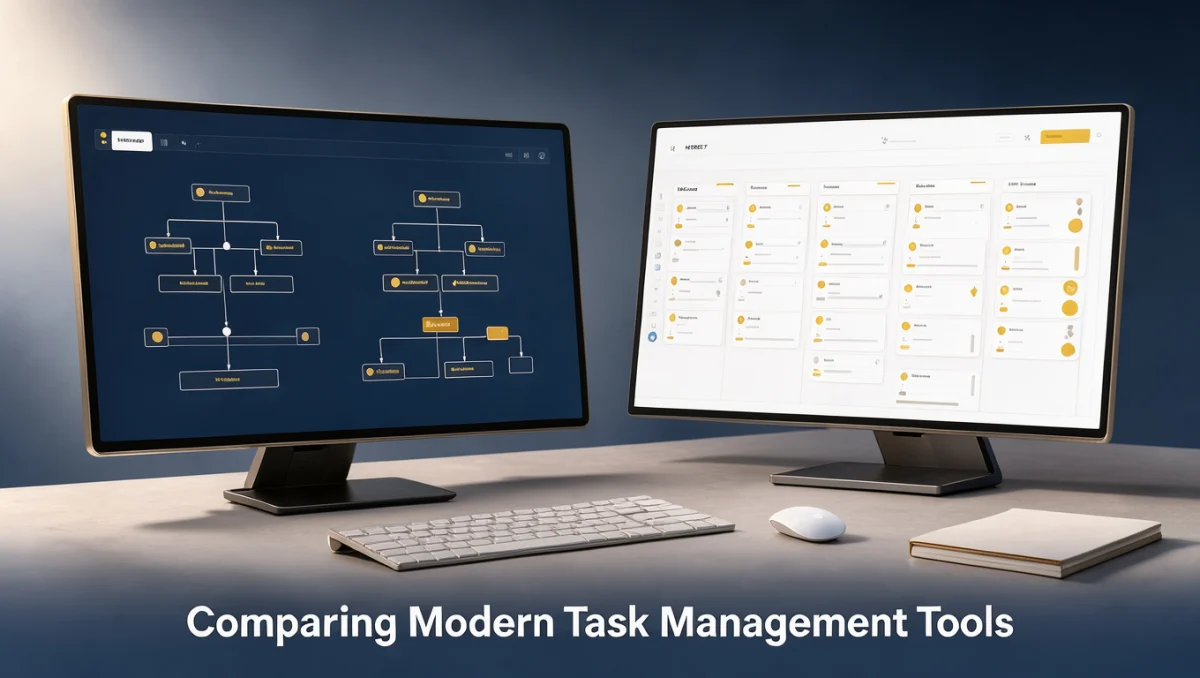
Choosing the right productivity software depends on your role, team size, and scheduling complexity.
For Freelancers and Solo Consultants
Independent professionals managing multiple clients can separate deliverables into projects and map deadlines to personal calendars. Color-coding priorities and assigning specific dates helps solo operators meet client milestones.
For Small Business Owners and Managers
Leaders of small teams can assign tasks, track completion, and monitor project stages efficiently. Todoist provides a shared task framework without extensive onboarding.
For Knowledge Workers and Office Staff
Employees juggling meetings and administrative tasks can use Todoist to capture action items from calls and emails. Pairing these with a personal calendar ensures follow-ups are addressed promptly.
For Students and Researchers
Students tracking assignments and research deadlines can structure coursework by semester and subject. Recurring tasks aid in managing regular reading and study habits.
Who Should Consider Alternatives
Organizations requiring integrated billing, time tracking, or complex Gantt chart functionality will find standalone task managers insufficient. Those needing comprehensive enterprise resource planning should explore specialized project portfolio platforms.
Selecting the Right Todoist Plan
Task management platforms typically offer multiple tiers, from individual access to expanded team collaboration. It's essential to confirm the details on the official vendor website before subscribing.
| Key Plan Details to Verify | Why It Matters |
|---|---|
| Calendar sync capabilities | Ensures tasks appear in your external calendar and updates transfer quickly. |
| Project and task limits | Confirms that your workload can be organized within the platform's boundaries. |
| Team collaboration features | Defines how many users can share projects and manage tasks together. |
| File attachment allowances | Determines if project-related documents can be attached directly to tasks. |
| Activity log and data recovery | Allows auditing of work and retrieval of accidentally deleted items. |
Balancing software capabilities against budget is crucial. Reading independent reviews can aid in making informed purchasing decisions.
Frequently Asked Questions
How does a task manager differ from a digital calendar?
A task manager focuses on what needs to be accomplished, organizing items by project and status. A digital calendar reserves specific time blocks for events and appointments. Using both together ensures tasks fit realistically within your available time.
What to check regarding calendar synchronization speed?
Verify whether the connection uses periodic feed subscriptions or real-time synchronization. Feed subscriptions often update based on the calendar client’s schedule, which can cause delays.
When should a team upgrade to a collaborative plan?
Upgrade when multiple team members need shared project access, task assignment, centralized billing, and shared templates. Individual plans focus on personal tasks, while team tiers offer management oversight.
How should professionals handle recurring tasks in external calendars?
Confirm how the task app formats repeating deadlines for external programs. Some clients show only the next instance, while others map future patterns, affecting long-term calendar clarity.
What factors determine if a standalone task app is suitable for your business?
Evaluate if your current software already includes adequate task assignment modules. If existing tools lack flexible tagging or intuitive sorting, a dedicated task app can significantly improve execution and adherence.
Final Verdict on Todoist and Apple Calendar
| Criterion | Score /10 | Reason |
|---|---|---|
| Features | 8.8 | Robust list management, natural language input, recurring tasks, and flexible filtering. |
| Ease of Use | 9.0 | Clean interface with a gentle learning curve for daily task organization. |
| Pricing and Value | 8.0 | Scalable subscription tiers offer good value, but plan details should be verified. |
| Integrations | 7.5 | Supports calendar connections, though sync speed depends on external client refresh rates. |
| Audience Fit | 8.5 | Excellent for freelancers, knowledge workers, and small teams needing structured productivity. |
| Support | 7.0 | Users should check official vendor resources for comprehensive support information. |
| Competitive Position | 8.2 | Maintains a strong position due to fast input and focused list design. |
Overall score: 8.1 / 10
For individuals and teams seeking structured daily clarity, combining Todoist with a personal calendar provides a dependable framework for managing deadlines and agendas. Organizations requiring integrated time tracking, billing, or complex project governance should consider broader business management systems. Discover more about Collaboration & Productivity tools on Best Software Reviews.