Restream multistreaming is a robust platform enabling content creators and businesses to broadcast live video across numerous digital destinations concurrently. This centralized workflow eliminates the need for multiple encoder setups, significantly expanding reach without increasing hardware demands. Restream multistreaming simplifies broadcasting for those aiming to engage wider audiences across diverse online networks.
Understanding the Core Functionality
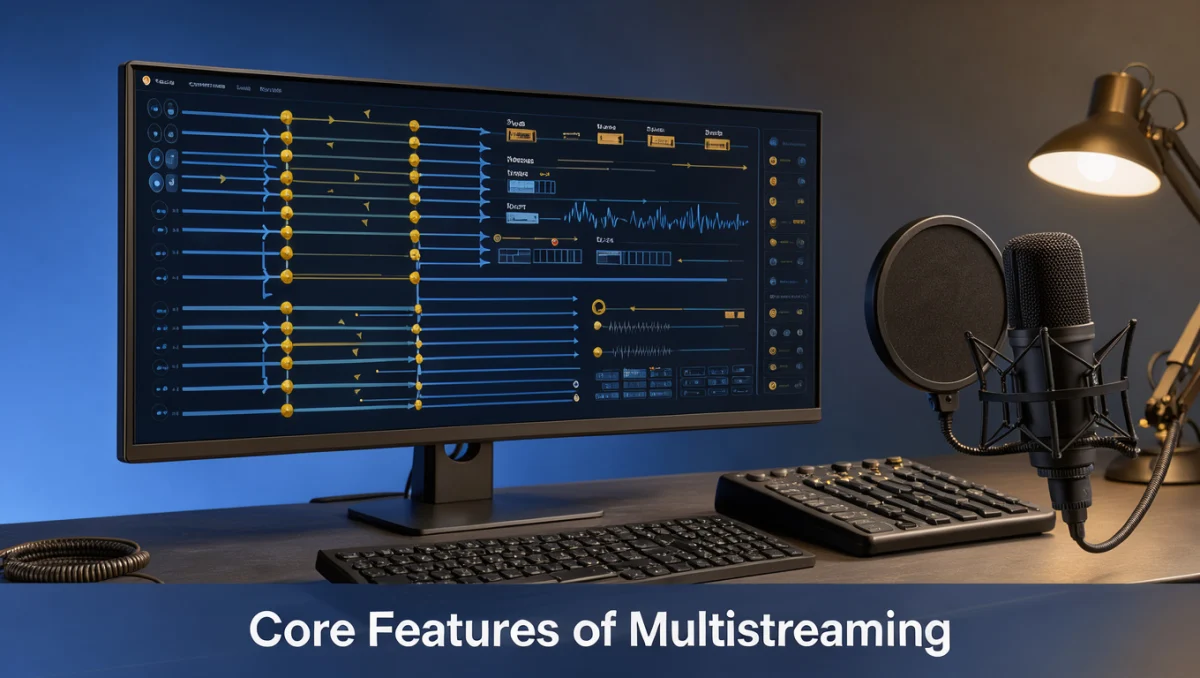
At its heart, Restream acts as a signal duplicator and router. It accepts a single incoming live video feed and distributes it to multiple selected channels, such as social media platforms or custom servers. This cloud-based approach ensures your local computer's upload bandwidth is used for only one stream, preventing network congestion. It's a vital tool for enhancing Collaboration & Productivity in the digital space.
Stream Routing and Replication
The primary function is to replicate your live feed across various platforms. This means you only need to manage one broadcast from your end, while Restream handles the distribution to all your chosen destinations. This feature is crucial for maximizing audience engagement without technical complications.
Aggregated Chat and Interaction
Managing comments from multiple platforms simultaneously can be overwhelming. Restream's platform aggregates all viewer comments into a single, unified dashboard. This allows presenters to monitor and respond to audience feedback efficiently, fostering a more interactive live experience.
Browser-Based Studio
For users who prefer not to use complex desktop encoding software, Restream offers an in-browser studio. This accessible environment allows for easy setup of scenes, addition of guests via simple links, and display of presentations, lowering the barrier to entry for live broadcasting.
Performance Analytics
Restream provides consolidated analytics, tracking viewer counts, engagement metrics, and stream duration across all connected destinations. This data helps creators understand audience behavior and optimize future content strategies. Always verify specific metrics included with each subscription tier on the official Restream website.
Ease of Use and Onboarding

Restream is designed with user-friendliness in mind. The intuitive dashboard makes it simple to connect channels, manage streams, and preview broadcasts. Connecting to popular platforms typically involves straightforward authentication processes, minimizing the need for technical expertise like manual server address entry.
While the basic setup is easy, mastering advanced features like audio latency synchronization or custom bitrate settings for different channels may require a slight learning curve. However, for most users transitioning from single-channel streaming, day-to-day operations become second nature quickly.
Pros and Cons of Restream Multistreaming
Restream offers significant advantages but also has limitations to consider:
Key Advantages
- Bandwidth Conservation: Reduces local upload bandwidth by routing a single stream to multiple destinations.
- Unified Chat: Consolidates audience messages from all platforms into one manageable feed.
- Versatile Production: Supports both browser-based streaming and external encoder software.
- Reduced Hardware Needs: Minimizes the need for extensive equipment for wide distribution.
Potential Drawbacks
- Platform Policies: Individual destination platforms may have rules that can affect stream stability.
- Feature Tiers: Advanced features like high-definition resolution or extended recording often depend on the subscription level.
- Latency: Cloud routing can introduce a slight delay, which may need testing for highly interactive sessions.
Alternatives and Comparisons
While Restream excels in broad distribution, other tools cater to different needs. StreamYard focuses on an interactive browser studio, ideal for interviews and panels. Switchboard Live is geared towards enterprise-level signal distribution with granular control for live events and media organizations. OBS Studio, an open-source option, offers extensive customization but demands significant technical skill and robust hardware.
Who Benefits Most from Restream
Restream multistreaming is particularly beneficial for:
- Freelance Creators and Coaches: Distribute workshops and content across multiple platforms to maximize audience reach.
- Small Businesses: Connect with customers on various networks simultaneously for product launches and updates.
- Marketing Professionals: Extend campaign visibility and maintain brand consistency across channels, using aggregated chat for unified moderation.
- Educators: Provide flexible viewing options for lectures and training by streaming to multiple repositories.
Consider Alternatives If:
- You operate under strict data compliance mandates requiring internal-only video platforms.
- Your broadcast is exclusively for a single platform, negating the need for multistreaming.
Choosing the Right Subscription Plan
When selecting a Restream plan, evaluate key aspects:
- Destination Channels: The number of networks you can stream to simultaneously.
- Resolution and Bitrate Caps: Ensure the video quality meets your audience's expectations.
- Recording Storage: Consider how long you need to store past broadcasts for on-demand access.
- Custom RTMP Support: Essential for streaming to private or non-standard servers.
- Team Seats: Determine if multiple users need access to manage the broadcast.
Frequently Asked Questions
What budget factors are crucial for a broadcast team?
Consider the monthly subscription fee, necessary hardware (microphones, webcams), sufficient internet upload capacity, and any additional graphic assets. Check the official pricing page for details on whether advanced features incur extra costs.
How can organizations test network readiness?
Verify your local upload speed is at least double the required bitrate for your stream. Conduct test broadcasts during peak internet hours to ensure network stability throughout your presentation.
Where can teams check broadcasting compliance rules?
Review the terms of service for each destination platform to understand their policies on concurrent live streaming to other digital venues.
How can small teams effectively manage multi-destination chat?
Assign a dedicated moderator to manage the centralized chat dashboard. Establish clear interaction guidelines and configure filters to streamline communication.
Final Thoughts
Restream multistreaming provides a capable and balanced framework for expanding live audience reach. Its cloud-based signal duplication effectively removes technical barriers for individuals and teams managing multi-channel broadcasts. For independent creators, growing businesses, and marketing agencies aiming to boost broadcast visibility, Restream presents an efficient and accessible solution. Potential subscribers are encouraged by Best Software Reviews to compare their intended destinations against official plan allowances before committing.