Many managers today are asking, what is Jibble? They seek efficient methods to log work hours and monitor team attendance, especially when dealing with diverse work locations. Manual systems like spreadsheets or paper cards often lead to administrative issues, inaccurate billing, and payroll errors. In the realm of Office Software, understanding a tool's capabilities is crucial for long-term operational success.
In essence, Jibble functions as a platform for recording employee work times, tracking durations spent on specific tasks, and generating summarized timesheets. It is particularly beneficial for remote teams, field service staff, and office-based employees who require structured attendance records for payroll and client billing.
| Attribute | Details |
|---|---|
| Software Type | Time tracking and attendance management |
| Primary Function | Recording work hours, task durations, and timesheet compilation |
| Ideal For | Small businesses, managers, field supervisors, remote team leads |
| Competitors | Clockify, Toggl Track, QuickBooks Time |
Understanding Jibble's Core Capabilities
Jibble integrates into workforce management by centralizing how companies log employee presence and labor across different work environments. The main purpose when investigating what is jibble is its ability to convert simple start and stop times into verifiable records of operational activity.
Recording Employee Attendance and Work Hours
This software allows organizations to accurately log employee check-in and check-out times, as well as break durations. These digital entries replace outdated physical logbooks or standalone time clocks, creating standardized records that clearly indicate when work activities commenced and concluded.
Assigning Activities and Projects
Jibble empowers team members to categorize their logged hours against specific tasks, clients, or internal operational projects. This classification system assists managers in understanding where staff effort is concentrated and ensures precise labor allocation for ongoing projects.
Generating and Approving Timesheets
The platform consolidates daily time entries into comprehensive weekly or monthly timesheets. Supervisors can then review these aggregated totals, verify each entry, and approve the summaries for payroll processing or client invoicing.
Integrating Jibble into Your Operational Workflow
Understanding how attendance software interacts with current management practices is key to establishing clear guidelines for digital tracking and human oversight.
| Business Need | Software Assistance | Your Responsibilities |
|---|---|---|
| Verifying Daily Shifts | Digitally logs check-in/out stamps and active work intervals | Setting attendance policies, approving overtime, addressing punctuality |
| Monitoring Project Labor | Aggregates time spent on specific project designations | Assessing output quality, setting project goals, budgeting future work |
| Preparing Client Billing | Summarizes total recorded billable hours per project | Reviewing invoice details, negotiating rates, managing scope discussions |
| Prepping Payroll Calculations | Consolidates regular and overtime hours for payroll | Applying pay rates, calculating deductions, processing payments |
Key Terminology in Time Tracking
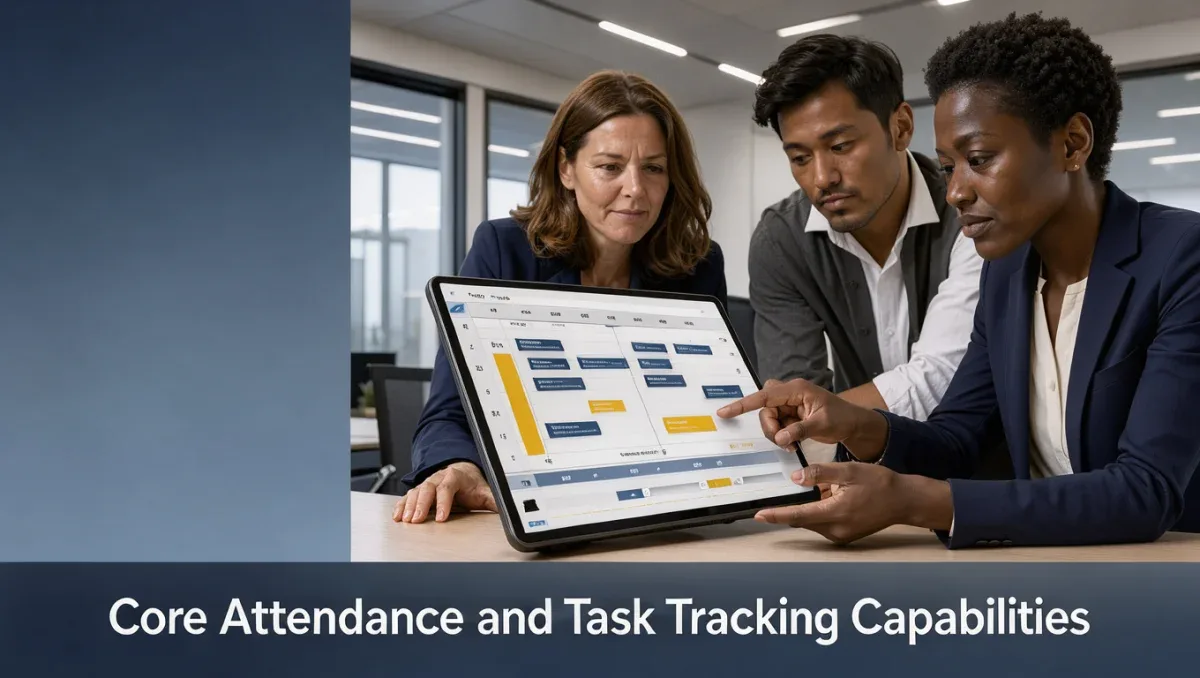
Familiarizing yourself with standard industry terms is essential when using attendance and time recording platforms.
- Timesheet: A summary document detailing an employee's total hours worked over a defined pay period (weekly or monthly).
- Geofencing: A feature that uses location boundaries to restrict or flag time entries made outside of designated work sites.
- Biometric Verification: A method of confirming identity during clock-in using unique physical characteristics to ensure employees log their own time.
- Billable Hours: Time spent on work that can be directly invoiced to external clients, as opposed to internal operational tasks.
- Activity Tracking: The process of categorizing logged work intervals by client, project, or specific job function.
Who Benefits from Jibble and Who Might Not
Every operational platform is designed for specific workforce arrangements; some business models may not require such tools.
- Beneficial for: Field service companies with mobile crews, agencies tracking client project hours, businesses with distributed remote employees, and retail/hospitality managers needing shift attendance tracking.
- Less necessary for: Solo professionals on fixed-rate contracts, small executive teams on fixed salaries, and large enterprises seeking all-in-one solutions combining payroll, HR, and asset management.
Getting Started with Jibble
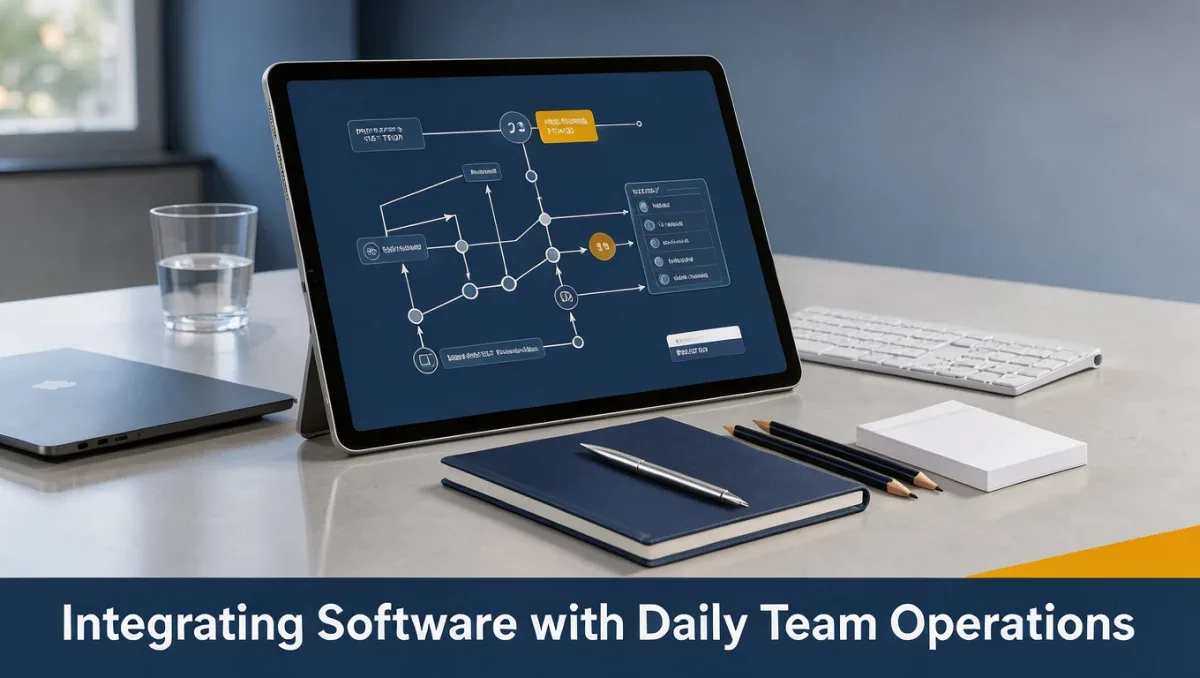
Implementing new attendance tracking software effectively requires clear internal alignment to ensure smooth adoption and consistent data recording.
- Establish and document clear attendance policies, including check-in/out procedures, break rules, and overtime guidelines, before introducing the software.
- Verify Jibble's features and plan details on its official website to ensure they meet your company's regional and technical requirements.
- Conduct a trial with a small team to test check-in processes and timesheet review workflows before a full company rollout.
- Train employees on daily clock-in procedures, the use of project tags, and the supervisor verification schedule.
- Integrate timesheet exports with your existing payroll or accounting systems to minimize manual data entry.
Frequently Asked Questions
What distinguishes digital time tools from spreadsheets?
Spreadsheets depend on manual, often retrospective, self-reporting, which can lead to memory gaps and calculation errors. Dedicated software captures real-time timestamps, automates summary calculations, and centralizes approvals, allowing managers to review accurate data rather than reconciling disparate files.
What technical skills are needed for timesheet systems?
Generally, basic computer literacy is sufficient for administrative tasks like project assignment and data export. Employees typically interact with simple check-in prompts, minimizing the need for specialized IT expertise.
Why consult payroll experts when setting up time tracking?
Labor laws concerning breaks, overtime pay, and shift premiums vary significantly by location. Consulting a payroll specialist ensures your overtime calculations and record-keeping practices comply with all local regulations before finalizing data.
Where should compatibility and permissions be verified?
Managers should review Jibble's official platform documentation to understand supported administrative roles and system specifications. Confirming these early on prevents delays when granting access to supervisors and department heads.
The Bottom Line
Jibble offers structured time tracking, activity assignment, and timesheet aggregation for businesses moving away from manual record-keeping. It is ideal for teams needing reliable attendance documentation for field or remote operations. Before full implementation, carefully review your tracking needs against internal policies, consult payroll advisors on overtime rules, and confirm subscription details on the official Jibble website.
For further assistance with software selection, please contact the Best Software Reviews team via our contact page. Follow us on LinkedIn for the latest reviews and comparisons.