
Understanding how to sign up for KrispCall involves organizing your business credentials and telephony needs beforehand. This independent walkthrough is designed to help teams configure virtual phone operations efficiently.
Setting up a business phone system requires precise organizational details and identity verification to comply with telecommunications standards. A structured approach prevents account delays and ensures your team can establish communication channels without interruption.
To register for KrispCall, gather your organization credentials, visit the official website, provide your business email, verify identity, and select telephony routing options before granting team access.
| Evaluation factor | Details |
|---|---|
| Target Audience | Business owners, team leads, and remote administrators setting up virtual telephony. |
| Prerequisites | Corporate email, business documentation, and administrative contact information. |
| Outcome | An active workspace configured for call routing, team onboarding, and telephone management. |
Preparing Your Business Information
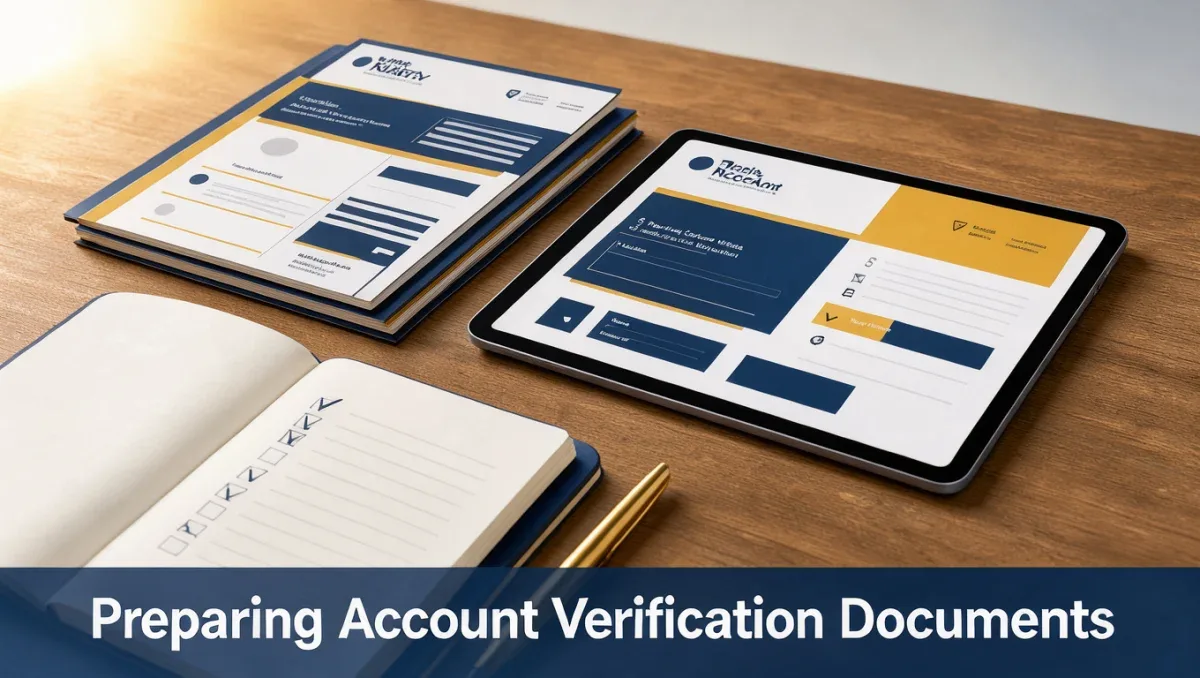
Virtual phone systems operate under strict telecommunication verification frameworks. Organizing your business records prior to registration prevents administrative holds and expedites the verification process.
- Have your organization's legal name, physical business address, and tax identification documents ready for telecommunications registry compliance.
- Ensure you have a dedicated corporate email address, as many services restrict signups from generic personal email providers.
- Outline the necessary phone regions and calling coverage required for your staff.
- Prepare a credit card or corporate payment method authorized for recurring international software subscriptions.
Step-by-Step KrispCall Registration
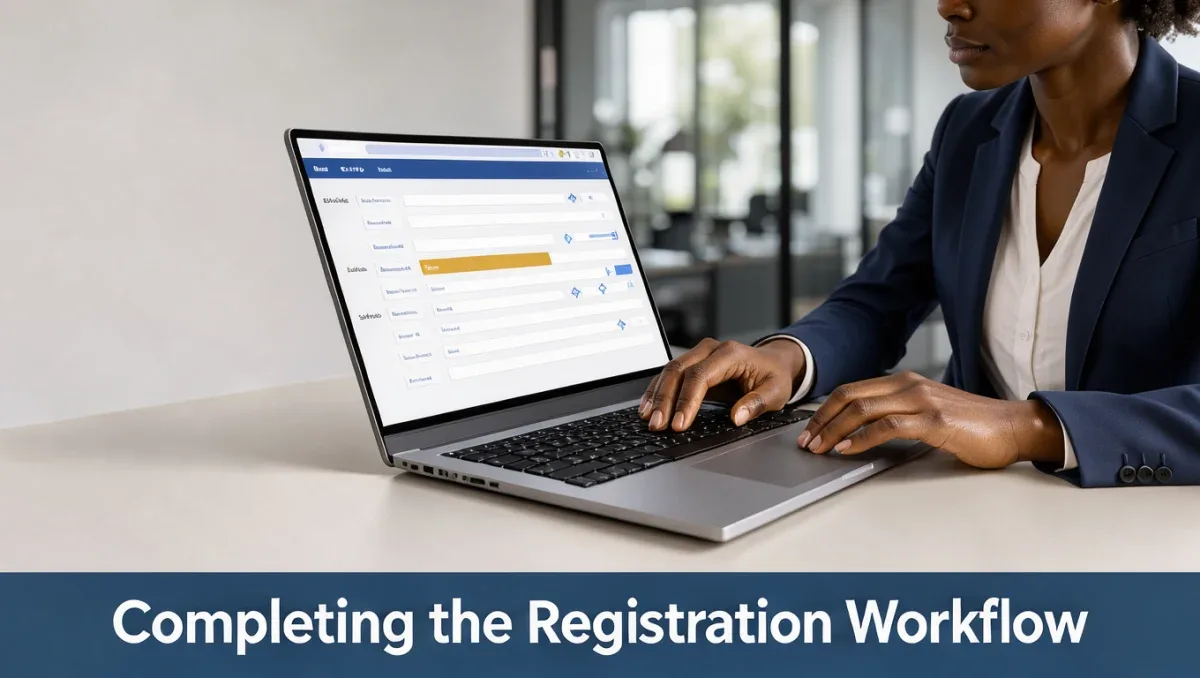
Following the onboarding workflow systematically ensures proper workspace ownership. Complete these steps sequentially, verifying the current registration screens on the official KrispCall website.
- Navigate to the official KrispCall website using a secure browser and select the account creation option to begin.
- Enter your primary business email address and create a strong passphrase adhering to administrative security recommendations.
- Authenticate your administrative access by validating the email message sent to your inbox.
- Provide your organization details, including the registered operational address, to satisfy Know Your Customer standards for telecommunications.
- Review the available service tiers on the official pricing page to choose an administrative plan that suits your communication scale.
- Select the required regional or national telephone numbers for your commercial outreach, confirming local regulatory submission requirements.
- Invite colleagues to join by assigning team roles and sending administrative invitations for managing incoming call workflows.
Initial Setup and First Month Best Practices
Establishing reliable operational habits in your first month ensures your communication system remains organized as call volume increases. Effective telephony management integrates with broader digital workflows, making early consistency crucial for data synchronization. Explore the latest advancements in Artificial Intelligence for enhanced business solutions.
| Timeframe | Routine to Build | Importance |
|---|---|---|
| Week 1 | Verify audio clarity, test call routing, and confirm voicemail delivery. | Identifies and resolves network latency or configuration errors before customer interaction. |
| Week 2 | Document standard operating guidelines for team members. | Maintains consistent professional communication across all staff. |
| Week 3 | Audit call recording permissions and test monitoring functions. | Ensures compliance with organizational privacy and local recording regulations. |
| Week 4 | Review administrative logs, usage balances, and seat assignments. | Prevents service interruptions and maintains accurate budgeting for communication tools. |
Common Pitfalls and How to Avoid Them
Businesses adopting new phone software often face disruptions by neglecting fundamental administrative steps. Vigilance regarding setup details ensures dependable system reliability.
- Registering with personal email accounts, which can complicate administrative handoffs if an employee leaves.
- Overlooking regional telecommunications compliance documents, leading to regulatory pauses on new number provisioning.
- Failing to test internal call transfers before publishing contact numbers publicly.
- Assigning full administrative permissions to all team members instead of applying appropriate access levels.
Seeking Assistance When Needed
While standard cloud telephony onboarding is systematic, some situations require vendor customer service or technical IT support. For comprehensive insights into software procurement, readers can explore Best Software Reviews to examine standard evaluation practices.
- Experiencing significant delays during telecommunications regulatory identity verification.
- Planning complex interactive voice response directories across multiple geographic locations.
- Encountering persistent call quality issues related to corporate firewall configurations.
- Migrating existing business numbers from legacy carriers to modern cloud systems.
Frequently Asked Questions
What business documentation is essential for account setup?
Cloud phone providers require standard legal entity records like an official business registration certificate, proof of operating address, and administrative identification. These documents ensure compliance with telecommunications standards and prevent operational pauses.
How long does identity confirmation typically take during registration?
Identity verification duration varies based on national regulatory checks and the specific phone numbers requested. Basic account validation is usually quick via email, but regional carrier document checks might take several days.
Can team members be added after initial registration?
Yes, administrators can invite colleagues and assign extensions anytime after the central workspace is active. Starting with a single admin account allows for security and routing configuration before broad staff invitations.
What should teams check before purchasing international phone numbers?
Review the specific local documentation regulations for each target country on the official KrispCall website. Some countries require proof of local residency or utility bills before activating numbers for commercial use.
Final Steps for Successful Deployment
With a clear understanding of the registration process, execute your implementation plan methodically for stable communications. The following actions will guide your deployment:
- Confirm current plan features and verification requirements on the official KrispCall website.
- Organize your business registration papers and assign an administrator for account oversight.
- Proceed with your registration by following the sequential stages outlined in this guide.
- Conduct baseline audio routing tests before directing customer traffic to your new virtual system.
Have questions about choosing software? Contact the Best Software Reviews team or follow us on LinkedIn for new reviews and comparisons.