Murf AI offers a sophisticated solution for generating spoken audio from written text, positioning itself as a go-to tool for professionals in education, corporate training, and marketing. This platform empowers users to create high-quality narration without the need for traditional recording equipment or voice talent. At Best Software Reviews, we delve into the specifics to help you identify tools that precisely meet your content creation demands.
Leveraging synthetic speech technology allows teams to produce voice tracks for explainer videos, educational modules, and internal corporate communications. This approach bypasses the complexities of booking studios or hiring actors for minor script adjustments. By mastering voice customization, audio synchronization, and export workflows, you can effectively determine if Murf AI aligns with your media production ecosystem.
Understanding the Murf AI Platform
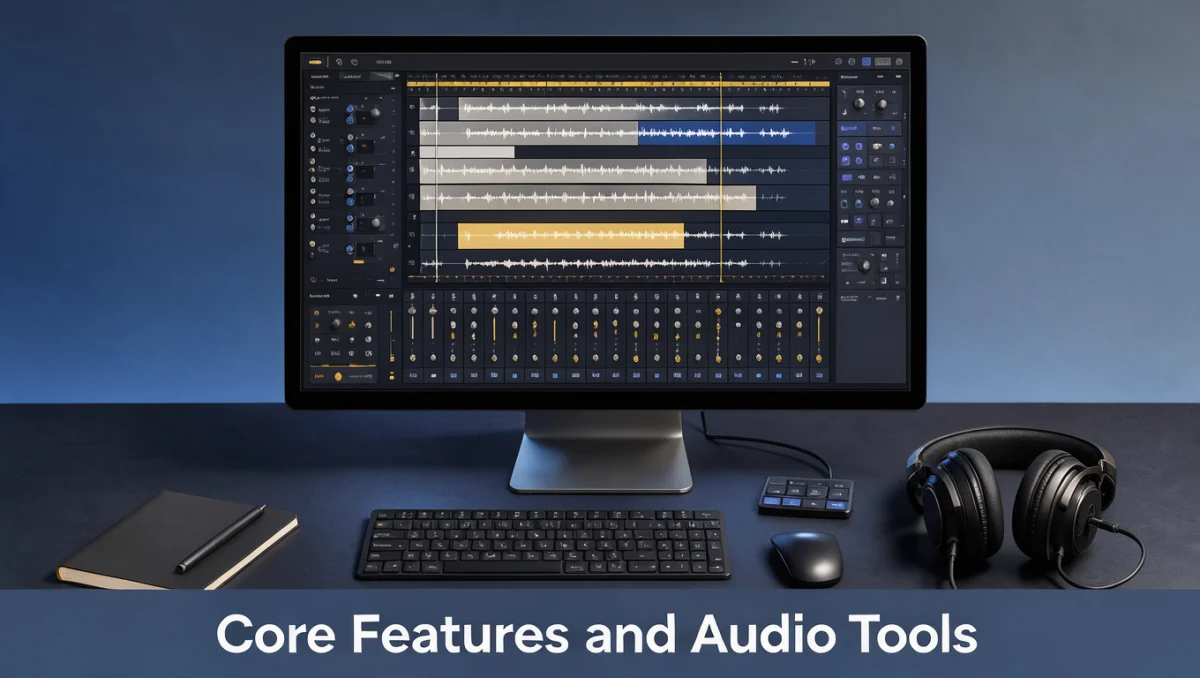
Murf AI is essentially an artificial intelligence-driven platform engineered to convert written content into synthetic spoken audio. Its primary function is to provide professionals with a viable alternative to conventional voiceover recording processes. Businesses and individuals utilize this technology to produce a wide array of content, including training materials, promotional videos, podcast introductions, and interactive presentations, all without the logistical challenge of having voice talent readily available.
The platform is particularly beneficial for business professionals, instructional designers, marketers, and independent digital creators. E-learning developers can ensure consistent vocal delivery across extensive training modules, while marketing teams can rapidly update audio for product tutorials or social media posts whenever product specifications evolve. Exploring the advancements in Artificial Intelligence reveals how automated audio workflows significantly shorten project timelines across various media sectors.
Key Strengths of Murf AI
- Facilitates script-to-speech rendering for efficient voiceover creation.
- Offers granular control over pitch and pacing to tailor voice delivery.
- Enables seamless alignment of audio with multimedia elements.
- Supports layering voiceovers with background music for enhanced production value.
- Reduces reliance on studio equipment and professional voice actors for standard narration needs.
Core Functionalities for Voice Generation
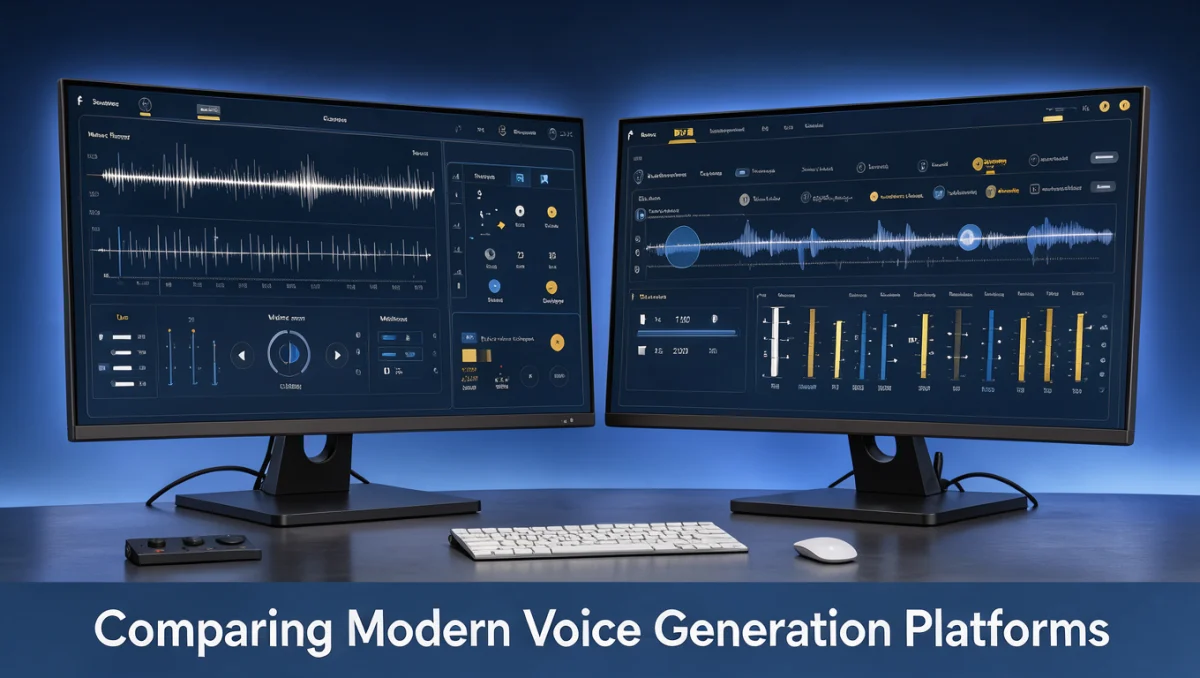
Murf AI centers its capabilities around the seamless transformation of text into audio, with integrated tools for synchronizing this audio with visual components. Each feature is designed to streamline specific stages of voice track production, from inputting scripts to finalizing exported audio or video files.
Text-to-Speech Conversion Engine
The core of Murf AI is its text-to-speech conversion capability. Users input their scripts into an online editor, which intelligently segments the text into manageable blocks or sentences. The system then generates spoken audio for each segment using selected synthetic voice profiles. This modular approach allows for easy auditioning of different vocal styles on specific sentences without needing to re-render an entire script.
Voice Customization and Emphasis Controls
Fine-tuning the nuances of vocal delivery is made possible through extensive customization controls. Users can adjust the pitch, speaking speed, and even add emphasis to specific words or sentences to highlight key information. For educational content, these controls are invaluable for clarifying complex terminology and ensuring that listeners fully grasp essential learning objectives.
Integrated Audio and Video Synchronization
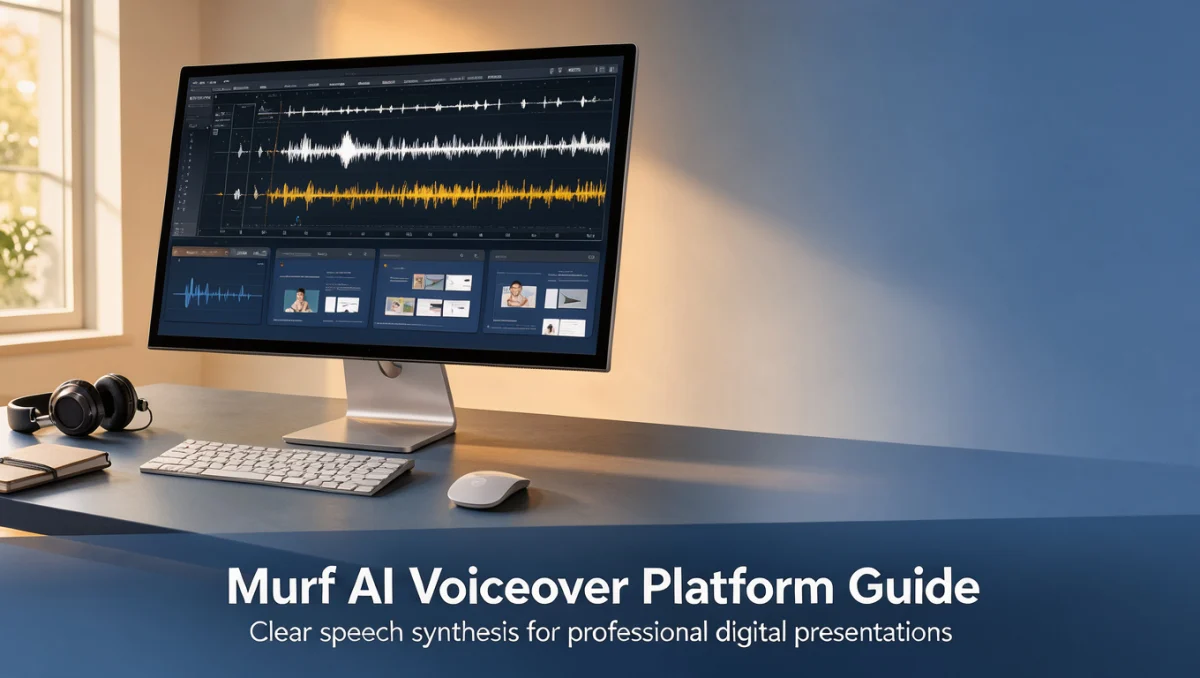
Murf AI simplifies the process of aligning spoken audio with visual content. Creators can upload background video clips or presentation slides and use the built-in timeline editor to precisely match spoken segments with on-screen cues. This integrated environment eliminates the need to switch to separate video editing applications simply to check voiceover timing.
Audio Layering and Background Music
Enhance your audio productions by layering voiceover tracks with background music or ambient sounds. Murf AI provides tools to manage volume levels, ensuring that background audio complements rather than overpowers the speech clarity. Features like automatic ducking can lower background music volume when dialogue begins, maintaining a professional audio balance across all types of media.
Voice Cloning for Brand Consistency
For organizations aiming to maintain a consistent brand voice, Murf AI offers voice cloning technology. This allows for the creation of a digital replica of a specific speaker's vocal profile. This feature is particularly useful for large enterprises to ensure uniformity across different departments without requiring continuous recording sessions with the original speaker. Ethical considerations and proper consent protocols are paramount when utilizing custom voice creation.
User Experience and Learning Curve
Murf AI boasts an intuitive, block-based interface that closely resembles familiar presentation software. Individuals with basic computer literacy can quickly draft a script, select a voice, and generate a preliminary voiceover track during their first session. The visual layout clearly separates text blocks, which is crucial for organizing even complex scripts effectively.
A more involved learning curve emerges when users aim for detailed audio refinement. Precisely adjusting pitch curves, synchronizing micro-pauses with rapid video transitions, and balancing multi-track audio layers require practice and experimentation. While users accustomed to slide-based editors will find the interface comfortable, those familiar with advanced multi-track digital audio workstations might perceive it as more structured and less flexible.
For collaborative teams, managing shared script libraries and project revisions is streamlined. Team members can review audio timing directly within the project interface, reducing the back-and-forth communication often associated with pacing edits.
Advantages and Disadvantages of Murf AI
A balanced assessment of Murf AI's strengths and limitations is essential for selecting the optimal voice production software for your long-term media workflows.
Key Benefits
- The visual timeline simplifies aligning voiceovers with presentation slides and video clips.
- Sentence-level script blocks enable precise adjustments without re-rendering entire projects.
- Extensive controls over pitch, speed, and pauses offer detailed direction over vocal nuances.
- Audio layering tools allow for quick integration of voiceovers with ambient music.
- Significantly reduces the overhead associated with studio equipment for standard e-learning and corporate narration.
Potential Drawbacks
- Synthetic voices may not always capture the deep emotional range required for dramatic character acting.
- Accurate pronunciation of technical terms, acronyms, or regional dialects might necessitate manual phonetic adjustments.
- Audio generation quotas and licensing permissions are contingent upon the chosen subscription tier.
- Advanced audio mixing features may feel more restricted compared to dedicated digital audio workstations for seasoned sound designers.
Murf AI in Comparison to Competitors
The market for synthetic voice generation offers several established solutions, each tailored to different creative processes. Understanding their core market positioning helps clarify Murf AI's unique place among alternative audio software options.
| Platform | Core Focus | Best Suited For | Key Distinction |
|---|---|---|---|
| Murf AI | Script-based voiceovers and visual alignment | Educators, trainers, and corporate presentation teams | Integrated preview timeline for slides and video |
| ElevenLabs | Expressive speech synthesis and advanced voice cloning | Audiobook narrators, game developers, and creative storytellers | Exceptional dynamic emotional range and contextual inflection |
| Synthesia | AI video generation with virtual avatars | Teams creating presenter-led training videos | Combines synthetic speech with visual talking avatars |
| Descript | Audio/video editing via text transcript editing | Podcasters, interview editors, and content repurposers | A comprehensive media editing suite based on transcription |
Murf AI excels in providing structured narration that synchronizes well with visual aids. ElevenLabs is geared towards deep emotional variety and realistic voice performance, appealing to creative writers and game designers. Synthesia extends speech synthesis to creating full video content with on-screen digital presenters. Descript adopts a transcription-first approach, making it highly effective for editing recorded dialogue rather than generating new synthetic scripts.
Target Audience for Murf AI
Identifying specific user needs is key to determining whether Murf AI offers tangible production value for your media tasks.
Corporate Trainers and Instructional Designers
Instructional designers can achieve significant workflow acceleration when developing onboarding modules and compliance seminars. When training policies are updated, revising an existing voiceover simply requires editing a sentence block in the script, avoiding the cost and delay of re-engaging voice actors for minor wording changes.
Digital Marketers and Content Creators
Marketers producing software walkthroughs, social media advertisements, and product announcements benefit greatly from rapid audio generation. Synthetic voices enable marketing departments to test various promotional angles swiftly without needing to schedule separate recording sessions.
Educators and Academic Presenters
Teachers and online course creators can transform written slide decks into narrated lecture presentations. The clear articulation provided by synthetic voices assists students in grasping complex subjects, especially in asynchronous remote learning environments.
Users Potentially Needing Alternative Solutions
Audio professionals engaged in producing narrative radio dramas, theatrical character dialogue, or cinematic audiobooks would likely benefit more from tools specializing in intense emotional performance. Similarly, teams requiring fully animated on-screen visual presenters should explore avatar video platforms over dedicated voiceover software.
Choosing the Right Murf AI Plan
Software providers typically structure their subscription plans to accommodate varying production volumes and team sizes. Thoroughly reviewing your operational requirements will help prevent purchasing inadequate usage allowances or paying for enterprise features that go unused.
| Key Considerations for Pricing Pages | Importance |
|---|---|
| Audio generation and export allowances | Monthly limits on voice generation dictate how much script content your team can produce without incurring additional costs. |
| Commercial usage rights | Confirmation of commercial rights is crucial to understand if audio files can be used in monetized client work, paid advertising, or internal training materials. |
| Voice and language availability | Specific voice styles, accents, and languages are often segmented across different subscription tiers. |
| Team collaboration features | Access for multiple editors, shared asset folders, and centralized billing configurations vary significantly by plan. |
| Voice cloning add-on terms | The process of replicating custom voices often involves distinct setup requirements or enterprise-level agreements. |
It is advisable to estimate your monthly finished audio output before selecting a plan. For independent creators, individual tiers usually offer sufficient generation time for regular content. Larger training departments should investigate team-oriented subscriptions that provide shared workspace libraries and unified billing. Verifying the terms of commercial audio ownership is essential to ensure your organization retains full rights to exported media, as emphasized in evaluations on Best Software Reviews.
Frequently Asked Questions about Murf AI
How does a synthetic voice generator streamline video production?
Synthetic voice platforms convert text directly into clear audio without needing microphones, recording spaces, or vocal talent. Editors paste scripts, select voice profiles, and synchronize the audio against video clips or presentation slides.
What aspects of commercial licensing should buyers examine?
Buyers should consult the official plan comparison to confirm if generated audio tracks include commercial usage rights. Some base tiers are limited to personal or educational use, while client work, paid advertising, and broadcast media require explicit commercial licensing.
How do audio generation limits influence production planning?
Audio generation allowances define the total minutes of voice rendering available per billing cycle. Organizations producing high-volume training courses or lengthy audiobooks must confirm export allowances to avoid exceeding capacity mid-project.
What is the benefit of sentence-level script editing for voiceovers?
Sentence-level editing divides long scripts into manageable segments. When an error or product feature name needs correction, only that single sentence requires re-rendering, preserving the timing and structure of the surrounding audio.
How should organizations assess voice realism before committing to a purchase?
Organizations should evaluate sample audio clips using their specific subject matter, including technical jargon and industry terms. Assessing how a voice handles pacing, pauses, and inflection ensures the resulting audio aligns with corporate presentation standards.
Final Verdict on Murf AI
Murf AI presents an accessible and structured platform for creating synthetic voiceovers and synchronizing spoken tracks with presentation slides and video. Its block-based editor and detailed pacing controls simplify script revisions, making it a valuable asset for instructional designers and business communicators.
| Criterion | Score /10 | Reason |
|---|---|---|
| Features | 8.2 | Offers robust text-to-speech rendering, pitch adjustments, audio layering, and visual timeline tools. |
| Ease of Use | 8.8 | The intuitive, slide-style workspace allows for rapid script drafting without requiring extensive audio editing expertise. |
| Pricing and Value | 7.2 | Users must align monthly production volume with plan allowances to ensure cost-effectiveness. |
| Integrations | 7.0 | Direct connections to external creative applications require verification through the official platform documentation. |
| Audience Fit | 8.4 | Particularly strong for instructional designers, educators, and corporate presentation teams. |
| Support | 7.2 | Support channels and response times should be reviewed on the provider's help center. |
| Competitive Position | 8.0 | Maintains a distinct focus on script-and-slide synchronization, differentiating it from other voice synthesis tools. |
For corporate educators, software trainers, and digital marketers who require dependable voiceover tracks without the expense of studio setups, Murf AI offers a practical and efficient solution. Creative directors seeking highly dramatic voice acting may find it beneficial to explore more specialized expressive platforms. If you have further questions regarding the selection of synthetic speech tools, feel free to reach out via the Best Software Reviews Contact Page or connect with our editorial team on the Best Software Reviews LinkedIn Page.
See More murf ai explained