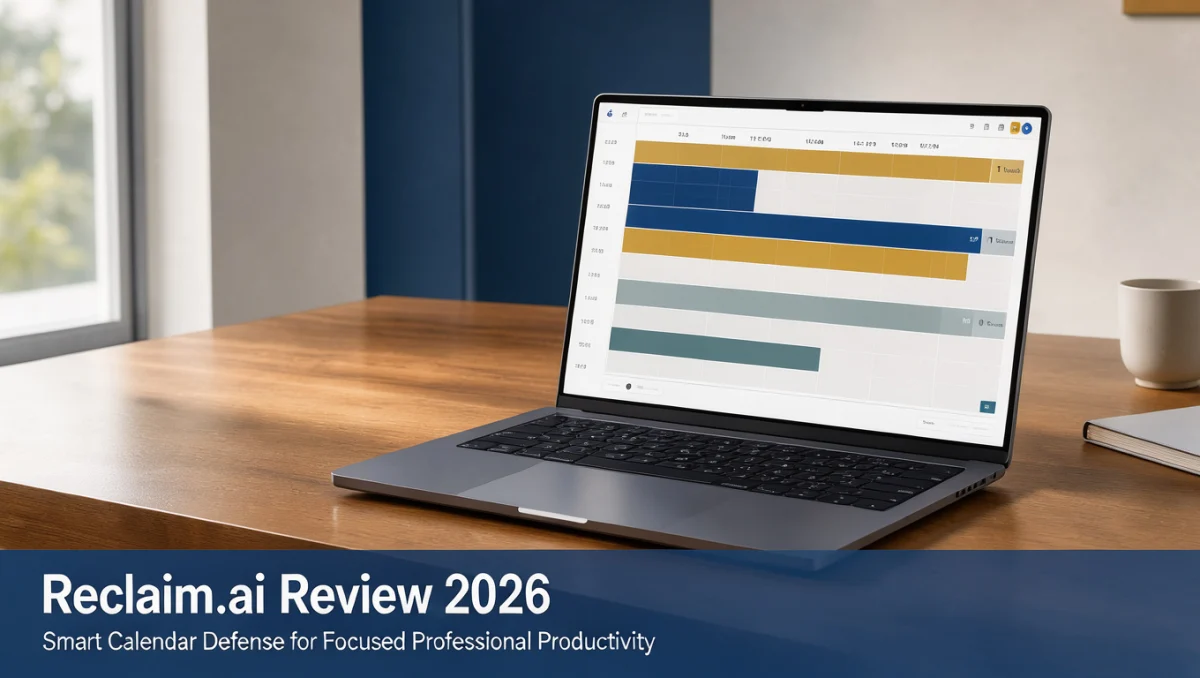
Discover how reclaimai can revolutionize your workday by automating task scheduling and protecting your valuable focus time. In today's fast-paced professional environment, fragmented schedules and constant meeting requests often derail deep work and critical project execution. This review explores the capabilities of reclaimai to help you manage your calendar more effectively.
Smart scheduling tools are no longer a luxury but a necessity for individuals and teams navigating complex time zones and packed agendas. Reclaim.ai aims to bridge the gap between static to-do lists and rigid calendar appointments by treating scheduled tasks as dynamic blocks that can adapt to urgent meeting demands. We will delve into its core functionalities, adaptability, and key considerations before you decide to adopt this platform.
Reclaim.ai: Your Automated Time Orchestration Partner
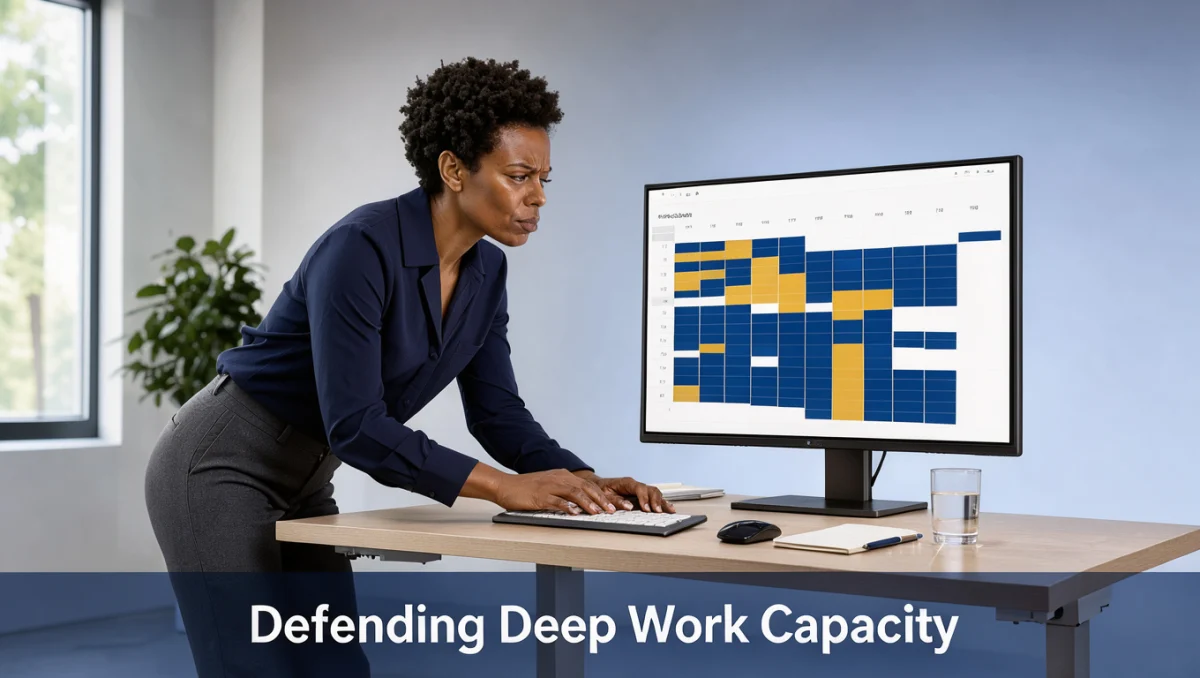
Reclaim.ai functions as an automated time orchestration platform designed to integrate seamlessly with your existing work calendars. Unlike traditional calendar management, which requires constant manual reorganization for unexpected events, reclaimai automatically interprets daily priorities and shifts flexible blocks to accommodate them. This significantly reduces the manual overhead typically associated with calendar upkeep.
The platform is primarily built for professionals who need to balance collaborative meetings with periods of focused solo work. Roles such as product managers, software engineers, consultants, and executive leaders often struggle to carve out uninterrupted intervals for deep concentration. Without effective calendar protection, strategic output can suffer as analytical tasks are pushed outside of standard working hours.
Furthermore, reclaimai assists teams in coordinating internal availability without resorting to endless back-and-forth communication. By automating calendar synchronization, it enhances team transparency while shielding personal productivity routines from casual disruptions, ensuring that essential tasks and habits remain protected.
Key Features for Enhanced Productivity
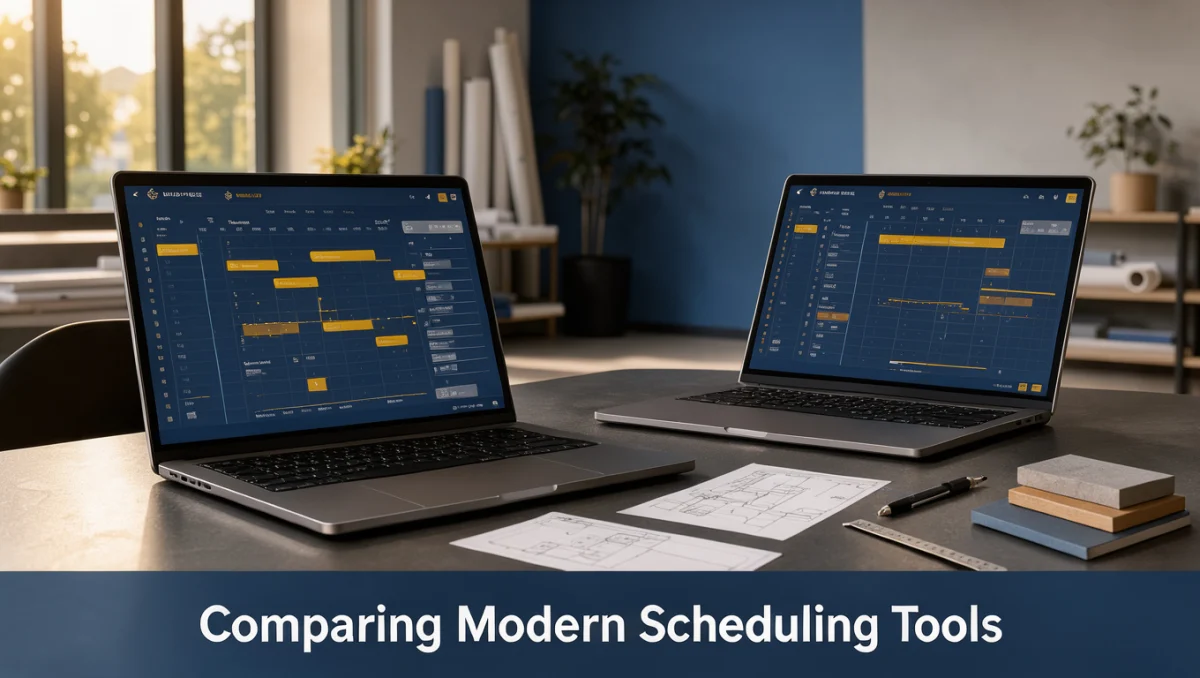
Understanding the core features of reclaimai is crucial for assessing its suitability for your specific workflow challenges.
Automated Task Scheduling and Time Blocking
Transform your to-do lists into concrete calendar commitments with reclaimai's task-based time blocking. Users define tasks with estimated durations, target deadlines, and priority levels. The system then intelligently analyzes available calendar slots and places these focus blocks, adapting their positions as external appointments are booked. This ensures that your most important tasks are consistently scheduled, even amidst a busy calendar.
Recurring Habit and Routine Defense
Sustained professional productivity relies on consistent daily and weekly routines, such as email review, project documentation, lunch breaks, or planning sessions. Reclaim.ai's habit defense functionality allows users to designate preferred time windows for these recurring activities. If a new appointment conflicts with a scheduled routine, the automation engine intelligently seeks alternative slots within the designated availability boundaries rather than simply deleting the habit entirely.
Smart Meeting Scheduling and Buffer Protection
Reclaim.ai goes beyond basic meeting scheduling by incorporating smart features that analyze travel buffers, decompression intervals between back-to-back discussions, and even optimal meeting times based on energy patterns. Setting decompression buffers helps prevent meeting fatigue and allows knowledge workers to effectively capture action items before diving into their next engagement. This thoughtful approach to meeting management ensures a more sustainable work rhythm.
Multi-Calendar Synchronization
For professionals managing multiple calendars across different engagements or personal obligations, reclaimai offers robust multi-calendar synchronization. This feature duplicates availability states across connected calendars while masking private event details. Colleagues can see your general availability without exposing sensitive personal or confidential information, preventing embarrassing double-bookings and maintaining privacy.
Ease of Use and Workflow Integration
Adopting reclaimai involves a mental shift from viewing your calendar as a static record to treating it as an dynamic optimization tool. While new users might experience an initial adjustment period as they learn to trust the algorithms to manage their focus blocks, the onboarding process is designed to be intuitive. Initial setup involves defining working hours, meeting boundaries, and standard habit preferences. Investing intentional effort during this phase is key to establishing realistic focus hour maximums and ensuring smooth integration.
For teams, the ease of adoption is heavily influenced by mutual calendar etiquette. When team members understand the dynamic nature of reclaimed blocks, organizational acceptance is typically rapid. This seamless integration fosters a more collaborative and productive environment for everyone involved.
Pros and Cons of Reclaim.ai
Weighing the strengths and limitations of reclaimai is essential for making an informed purchasing decision.
Pros of Reclaim.ai
- Effectively protects focused concentration intervals by automatically rearranging tasks around incoming meeting demands.
- Automates recurring daily routines and essential wellness breaks to help reduce workplace burnout.
- Eliminates double-booking hazards across distinct professional and personal calendars through automated status mirroring.
- Significantly reduces manual administrative effort spent on rescheduling calendar appointments.
- Enhances cross-functional scheduling coordination for teams managing heavy meeting loads.
Cons of Reclaim.ai
- Requires reliance on algorithmic scheduling, which can be disorienting for users who prefer strict manual control.
- The calendar may appear visually congested due to the density of scheduled task and habit placeholders.
- Organizational effectiveness depends on team adherence to shared digital calendar norms and realistic task duration estimates.
Reclaim.ai vs. Competitors
The landscape of time orchestration and calendar automation includes several prominent tools, each with distinct operational philosophies. Understanding these differences helps in choosing the best fit for your needs.
| Platform | Primary Positioning | Best Suited For |
|---|---|---|
| Reclaim.ai | Dynamic time defense, automated habit scheduling, and adaptive task placement | Professionals and teams balancing intense meeting schedules with deep execution work. This platform is ideal for enhancing Artificial Intelligence driven productivity. |
| Clockwise | Team-wide calendar optimization, synchronized focus time, and organizational meeting choreography | Corporate teams seeking coordinated meeting blocks and organizational focus hours. |
| Motion | Combined project management, task dependency tracking, and automatic calendar scheduling | Users looking for an integrated project task manager that dictates full daily schedules. |
| Calendly | External meeting distribution, appointment booking workflows, and client scheduling links | Sales teams, recruiters, and client-facing specialists needing streamlined booking links. |
When comparing Reclaim.ai with Clockwise, the key distinction lies in whether the primary goal is individual task defense or organizational meeting alignment. Clockwise emphasizes coordinating common focus hours across large corporate groups, while Reclaim.ai offers more granular control over individual daily tasks and personal routines.
In contrast to Motion, which positions itself as a comprehensive work management environment, Reclaim.ai functions primarily as an intelligent calendar layer that schedules tasks and routines onto existing standard calendar infrastructures. This makes it a powerful add-on rather than a complete system replacement.
Compared to external appointment schedulers like Calendly, Reclaim.ai focuses on internal time protection. While Calendly excels at presenting booking availability to external guests, Reclaim.ai proactively defends internal working capacity from being consumed by those incoming requests, ensuring your team has time to do the work.
Who Can Benefit Most from Reclaim.ai?
Identifying specific workplace archetypes clarifies where reclaimai delivers the most daily value.
Freelancers and Independent Consultants
Solopreneurs often manage multiple client calendars. Reclaim.ai's synchronization and adaptive time blocking allow independent specialists to maintain availability boundaries across various domains without manual intervention, preserving client trust.
Small Business Owners and Startup Founders
Entrepreneurs juggle numerous responsibilities daily. Reclaim.ai helps lock in strategic review blocks, ensuring vital executive priorities receive consistent weekly attention amidst operational emergencies.
Marketers and Knowledge Workers
Creative and analytical specialists require uninterrupted deep work sessions. Reclaim.ai's automated habit and task defense preserves these blocks, preventing context-switching caused by poorly spaced meetings and maintaining project quality.
Students and Academic Researchers
Automating routine study blocks around fluctuating academic commitments helps maintain consistent progress towards long-term milestones for students and researchers.
Professionals whose workdays consist purely of predictable shift-based tasks or continuous client appointments with minimal independent project work may find automated task blocking unnecessary. Organizations in highly restrictive corporate environments with strict policies against third-party calendar connections should also consider native scheduling features.
Choosing the Right Reclaim.ai Plan
Reclaim.ai typically offers multi-tier plans structured around individual, professional, and organizational collaboration needs. Before purchasing, consult the official vendor pricing portal to evaluate seat minimums and administrative controls, ensuring you select the plan that best aligns with your requirements.
| What to Check on the Official Pricing Page | Why It Matters |
|---|---|
| User seat thresholds and team administration features | Determines if group collaboration, shared templates, and centralized billing require higher tiers. |
| Calendar account connection allowances | Crucial for synchronizing availability across multiple distinct email domains. |
| Historical scheduling analytics and tracking depths | Important for managers needing insight into team meeting trends and focus hour allocations. |
| Administrative governance and access management | Ensures enterprise IT compliance requirements can be enforced across all company calendars. |
Modern productivity platforms regularly update their plan structures and features. Validate whether advanced scheduling logic or team-wide policy controls necessitate departmental licenses before finalizing your budget.
Frequently Asked Questions about Reclaim.ai
What calendar habits should buyers establish before automating schedules?
Buyers should audit their actual meeting loads and define realistic working hours. Establishing honest task duration estimates is necessary for sustainable automated planning.
How should teams prepare their workflow for automated scheduling tools?
Teams should agree upon shared expectations regarding calendar visibility, focus time boundaries, and response protocols for urgent requests.
What factors determine whether an organization needs team-wide scheduling automation?
Organizations should assess internal meeting density, cross-timezone friction, and employee burnout indicators. If project deliverables are consistently delayed due to meeting overload, automated time defense can restore productive capacity.
How should professionals audit their meeting load before adopting scheduling software?
Professionals should categorize existing weekly commitments to identify recurring meetings that could be replaced with asynchronous updates, allowing more effective defense of focus windows.
What data ownership policies should organizations verify before connecting work calendars?
Decision-makers should review vendor data handling documentation to understand how calendar metadata and event descriptions are processed, ensuring compliance with enterprise policies.
Final Verdict on Reclaim.ai
In our assessment, Reclaim.ai offers a robust mechanism for overcoming pervasive calendar fragmentation. It acts as an automated time defender, preserving deep concentration periods and daily wellness routines. For professionals and teams seeking to regain control of their workdays, Reclaim.ai represents an effective scheduling companion.
| Criterion | Score /10 | Reason |
|---|---|---|
| Features | 8.4 | Strong core competencies in automated task placement and habit defense. |
| Ease of Use | 8.8 | Intuitive configuration workflows that integrate with familiar digital calendars. |
| Pricing and Value | 7.4 | Buyers must evaluate plan tiers against required seat volumes and feature access. |
| Integrations | 7.6 | Connects into standard productivity architectures, though specific calendar compatibility must be verified. |
| Audience Fit | 8.6 | Highly targeted at knowledge workers and teams combating meeting overload. |
| Support | 7.2 | Support options follow typical SaaS conventions that buyers should review. |
| Competitive Position | 8.0 | Distinct focus on personal time defense compared to organizational meeting schedulers. |
| Overall Score | 8.0 | Balanced time management automation platform delivering dependable calendar protection. |
Prospective buyers are encouraged to evaluate their current meeting density, confirm specific licensing terms, and align on organizational calendar boundaries before rollout. For further assistance or specific inquiries, please visit Best Software Reviews or connect with our professional community.
See More Artificial Intelligence