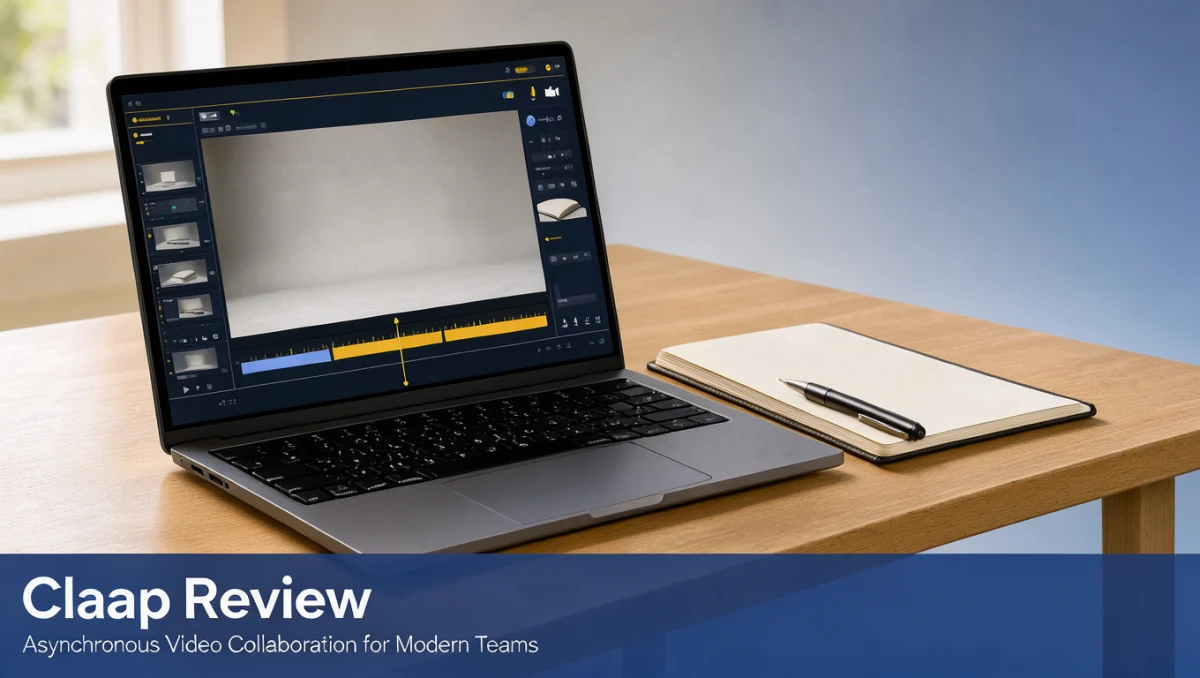
In today's dynamic work environments, effective communication is paramount, especially for distributed teams. This claap review dives deep into how this platform can revolutionize team interactions, moving beyond traditional meetings to embrace asynchronous video collaboration. We will explore its core functionalities, user suitability, and how it stacks up against competitors.
Key Aspects of Claap for Teams
Claap is engineered to bridge communication gaps by enabling teams to record, share, and discuss information via video without needing to align schedules. This approach aims to cut down on unnecessary meetings and create a more efficient workflow. Evaluating Claap involves understanding its ability to integrate seamlessly into daily operations, offering a structured way to provide feedback and document projects.
Quick Verdict on Claap
Claap scores a 7.6 out of 10, making it a solid choice for teams that prioritize structured video messaging, asynchronous project feedback, and consolidated meeting summaries. However, it may not be the best fit for organizations exclusively focused on advanced video sales outreach or those who solely rely on real-time audio communication.
| Evaluation Dimension | Summary Assessment |
|---|---|
| Overall Score | 7.6 / 10 |
| Ideal For | Teams seeking asynchronous video feedback and organized meeting documentation |
| Not Ideal For | Solo users needing only basic screen capture without collaborative features |
| Key Strengths | Asynchronous screen recording, contextual video commenting, centralized workspace organization |
| Before Buying Checklist | Verify seat pricing, retention limits, and export permissions on the official Claap pricing page |
Understanding Claap's Design and Audience
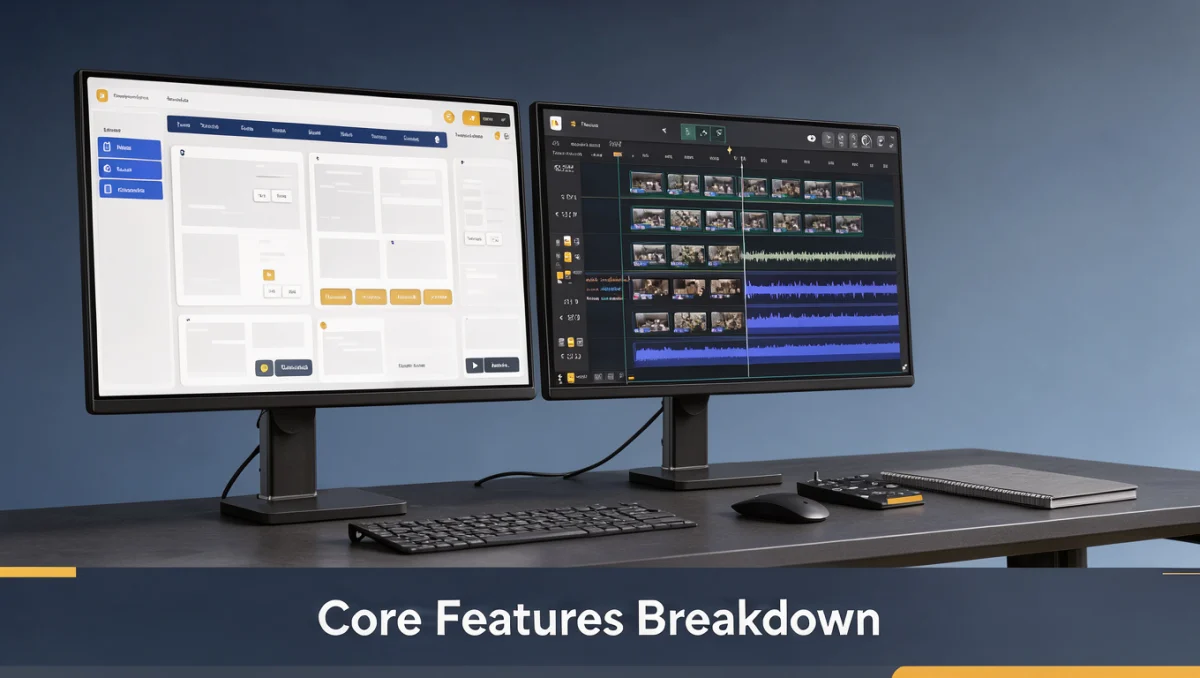
Claap functions as an asynchronous video collaboration platform, designed to streamline how teams communicate through video notes and screen captures. It allows users to record quick walkthroughs, gather feedback with timestamps, and coordinate decisions, thus minimizing the need for synchronous calendar meetings. This is particularly beneficial for product designers, engineers, and customer service teams who often rely on visual explanations for complex workflows that are difficult to convey through text alone.
For organizations operating across multiple time zones, Claap offers a solution to scheduling friction. By replacing status updates with recorded demonstrations, team members can review information at their convenience. When exploring the broader Artificial Intelligence collaboration category, it's crucial to consider if video documentation truly enhances clarity or simply adds another layer to manage.
Primary User Segments
Product and design teams leverage Claap for sharing design critiques and bug reports. Instead of lengthy documentation, designers can record a walkthrough, allowing colleagues to comment directly on specific visual elements. Customer success and sales teams utilize video walkthroughs for product demos and technical guidance, providing clients with visual resources that can be reviewed and shared internally. Engineering squads benefit from video updates for documenting sprint demos and code reviews, creating an accessible audit trail of decisions.
Core Functionalities of Claap
To determine if Claap meets your communication needs, understanding its primary feature sets is essential. Video collaboration platforms typically integrate recording tools, feedback mechanisms, and content management.
Screen Recording and Video Capture Capabilities
Claap enables presenters to record their screens, application windows, or webcams. This feature is ideal for creating quick tutorials or explaining technical processes. The platform prioritizes speed, allowing users to generate shareable links almost immediately after finishing a recording session.
Asynchronous Feedback and Timestamped Annotations
The platform's contextual commenting allows teammates to add notes, reactions, or questions directly on specific parts of a recorded video. This frame-accurate feedback system eliminates the need for manual time descriptions and keeps conversations organized within the video itself, fostering clearer team consensus.
Workspace Organization and Channel Structure
Claap offers centralized content organization with shared spaces and categorized channels, providing distinct areas for different departments. This structured approach helps in building a searchable knowledge base where team members can find past presentations and operational guidelines, aiding in the onboarding of new hires.
Ease of Use and Implementation
Adopting Claap generally requires minimal technical training for most users. The screen recording process is straightforward, allowing team members to quickly record their screen, present information, and share the output. For viewers, leaving comments on a video is an intuitive process. The main challenge often lies in establishing team-wide asynchronous communication habits, as teams accustomed to constant live meetings may need time to adapt and trust recorded updates.
Advantages and Drawbacks of Claap
Assessing the strengths and weaknesses of Claap provides a balanced perspective on its potential impact on productivity.
Advantages
- Reduces unproductive meetings by replacing them with on-demand video walkthroughs.
- Improves feedback accuracy through frame-specific, timestamped comments.
- Builds a searchable visual knowledge base for distributed teams.
- Offers organized workspace channels to keep project demonstrations distinct.
Considerations and Limitations
- Requires team-wide adoption of asynchronous communication norms.
- Video storage and user seats can increase costs as usage grows.
- Videos might take longer to watch than written summaries if not presented concisely.
Claap Compared to Alternatives
The market for video collaboration tools is diverse, with various platforms catering to different needs. Understanding how Claap compares to its competitors can guide your selection process.
Claap vs. Loom
While Loom excels in rapid screen capture and individual video messaging, Claap emphasizes collaborative discussion boards and structured team feedback within dedicated workspace channels. Claap is better suited for teams looking for a comprehensive collaborative video workspace, whereas Loom appeals more to individuals needing quick video messaging.
Claap vs. Vidyard
Vidyard is primarily focused on video hosting, analytics, and sales outreach for marketing and sales professionals. Claap, on the other hand, is geared towards internal team collaboration, project feedback, and meeting documentation, rather than external commercial video campaigns.
Who Benefits Most from Using Claap
Identifying the right audience ensures that the chosen communication software aligns with a team's daily workflow.
Freelancers and Consultants
Independent professionals can use Claap to deliver client presentations and project updates, minimizing billable conference calls and providing a clear record of client approvals through video comments.
Small Business Owners and Startup Leaders
For startups operating across time zones, Claap helps maintain team alignment by allowing important updates and strategic priorities to be recorded once and viewed asynchronously, preserving deep work hours.
Marketers and Creative Teams
Creative directors and marketing teams can use Claap to review campaign assets and design drafts within a unified discussion thread, accelerating creative approval processes.
Teams That May Not Need Claap
Organizations that are predominantly co-located and rely heavily on in-person interaction might find asynchronous video tools less necessary. Similarly, teams requiring high-volume automated video sales emails should look into specialized sales engagement platforms.
Choosing the Right Plan
Selecting a Claap plan involves considering user volume, recording duration, and administrative controls. It's essential to verify plan specifics on the official pricing page.
| Key Pricing Page Details | Budgetary Impact |
|---|---|
| User seat definitions and licensing | Distinguishes creators from view-only users, affecting recurring costs. |
| Video storage limits and retention | Caps on storage require higher plans for long-term archiving. |
| Transcription and recording length | Ensures comprehensive documentation without interruption. |
| Administrative permissions and export controls | Features for enterprise governance vary by subscription level. |
Frequently Asked Questions
How can distributed teams prevent asynchronous video overload?
Teams can mitigate video fatigue by setting clear duration guidelines for recordings and reserving video for complex topics requiring visual context. Simple updates should be communicated via text-based channels.
What additional costs should organizations anticipate?
Beyond user seat fees, budget for potential extra creator seats, expanded cloud storage for historical videos, and internal resources needed to establish asynchronous communication protocols.
When should organizations opt for video messaging over live conferencing?
Video messaging is ideal for one-way updates, technical demonstrations, and initial feedback where immediate discussion isn't necessary. Live calls are better for sensitive negotiations and collaborative brainstorming.
What verification steps should managers take before implementing video software?
Managers should test recording permissions on company hardware, confirm cloud storage compliance with security guidelines, and verify the ease with which external clients can leave comments.
Final Assessment
Claap offers a robust solution for modern distributed businesses seeking to reduce meeting times and build a structured visual knowledge base. Its strengths in collaborative workspaces and timestamped feedback make it a compelling option for product, design, and customer-facing teams. For those struggling with calendar overload, Claap provides a framework for clearer communication without demanding synchronized work hours. As you consider Best Software Reviews for your team's communication needs, remember to audit your specific recording requirements and check current plan limits on the official Claap website before making a decision.
| Evaluation Criterion | Score / 10 | Basis of Assessment |
|---|---|---|
| Features | 7.8 | Strong screen capture, contextual commenting, and organized channels support asynchronous workflows. |
| Ease of Use | 8.4 | Intuitive controls and interfaces minimize friction for creators and reviewers. |
| Pricing and Value | 7.2 | Verify seat calculations and storage caps for cost efficiency. |
| Integrations | 7.0 | Confirm workflow alignment with existing tools via the official list. |
| Audience Fit | 8.2 | Well suited for distributed teams aiming to reduce meetings and clarify feedback. |
| Support | 7.0 | Evaluate assistance options through official service level descriptions. |
| Competitive Position | 7.5 | Distinct niche focused on collaborative workspaces versus individual recording utilities. |
Overall Score: 7.6 / 10
Teams battling calendar fatigue will find Claap an effective platform for clearer communication, enabling asynchronous work without sacrificing clarity. Prospective buyers should thoroughly assess their team's recording needs and confirm the latest plan details on Claap's official website before finalizing their subscription.