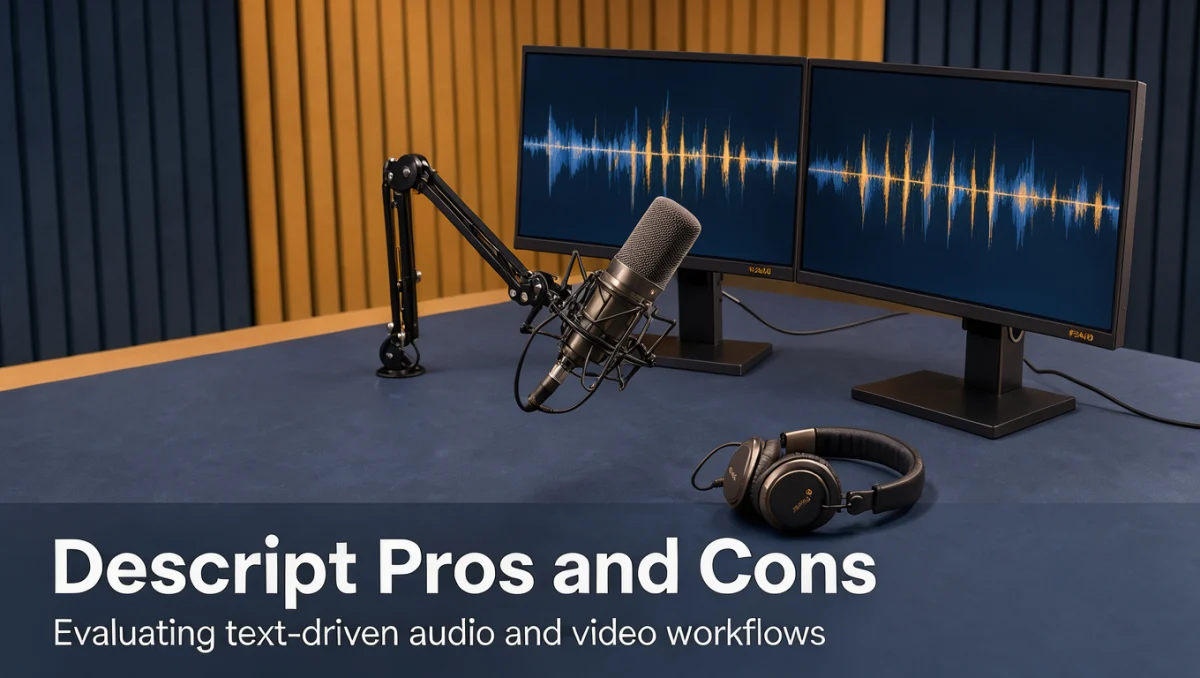
Descript offers a groundbreaking approach to media production by treating audio and video like text documents. This review delves into the descript pros and cons, evaluating its suitability for creators, marketers, and teams aiming to streamline content creation workflows. We'll examine how its transcription-first interface stacks up against traditional editing methods, focusing on factors like editing speed, accuracy, and overall value.
The software transforms spoken word into editable text. By simply deleting words in a transcript, users can edit the corresponding media file instantly. This method significantly speeds up the editing process for dialogue-heavy content, though it presents a learning curve for those accustomed to complex timeline interfaces. Understanding these nuances is key to determining if Descript is the right fit for your projects.
Evaluating Descript's Core Functionality
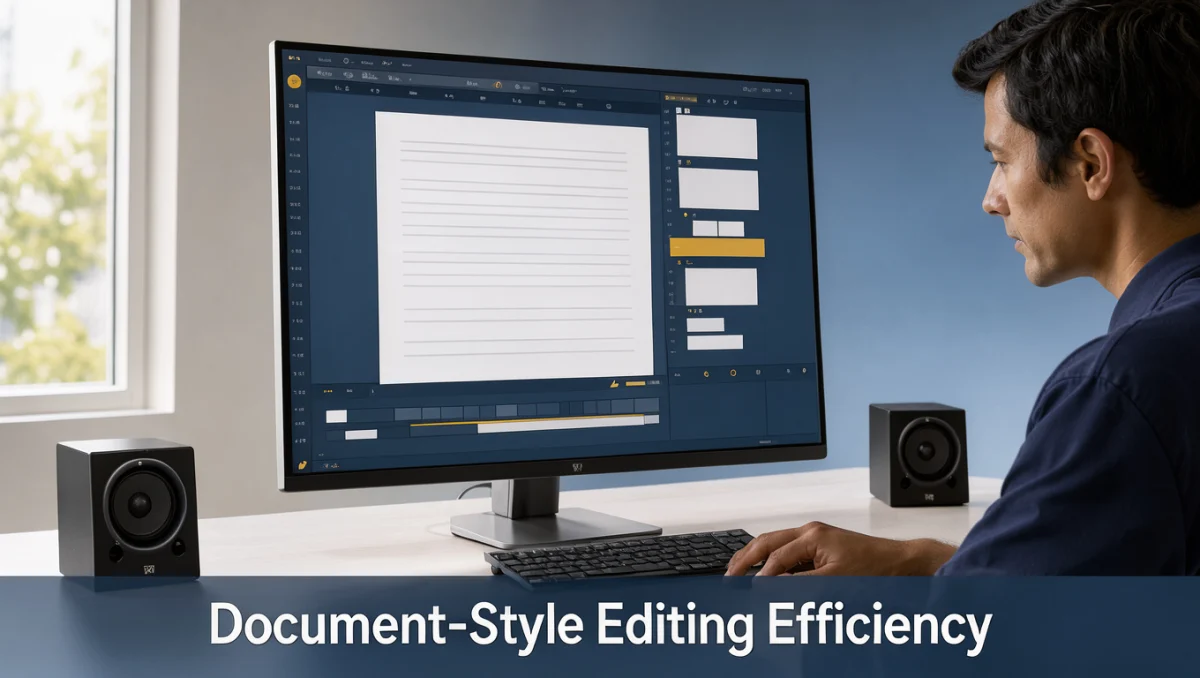
Descript's primary innovation lies in its ability to convert audio and video into an editable transcript. This means you can edit your media by simply editing the text. This paradigm shift allows for rapid removal of pauses, filler words, and unwanted segments without the need for intricate timeline manipulation. This makes it particularly effective for podcasts, interviews, and spoken-word video content.
Seamless Text-Based Editing
The core strength of Descript is its text-based editing interface. When you import audio or video, Descript generates a synchronized transcript. You can then edit the media by cutting, pasting, or deleting text directly within this document. This process automatically updates the audio or video timeline, drastically reducing editing time for spoken content.
Automated Filler Word and Overlap Removal
Eliminating filler words like ‘um' and ‘uh' can be a time-consuming manual process in traditional editing. Descript automates this by identifying and allowing for quick removal of these verbal tics. It can also handle overlapping speech, simplifying the cleanup of interviews or panel discussions.
AI Voice Cloning and Correction
Descript's Overdub feature uses AI to create a synthetic voice clone from your recordings. This allows you to correct misspoken words or add new dialogue by simply typing it into the transcript. The AI then generates the new audio in your voice, maintaining a consistent tone and style, which is invaluable for quick fixes without re-recording.
Integrated Screen Recording
For tutorials, presentations, and vlogs, Descript includes built-in screen recording and webcam capture. This allows you to record content directly within the application and immediately start editing the transcribed video, streamlining the entire production process from capture to final output.
Understanding Descript's Limitations
Granularity in Visual Editing
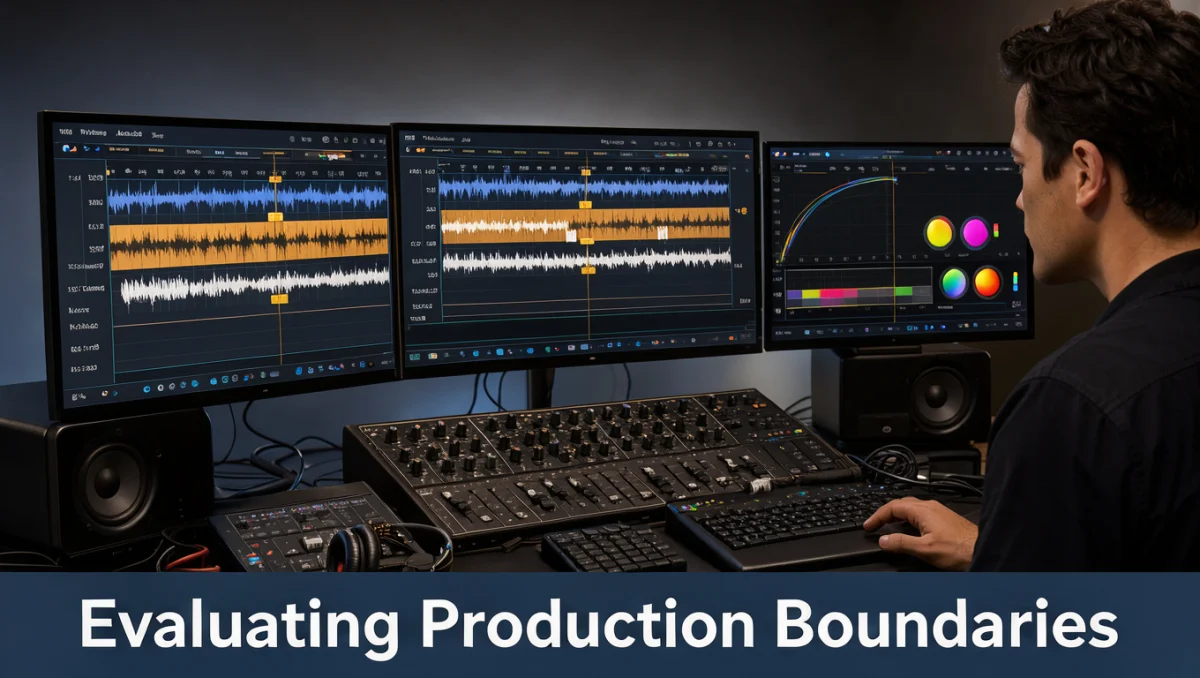
While Descript excels at spoken-word content, it has limitations when it comes to complex visual editing. For intricate visual effects, advanced color grading, multi-camera editing, or detailed motion graphics, traditional non-linear editing (NLE) software often offers more robust capabilities. Users needing these advanced visual tools might find Descript best suited for initial audio and dialogue assembly before moving to another platform.
Transcription Accuracy Dependence
The effectiveness of Descript's text-based editing relies heavily on the accuracy of its speech-to-text transcription. While generally good, transcription can be affected by background noise, strong accents, poor audio quality, or overlapping speech. Users may need to manually correct the transcript before editing can proceed smoothly, especially with less-than-ideal recordings.
Internet Connectivity and Cloud Processing
Descript's cloud-based processing for transcription and AI features requires a stable internet connection. High-resolution video files and extensive cloud processing can also consume significant bandwidth. Creators with limited or metered internet access may experience slower workflows or need to plan their projects accordingly.
Who Benefits Most from Descript?
Podcasters and Solo Content Creators
Descript is a game-changer for podcasters who frequently edit interviews and spoken-word content. The ability to edit audio by editing text dramatically cuts down on editing time, allowing creators to focus more on content and less on technical fiddling.
Marketing Teams and Social Media Managers
For marketing professionals creating video testimonials, social media clips, and explainer videos, Descript offers a fast way to produce polished content. Features like automatic captioning and easy video trimming are highly beneficial for generating regular social media updates.
Educators and Course Creators
Instructional designers and educators can leverage Descript for creating engaging video courses and tutorials. The integrated screen recording and simple editing tools make it easy to produce clear, concise educational content, especially for software demonstrations or lecture-style videos.
When Descript Might Not Be the Best Choice
Descript is less ideal for users focused on complex visual storytelling, such as narrative filmmakers, broadcast television editors, or those working with extensive visual effects and intricate sound mixing. For these highly specialized workflows, traditional professional video editing suites provide the depth of control required. Many professionals integrate Descript into their workflow for its strengths in dialogue editing, then export to other software for final visual polish.
Frequently Asked Questions
What are the hardware requirements for Descript?
While Descript is cloud-based, your local hardware impacts playback smoothness. A modern computer with sufficient RAM and processing power is recommended for handling high-definition media previews and ensuring a responsive editing experience.
How does Descript handle team collaboration?
Descript offers collaborative features allowing multiple users to work on projects. It's important to review their current pricing tiers and subscription options on the official website to understand the specific collaboration tools and user limits available.
Can Descript be integrated with other software?
Descript allows for export in various common formats, enabling integration with other editing software. Many users perform initial dialogue editing in Descript and then export the project to platforms like Adobe Premiere Pro or Final Cut Pro for advanced visual finishing.
Final Assessment of Descript
Descript revolutionizes spoken-word content creation with its intuitive text-based editing. It offers substantial time savings for podcasters, marketers, and educators, making complex editing accessible to a broader audience. The AI-powered features, such as automatic filler word removal and voice cloning, further enhance its efficiency. While not a replacement for high-end visual editing suites, Descript stands out as an exceptional tool for anyone prioritizing speed and ease of use in dialogue-driven media production.
For those looking to explore more options in Artificial Intelligence tools or seeking comprehensive software reviews, resources like Artificial Intelligence and Best Software Reviews can provide valuable insights.