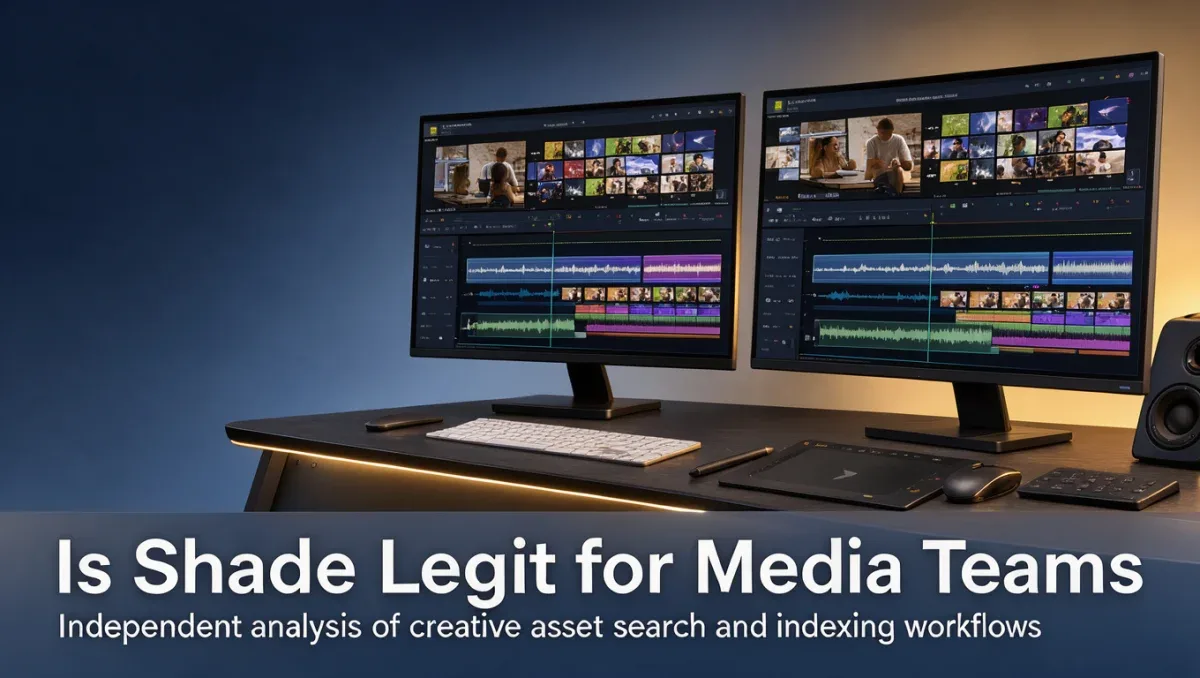
Navigating the landscape of creative asset management tools can be daunting, especially when trying to determine if a platform like Shade is truly legitimate for handling extensive video and design files. Many media professionals require robust solutions to organize visual libraries, moving beyond manual tagging and complex directory structures. This comprehensive review from Best Software Reviews aims to dissect Shade's functionality, identify its ideal user base, and guide you through crucial considerations before committing to a subscription.
Assessing whether is shade legit for your specific needs involves understanding how your creative studio manages footage location, storage, and post-production collaboration. In today's fast-paced environment, rapid visual discovery is paramount. This guide offers an unbiased perspective on Shade's potential to enhance your workflow in 2026.
Shade's Overall Performance and Suitability
Shade has earned a strong evaluation score of 8.0 out of 10 from our team at Best Software Reviews. It excels in providing neural search capabilities across both local and remote asset libraries, making it a powerful ally for video editors and creative agencies. However, it may not be the optimal choice for individual creators managing smaller media archives who are content with basic file folder systems.
| Evaluation Factor | Best Software Reviews Summary |
|---|---|
| Best Software Reviews Score | 8.0 / 10 |
| Ideal For | Video production teams and creative studios managing large visual libraries |
| Not Ideal For | Solo operators with small image collections relying on default system folders |
| Key Strengths | Visual media indexing, content-aware search, streamlined post-production organization |
| Before Buying Checklist | Storage quota policies, user seat structures, supported file preview formats |
Understanding Shade: What It Is and Who It Serves
Shade is engineered as an advanced asset management platform designed to streamline the indexing, searching, and retrieval of visual files for creative professionals. It directly tackles the common challenge of locating specific footage, b-roll, or graphic elements scattered across various storage locations without resorting to time-consuming manual data entry. This tool is particularly beneficial for those working within the realm of Artificial Intelligence driven workflows.
The primary audience for Shade includes video editors, post-production supervisors, motion designers, and creative directors who regularly handle substantial volumes of media. As asset search technologies evolve, automated visual recognition has become a critical feature for production houses aiming for efficient organization and rapid access to their digital assets.
Core Functionalities: What Shade Offers Creative Teams
Asset management platforms like Shade form the essential operational backbone for studios working with diverse media formats. Shade supports creative production through several key functional areas:
Indexing and Cataloging Production Assets
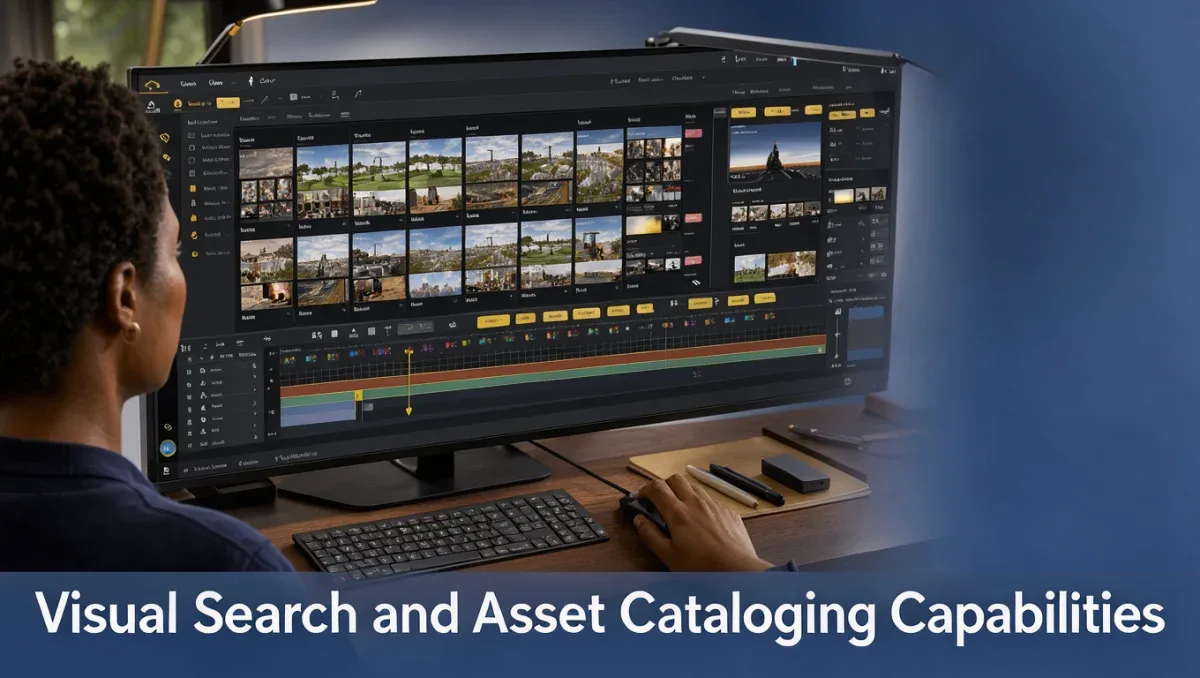
Shade allows users to index extensive media repositories, spanning connected local drives and shared network directories. Instead of renaming countless raw camera files, this software scans incoming footage and automatically generates visual previews, facilitating quick review and identification.
Content-Based Visual Asset Discovery
Locating a specific clip based on visual content, such as a ‘blue car' or an ‘outdoor sunset', can often halt editing progress. Shade empowers creative staff to search archives using natural language descriptions, enabling editors to query visual content directly rather than relying on rigid file naming conventions.
Collaborative Media Review and Sharing
Creative directors and client managers often need to review video clips without the burden of downloading massive original files. Digital asset platforms offer centralized preview environments, allowing collaborators to examine assets efficiently. This frees up creative teams to concentrate on the editing process.
- Confirm which media formats generate automatic visual previews within Shade's official documentation.
- Verify the software's approach to proxy generation across both local and remote storage.
- Review project-sharing permissions on the vendor portal prior to onboarding external collaborators.
User Experience and Learning Curve
Implementing visual asset management platforms introduces a moderate learning curve for creative teams accustomed to standard operating system directory structures. While traditional folder systems are familiar, adopting automated visual search necessitates a shift in how teams approach raw footage ingestion and organization.
Editors typically grasp the search concept rapidly, as natural language queries align with how directors often describe scenes. However, administrators will need to invest time in configuring index parameters and guiding team members on constructing effective descriptive queries for specialized footage types.
- Assess how readily team members adopt descriptive search terms during the initial setup and onboarding phase.
- Standardize ingestion processes to ensure all new footage consistently enters designated, indexed storage locations.
- Consult documentation on metadata handling to guarantee that team tags are uniformly applied across external production drives.
Structured Evaluation: A Two-Week Test Plan
Effectively assessing new software involves structured testing with actual production media, not just generic demonstration files. Best Software Reviews recommends the following fourteen-day testing plan to determine if Shade aligns with your studio's workload demands.
- Days 1–3: Initial Media Ingestion. Connect a sample drive containing several past projects with a mix of video and image formats. Monitor the software's performance in building asset previews and indexing existing directories.
- Days 4–7: Search Accuracy Verification. Execute complex visual queries using natural descriptions, covering aspects like lighting moods, specific object types, and camera movement details. Note whether the retrieved assets meet editorial expectations.
- Days 8–14: Team Collaboration Simulation. Invite a secondary editor or producer to participate in locating specific clips for a mock revision task. Verify that team members can find assets independently without needing explicit directory paths.
Shade's Strengths and Potential Limitations
Every creative tool presents specific operational trade-offs, contingent on team size, file volumes, and existing storage infrastructure. Shade performs exceptionally well in certain areas, while potential workflow bottlenecks might emerge in others.
| Area | Excels When | May Be Limited When |
|---|---|---|
| Footage Retrieval | Searching unstructured video b-roll using visual descriptions | Searching strict production slate numbers requiring exact match codes |
| Drive Management | Unifying multiple disconnected hard drives into a single view | Teams operate entirely without persistent local or attached network storage |
| Team Onboarding | Editors require immediate visual confirmation of clip contents | Workflows demand deep custom database scripting and complex taxonomy trees |
| Archive Maintenance | Reviving legacy projects with neglected original folder names | Studios expect automated project file rendering instead of search indexing |
Comparison with Similar Asset Management Tools
Asset organization tools vary significantly in their core architectural focus, ranging from cloud-based client review platforms to comprehensive enterprise governance systems. Understanding their general positioning can help buyers select the most appropriate software category.
| Tool | Best For | Core Focus |
|---|---|---|
| Shade | Creative video teams and visual studios | Visual media discovery and local-to-cloud asset indexing |
| Frame.io | Video post-production review cycles | Timecode-accurate client commenting and video dailies approval |
| Brandfolder | Mid-size corporate brand management | Marketing asset distribution and brand compliance governance |
| Bynder | Enterprise marketing departments | Structured digital asset management with rigid taxonomy enforcement |
Identifying the Right Users for Shade

The selection of media software hinges on project volume, storage configurations, and the number of editors sharing source files. This breakdown helps determine where your workflow best fits Shade's capabilities.
| Audience Group | Fit Assessment | Key Consideration |
|---|---|---|
| Freelance Video Editors | Conditional Fit | Beneficial if managing numerous client hard drives; verify base subscription overhead. |
| Boutique Video Production Agencies | Strong Fit | Enhances editorial velocity when multiple team members access common b-roll pools. |
| Corporate Marketing Teams | Moderate Fit | Suitable for video-intensive groups; enterprise brand units might prefer governance-focused tools. |
| Solo Photographers | Limited Fit | Standard photo cataloging applications often suffice for still image libraries. |
| Student Media Creators | Limited Fit | Basic system file managers generally handle smaller coursework project volumes without additional cost. |
Shade Pricing Overview
Software vendors frequently adjust pricing tiers, user seat allowances, and storage limits. To prevent unexpected budget impacts, buyers must verify key billing details directly on the vendor's official website.
- Confirm on the official Shade pricing page whether subscription rates are applied per individual user or per shared workspace.
- Examine the official plan comparison details to understand how storage consumption or indexed asset counts influence monthly costs.
- Verify on the official website whether client viewer accounts require paid licenses or offer restricted, view-only access.
Frequently Asked Questions about Shade
What Preparations Are Necessary Before Adopting Shade?
Production studios should ensure their shared drives or local storage systems offer stable connectivity and sufficient bandwidth for background indexing processes. Establishing consistent top-level naming conventions for project folders can assist administrators in organizing workspace roots before automated scanning commences across extensive historical archives.
How Does Visual Asset Search Differ from Traditional Folder Browsing?
Traditional folder browsing relies heavily on precise file names, uniform directory paths, and manual keyword tagging by assistant editors. Visual asset search, conversely, scans the actual content of video clips, enabling creative staff to query footage using descriptive visual terms, even if the source file retains an arbitrary camera-generated name.
Who Should Consult an IT Specialist Before Installing Asset Management Software?
Creative directors operating within corporate network environments featuring strict data governance policies or employing air-gapped storage arrays should consult with technical specialists prior to implementation. Storage engineers can verify necessary read permissions, network bandwidth allocations, and background scanning policies across centralized production servers.
What Should Teams Test During an Asset Management Software Trial?
During a trial period, teams should test the software with real-world video files encompassing various resolutions, codecs, and compression formats to accurately evaluate preview generation speed. Involving assistant editors in the testing process ensures that daily media ingestion remains practical alongside active post-production deadlines.
Final Assessment: Is Shade Legit?
Shade offers a practical and efficient solution for production companies and creative departments aiming to conquer chaotic video archives. By prioritizing visual retrieval across media libraries, it significantly reduces the hours editors spend searching for unlabelled or misplaced footage. Always verify the most current license structures on the official Shade website to ensure they align with your studio's headcount and operational needs.
| Criterion | Score /10 | Reason |
|---|---|---|
| Features | 8.5 / 10 | Robust indexing and content-based search capabilities. |
| Ease of Use | 8.0 / 10 | Intuitive search but requires team adaptation to new ingestion methods. |
| Pricing and Value | Confirm Before Buying | Verify current seat prices and capacity limits on the official Shade pricing page. |
| Integrations | Confirm Before Buying | Review currently supported editing software and cloud storage connectors on the official portal. |
| Audience Fit | 8.5 / 10 | Highly suitable for video teams and agencies managing large libraries. |
| Support | Confirm Before Buying | Check official communication channels and response documentation on the vendor website. |
| Competitive Position | 7.0 / 10 | Solid offering in a competitive market, especially for visual search. |
| Overall Score | 8.0 / 10 | A valuable tool for visual asset management, with minor caveats for specific user types. |
Have questions about selecting software? Reach out to the Best Software Reviews team via our contact page or follow us on LinkedIn for the latest reviews and comparisons.