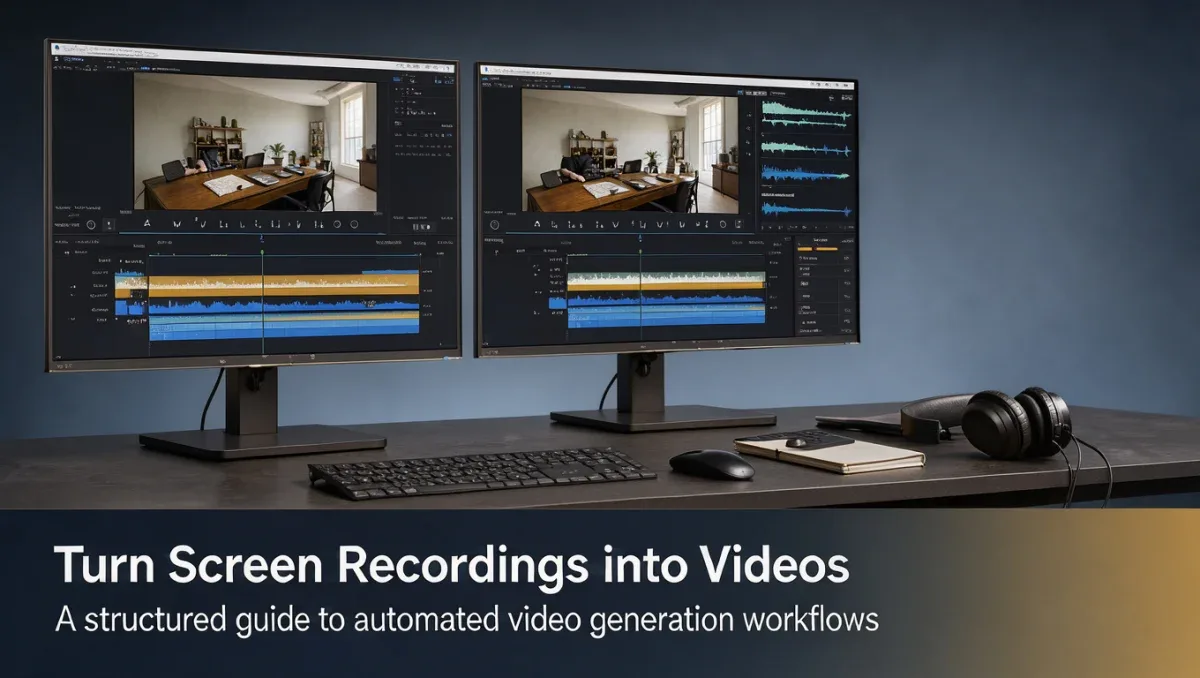
Mastering the Conversion: Screen Recording to Video with Ngram AI Video
Converting raw screen recordings into polished videos using Ngram AI Video is a streamlined process. It involves meticulous preparation of your footage, structuring the narrative flow, and fine-tuning the pacing for optimal audience comprehension. This approach simplifies the creation of structured visual assets from simple desktop walkthroughs, eliminating the need for tedious manual editing.
At Best Software Reviews, we evaluate cutting-edge video generation tools to assist teams in selecting robust software solutions for communication and documentation needs. Effectively transforming screen captures requires strategic planning before leveraging automated media generation platforms.
Key Takeaway: To effectively turn a screen recording into a video with ngram ai video, ensure clean source footage, organize your presentation logically, implement a clear narrative structure, review automated edits, and export the final instructional asset for distribution.
| Aspect | Details |
|---|---|
| Ideal User Profile | Product managers, educators, support engineers, and technical marketers |
| Prerequisites | Completed desktop capture, a structured outline, and necessary account access |
| End Result | A polished instructional video ready for audience engagement |
Streamlining Your Production Process
This guide synthesizes the capabilities of Ngram AI Video with the established Best Software Reviews evaluation framework to aid your decision-making. As plans, pricing, and features evolve, always verify details on the official vendor website before purchase. This article was drafted with AI assistance and thoroughly reviewed by our editorial team.
Initial Preparations for Seamless Conversion
Proper preparation of your screen recording assets is crucial for smooth processing when converting into educational or promotional videos within advanced Artificial Intelligence software environments. Having all necessary materials ready beforehand significantly reduces revision cycles during the assembly phase.
- Ensure your screen resolution aligns with standard landscape video dimensions to prevent unwanted pillarboxing.
- Develop a concise script outline detailing key demonstration points and intended learning outcomes for viewers.
- Confirm you have administrative privileges on the official Ngram AI Video platform before uploading substantial raw footage.
- Close all non-essential background applications, disable desktop notifications, and secure any sensitive browser tabs on the recording device.
- Consult the official Ngram AI Video documentation regarding supported audio sample rates and video container formats to guarantee compatibility.
Step-by-Step Guide to Video Creation
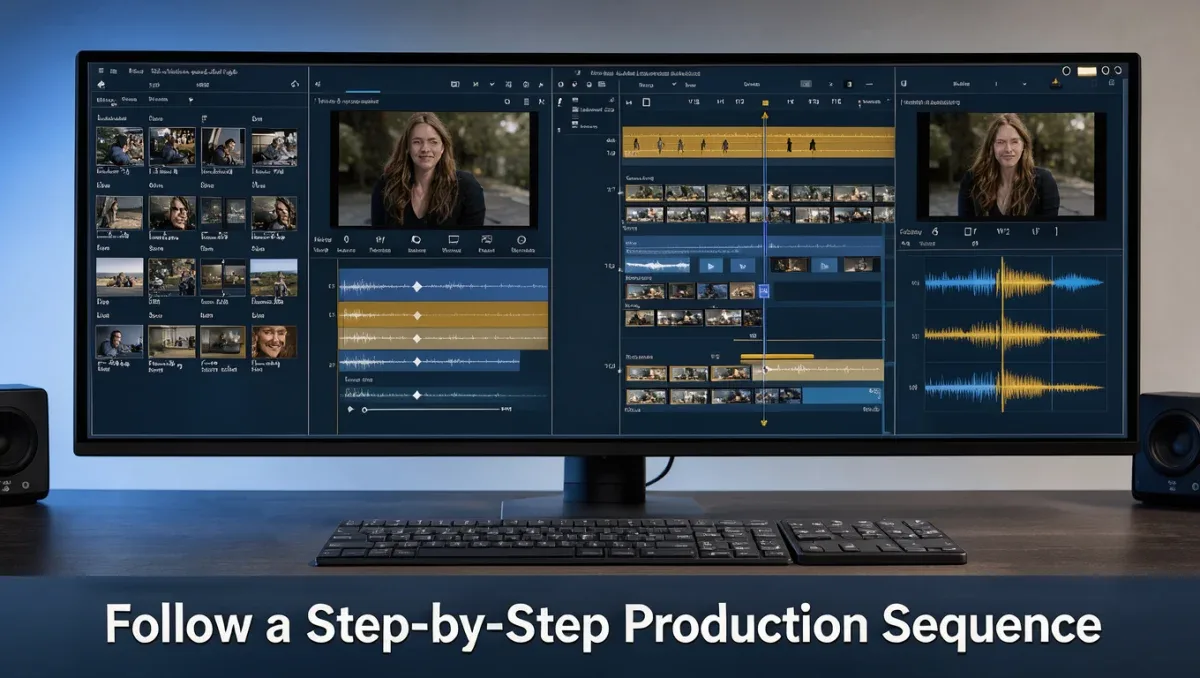
Adhering to a defined operational sequence transforms unedited desktop recordings into coherent training materials, ensuring sustained viewer engagement throughout the video.
- Organize all raw media files into designated project folders for easy access during post-production.
- Import your screen recording into the Ngram AI Video workspace to establish the foundational visual timeline for your instruction.
- Generate synchronized text transcripts and voiceover tracks to match the narration pace with on-screen actions and cursor movements.
- Carefully review the automated transition points and scene breaks, cross-referencing each cut with your original lesson plan. Refer to the official Ngram AI Video documentation for detailed guidance.
- Incorporate visual enhancements such as focus zooms or introductory title cards to guide the learner's attention to critical steps.
- Export the completed video project and conduct playback tests on various devices, including desktops and mobile screens, to confirm clarity and quality.
Building Effective Post-Launch Routines
Establishing consistent video production routines enhances team collaboration and improves the quality of software onboarding over the initial implementation period.
| Week | Routine to Cultivate | Importance |
|---|---|---|
| Week 1 | Standardize recording resolution and microphone input settings | Consistent source capture quality minimizes the need for automated corrections. |
| Week 2 | Practice fundamental cut point adjustments and title synchronization | Develop editing efficiency and maintain visual coherence for the audience. |
| Week 3 | Integrate structured team review sessions before publication | Identify and rectify pacing issues before widespread distribution. |
| Week 4 | Analyze content engagement metrics and archive reusable assets | Improve future production speed and maintain a library of valuable visual components. |
Common Pitfalls and Their Solutions
Production challenges can arise during screen recording conversion, potentially degrading visual clarity if not addressed proactively during the preparation phase.
- Erratic cursor movements during navigation can be distracting once automated focus effects are applied.
- Omitting a preparatory outline can lead to unnecessary pauses, extending runtime and diminishing instructional impact.
- Neglecting to check audio input levels may result in inconsistent narration volume compared to on-screen demonstrations.
- Over-reliance on default rendering settings without previewing against technical requirements can lead to suboptimal output.
- Failing to consult the official Ngram AI Video guide for recommended export formats can hinder compatibility with learning management systems.
Knowing When to Seek Expert Assistance
Certain production obstacles may necessitate input from video specialists or vendor technical support rather than attempting repeated rendering tests.
- Audio synchronization drift that progresses across lengthy timelines, despite initial clean capture.
- Rendered output exhibiting artifacts or color degradation not present in the original source recordings.
- Enterprise hosting requirements that demand custom video codecs beyond standard publishing capabilities.
- Complex multi-window workflows requiring specialized instructional design consultation to maintain high learner retention.
Frequently Asked Questions
What recording formats are optimal for automated video generation?
Standard high-definition formats like MP4 and WebM, captured with consistent frame rates, generally produce reliable results. Always verify compatibility with supported container structures through the official Ngram AI Video technical specifications.
Why is a script essential for raw screen recordings?
A well-structured script minimizes extraneous pauses, erratic cursor movements, and redundant clicks during capture. Clear audio and visual cues enable processing engines to accurately identify topic transitions without manual intervention.
Where should audio quality be verified before video processing?
Audio tracks must be reviewed using dedicated monitoring headphones prior to uploading files. Early identification of background noise or inconsistent gain prevents narrative distractions in the automated video segments.
Which professionals gain the most from structured video conversion?
Customer success specialists, software onboarding trainers, and product documentation managers benefit greatly by converting intricate workflows into easily digestible instructional content. Structured videos accelerate end-user comprehension of software features compared to static text guides.
Initiating Your Next Steps
Teams prepared to enhance their documentation workflows should proceed with targeted implementation measures.
- Examine your current library of desktop demonstrations to select concise walkthroughs for initial conversion projects.
- Visit the official Ngram AI Video website to confirm upload limits, supported file types, and system prerequisites.
- Develop an internal quality checklist encompassing screen resolution, narration clarity, and viewer objectives.
- Execute a trial demonstration through the complete export process to establish baseline production timelines.
For inquiries regarding software selection, contact the Best Software Reviews team via our contact page or follow us on LinkedIn for the latest reviews and comparisons.